
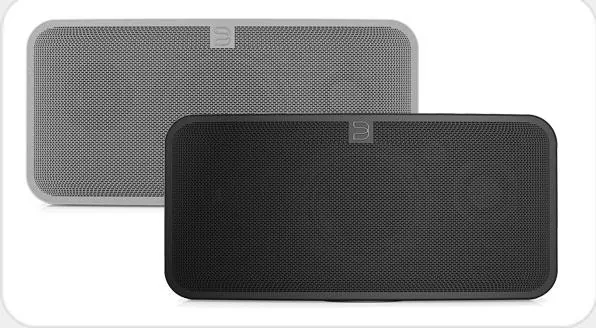
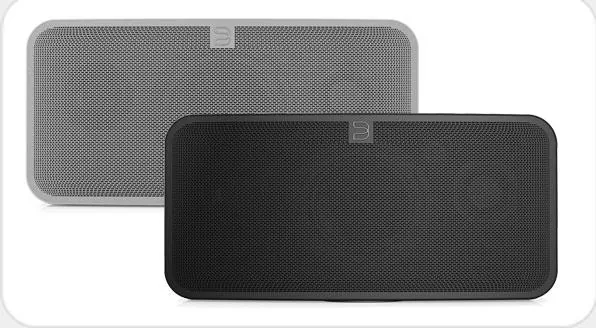
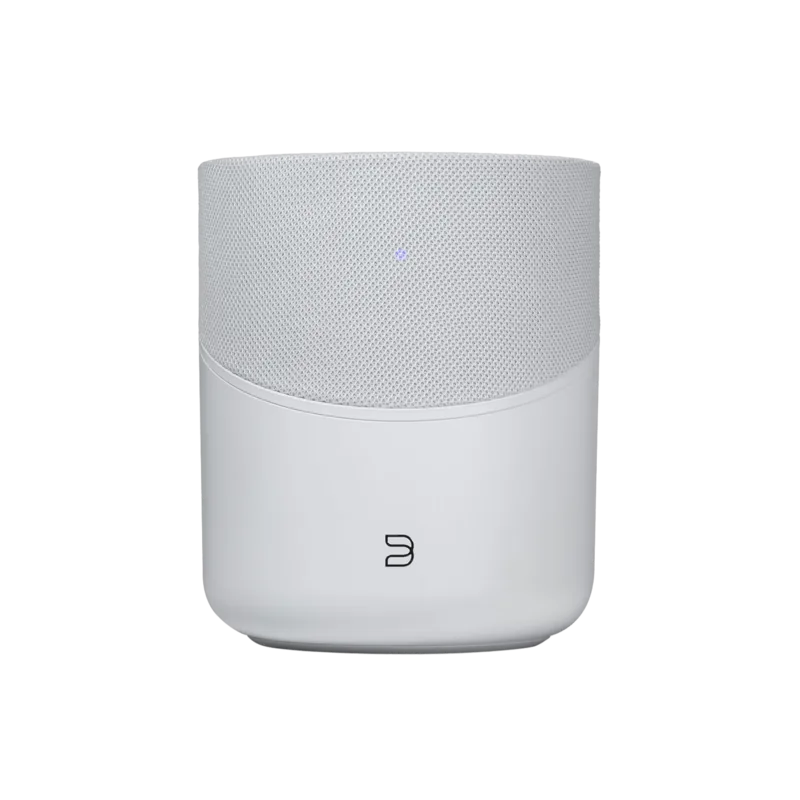
Bluesound Pulse 2 Manual
PDF manual · 4 Pages
English



Quick check
Incorrect answer, please try again.
Chat with your Bluesound Pulse 2 manual using AI
Get instant AI answers from your Bluesound Pulse 2 manual
Ask anything about the Bluesound Pulse 2. Answers come from this manual, with the pages they are based on.
Ask a Question
Do you recommend Pulse 2?
Yes NoFrequently Asked Questions
It is used as an all-in-one wireless music system for streaming, local library playback, internet radio, and connected audio sources. It is designed for convenient app-controlled listening at home.
Is this answer helpful?
Yes, it can also connect through a wired Ethernet LAN port. That option is useful when you want a more stable network connection or prefer not to rely on Wi-Fi.
Is this answer helpful?
The Pulse 2 can play music from network shares, internet streaming services, TuneIn radio, USB storage, analog inputs, and optical sources. It is made to handle several listening setups.
Is this answer helpful?
The LED uses different colors and blink patterns to show status such as booting, connecting, updating, mute mode, indexing, factory reset, or normal ready-to-use operation.
Is this answer helpful?
No. The play/pause button also acts as a status indicator. When the player is grouped, it can mute that unit while other players keep playing the stream.
Is this answer helpful?
Factory reset should be used only if the player is not functioning correctly and other recovery steps have failed, especially after an unsuccessful firmware upgrade. It removes all saved settings.
Is this answer helpful?
Advantages and Disadvantages
Advantages

- Supports wireless and wired network connections for flexible setup.
- Works with streaming services, internet radio, USB media, and analog/optical inputs.
- LED status codes make troubleshooting and connection checks easier.
- App-based control keeps music playback simple and modern.
Disadvantages

- Depends on a reliable high-speed internet connection for best results.
- Factory reset is a careful multi-step process and can erase all settings.
- Some ports and controls are not intended for everyday consumer use.
- A few connection options may require extra cables or proper adapters.
Product Specification
Power
80W RMS
Tuner
Internet Radio
Streaming Clients
Amazon Music, Apple AirPlay 2, Deezer, Qobuz, Roon, Spotify, Tidal
Voice Assistants
no
Audio Connections
AUX In (0.14in jack), Digital Audio In (optical 0.14in), Headphones (0.14in jack)
Other Connections
USB-A, RJ-45
Wireless
Bluetooth, aptX, Wi-Fi 4 (WLAN 802.11b/g/n)
Power Supply
Mains Operation
Dimensions
16.54x7.80x7.56in (WxHxD)
Weight
13.49lbs
Product Description
Bluesound Pulse 2: Smart Wireless Music for Everyday Listening
Bluesound Pulse 2 is designed for listeners who want a modern, flexible way to enjoy music without giving up sound quality or convenience. The manual shows that this all-in-one wireless streaming system brings together network playback, internet radio, and local library access in a single compact setup. Instead of relying on stacks of CDs or complicated home audio gear, the Pulse 2 is built around app-based control from a smartphone, tablet, or desktop.
What makes the Pulse 2 appealing is its blend of simplicity and versatility. It can connect through Wi‑Fi or a wired Ethernet link, and it supports a range of music sources, including subscription services, internet radio, and network shares. The manual also points out that users can play audio from USB storage, analog devices, and optical sources, making it more than just a streaming speaker. This gives the product a broader role in a home entertainment setup, whether you are listening casually or integrating multiple devices.
The status indicator system is another useful part of the experience. LED blink codes help explain what the unit is doing, from booting and connecting to network activity, updates, mute mode, or factory reset. That kind of feedback is valuable because it helps users troubleshoot quickly and understand whether the player is ready, updating, or having network issues. For a connected audio device, clear status reporting can save a lot of frustration.
The controls are straightforward too. The play/pause button doubles as a connectivity indicator, while volume and track controls give quick access without needing the app every time. On the back, the Pulse 2 includes LAN, USB, optical/analog, headphone, and power connections, along with a service port reserved for authorized technicians. The inclusion of regional power cords and an optical adapter adds practical value right out of the box.
At the same time, the manual makes it clear that the Pulse 2 performs best in a stable home network with reliable internet speed. Streaming services and cloud playback depend on solid bandwidth, so it is best suited to users who have a strong connection and want a streamlined digital music experience.
Notes
- Best used with a stable Wi‑Fi or Ethernet network.
- Supports multiple audio sources beyond streaming.
- Factory reset should only be used when necessary.
- The app is central to the full listening experience.
Search for 67,706 Manuals online


Type-in Brand or Model