
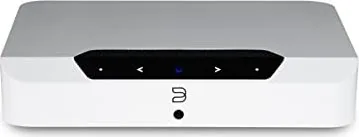
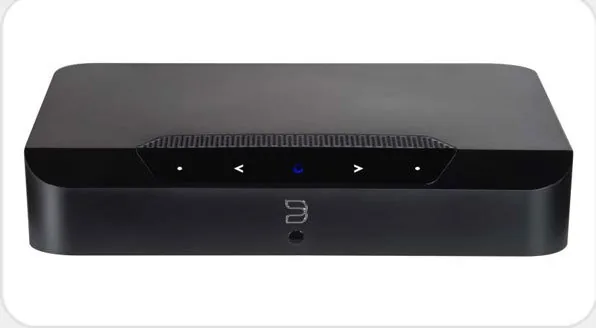
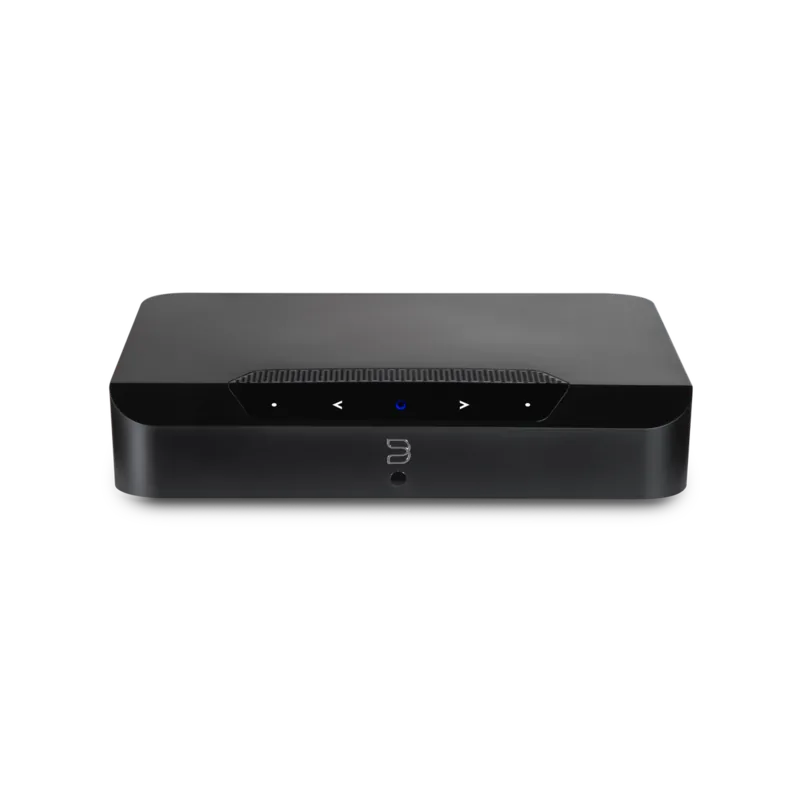
Bluesound Powernode Edge Manual
PDF manual · 4 Pages
English



Quick check
Incorrect answer, please try again.
Chat with your Bluesound Powernode Edge manual using AI
Get instant AI answers from your Bluesound Powernode Edge manual
Ask anything about the Bluesound Powernode Edge. Answers come from this manual, with the pages they are based on.
Ask a Question
Do you recommend Powernode Edge?
Yes NoFrequently Asked Questions
Yes, the Powernode Edge is designed specifically to power passive loudspeakers. It combines streaming and amplification so you only need to connect a pair of speakers to the rear terminals for a complete system.
Is this answer helpful?
Internet access is required to stream content from music services and update the player software. Without internet you will not receive the full featured experience of your Powernode EDGE.
Is this answer helpful?
Disconnect power, wait 30 seconds, reconnect and wait for the LED to turn red. Press and hold the play pause button for 30 seconds until the LED blinks red. This restores factory settings.
Is this answer helpful?
The rear panel includes HDMI eARC, Optical Analog IN, USB Type A, LAN port, Speaker terminals, and a subwoofer output for passive or powered subwoofers.
Is this answer helpful?
Yes, it comes with a multi orientation metal mounting bracket to hide in closets or behind sofas. Follow the manual instructions to secure it properly.
Is this answer helpful?
Yes, you can group with other Bluesound players to create whole home multi room listening experiences using the BluOS controller app.
Is this answer helpful?
Advantages and Disadvantages
Advantages

- Powerful 40 watts per channel amplifier supports hi-res audio files effectively.
- Compact design allows versatile placement with wall mounting bracket included.
- Seamless integration with BluOS app for multi room streaming management.
- Supports HDMI eARC for easy connection to televisions for audio playback.
Disadvantages

- Internet access is mandatory for full functionality including software updates.
- Requires external passive loudspeakers as no built in speakers are present.
- Factory reset erases all user settings including network configurations.
Product Specification
Type
Streaming Amplifier
Power
2 x 40 W (8 Ohm)
D/A Converter
24-bit / 192 kHz
Tuner
Internet Radio
Audio Formats
AAC, AIFF, ALAC, APE, FLAC, MP3, MQA, OGG/Vorbis, WAV, WMA
Streaming Clients
Amazon Music, Apple AirPlay 2, Deezer, Napster, Qobuz, Roon, Spotify, Tidal
Audio Connections
Digital Audio In (optical 3.5mm), AUX In (3.5mm jack), eARC, Sub Out (RCA)
Additional Connections
USB-A, HDMI Out, RJ-45
Wireless
Bluetooth 5.0, aptX, aptX HD, Wi-Fi 5 (WLAN 802.11a/b/g/n/ac)
Features
Speaker Outputs, Remote Control, Voice Assistant (Amazon Alexa, Google Assistant)
Dimensions
8.62 x 1.77 x 7.60 in (WxHxD)
Weight
3.02 lbs
Product Description
Elevating Home Audio with the Bluesound Powernode Edge
The Bluesound Powernode Edge stands out as a revolutionary compact wireless music streaming amplifier designed for modern listening environments. It combines streaming sources control and amplification into a single sleek device. Simply add a pair of loudspeakers to create an ultimate two-channel system for your home. Stream music from dozens of sources including personal libraries or external USB drives. Group with other Bluesound players to create whole home multi room listening experiences effortlessly.
Performance and Connectivity
This unit brings speakers to life with a powerful 40 watts DirectDigital amplifier. It handles high resolution twenty four bit one ninety two kHz files and MQA encoded tracks with ease. Enjoy clarity in playback of everything from densely layered heavy metal tracks to whisper quiet dialogue in movies. The sleek design features a compact form factor to suit any decor. It comes with a multi orientation wall mounting bracket to hide in closets or behind sofas.
Essential Setup and Usage
Users rely on the Bluesound Powernode Edge Manual to configure networking best practices and connect wired sources. Easily connect TV or turntable with HDMI eARC or combo analog digital input. Add the PULSE SUB plus wireless subwoofer for powerful stereo system capability. The owner needs internet access to stream content from Music Services and update the player. Without internet access you will not receive the full featured experience of your Powernode EDGE. Ensure proper placement considering distance from speakers and AC power for optimal heat management.
Important Operational Notes
Installation requires careful attention to speaker impedance minimum specified as four ohms. The front panel LED indicates status clearly through blink codes for power networking and updates. Factory reset functions are accessible if the unit malfunctions but note that all customization including WiFi settings will be lost during this process. Always disconnect the plug from the wall outlet first before disconnecting the cable from the AC Mains input socket to remain safe. Following these guidelines ensures your equipment remains protected while delivering exceptional audio quality for years.
Search for 67,706 Manuals online


Type-in Brand or Model