

Free Plustek Manuals – Read, Download & Print
14 Manuals
Manuals
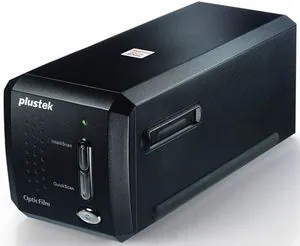
2 Pages
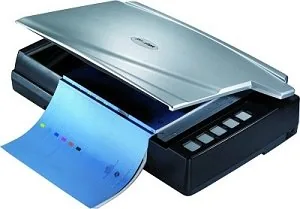
30 Pages
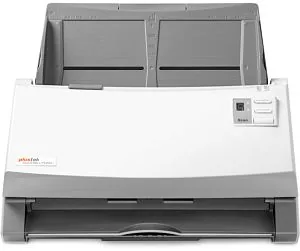
49 Pages
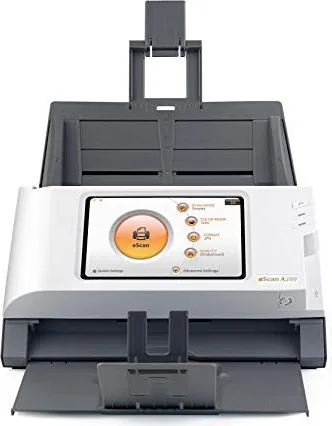
127 Pages

42 Pages
30 Pages
2 Pages
2 Pages
46 Pages
2 Pages
222 Pages
59 Pages
27 Pages
2 Pages
Categories

Free Plustek Manuals - Read, Download & Print
Find the Right Plustek Manual for Your Device
Looking for a clear, reliable guide for your Plustek scanner, document imaging system, film scanner, or related accessory? This collection of free Plustek manuals makes it easy to locate the information you need in one place. Read manuals online, download a copy for later, or print important pages for quick reference at your desk, home office, classroom, archive, or business.
Plustek products are designed for scanning documents, photographs, negatives, slides, books, receipts, identification cards, and other materials. Because each model may have its own controls, software requirements, connection options, and maintenance recommendations, using the correct manual is an important part of getting the best results. A model-specific guide can help you set up equipment correctly, understand its features, solve common problems, and protect your device over time.
Read Plustek Manuals Online
Reading a Plustek manual online is a convenient option when you need an answer quickly. Browse instructions directly from your computer, tablet, or phone without waiting for a printed booklet. Online manuals can be especially useful during installation, when configuring scan settings, or when checking an error message while working.
Most product guides include organized sections that help users move from basic setup to more advanced functions. You may find details about connecting the scanner to a computer, installing drivers, using bundled software, selecting scan resolution, choosing file formats, and adjusting image settings. Manuals may also explain how to handle originals safely, clean scanner components, replace consumable items when applicable, and store the device properly.
Online access also makes it simple to search within a manual for specific terms. Instead of reading every page, look for words such as "installation," "driver," "calibration," "cleaning," "maintenance," "error," "PDF," "OCR," "resolution," or "troubleshooting." This can save time when you are trying to complete a task or identify the cause of an issue.
Download Manuals for Offline Reference
Downloading a free Plustek manual gives you dependable access even when an internet connection is unavailable. Save the guide on your desktop computer, laptop, mobile device, cloud storage account, or shared office folder. Keeping a digital copy close at hand is useful for people who regularly scan documents, manage records, digitize family photos, or operate equipment in a professional setting.
An offline manual is also helpful when setting up a scanner in a location with limited connectivity. You can review instructions before connecting the device, confirm system requirements, and follow each step at your own pace. Saved manuals are easy to organize by model number, making it more convenient to support multiple Plustek devices in a workplace, school, library, studio, or service environment.
Before downloading, check the model name and number shown on the scanner label or original packaging. Similar product names can have different specifications and software instructions. Selecting the correct documentation helps ensure that the guidance matches your equipment and operating system.
Print Important Instructions When You Need Them
A printed manual can be practical for hands-on work. Print the full guide or select only the pages that matter most, such as the quick-start section, connection diagram, cleaning instructions, software setup steps, or troubleshooting chart. Paper copies are easy to keep near the scanner and can be useful when you do not want to switch between screens while following instructions.
Printing selected pages is also a good choice for teams and shared workspaces. Staff members can refer to the same setup checklist, scan quality recommendations, and maintenance procedures without needing to access a separate device. For long manuals, printing a table of contents and the most frequently used sections can create a compact reference guide while reducing unnecessary paper use.
What You Can Learn From a Plustek User Manual
Installation and Connection
A Plustek manual can guide you through unpacking the device, identifying included parts, placing the scanner on a suitable surface, connecting cables, and powering it on. It may also list compatible operating systems, required ports, available interfaces, and recommended computer specifications. Following these instructions can prevent connection problems and reduce the chance of installing incorrect software.
Software, Drivers, and Scanning Tools
Many Plustek scanners work with drivers and applications that control scan quality, file destinations, document processing, and image editing. Manuals often explain how to install or update required software, choose scanning modes, configure shortcut buttons, and use features such as optical character recognition. OCR can convert scanned printed text into editable or searchable digital content, depending on the document quality and software settings.
Scan Settings and Image Quality
The correct settings can make a major difference in the appearance and usability of scanned files. Manuals may explain resolution, color mode, brightness, contrast, cropping, deskewing, file type, compression, and output size. Lower resolution may be suitable for basic document sharing, while higher resolution can be useful for detailed photographs, archival images, slides, negatives, and documents containing small text.
The guide may also offer recommendations for common projects. For example, receipts may need a compact file size, contracts may benefit from searchable PDF output, and photographs may require higher color accuracy. Reviewing the recommended settings can help you balance quality, scan speed, and storage space.
Cleaning and Maintenance
Routine care helps keep a scanner operating smoothly. Plustek manuals may include instructions for cleaning glass surfaces, rollers, sensors, feeder paths, and other components. They can also describe suitable cleaning materials and warn against using liquids or products that could damage sensitive parts.
Regular maintenance is particularly important for devices that scan large volumes of paper. Dust, adhesive residue, paper particles, fingerprints, and worn rollers can affect image clarity and paper handling. A manual can help you recognize when cleaning or service may be needed.
Troubleshooting and Error Messages
When a scanner does not power on, is not detected by a computer, produces blurred images, pulls multiple sheets, jams, or displays an error, the troubleshooting section is a useful starting point. Manuals commonly provide step-by-step checks for cables, power connections, software installation, paper alignment, device settings, and maintenance needs.
Troubleshooting guidance may also explain indicator lights, button behavior, status messages, and recommended actions. In many cases, simple checks such as restarting the scanner, reconnecting the cable, updating the driver, cleaning the glass, or loading documents correctly can resolve a common problem.
Choose Manuals by Product Model
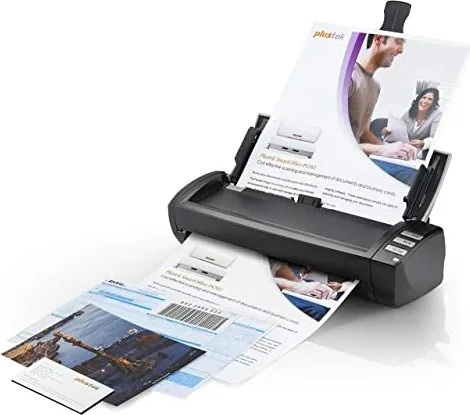
Plustek offers different types of scanning equipment, and each category can have unique instructions. Flatbed scanners are often used for photographs, books, artwork, and fragile originals. Sheet-fed document scanners are commonly used for invoices, forms, receipts, and multi-page records. Film and slide scanners may include specialized guidance for holders, calibration, dust removal, color correction, and handling delicate media.
When searching for a manual, use the complete model number whenever possible. The label may be located on the underside, back panel, or side of the device. Include version details if they are shown. Accurate model identification helps you find compatible instructions, supported accessories, and relevant software information.
Make the Most of Your Plustek Scanner
A manual is more than a setup booklet. It is a practical resource for improving everyday scanning tasks. Whether you are digitizing tax records, preserving old family photographs, creating searchable office archives, scanning artwork, managing medical forms, or organizing school documents, the right instructions can help you work with greater confidence.
Use free Plustek manuals to understand your device, explore available features, maintain consistent scan quality, and address routine issues. Read online for fast answers, download a copy for offline access, or print the pages that support your workflow. With the correct Plustek guide available when you need it, setting up, using, and caring for your scanner becomes simpler and more efficient.
Search for 67,706 Manuals online


Type-in Brand or Model