

Free Bitspower Manuals – Read, Download & Print
19 Manuals
Manuals

3 Pages
2 Pages
2 Pages
1 Pages
1 Pages
6 Pages
45 Pages
1 Pages
18 Pages
1 Pages
1 Pages

1 Pages

3 Pages
6 Pages
30 Pages
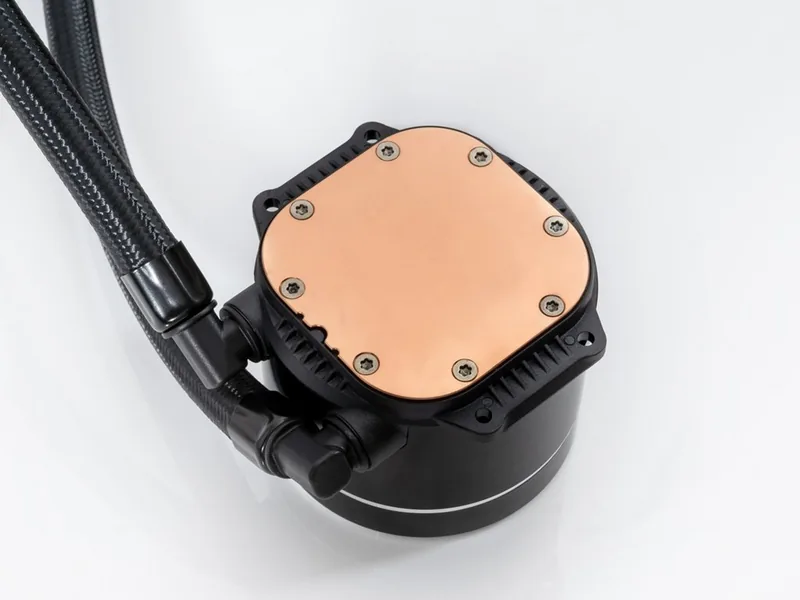
27 Pages
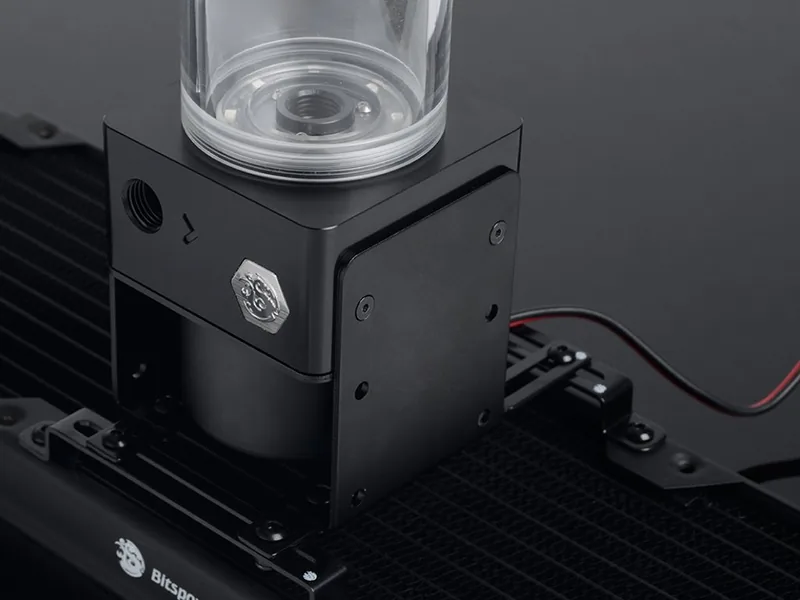
1 Pages
4 Pages
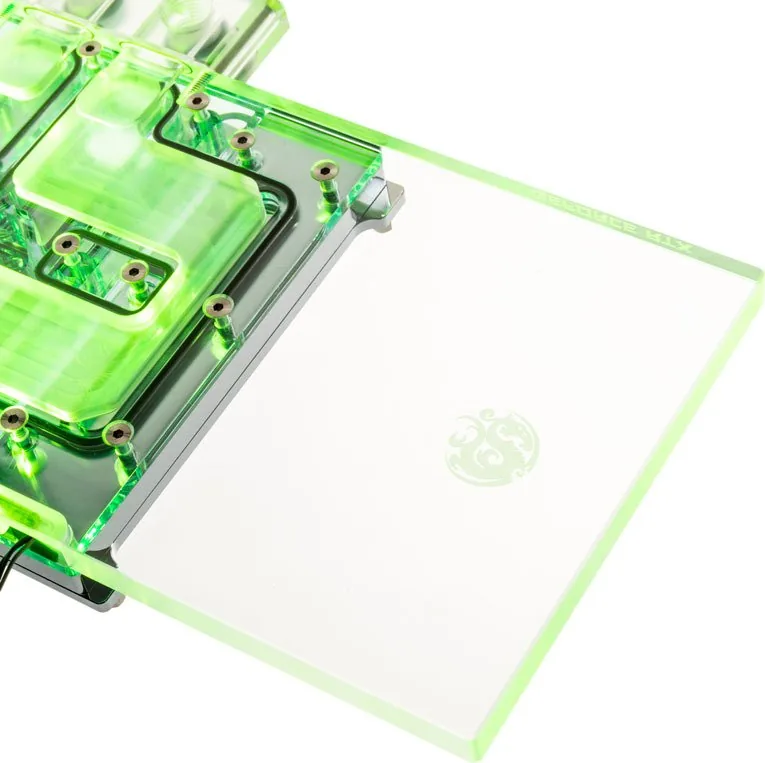
4 Pages
Categories

Free Bitspower Manuals - Read, Download & Print
Find Bitspower Product Documentation in One Place
Free Bitspower manuals help PC builders, cooling enthusiasts, system integrators, and hardware owners understand their components before installation, maintenance, or upgrades. Whether you are working with a custom liquid cooling loop, fittings, water blocks, reservoirs, pumps, radiators, or accessories, the right documentation can make setup easier and help protect valuable hardware.
This page is designed for people looking to read Bitspower manuals online, download instructions for later reference, or print product guides for use at a workbench. Clear manuals are especially useful when assembling a complex cooling configuration, where port placement, thread compatibility, mounting hardware, flow direction, and cleaning procedures all matter.
Read Bitspower Manuals Online
Reading a Bitspower manual online is a convenient way to check specifications and installation details without saving files to your device. Digital instructions can be useful when you need a quick answer during planning or assembly. Review the available documentation to identify supported sockets, included screws, mounting brackets, gasket locations, fitting sizes, and recommended installation steps.
Online manuals may also provide important product notes for components such as CPU water blocks, GPU water blocks, distribution plates, pump tops, reservoirs, temperature sensors, drain valves, adapters, and compression fittings. Before purchasing additional parts, consult the relevant guide to confirm that dimensions and connection types match your planned loop.
What You Can Learn From a Manual
A product manual often contains more than basic assembly instructions. It may include technical drawings, component diagrams, maintenance notes, warnings, and a list of included accessories. These details are valuable when replacing missing hardware or diagnosing a fitment issue.
Common information found in Bitspower documentation includes:
- Product dimensions and mounting measurements
- Thread standards and port locations
- Compatible CPU sockets or graphics card models
- Included screws, O-rings, brackets, and tools
- Installation order and torque guidance
- Cleaning and maintenance recommendations
- Leak-testing and safety reminders
- Warranty terms and support information
Download Manuals for Offline Access
Downloading a Bitspower manual provides a reliable reference when internet access is unavailable or when you want to organize documentation for multiple PC projects. Saved manuals can be stored in a project folder alongside build photos, part lists, receipts, BIOS notes, and coolant maintenance records.
Offline copies are helpful during a new build because custom cooling work often involves moving between a desk, test bench, case, and work area. Keeping instructions on a phone, tablet, laptop, or local storage device means the guide remains accessible whenever you need to verify a screw length or fitting orientation.
When downloading documentation, use descriptive file names that make manuals easy to find later. Including the product category, model name, and revision date can prevent confusion if you own several similar blocks or fittings. For example, separate documents for a CPU block, D5 pump assembly, and GPU block can be grouped under one build folder.
Keep Your Build Documents Organized
A simple documentation system can save time when performing future maintenance. Create folders for manuals, invoices, compatibility notes, photos, and loop diagrams. If your system includes several water-cooling components, label each file clearly and note the date of installation.
Good organization is particularly helpful when you need to drain the loop, replace coolant, change a graphics card, add a temperature sensor, or troubleshoot reduced flow. A saved manual can clarify which ports are intended for inlet and outlet use, where internal seals are located, and which fasteners should be removed during service.
Print Instructions for Your Workbench
Printing a Bitspower manual can be a practical choice for hands-on installation. Paper instructions are easy to review without handling a screen near coolant, tools, or open hardware. A printed guide also allows you to mark completed steps, circle important warnings, write down fitting locations, and make notes about your own loop layout.
For best results, print the pages that contain exploded diagrams, mounting instructions, and compatibility information. If the document includes full-size templates or measurement drawings, verify printer scaling before using them. Choose actual size or 100 percent scaling when precise dimensions are important.
Tips for Printing Hardware Manuals
Print only the sections you need if you want to reduce paper use. For a water block installation, the mounting diagram and hardware list may be enough. For a full cooling loop, print the manuals for every major component and arrange them in the order you plan to install them.
Keep printed pages away from coolant bottles, thermal paste, and metal shavings. Placing the pages in a clear sleeve or binder can help protect them during assembly. After the build is complete, store the printed guide with leftover screws, brackets, and spare O-rings for future use.
Use Manuals Before Installing Liquid Cooling Components
Custom liquid cooling requires careful preparation. Even experienced builders should review current documentation before installing a new component, especially when hardware revisions, motherboard layouts, graphics card PCB designs, and mounting standards can vary.
Start by comparing the manual with the exact product model in your hands. Check the packaging label, part number, and included accessory list. Do not assume that a guide for a similar-looking block or fitting applies to every version. Small differences in mounting holes, terminal orientation, screw lengths, or gasket placement can affect installation.
Before assembling the loop, plan tubing routes and identify every connection point. Make sure fittings are compatible with the component threads and tubing type. Confirm clearance around memory modules, motherboard heatsinks, power connectors, case panels, and graphics card backplates. A manual with dimensional drawings can be useful for avoiding conflicts before you cut tubing or fill the loop.
Important Safety and Maintenance Guidance
Always power down and disconnect the system before installing or servicing liquid cooling hardware. Work on a clean, stable surface and keep small screws, springs, and O-rings organized. Follow the manufacturer's instructions for mounting pressure, screw selection, and cleaning methods.
Perform a leak test before powering sensitive PC hardware. Inspect each fitting, plug, cap, and connection point for moisture. If your setup uses a pump, reservoir, distribution plate, or drain valve, review the documentation to understand correct orientation and safe filling procedures.
Maintenance instructions are also important. Coolant condition, debris buildup, discoloration, and reduced flow can indicate that cleaning or replacement is needed. Consult the appropriate manual before disassembling a block or pump assembly. Internal O-rings and acrylic parts should be handled carefully, and incompatible cleaning materials may cause damage.
Confirm Compatibility Before You Buy
A manual is an essential compatibility tool. It can help determine whether a water block supports your processor socket, motherboard layout, graphics card PCB, pump type, or radiator configuration. Review model-specific fitment information before ordering components, especially for graphics cards that may have multiple PCB versions under a similar retail name.
Also check thread standards, port spacing, required fittings, and clearance measurements. This is useful when combining parts from different cooling product lines. Proper planning reduces the chance of ordering adapters, extension fittings, or replacement hardware at the last minute.
Get More Value From Your Bitspower Hardware
Using official product documentation helps you install components with greater confidence and maintain them over time. Read manuals before starting, download copies for your records, and print essential pages for convenient bench-side reference. From first-time loop planning to long-term maintenance, accurate instructions can support cleaner builds, safer assembly, and better hardware care.
Browse available Bitspower manuals to locate the guide for your specific product. Check model details carefully, follow the listed precautions, and keep a copy of the documentation with your build records. A few minutes spent reviewing the correct manual can make a major difference during installation, testing, and future upgrades.
Search for 67,706 Manuals online


Type-in Brand or Model