

Free Zotac Manuals – Read, Download & Print
10 Manuals
Manuals
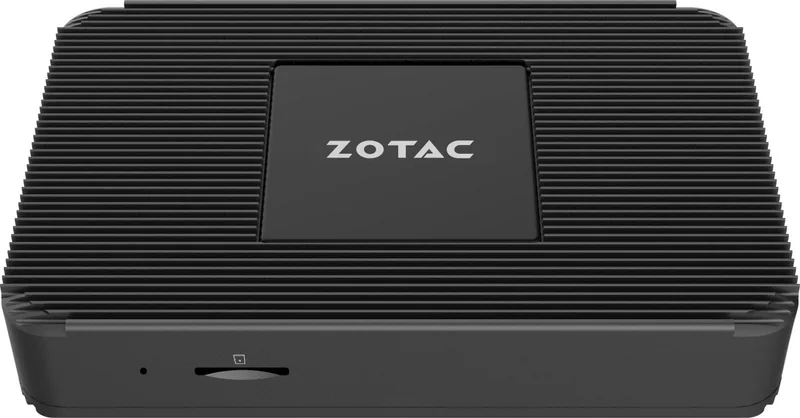
30 Pages
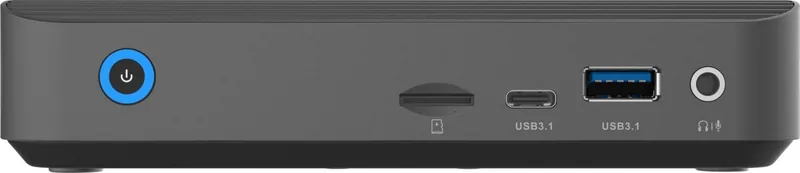
18 Pages
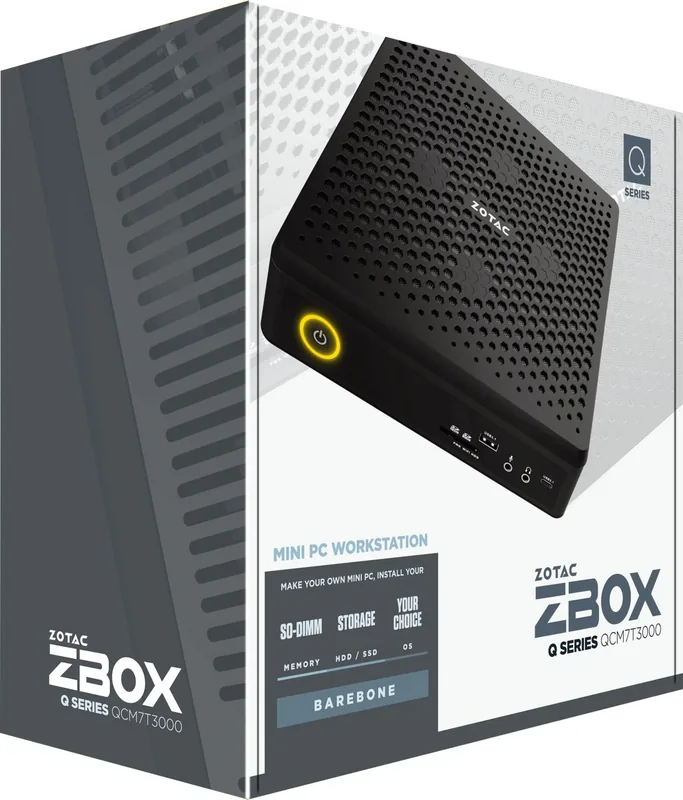
57 Pages
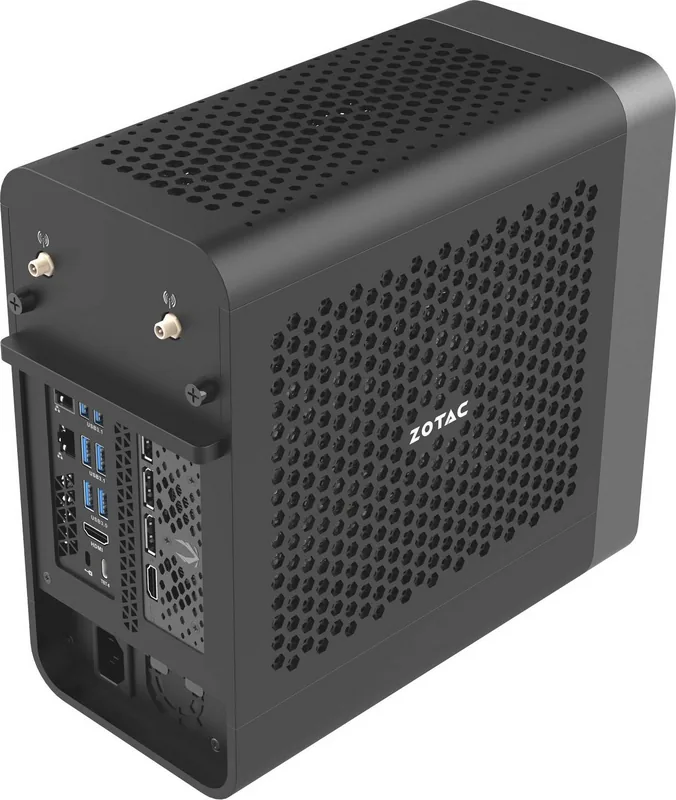
1 Pages
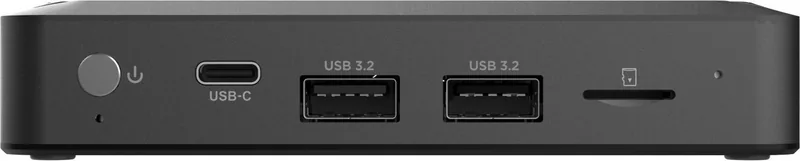
17 Pages
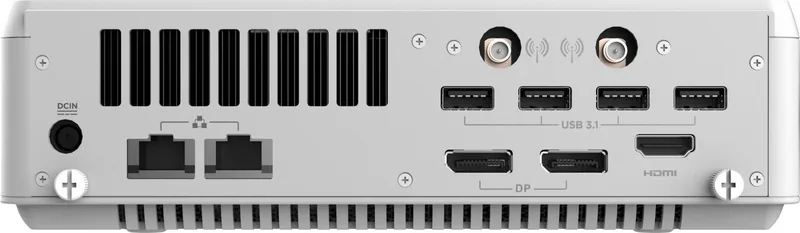
58 Pages
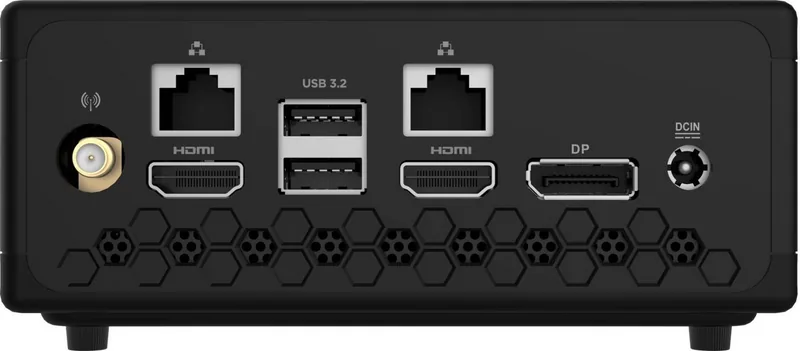
25 Pages
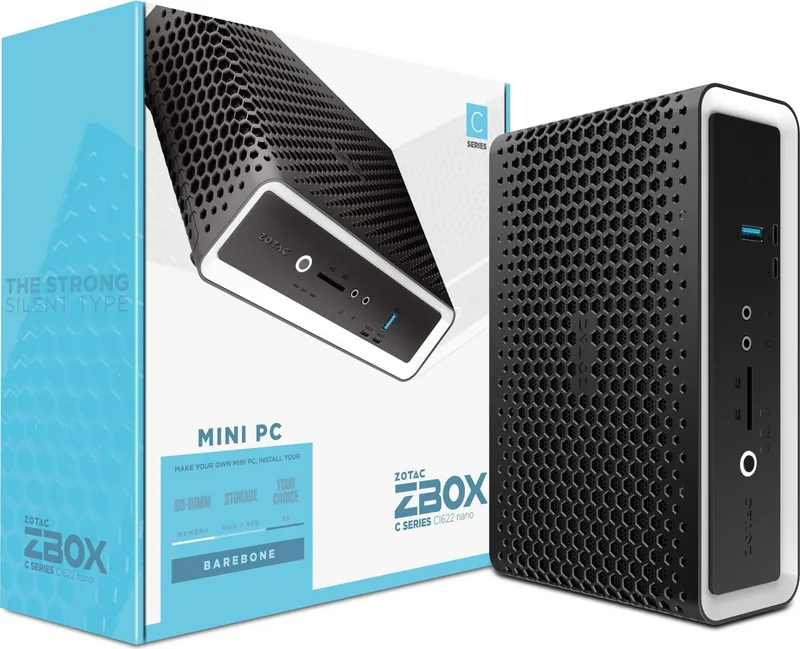
57 Pages
58 Pages

57 Pages
Categories

Free Zotac Manuals - Read, Download & Print
Introduction to Zotac Documentation Resources
In the rapidly evolving world of technology, having access to accurate and comprehensive documentation is essential for maximizing the performance and longevity of your hardware. Zotac, a leading manufacturer of graphics cards, motherboards, and mini-PCs, provides a wealth of resources for its users through their official manual library. This guide serves as a comprehensive overview of how to access, utilize, and benefit from free Zotac manuals. Whether you are setting up a new gaming rig, troubleshooting a connection issue, or simply curious about the specifications of your device, these documents are invaluable tools designed to assist both novice users and seasoned enthusiasts.
The availability of digital manuals has transformed the user experience by eliminating the need to search through physical boxes or wait for shipping. With just a few clicks, users can read, download, and print the exact information they need directly from their devices. This accessibility ensures that technical support is always within reach, empowering users to resolve issues independently and efficiently. The following sections will detail the types of manuals available, the benefits of accessing them online, and step-by-step instructions on how to navigate the Zotac support portal effectively.
Types of Available Manuals and Guides
Zotac offers a diverse range of documentation covering various product categories. Each category is tailored to meet the specific needs of different user groups. Understanding the variety of available guides helps users find the precise information required for their specific situation.
Graphics Card User Manuals
Graphics cards are the heart of any high-performance computer, especially for gaming and professional rendering tasks. Zotac provides detailed user manuals for all its GeForce RTX, GTX, and other GPU series. These documents include critical information such as installation procedures, driver updates, and safety warnings. They often contain diagrams illustrating the layout of ports, fans, and connectors, which are crucial for proper physical installation. Additionally, these manuals frequently cover software utilities like ZoneEdit or FireStorm, explaining how to overclock components, adjust fan speeds, and monitor temperatures in real-time.
Mini PC and Motherboard Documentation
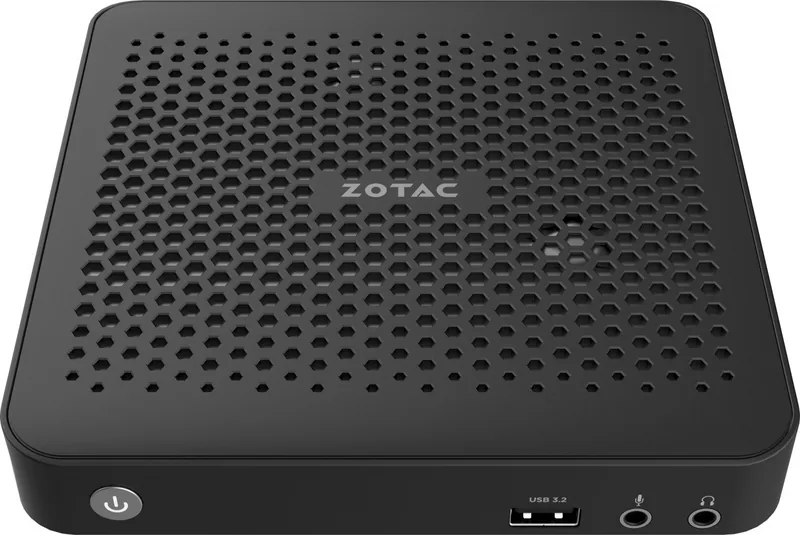
For users who prefer compact systems or custom builds, Zotac's mini PCs and motherboards come with extensive documentation. These guides focus on system assembly, BIOS configuration, and connectivity options. Since mini PCs often have unique form factors, the manuals provide specific instructions on mounting, cooling solutions, and peripheral connections. Motherboard manuals delve deeper into chipset features, memory compatibility, and expansion slot configurations. They also include troubleshooting sections that address common boot failures, audio issues, and network connectivity problems.
Power Supply and Accessory Guides
While less common than GPU or motherboard docs, power supply units (PSUs) and accessories like docking stations also have dedicated manuals. These documents outline wattage ratings, cable management tips, and safety certifications. For docking stations, the guides explain port mapping, charging capabilities, and data transfer speeds. Ensuring compatibility between accessories and main units is vital for system stability, and these manuals provide the necessary specifications to make informed decisions.
Benefits of Reading, Downloading, and Printing Manuals
Accessing Zotac manuals digitally offers several advantages over traditional paper documentation. The ability to read, download, and print allows users to customize their interaction with the content based on their preferences and immediate needs.
Immediate Accessibility and Searchability
One of the primary benefits of digital manuals is instant access. Users do not need to locate a lost booklet or contact customer service for a replacement. Furthermore, PDF files allow for keyword searching, enabling users to quickly find specific terms like "overclocking," "BIOS reset," or "LED indicators." This feature saves significant time compared to flipping through pages manually. The search function ensures that even complex topics can be addressed efficiently without sifting through irrelevant information.
Environmental and Space Efficiency
Digital manuals reduce paper waste and the physical space required for storage. By downloading a single file instead of keeping multiple bulky booklets, users contribute to environmental sustainability while decluttering their workspace. This is particularly relevant for tech enthusiasts who accumulate numerous devices and documentation over time. A single hard drive or cloud storage account can hold thousands of manuals, making organization seamless and eco-friendly.
Customization Through Printing
Despite the convenience of digital reading, some users prefer physical copies for reference during hands-on work. The option to print manuals allows users to create hard copies that can be placed near their workstation. This is especially useful when assembling hardware, as having a printed guide prevents screen glare and allows for easy note-taking. Users can print only the relevant sections, saving ink and paper while retaining the tactile benefits of a physical document.
How to Navigate the Zotac Support Portal
Finding the correct manual requires navigating the Zotac website effectively. The process is straightforward but benefits from knowing where to look and how to filter results.
Step 1: Locate the Support Section
Visit the official Zotac website and scroll to the footer or top navigation bar to find the "Support" or "Downloads" section. Clicking this link directs users to a centralized hub where all product documentation is categorized. The interface is typically clean and organized, featuring search bars and dropdown menus for quick navigation.
Step 2: Identify Your Product Model
Accuracy is key when searching for manuals. Use the search bar to enter your specific model number, which can usually be found on the product box or the label on the device itself. Alternatively, browse through product categories such as "Graphics Cards," "Mini PCs," or "Motherboards." Once the product page loads, look for a tab labeled "Manuals," "Documentation," or "Downloads." This ensures you are retrieving the correct version of the guide tailored to your hardware revision.
Step 3: Download and Verify the File
Click on the desired manual link, which is typically a PDF file. Before opening it, verify the file size and language to ensure it matches your requirements. Most sites offer multiple languages, so select the one you are most comfortable with. After downloading, save the file to a dedicated folder on your computer or cloud storage for easy future access. Opening the file in a standard PDF reader confirms that the document is intact and readable.
Troubleshooting Common Issues with Manual Access
Occasionally, users may encounter difficulties when trying to access or use Zotac manuals. Understanding common pitfalls can help resolve these issues quickly.
Language Barriers
If the default language is not English or your preferred language, check the dropdown menu on the download page. Many manufacturers provide translations for major regions. If a translation is unavailable, using built-in browser translation tools can assist in understanding basic instructions, though technical terms may remain in the original language.
Corrupted Downloads
If a downloaded file fails to open, try clearing your browser cache and re-downloading the file. Ensure your internet connection is stable during the transfer. In rare cases, the server might host an outdated version; contacting Zotac support via email or live chat can provide a direct link to a working file.
Printer Compatibility
When printing, ensure your printer settings match the document orientation and paper size. Some manuals include double-sided layouts or fold-out diagrams that may require specific printer configurations. Adjusting margins and scaling options in the print dialog box can prevent cut-off text or misaligned images.
Conclusion
Free Zotac manuals are an essential resource for anyone owning Zotac hardware. They empower users with the knowledge needed to install, configure, and maintain their devices effectively. By leveraging the ability to read, download, and print these documents, users can enhance their computing experience, troubleshoot issues proactively, and extend the life of their equipment. As technology continues to advance, the availability of such comprehensive digital resources remains a cornerstone of excellent customer support and user satisfaction. Whether you are building a custom PC or managing a fleet of mini PCs, these manuals provide the clarity and guidance necessary for success.
Search for 67,732 Manuals online


Type-in Brand or Model