

Free Zebra Manuals – Read, Download & Print
15 Manuals
Manuals
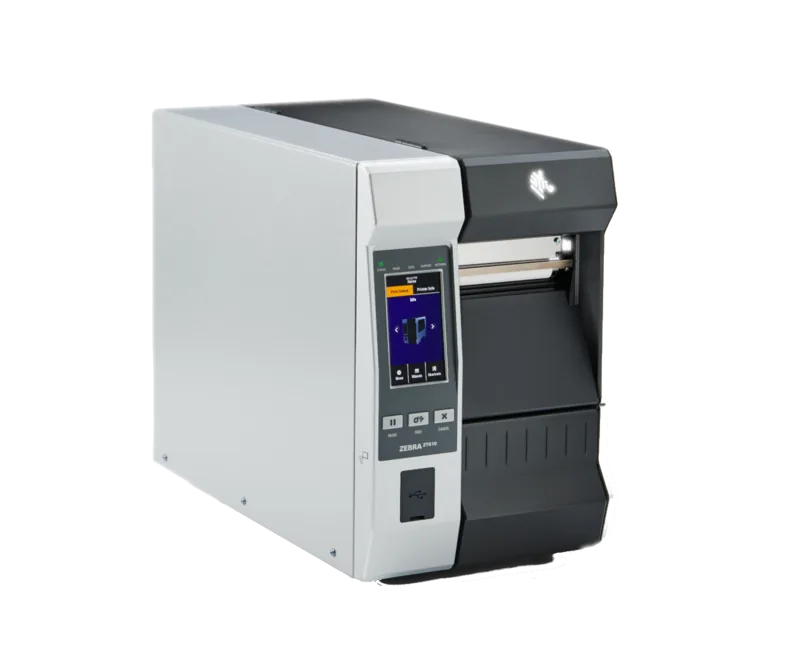
204 Pages
71 Pages
2 Pages
67 Pages
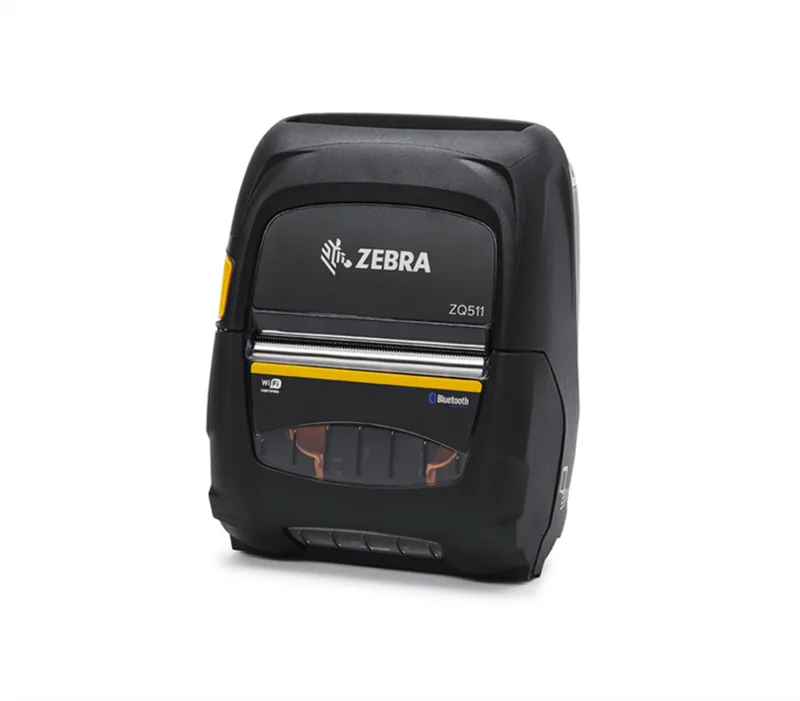
72 Pages
34 Pages
82 Pages

227 Pages

214 Pages
196 Pages

298 Pages
185 Pages
140 Pages
67 Pages
344 Pages
Categories

Free Zebra Manuals - Read, Download & Print
Find free Zebra manuals for printers, barcode scanners, mobile computers, RFID devices, label applicators, card printers, and related accessories. This resource helps users locate clear operating instructions, setup guides, maintenance information, troubleshooting steps, and technical specifications for Zebra equipment. Whether you need to install a new thermal printer, configure wireless settings, replace media, calibrate sensors, or resolve a printing issue, the right manual can save time and reduce downtime.
Zebra devices are widely used in retail, warehousing, healthcare, manufacturing, transportation, hospitality, and field service environments. Because these products often support multiple connection methods, label formats, media types, and management tools, keeping the correct documentation close at hand is essential. Browse manuals by product category or model to read them online, download a copy for offline reference, or print the sections needed by operators and technicians.
Read Zebra Manuals Online
Reading a Zebra manual online is a convenient way to access product information without storing files on your device. Online manuals are useful when you need a quick answer during installation, routine operation, or troubleshooting. Many guides include searchable text, allowing users to find terms such as "calibration," "network," "Bluetooth," "ribbon," "printhead," "firmware," or "error code" quickly.
Online documentation commonly covers the full product lifecycle. Start with the unpacking and safety instructions, then review hardware connections, media loading procedures, control panel functions, and software configuration. More detailed chapters may explain print quality adjustments, network setup, diagnostic tests, preventive maintenance, and replacement parts. For mobile and scanning products, manuals may also include charging guidance, battery care, device pairing, cradle use, and data capture settings.
Reading online is especially helpful for teams that manage several Zebra models. Instead of relying on an outdated paper guide, users can compare model-specific instructions and identify the exact procedures that apply to their equipment. Always confirm the model number, printer resolution, connection type, and firmware version before following technical steps.
Download Manuals for Offline Access
Downloading a Zebra manual gives you a dependable reference when an internet connection is unavailable. This is useful in warehouses, production areas, service vehicles, remote offices, and other locations where access may be limited. A saved manual can also be shared internally with authorized staff who need product instructions during training, installation, or maintenance work.
Before downloading, check that the manual matches the device model and, where applicable, the regional version or configuration. Similar Zebra products can have different displays, ports, sensors, firmware options, and supported accessories. A manual for one printer family may provide useful general information, but it should not replace the guide written for the specific unit in use.
Downloaded manuals are often available in PDF format, which makes them easy to store, search, annotate, and print. Create an organized folder structure for your equipment documentation, using labels such as product model, serial range, location, or department. Keeping setup guides, user manuals, quick reference sheets, driver documentation, and maintenance instructions together can make future support tasks faster.
Print the Pages You Need
Printed Zebra manual pages remain valuable in busy work areas where employees may not have immediate access to a computer or mobile device. Print a complete manual for a dedicated service binder, or print only the most relevant pages for quick access near the equipment. Commonly printed sections include media loading instructions, control panel messages, cleaning procedures, calibration steps, and contact information for technical support.
For printer stations, a short reference guide can help operators load labels and ribbons correctly, recognize status indicators, and perform basic checks before escalating an issue. In barcode scanning environments, printed instructions may explain scanner pairing, host interface settings, reset procedures, and barcode programming options. For mobile computers, teams may benefit from printed guidance covering charging, battery replacement, device cleaning, and safe handling.
When printing technical documentation, preserve the original page numbers so users can locate related information easily. Consider placing frequently used pages in protective sleeves, especially in industrial locations where dust, moisture, and repeated handling can damage paper. Review printed material periodically and replace it when procedures, firmware, or equipment configurations change.
Types of Zebra Documentation Available
Zebra product documentation can include several different kinds of manuals, each designed for a particular audience or task. Choosing the right document improves efficiency and helps avoid incorrect configuration changes.
User Guides
User guides explain everyday operation. They generally cover device controls, loading supplies, basic configuration, routine cleaning, and common messages. These guides are ideal for operators, office staff, store associates, and anyone responsible for using equipment on a daily basis.
Installation and Setup Guides
Installation guides focus on getting a device ready for service. They may include package contents, mounting instructions, power requirements, cable connections, driver installation, software setup, and initial configuration. Review these instructions before connecting a printer or scanner to a network or production system.
Quick Reference Guides
Quick reference guides provide concise instructions for common tasks. They are useful at workstations, packing benches, receiving areas, and service counters. While they do not replace a full manual, they make routine actions easier to complete accurately.
Maintenance and Service Information
Maintenance documentation helps users protect equipment performance and extend service life. Typical topics include cleaning printheads, platen rollers, sensors, scanner windows, charging contacts, and card printer components. Service information may also identify approved supplies, replacement intervals, diagnostic procedures, and warnings for tasks that require qualified personnel.
Common Zebra Manual Topics
Zebra manuals address practical issues that arise during daily use. For label and receipt printers, documentation often explains direct thermal and thermal transfer printing, label and ribbon selection, media sensor positioning, print darkness, print speed, and label calibration. It may also cover ZPL commands, printer language settings, USB, serial, Ethernet, Wi-Fi, and Bluetooth connections.
Barcode scanner manuals can include instructions for reading 1D and 2D codes, configuring keyboard wedge or serial interfaces, pairing cordless scanners, using charging cradles, and applying barcode-based programming settings. Mobile computer guides may discuss Android setup, enterprise mobility management, wireless networks, barcode scanning, battery health, accessories, and device security.
RFID documentation can be more specialized, with details about RFID media, encoding, antenna placement, reader settings, calibration, and tag verification. Card printer manuals may cover card loading, ribbon installation, cleaning cycles, print quality, magnetic stripe encoding, smart card options, and security features.
Troubleshooting With the Right Manual
A manual is often the best first resource when Zebra equipment is not operating as expected. Start by identifying the exact symptom. Is the printer powered on but not printing? Are labels feeding incorrectly? Is the print too light, too dark, blurry, or misaligned? Does a scanner fail to communicate with the host? Is a mobile device unable to join Wi-Fi or charge properly?
Use the troubleshooting section to check simple causes first. Confirm power, cables, media orientation, ribbon compatibility, network connection, and settings. Review display messages and indicator lights carefully. Many issues can be resolved by cleaning the device, reloading media, calibrating sensors, restarting the unit, or restoring a documented configuration setting.
Avoid making multiple major changes at once. Change one setting, test the result, and record what was done. This approach makes it easier to identify the cause of a problem and return to a working configuration if necessary. If troubleshooting steps involve firmware updates, internal components, electrical service, or advanced configuration, follow the official instructions closely and use qualified support when appropriate.
Tips for Finding the Correct Zebra Manual
The most important step is identifying your exact product model. Check the label on the device, packaging, purchase record, or system inventory. Record the full model number, product family, resolution or print width where relevant, installed options, and connection type. This information helps distinguish between similar products with different capabilities.
Also check the document revision and publication date. Updated manuals may include corrected procedures, new accessories, revised safety information, or details for newer firmware. For software-related tasks, verify compatibility between the manual, operating system, driver version, and Zebra utility or management application in use.
Keep in mind that a user guide, programming guide, and service guide serve different purposes. Use the user guide for normal operation, the setup guide for installation, and technical documentation for advanced configuration. If a procedure does not match your device display or hardware layout, stop and confirm that you have selected the correct manual.
Build a Better Documentation Library
A well-organized Zebra manual library supports faster training, fewer errors, and more consistent equipment operation. Store current manuals alongside device records, warranty details, maintenance logs, supply information, and configuration notes. Include a simple list of device locations and assigned model numbers so staff can find the correct document quickly.
For critical operations, create internal quick sheets based on approved procedures from the relevant manuals. These can summarize standard label loading, daily cleaning, network recovery, or scanner setup steps. Keep the complete manual available as the primary reference for warnings, detailed diagrams, technical settings, and less common tasks.
Free Zebra manuals make it easier to operate, maintain, and troubleshoot essential business equipment with confidence. Read online for quick answers, download for offline access, and print the pages your team needs most. By using documentation that matches the exact Zebra model and configuration, you can improve reliability, protect equipment, and keep everyday workflows moving.
Search for 67,706 Manuals online


Type-in Brand or Model