

Free SpeaKa Professional Manuals – Read, Download & Print
8 Manuals
Manuals
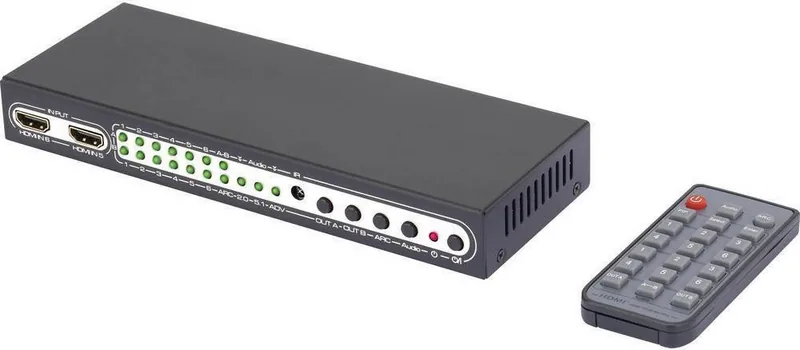
12 Pages

4 Pages
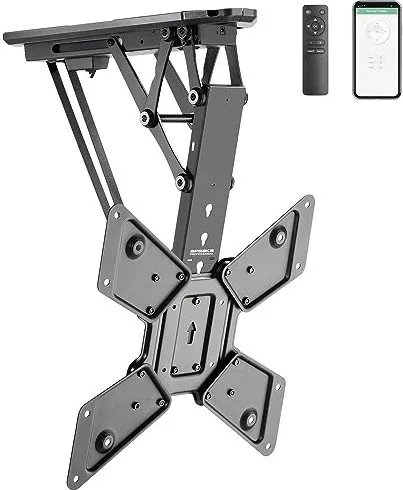
8 Pages

4 Pages
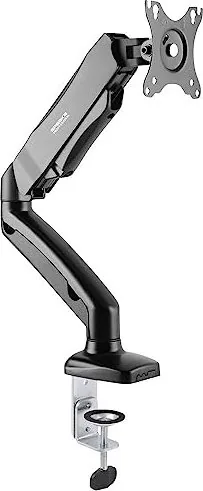
4 Pages
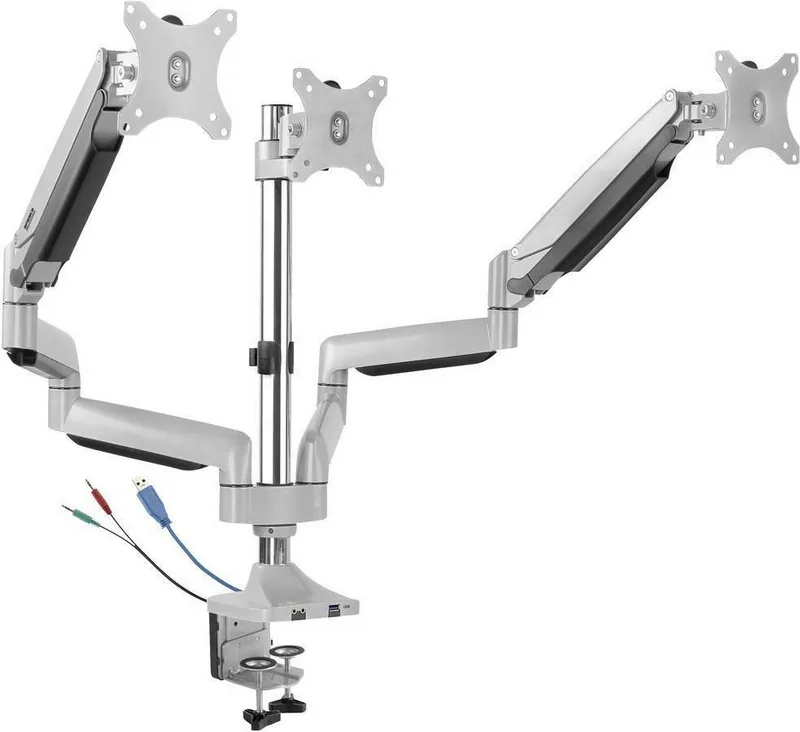
8 Pages
6 Pages
8 Pages
Categories


Free SpeaKa Professional Manuals - Read, Download & Print
Introduction to the SpeaKa Resource Hub
Welcome to the ultimate destination for professionals seeking comprehensive guidance on the SpeaKa platform. The Free SpeaKa Professional Manuals represent a meticulously curated collection of documentation designed to empower users at every level of expertise. Whether you are a novice user taking your first steps into voice communication technology or an experienced administrator managing complex enterprise systems, these manuals provide the essential knowledge required to maximize efficiency and effectiveness. In an era where digital tools evolve rapidly, having access to accurate, up-to-date, and easily accessible documentation is crucial for maintaining operational excellence. This resource hub eliminates barriers to learning by offering high-quality materials that can be read online, downloaded for offline study, or printed for physical reference.
The SpeaKa ecosystem is built on the foundation of seamless integration and intuitive design, yet the complexity of advanced features often necessitates detailed instruction. Our professional manuals bridge this gap by breaking down intricate processes into clear, actionable steps. We understand that time is a valuable commodity for professionals, which is why our content is structured to allow for quick retrieval of specific information while also providing deep dives for those who wish to master the entire system. From basic setup procedures to advanced troubleshooting techniques, the scope of these documents ensures that no critical topic is left unaddressed.
Comprehensive Coverage of Core Features
Getting Started with SpeaKa
The journey begins with the foundational guides included in the Free SpeaKa Professional Manuals. These sections are dedicated to helping new users navigate the initial setup process without confusion. Detailed instructions cover account creation, hardware installation, and software configuration. Users will find step-by-step tutorials on connecting microphones, headsets, and other peripheral devices to ensure optimal audio quality right from the start. The guides also explain how to customize user profiles, set preferences for notification sounds, and configure privacy settings to meet organizational standards. By following these introductory chapters, users can establish a solid base for their daily operations, reducing the likelihood of early-stage errors that could disrupt workflow.
Advanced Configuration and Customization
For administrators and power users, the manuals offer extensive coverage of advanced configuration options. This section delves into the customization of call routing rules, voicemail setups, and conference room integrations. Readers will learn how to implement custom greetings, manage access controls, and integrate SpeaKa with third-party applications such as customer relationship management (CRM) software and email clients. The documentation provides clear examples and diagrams to illustrate complex network topologies and data flow scenarios. Understanding these advanced features allows organizations to tailor the SpeaKa environment to their unique business needs, ensuring that the technology serves as a strategic asset rather than just a utility.
Troubleshooting and Maintenance
No system is immune to occasional glitches or performance issues, and the SpeaKa manuals include a robust troubleshooting section to address common challenges. This part of the documentation acts as a diagnostic tool, guiding users through logical steps to identify and resolve problems related to audio latency, connection drops, or feature malfunctions. It includes FAQs that address frequently asked questions, along with detailed error code explanations. Regular maintenance tips are also provided to help users keep their systems running smoothly over the long term. By proactively addressing potential issues, organizations can minimize downtime and maintain high levels of service availability.
Accessibility and Usage Formats
Reading Online for Immediate Access
One of the primary advantages of the Free SpeaKa Professional Manuals is the ability to read them directly online. The web-based interface is optimized for various devices, including desktops, laptops, tablets, and smartphones. This flexibility ensures that users can access the information they need regardless of their location or the device they are using. The online version features a searchable index, allowing users to quickly locate specific topics or keywords. Additionally, the layout is designed for readability, with clear headings, bullet points, and highlighted key terms to facilitate easy scanning and comprehension. This immediate access capability is particularly beneficial for IT support teams who need to resolve issues in real-time.
Downloading for Offline Study and Reference
For users who prefer to work without an internet connection or wish to save resources for later review, the download option is invaluable. The manuals are available in multiple formats, including PDF and ePub, catering to different reading preferences and device capabilities. Downloading the files allows users to store them locally on their hard drives or cloud storage services, creating a personal library of knowledge. This feature is especially useful for training sessions, workshops, or situations where internet connectivity may be unreliable. The offline versions retain all the formatting, images, and interactive elements of the original documents, ensuring a consistent experience across all platforms.
Printing for Physical Copies
Recognizing that some professionals still value the tactile experience of paper, the Free SpeaKa Professional Manuals offer a convenient printing function. Users can select specific chapters or the entire document to print, producing high-quality hard copies that are easy to annotate and reference during meetings or fieldwork. The print-friendly format ensures that text remains legible and images are preserved in their intended clarity. Printed manuals serve as excellent training aids for onboarding new employees or as quick-reference guides placed at workstations. They also provide a tangible record of procedures and policies that can be archived for compliance purposes.
Commitment to Quality and Continuous Improvement
The team behind the Free SpeaKa Professional Manuals is dedicated to maintaining the highest standards of quality and accuracy. Each document undergoes rigorous review by subject matter experts to ensure that the information is current and reflects the latest updates to the SpeaKa platform. Feedback mechanisms are integrated into the online portal, allowing users to report errors, suggest improvements, or request additional content. This collaborative approach fosters a community of practice where users and developers work together to enhance the user experience. As the SpeaKa platform evolves, so too do the manuals, ensuring that they remain relevant and useful for years to come.
By providing free access to these professional-grade resources, we aim to democratize knowledge and support the success of businesses worldwide. Whether you choose to read, download, or print the manuals, you are equipped with the tools necessary to harness the full potential of SpeaKa. Embrace the opportunity to deepen your understanding, streamline your operations, and achieve your professional goals with confidence.
Search for 67,706 Manuals online


Type-in Brand or Model