

Free Oral-B Manuals – Read, Download & Print
32 Manuals
Manuals
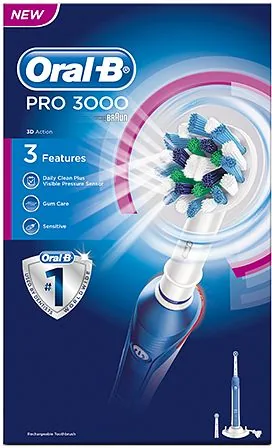
23 Pages
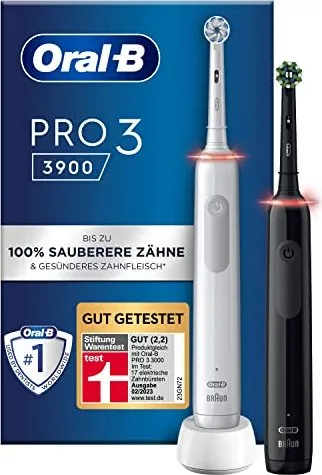
69 Pages
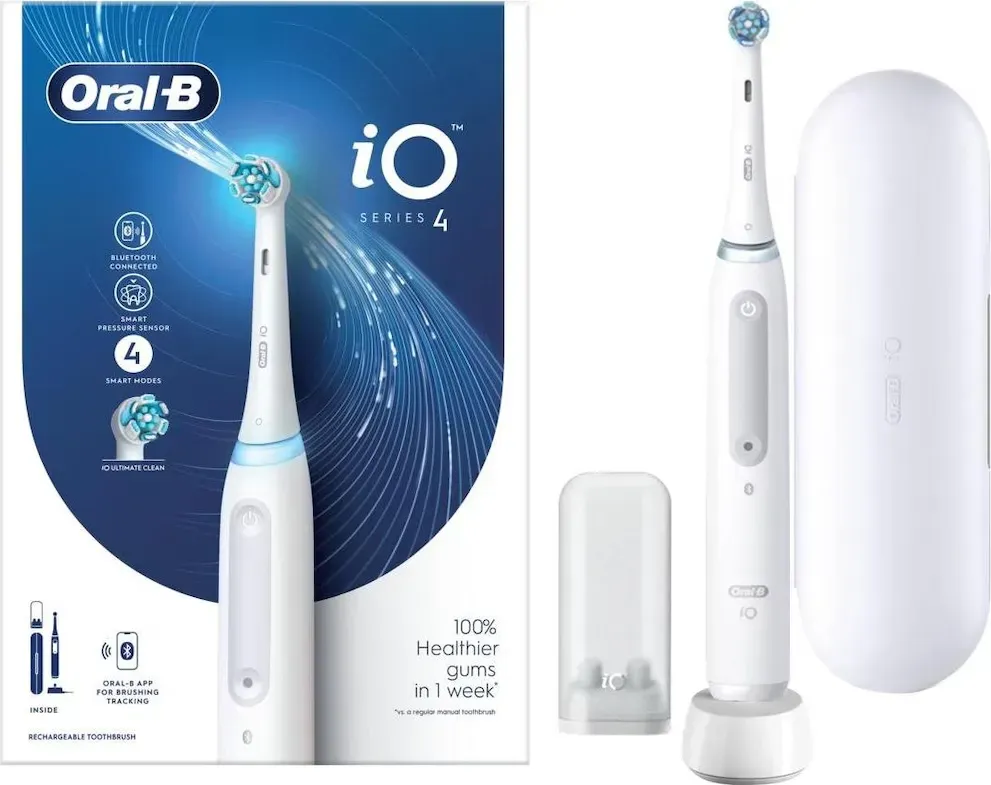
102 Pages
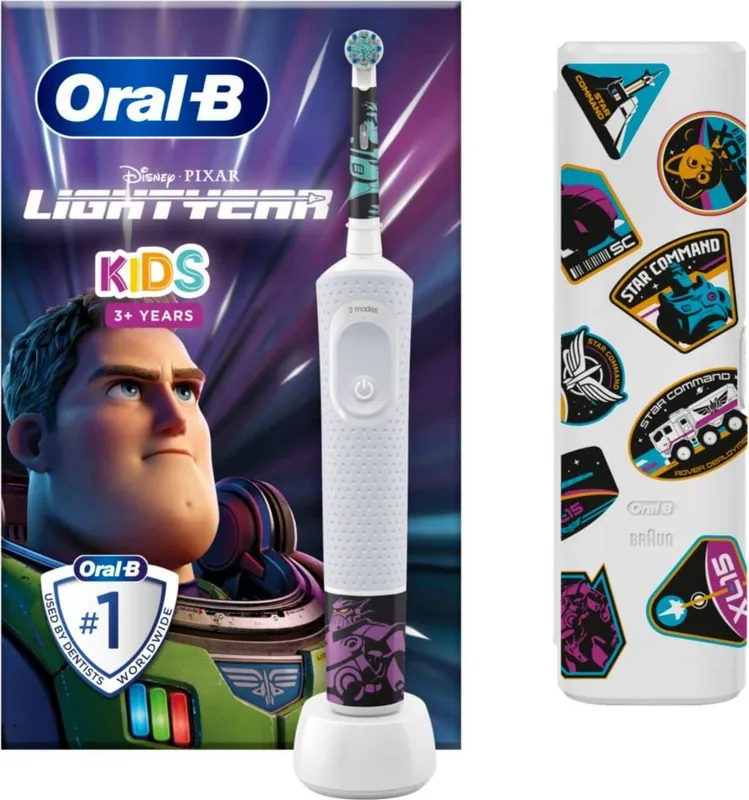
19 Pages
11 Pages
24 Pages
101 Pages
18 Pages
18 Pages
23 Pages

24 Pages
24 Pages
24 Pages

24 Pages
24 Pages
165 Pages
110 Pages
118 Pages
109 Pages
162 Pages
82 Pages
103 Pages

117 Pages
24 Pages
11 Pages
110 Pages
117 Pages
166 Pages
88 Pages
86 Pages
166 Pages
110 Pages
Categories

Free Oral-B Manuals - Read, Download & Print
Find Oral-B Manuals for Everyday Care
Looking for a clear, convenient way to use, maintain, or troubleshoot your Oral-B electric toothbrush, water flosser, or charging accessory? Free Oral-B manuals provide practical guidance for owners who want to get the best performance from their oral care devices. Whether you have misplaced the original booklet, purchased a pre-owned product, or simply prefer a digital copy, online manuals can help you access important product information when you need it.
Oral-B manuals are designed to explain device setup, charging procedures, cleaning routines, operating modes, safety instructions, and care recommendations. Many guides also include illustrations, technical details, warranty information, and answers to common questions. Reading the correct manual for your specific model can make daily use easier while helping you understand the features included with your device.
Read Oral-B Manuals Online
Reading an Oral-B manual online is a fast option for users who need help without downloading files or printing pages. Digital manuals can be viewed on a computer, tablet, or phone, making them useful at home, while traveling, or when setting up a new device in the bathroom.
Online manuals may include instructions for a wide range of Oral-B products, including rechargeable electric toothbrushes, iO toothbrushes, Genius series models, Pro series toothbrushes, SmartSeries models, Vitality toothbrushes, kids toothbrushes, brush heads, chargers, travel cases, and oral irrigators. Since functions differ between models, it is important to locate the manual that matches the name and model number shown on your product or packaging.
A readable manual can help you understand basic tasks such as turning the device on and off, selecting brushing modes, checking battery status, connecting compatible smart features, and replacing brush heads. It can also clarify which components are water resistant, which items should be cleaned by hand, and how to store the device correctly.
Why Read the Manual First?
A manual is often the quickest source of accurate product-specific information. Instead of guessing how a light indicator works or whether a charger is compatible, you can review the manufacturer's instructions. This may help prevent avoidable issues such as improper charging, using damaged parts, or selecting the wrong cleaning method.
For new users, the manual can explain the intended brushing routine and the purpose of features such as pressure sensors, timers, quadrant reminders, Bluetooth connectivity, and multiple cleaning modes. For long-time owners, it can be a useful reference when replacing accessories, resetting settings, or identifying indicator lights.
Download Free Oral-B Manuals
Downloading an Oral-B manual gives you access to the instructions even when you are offline. A saved PDF file can be stored on a computer, phone, cloud drive, or tablet for future reference. This is especially useful for households with several oral care products or for users who want to keep product documents organized in one place.
Before downloading, confirm the model number and product family. Similar-looking Oral-B devices may use different chargers, handles, brush heads, displays, or operating systems. Using the matching manual helps ensure that the instructions apply to your exact device.
Benefits of Downloading a Manual
Downloading a manual offers several practical benefits:
- Keep a backup when the printed guide has been lost.
- Search within the document for terms such as charging, cleaning, battery, warranty, or replacement head.
- Zoom in on diagrams, warning labels, and setup illustrations.
- Save multiple manuals for different devices in one location.
- Share the guide with other members of your household.
- Review instructions while away from home without needing an internet connection.
Many manuals are provided in PDF format, which is easy to open with common document readers. If your device does not open PDF files automatically, install a trusted PDF reader or use your browser's built-in viewer. Saving the file with a descriptive name, such as "Oral-B iO Series Manual," can make it easier to find later.
Print Oral-B Manuals When You Need a Paper Copy
A printed Oral-B manual is useful for people who prefer paper instructions or want a reference near the charging station. Printing only the most relevant pages can save paper while still giving you quick access to setup steps, safety notes, cleaning instructions, and troubleshooting information.
For example, you may choose to print pages covering initial charging, brush head replacement, indicator meanings, or care instructions. If the manual contains multiple languages, print only the section you need. You can also print in black and white to reduce ink use, although color pages may be helpful when the guide uses colored symbols or diagrams.
Tips for Printing Manuals
Check the print preview before printing to make sure headings, diagrams, and page numbers are readable. Select the correct paper size and orientation, especially for manuals with wide illustrations. Double-sided printing can reduce the number of sheets, and stapling or placing pages in a folder helps keep them together.
Keep printed manuals in a dry place away from sinks, showers, and other moisture. If you store the guide in the bathroom, consider using a plastic document sleeve or keeping it in a nearby cabinet. A clean, readable copy can be helpful when a device needs to be checked, cleaned, or prepared for travel.
Common Information Found in Oral-B Manuals
Oral-B product manuals usually cover the core information needed to operate and care for a device safely. Exact content varies by model, but many guides include sections on the following topics.
Setup and Charging
Manuals often explain how to unpack the product, attach a brush head, connect the charger, and prepare the device for first use. They may describe charging times, battery indicators, compatible power supplies, and travel charging options. Follow the stated electrical and charging instructions for your region and model.
Brushing Modes and Features
Depending on the device, the manual may describe daily clean, sensitive, whitening, gum care, intense clean, tongue clean, and other available modes. It may also explain visible pressure alerts, smart rings, timers, display messages, and personalized settings. Not every Oral-B model includes every function, so use the guide for your specific handle.
Cleaning and Maintenance
Regular maintenance can help preserve hygiene and performance. Manuals may describe rinsing the brush head after use, wiping the handle, cleaning the charging base, and removing toothpaste residue. They can also identify parts that should not be placed in a dishwasher or immersed beyond the manufacturer's instructions.
Replacing Brush Heads and Parts
A manual may provide guidance on fitting and removing brush heads, recognizing replacement reminders, and using compatible accessories. If a component appears cracked, loose, damaged, or unusually worn, consult the product instructions before continuing use. Use parts and accessories intended for your particular Oral-B model whenever possible.
Safety Guidance
Safety sections are important and should not be skipped. They may include warnings related to electrical connections, damaged cords, battery handling, young children, cleaning, medical devices, and safe use around water. Always follow the instructions supplied with the product and contact an authorized service provider if you notice damage or malfunction.
Troubleshooting Oral-B Devices
When an Oral-B toothbrush does not charge, starts behaving differently, or displays an unfamiliar indicator, the manual is a useful first step. Troubleshooting sections may cover common situations such as a weak battery, a handle that will not start, a charger that appears inactive, a flashing light, pairing difficulties, or reduced performance.
Start by checking the simple details listed in the guide. Confirm that the charger is connected to a working outlet, the handle is seated correctly, and the device has had enough time to charge. Inspect the brush head and handle for visible buildup or damage. If the model includes an app connection, review the pairing instructions and verify that Bluetooth is enabled on the compatible mobile device.
Do not attempt repairs that are not described in the manual. Opening a sealed handle, modifying electrical components, or using incompatible chargers can create safety risks and may affect warranty coverage. For persistent problems, use the official support and service options associated with your product.
How to Locate the Correct Oral-B Model Number
The model number is the best way to find the right Oral-B manual. It may be printed on the handle, charging base, packaging, product label, or purchase documentation. Product names alone can sometimes be broad, since a series may include several versions with different features.
When searching for a manual, use the full model number whenever possible. You can also include the product family, such as Oral-B iO, Genius, Pro, Smart, Vitality, or Kids. Compare product images, button layouts, display features, and charger styles with the manual to confirm that you have selected the correct document.
Keep Your Oral-B Instructions Accessible
Free Oral-B manuals make it easier to read, download, and print the information needed for confident product use. A digital or printed guide can support proper setup, routine maintenance, feature discovery, and basic troubleshooting. Keep a copy available for each device in your home, especially when several family members use different Oral-B models.
By checking the correct manual before making changes to settings, replacing components, or addressing a problem, you can use your oral care device with greater confidence. Review safety guidance, follow cleaning recommendations, and retain important service and warranty details for future reference.
Search for 67,706 Manuals online


Type-in Brand or Model