
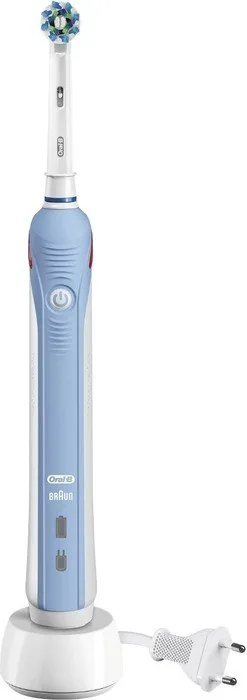
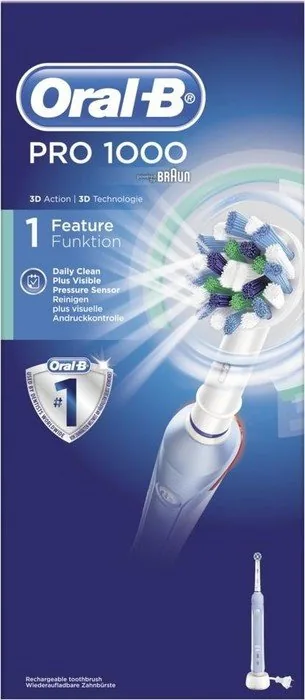
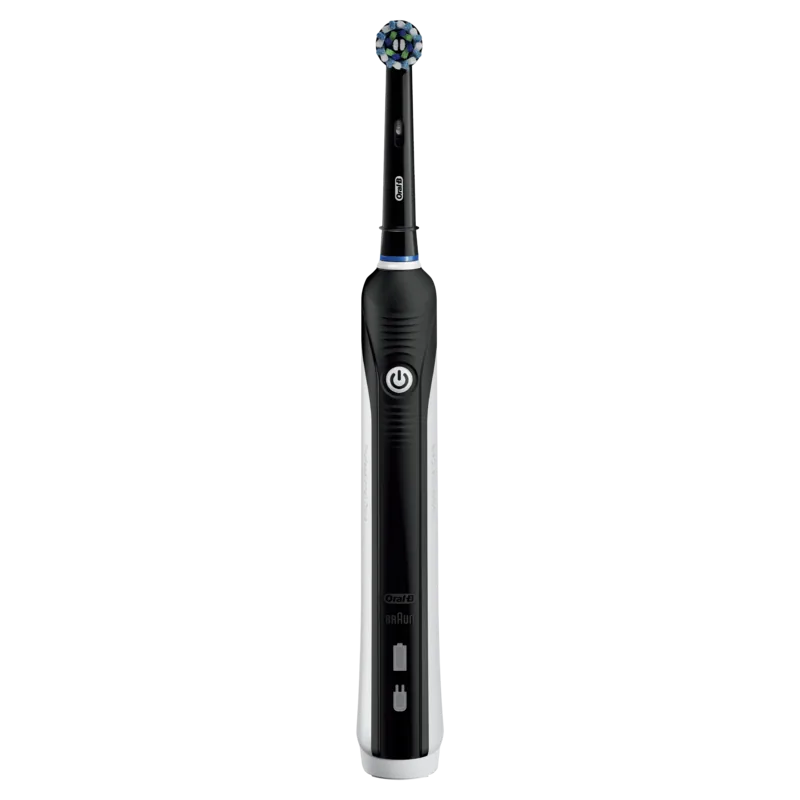
Oral-B PRO 1000 Cross Action Manual
PDF manual · 24 Pages
English



Quick check
Incorrect answer, please try again.
Chat with your Oral-B PRO 1000 Cross Action manual using AI
Get instant AI answers from your Oral-B PRO 1000 Cross Action manual
Ask anything about the Oral-B PRO 1000 Cross Action. Answers come from this manual, with the pages they are based on.
PRO 1000 Cross Action Maintenance Schedule
Replace the brush head every 3 months or sooner if it becomes worn. The blue Indicator bristles fade halfway to signal when replacement is needed.
Rinse the brush head under running water with the handle switched on. Switch off, remove the head, clean both parts separately, and wipe them dry before reassembling.
Periodically check the entire product and power cord for damage. If damaged or non-functioning, do not use and take it to an Oral-B Service Centre.
Periodically check the operation of the pressure sensor by pressing moderately on the brush head during use to ensure the light activates.
Free maintenance reminders
Timed to your purchase date. Always free, unsubscribe anytime.
Ask a Question
Do you recommend PRO 1000 Cross Action?
Yes No
David Chen
6 months ago
Does this model have Bluetooth connectivity or an app for tracking brushing habits?
Frequently Asked Questions
You should replace the brush head every three months or sooner if the bristles become frayed. The indicator bristles will fade halfway when it is time for a change.
Is this answer helpful?
Yes, the handle is fully waterproof and electrically safe, making it perfectly suitable for use in the shower or bath without any risk of electrical shock.
Is this answer helpful?
A flashing red light indicates that the battery is running low. If the light stays on or the motor slows down, the battery is nearly empty and needs charging.
Is this answer helpful?
The Oral-B PRO 1000 primarily operates in one Daily Clean mode. It does not offer specialized modes like Sensitive or Whitening found in more advanced series.
Is this answer helpful?
A full charge typically takes about 15 hours. After a deep discharge, the indicator light might take up to 30 minutes to start blinking.
Is this answer helpful?
Yes, the two-year limited warranty is valid in countries where Braun or an authorized distributor sells the product, provided you have proof of purchase.
Is this answer helpful?
Advantages and Disadvantages
Advantages

- Removes up to 300% more plaque than a manual toothbrush
- Built-in 2-minute professional timer with 30-second intervals
- Pressure sensor light protects gums from excessive force
- Long-lasting battery provides up to 2 weeks of use per charge
- Waterproof design suitable for safe use in the shower
Disadvantages

- Does not include multiple cleaning modes like higher-end models
- Charging time is relatively long at approximately 15 hours
- No travel case included in the standard package
- Brush head replacement cost adds up over time
- Motor vibration may feel intense for very sensitive users initially
Product Specification
Type
Electric toothbrush
Power source
Battery (NiMH)
Brush head
Round
Cleaning programs
1
Timer
4x 30 seconds
Features
Charging indicator light, Pressure control
Operating time
28 min (7 days)
Package contents
Charging station, 1x replacement brush head (1x CrossAction)
Product Description
Experience Superior Oral Care with the Oral-B PRO 1000 Cross Action Manual
The Oral-B PRO 1000 Cross Action Manual represents a significant step forward in daily oral hygiene, designed to deliver a professional cleaning experience right at home. This electric toothbrush combines advanced oscillating and rotating technology with a user-friendly design to ensure your teeth and gums receive the attention they deserve. Whether you are looking for a reliable upgrade from a manual brush or simply want to maintain optimal dental health, this model offers the perfect balance of power and precision.
At the heart of the Oral-B PRO 1000 is its dynamic cleaning action. The unique cross-action bristles work in tandem with the motor to remove up to 300% more plaque than a regular manual toothbrush. The device features a built-in professional timer that pulses every 30 seconds to remind you to move to the next quadrant of your mouth, ensuring you brush all areas evenly for the dentist-recommended two minutes. Additionally, many models include a pressure sensor light that alerts you if you are brushing too hard, protecting your sensitive gums from damage while still providing a thorough clean.
Battery life is another standout feature of this toothbrush. A single full charge typically lasts for up to two weeks of regular use, making it incredibly convenient for travel or busy schedules. The waterproof handle allows for safe use in the shower or bath, and the unit is designed to be easy to clean and maintain. By replacing the brush head every three months, you can ensure consistent performance and the best possible results for your smile. Embrace a healthier smile today with the proven technology of the Oral-B PRO 1000 Cross Action Manual.
Key Features and Benefits
This toothbrush is engineered for efficiency and ease of use. The ergonomic handle fits comfortably in the hand, reducing strain during brushing sessions. The charging station keeps the unit ready for immediate use whenever needed, eliminating the stress of finding batteries. With multiple compatible brush heads available, you can customize your routine to address specific needs such as whitening, sensitivity, or gum care.
Important Notes
- Replace brush heads every 3 months for optimal cleaning.
- Ensure the charger remains dry and away from water sources.
- Consult your dentist if bleeding persists after two weeks of use.
- Store the device at room temperature for best battery performance.
Search for 67,706 Manuals online


Type-in Brand or Model
Tanya Moore
7 months ago
How long does the battery last on a full charge and how long does it take to fully recharge?
Manual.ly
7 months ago
The Oral-B Pro 1000 battery typically lasts about one week with twice-daily use of two minutes each. However, users should be aware that the initial full charge can take between 16 to 24 hours, depending on the specific unit and charging conditions. While the battery life is generally sufficient for travel without the charging station, the long recharge time means it is best to leave the toothbrush on the charger overnight when not in use.