
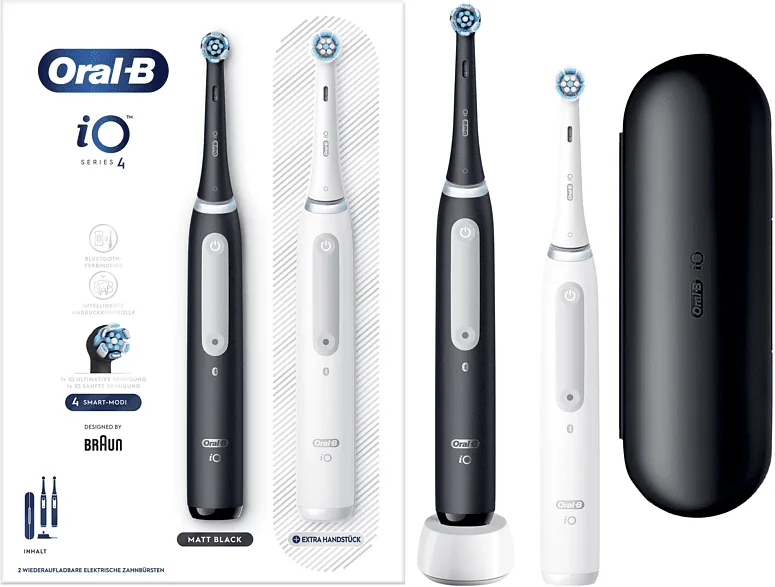
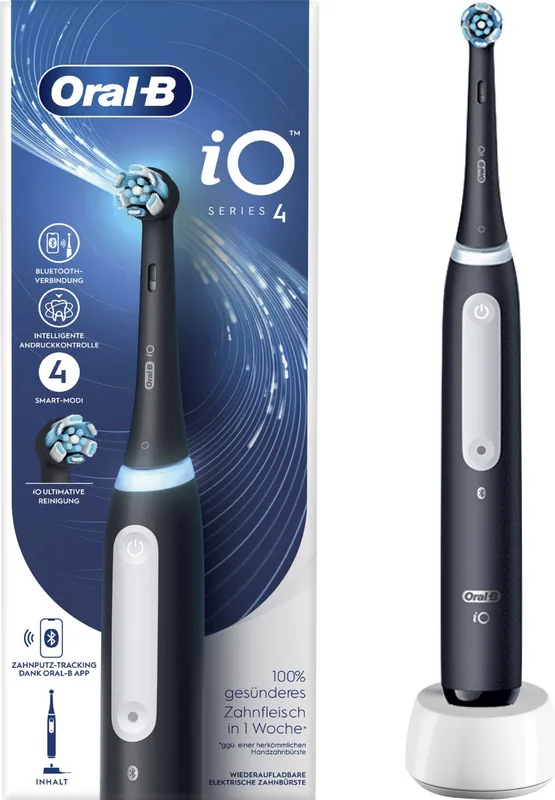
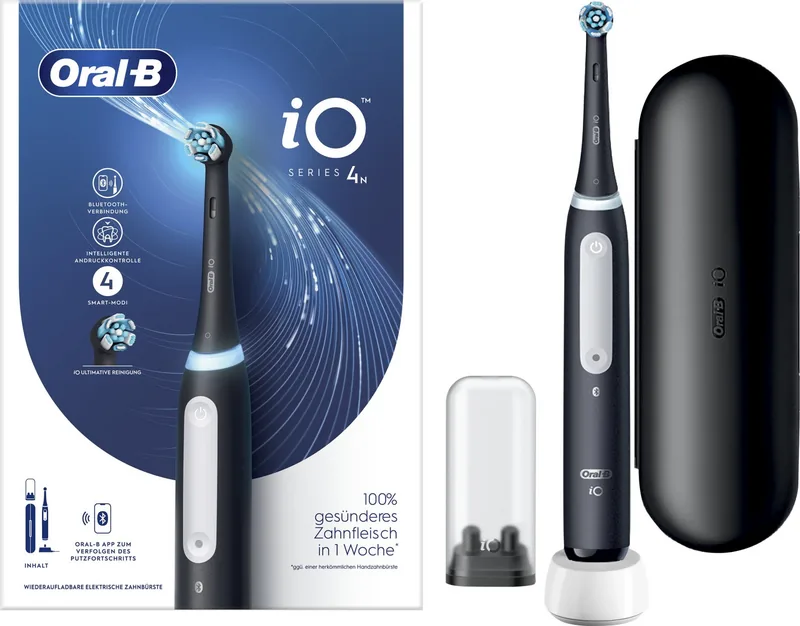
Oral-B iO Series 4 Manual
PDF manual · 165 Pages
English



Quick check
Incorrect answer, please try again.
Chat with your Oral-B iO Series 4 manual using AI
Get instant AI answers from your Oral-B iO Series 4 manual
Ask anything about the Oral-B iO Series 4. Answers come from this manual, with the pages they are based on.
iO Series 4 Maintenance Schedule
Replace the brush head every 3 months or sooner if bristles are worn or splayed. Replace immediately if the handle is dropped.
Rinse the brush head under running water with the handle switched on. Remove the brush head and clean the handle separately, then dry all parts.
Clean the charger regularly with a damp cloth. Do not submerge it in water.
Free maintenance reminders
Timed to your purchase date. Always free, unsubscribe anytime.
Ask a Question
Do you recommend iO Series 4?
Yes NoFrequently Asked Questions
You should replace the brush head every 3 months. However, if the INDICATOR bristles fade halfway or splay earlier, replace it sooner. The manual also notes a yellow reminder light will signal when to change it if used twice daily.
Is this answer helpful?
To reset the reminder, hold the mode button for 2 seconds. A vibration and light signal will confirm the reset. If no action is taken, the timer will automatically reset itself after several days.
Is this answer helpful?
Check if the battery is very low as it may take 30 minutes to display charge. Ensure the ambient temperature is between 5 and 35 degrees Celsius. Verify the charger is plugged into mains voltage correctly.
Is this answer helpful?
Persons with pacemakers should keep the toothbrush more than 15 centimeters away when turned on. If interference is suspected, disable Bluetooth on the handle to minimize electromagnetic risk.
Is this answer helpful?
If the motor stops, the battery might be empty. Place the toothbrush on the charger. If it stops due to high pressure, the movement reduces automatically. If it stops due to temperature, wait for it to normalize.
Is this answer helpful?
Download the Oral-B App from the App Store or Google Play. Launch the app and follow the Bluetooth pairing instructions. First pairing requires the app interface, showing a blue Smart Pressure Sensor light during the process.
Is this answer helpful?
The product comes with a two-year guarantee starting from the purchase date. It covers material defects. Unauthorized repairs or non-original parts void the warranty claim immediately.
Is this answer helpful?
Advantages and Disadvantages
Advantages

- Smart Pressure Sensor prevents gum damage with light feedback
- Bluetooth connectivity allows app integration for tracking
- Multiple modes including sensitive and whitening options
- Quiet operation at 64 decibels compared to older models
- Indicator bristles show when to change brush heads easily
Disadvantages

- 16-hour charge time is long for emergency use cases
- App pairing can sometimes be difficult or intermittent
- Battery is non-replaceable requiring full unit disposal
- Requires specific Oral-B iO brush heads for operation
- Pacemaker users must maintain 15cm safety distance
Product Specification
Type
Electric Toothbrush
Power Source
Battery Operated (Li-Ion)
Brush Head
Round
Timer
2 min
Special Features
App Control (Bluetooth), Charging Indicator Light, Charging Status Indicator, Pressure Control
Product Description
Unlocking the Potential of Your Oral-B iO Series 4 Manual
Welcome to the advanced world of oral care with the Oral-B iO Series 4. This comprehensive manual serves as your essential guide to maximizing the performance of your new electric toothbrush. Whether you are a first-time user or upgrading from an older model, understanding the intricate features within this document is crucial for optimal hygiene and device longevity. The manual ensures you get the most out of your investment by detailing setup, usage, and maintenance protocols.
Key Features Explored
The Oral-B iO Series 4 utilizes innovative magnetic technology to ensure a smooth and quiet brushing experience. A standout feature described in the documentation is the Smart Pressure Sensor. This intelligent component reacts with a light ring around the handle, guiding you to apply the correct amount of pressure. Green indicates optimal pressure, while red warns against brushing too hard to protect your gums. White light signals that you might need to apply more pressure. The manual specifies that the device operates at a noise level of 64 decibels, making it quieter than conventional rotary brushes.
Connectivity is another highlight. The manual details how to pair your device with the Oral-B App using Bluetooth. Through the smartphone link, users can personalize settings, track brushing habits, and even adjust the light ring colors. This integration provides real-time feedback on your daily oral care routine, allowing you to see where you are missing spots. The app allows customization of timer settings and mode order as well.
Usage and Modes
The device offers multiple brushing modes depending on the specific model packed. These include Daily Clean, Intense, Sensitive, Super Sensitive, Whiten, Tongue Clean, and Gum Care. The timer ensures you brush for the dentist-recommended two minutes, stuttering every 30 seconds to remind you to switch to the next quadrant of your mouth. Upon completion, a colorful light ring rewards you with an illumination signal. Some brush heads feature INDICATOR bristles that fade over three months to signal replacement.
Maintenance and Safety
Proper care ensures your machine stays functional. The guide instructs users to rinse the brush head after every use and replace it every three months or sooner if needed. A reminder light will illuminate if it is time for a change. Safety warnings emphasize keeping the device away from water while charging and not attempting to open the unit due to internal non-replaceable battery risks. Patients with pacemakers are advised to keep the device fifteen centimeters away when powered on to prevent interference.
Warranty and Support
The documentation states a two-year guarantee covering material or workmanship defects. To maintain validity, avoid unauthorized repairs or non-original parts. Troubleshooting sections help resolve issues like app connection failures or charging problems. Adhering to the instructions in this manual will protect your warranty and extend the life of your investment. Regular charging and cleaning habits keep the device running smoothly. By following these steps, you ensure a fresh and clean feeling every single day. It is a robust system designed for health and wellness in your daily routine.
Search for 67,706 Manuals online


Type-in Brand or Model