
Oral-B iO Series 4 Manual
PDF manual · 162 Pages
English



Quick check
Incorrect answer, please try again.
Chat with your Oral-B iO Series 4 manual using AI
Get instant AI answers from your Oral-B iO Series 4 manual
Ask anything about the Oral-B iO Series 4. Answers come from this manual, with the pages they are based on.
iO Series 4 Maintenance Schedule
Replace the brush head every 3 months or sooner if bristles are worn or faded.
Rinse brush head under running water with handle on. Remove head and clean handle separately. Dry all parts before reassembling.
Unplug the charger and clean it regularly with a damp cloth.
Check the entire product, cord, and accessories for damage. Do not use if damaged.
Verify Smart Pressure Sensor operation by pressing moderately on the brush head during use.
Free maintenance reminders
Timed to your purchase date. Always free, unsubscribe anytime.
Ask a Question
Do you recommend iO Series 4?
Yes NoFrequently Asked Questions
You should replace the brush head every three months or sooner if the bristles splay. Indicator bristles will fade to show the time.
Is this answer helpful?
White means too little pressure, green means optimal pressure, and red warns of too much pressure applied during brushing.
Is this answer helpful?
A full charge typically takes sixteen hours. The charging indicator blinks white while charging and turns off when full.
Is this answer helpful?
Yes, it connects via Bluetooth to iOS and Android devices. You must have Bluetooth 4.2 or higher for the App.
Is this answer helpful?
Persons with pacemakers should keep the toothbrush more than fifteen centimeters away from the device while turned on.
Is this answer helpful?
Usage by children under age three is not recommended. Children can use it only with adult supervision and instructions.
Is this answer helpful?
The product comes with a two-year warranty starting from the date of purchase for material defects.
Is this answer helpful?
Advantages and Disadvantages
Advantages

- Smart pressure sensor provides visual feedback to protect gums.
- Bluetooth App integration allows personalization and tracking.
- Multiple brushing modes suit different mouth sensitivities.
- Brush head replacement reminder keeps hygiene on schedule.
- Rechargeable battery supports extended daily use.
Disadvantages

- Charging time takes approximately sixteen hours for full charge.
- Internal battery is non-replaceable by the user.
- Bluetooth compatibility depends on user smartphone version.
- Pacemaker users must maintain a distance for safety.
- Warranty voids if non-Oral-B parts are used.
Product Specification
Type
Electric Toothbrush/Water Flosser
Toothbrush
Power Source
Battery Operated (Li-Ion)
Brush Head
Round
Cleaning Programs
4
Timer
4 x 30 seconds
Features
App Control (Bluetooth), Charging Indicator Light, Charge Status Display, Pressure Control, LED Smart Ring
Water Flosser
Water Tank Capacity
20.29 fl oz, suitable for mouthwash
Pressure Levels
5
Package Contents
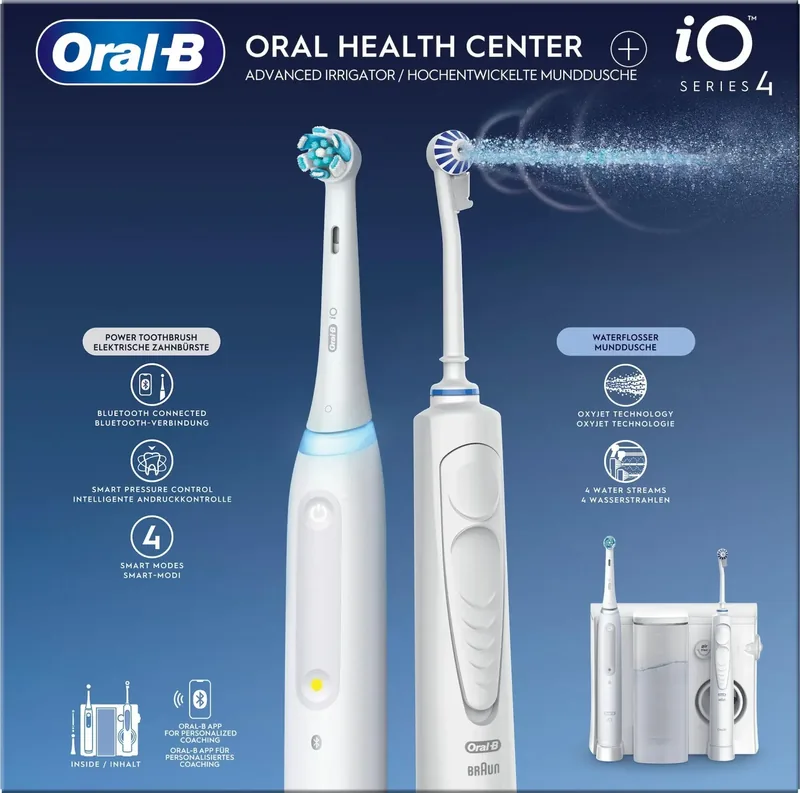
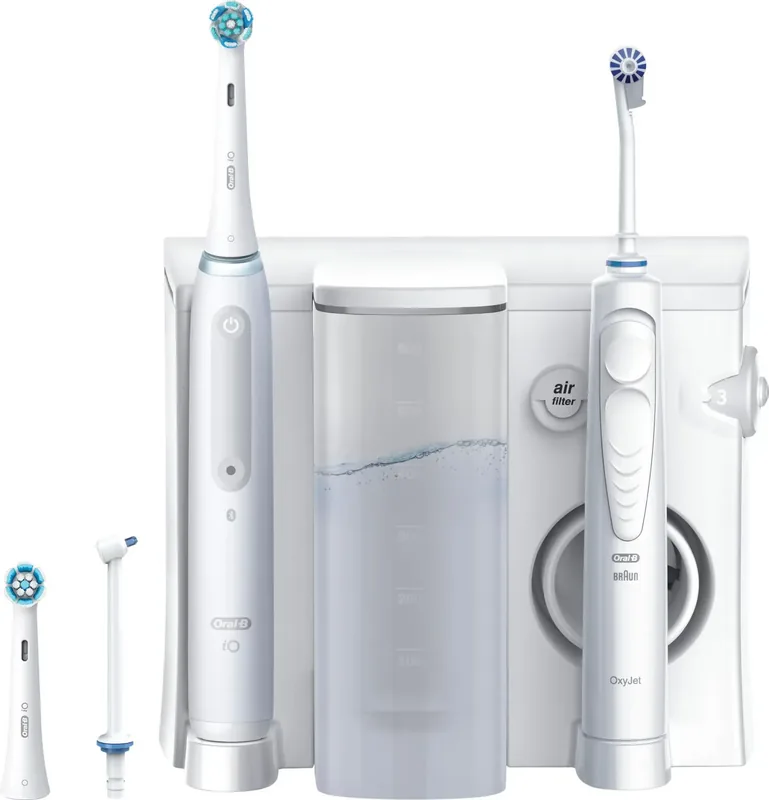
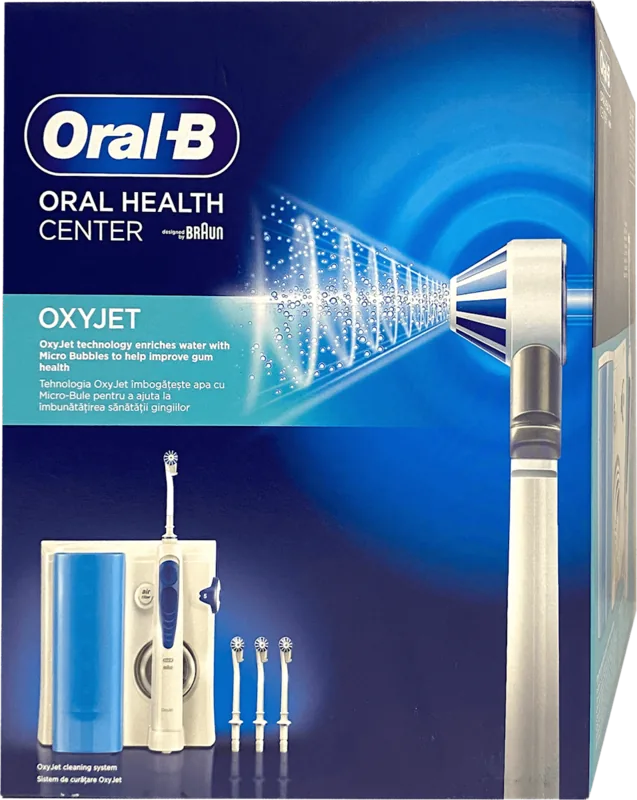
Charging Station, 2 x Brush Heads, 2 x Nozzles (1 x OxyJet, 1 x WaterJet)
Product Description
Unlock Optimal Dental Care with the Oral-B iO Series 4 Oral Health Center + OxyJet Manual
Welcome to the future of oral hygiene with the latest updates found in the Oral-B iO Series 4 Oral Health Center + OxyJet Manual guide. This document empowers users to maintain peak dental health through advanced electric toothbrush technology. The system is designed for personal care and includes specific features that differentiate it from standard models found in the market today.
The intelligent pressure sensor acts as your primary safety feature for every brushing session. It utilizes an optical light ring to communicate pressure levels instantly to the user. White indicates too little pressure which means you are not cleaning effectively. Green means optimal force and red warns of excessive pressure that could harm gums. The device reduces brush head movement automatically when too much force is detected by the sensor mechanism. This feedback loop ensures a thorough clean without sensitivity issues for sensitive enamel.
Connectivity is another major highlight supported by the manual documentation. The Oral-B App syncs via Bluetooth for iOS and Android devices seamlessly. Users can personalize light ring colors and track their brushing duration over time. A three-second timer stutters to remind users to change mouths quadrants. A two-minute long stutter signals the end of the recommended session by the App. You must pair the device through the App first for full functionality to work.
Power management requires careful attention according to technical specifications. The charger provides a full battery life that usually takes sixteen hours to complete. If the battery level drops, a low charge indicator blinks red. Storing the device on the charger keeps it ready, but overloading does not occur. Do not expose the lithium-ion battery to excessive heat exceeding fifty degrees Celsius. Storage at room temperature is best for performance.
Hygiene maintenance involves changing the brush head every three months strictly. Indicator bristles fade to show replacement time visually. If bristles splay early, you may be brushing too hard on the teeth. The replacement reminder activates after three months with a yellow light and vibration. Cleaning the charger and handle separately prevents water damage inside the electronics. Always unplug the device before cleaning the charger unit for safety.
Various cleaning modes cater to specific dental needs and user preferences. Daily Clean is the standard option for everyday use and maintenance. Intense Mode offers higher speed for a deep feel and clean teeth. Sensitive and Super Sensitive modes are available for delicate gums and pain. Whiten mode polishes teeth while Tongue Clean massages the tongue effectively. Gum Care provides a gentle massage for healthy soft tissue. You can switch modes via the button on the handle flexibly. The travel case helps keep the device clean on the go for trips.
Safety protocols are strict for families with small children. Children under three years should not use the appliance without supervision. Pacemaker owners must keep the handle more than fifteen centimeters away. The product comes with a two-year warranty covering defects in materials. Improper use or repairs by unauthorized persons void this protection. Following the Oral-B iO Series 4 Oral Health Center + OxyJet Manual ensures long-term reliability and a brighter smile for all family members. It is essential for anyone adopting this high-tech solution for their daily dental regimen. The instructions cover environmental disposal of batteries as well. Please recycle the device properly.
Search for 67,706 Manuals online


Type-in Brand or Model