
Oral-B iO Series 10 Manual
PDF manual · 118 Pages
English



Quick check
Incorrect answer, please try again.
Chat with your Oral-B iO Series 10 manual using AI
Get instant AI answers from your Oral-B iO Series 10 manual
Ask anything about the Oral-B iO Series 10. Answers come from this manual, with the pages they are based on.
iO Series 10 Maintenance Schedule
Replace the brush head every 3 months or sooner if bristles are worn out to ensure effective cleaning.
Rinse brush head under running water with toothbrush on, remove head, and clean handle and head separately. Dry before reassembly.
Free maintenance reminders
Timed to your purchase date. Always free, unsubscribe anytime.
Ask a Question
Do you recommend iO Series 10?
Yes NoFrequently Asked Questions
A full charge typically takes three hours. If the battery is empty, charge for at least 30 minutes. A complete charge usually completes within 3 hours.
Is this answer helpful?
The device features seven modes. These include daily clean, sensitive, gum care, whiten, intense, super sensitive, and tongue clean. You can customize these via settings.
Is this answer helpful?
Yes, the toothbrush connects via Bluetooth to an iOS or Android smartphone. The Oral-B App is required to unlock full features like tracking and mode customization.
Is this answer helpful?
Replace the brush head every three months. Indicator bristles will fade half-way if used twice daily for two minutes. The display will also remind you.
Is this answer helpful?
Yes, Oral-B provides a two-year warranty from the purchase date. It covers material or workmanship faults. Damage from improper use or unauthorized repairs voids this warranty.
Is this answer helpful?
Keep the toothbrush more than 15 centimeters away from a pacemaker while turned on. The device contains magnets. You may disable Bluetooth to reduce any interference.
Is this answer helpful?
The motor stops once the battery is empty. It requires at least a 5-minute charge to begin a new usage session. Display will turn off if dead.
Is this answer helpful?
Advantages and Disadvantages
Advantages

- Smart Pressure Sensor prevents gum damage.
- Interactive display provides real-time feedback.
- iOsense charger offers live brushing coaching.
- Oral-B App integrates for behavior tracking.
- Two-year warranty ensures product reliability.
Disadvantages

- Battery cannot be replaced by the user.
- High price point compared to standard models.
- Requires specific Oral-B iO brush heads.
- Full features depend on Smartphone connection.
- Charger requires Wi-Fi for clock functionality.
Product Specification
Type
Electric toothbrush
Power source
Battery-powered (Li-ion)
Brush head
Round
Cleaning programs
7
Timer
2 min
Features
App control (Bluetooth), Smiley indicator, Charging status light, Charge level indicator, Pressure control, LED Smiley ring
Package contents
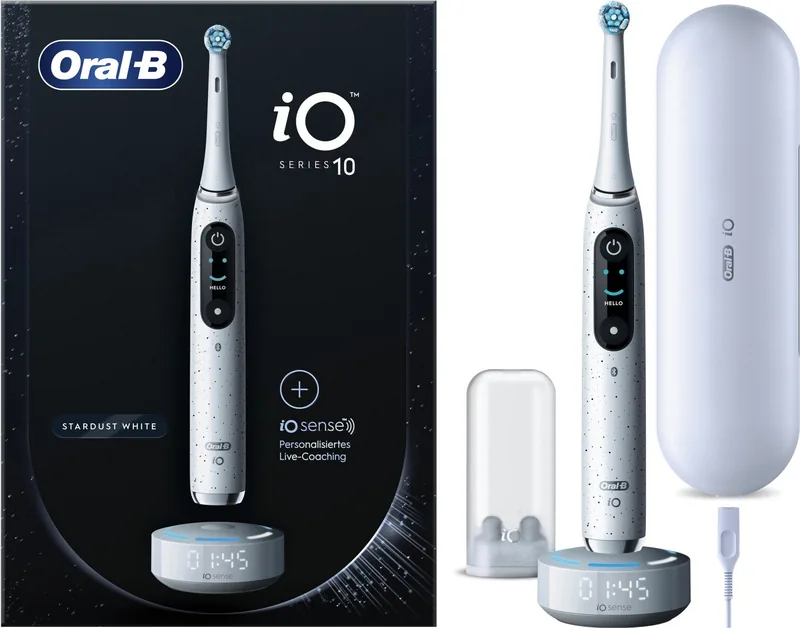
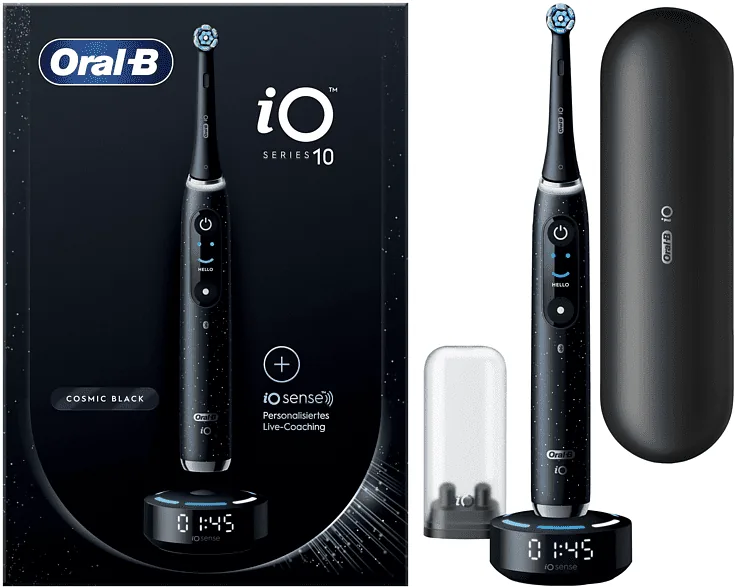
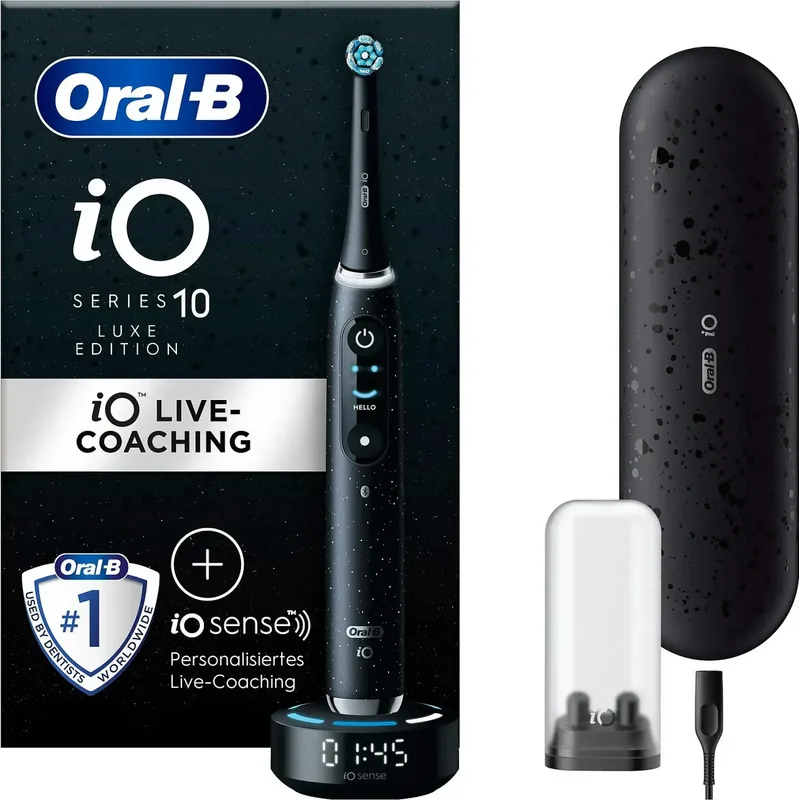
Charging station, Charging case, Mini case for replacement brushes, 1 replacement brush (1 Ultimate Cleaning)
Product Description
Oral-B iO Series 10 Review
The Oral-B iO Series 10 represents the pinnacle of electric toothbrush technology designed for superior oral care and user satisfaction. A key highlight is the integrated light ring which serves as a smart pressure sensor. It changes color from green to red to indicate if you are applying the correct amount of force or if you need to ease up to protect your gums. This intelligent system helps ensure a gentle yet thorough cleaning experience every time you brush.
Features Breakdown
Charging is handled by the iOsense charging station which not only powers the battery but also offers live coaching capabilities. When the toothbrush is placed on the magnetic stand, the charger tracks your coverage and pressure distribution across the upper and lower jaw. This ecosystem connects seamlessly with the Oral-B App on your smartphone via Bluetooth connectivity. Through the app, you can personalize your brush modes, track your cleaning progress over time, and receive vital reminders to replace your brush head effectively.
The toothbrush offers seven distinct cleaning modes tailored to different oral care needs. These include daily clean, sensitive, gum care, whiten, intense, super sensitive, and tongue clean. Each mode adjusts the movement of the brush head to optimize results for specific areas of the mouth. The built-in timer ensures you follow the dentist recommended two minute brushing duration by signaling every thirty seconds to move to the next quadrant. It also memorizes the time even if the device is paused briefly.
Maintenance is straightforward with the smart pressure sensor reminding you to change the brush head every three months. The battery is rechargeable and retains power well during travel especially when paired with the optional travel case. Oral-B stands behind this high-end product with a two year warranty covering manufacturing defects. Safety features include precautions for users with implanted medical devices who should maintain a safe distance from the magnetic fields generated by the unit to prevent interference. This comprehensive system combines precision engineering with smart technology to elevate your daily hygiene routine to a professional standard suitable for the entire family.
Search for 67,706 Manuals online


Type-in Brand or Model