

Free Nous Manuals – Read, Download & Print
6 Manuals
Manuals
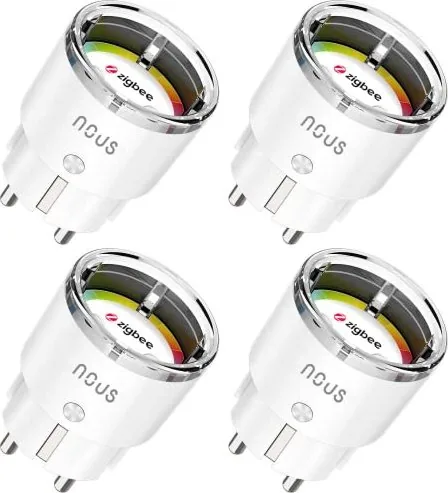
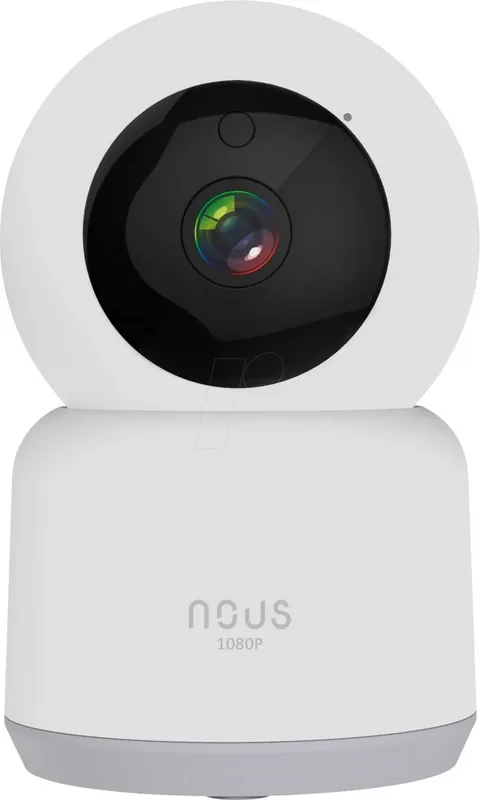
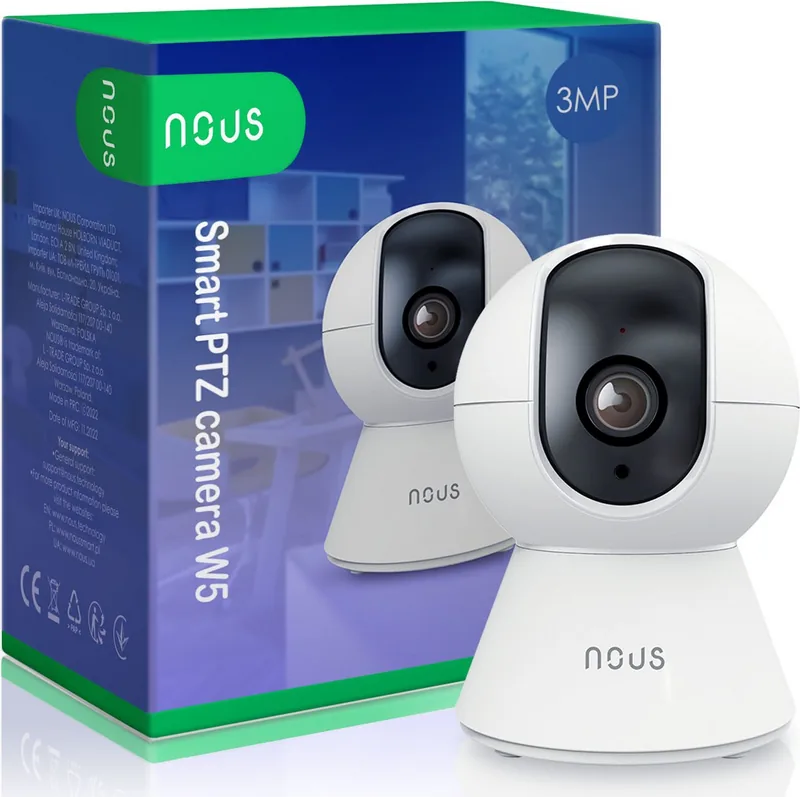
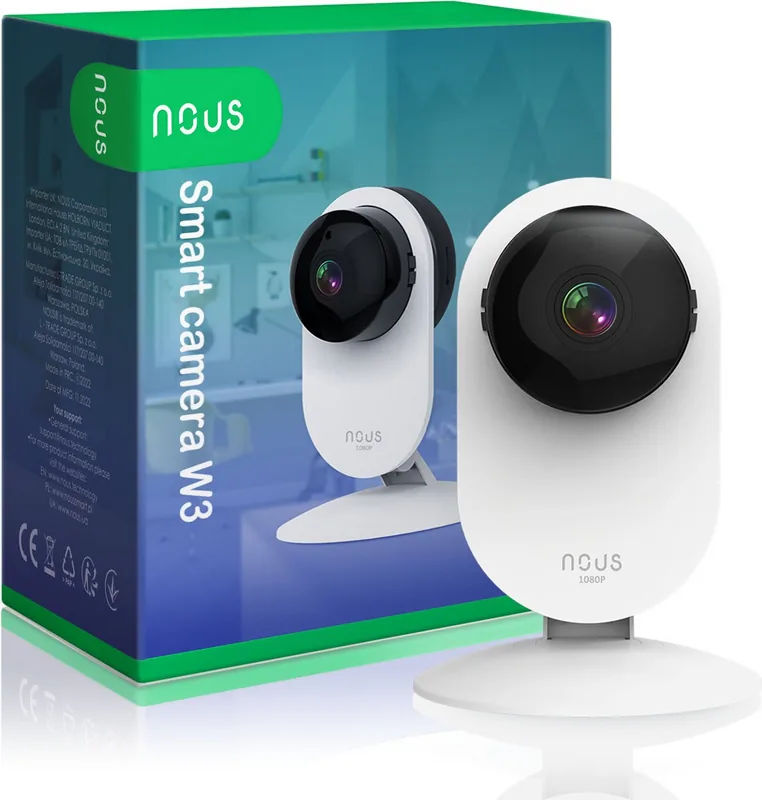
Categories

Free Nous Manuals - Read, Download & Print
Find Helpful Nous Manuals in One Place
Looking for a clear and convenient way to access Nous manuals? This page is designed to help users locate free instruction guides, user manuals, setup documents, and printable reference materials for compatible Nous products. Whether you need help with initial installation, daily operation, device settings, maintenance, troubleshooting, or safety information, a well-organized manual can provide the answers you need.
Nous products may include smart home devices, lighting accessories, plugs, sensors, switches, controllers, and other connected equipment. Because features can vary by product model and version, reading the correct manual is an important first step before configuring a device or making changes to its settings. Digital manuals make it easy to review instructions whenever you need them, from a computer, tablet, or phone.
Read Nous Manuals Online
Reading a Nous manual online is a practical option when you need information quickly. Online documents let you search for specific words, move between sections, and review diagrams without waiting for a printed copy. This is especially useful when you are setting up a new product and need immediate guidance for connecting it to power, pairing it with an app, or understanding indicator lights.
Most product manuals begin with an overview of the device and its included parts. You may find details about buttons, ports, LED indicators, mounting hardware, power requirements, and supported connections. These sections help confirm that the product is complete and that you understand the purpose of each component before beginning installation.
Online access also makes it easier to revisit important information later. If a device stops responding, loses a network connection, or needs to be reset, you can return to the troubleshooting section and follow the recommended steps. Instead of relying on memory, a manual offers a reliable point of reference for common questions.
What You Can Learn From a Manual
A Nous manual can contain useful guidance for many stages of product ownership, including:
- Unpacking and checking the contents of the package
- Reviewing safety notices and electrical requirements
- Identifying buttons, connectors, and status lights
- Installing the device in a suitable location
- Connecting the product to a home network or mobile app
- Pairing the device with compatible platforms or accessories
- Adjusting features, schedules, scenes, or automation settings
- Performing a factory reset when needed
- Cleaning, storing, and maintaining the product
- Finding technical specifications and support details
Always refer to the manual that matches the exact model number shown on the product label, packaging, or purchase documentation. Similar-looking devices may use different apps, setup methods, firmware, or power specifications.
Download Nous Manuals for Offline Use
Downloading a Nous manual is useful when you want access without an internet connection. A saved PDF or document file can be stored on your computer, smartphone, tablet, or cloud drive for future reference. Offline copies are particularly helpful during installation projects, travel, network outages, or situations where the device itself is being configured near a router, electrical panel, or mounting location.
A downloaded manual can also be easier to organize. Create a folder for your home equipment, then save manuals with clear file names that include the brand, product type, and model number. For example, a file name such as "Nous smart plug model manual" is easier to locate than a generic document name. Keeping manuals together can save time when you own multiple connected devices.
Before downloading, verify the title and model number listed in the document. Check that the manual covers your specific product and language preference. If a manual includes a revision date or firmware notes, review them to determine whether it applies to your version of the device. Product instructions may change as features, apps, and connected services are updated.
Benefits of Keeping a Downloaded Copy
An offline manual gives you a dependable reference for routine and unexpected needs. It can help when moving to a new home, replacing a router, changing Wi-Fi credentials, or reconnecting devices after a power interruption. A downloaded guide can also be shared with household members, installers, or property managers who need to understand how the product works.
Digital manuals are easy to search, annotate, and archive. Many PDF readers allow you to add bookmarks, highlight key reset steps, or make notes about your own setup. You can mark the location of a device, record its network details securely, or note the date of installation. These small records can simplify maintenance later.
Print a Nous Manual When You Need a Paper Copy
Printing a manual remains useful for users who prefer paper instructions. A printed guide can be kept near the product, placed in a household maintenance binder, or used during installation without switching between screens. Paper copies are also helpful for people who find diagrams and step-by-step directions easier to follow in print.
You do not always need to print an entire document. Consider printing only the most useful pages, such as the quick-start guide, installation diagram, safety instructions, pairing steps, reset procedure, and troubleshooting chart. This approach reduces paper use while still providing quick access to essential information.
When printing, choose settings that make diagrams and text easy to read. If the manual includes wiring illustrations or small labels, use high-quality printing and avoid shrinking pages too much. Double-sided printing can reduce the number of sheets, while black-and-white printing is suitable for documents that do not rely on color-coded diagrams.
Suggested Pages to Print
For many Nous devices, the following pages are worth keeping nearby:
- Product identification and model details
- Safety warnings and usage limitations
- Installation and placement instructions
- App connection and Wi-Fi pairing steps
- Button functions and LED status meanings
- Reset and reconnection instructions
- Troubleshooting table
- Warranty and technical support information
Use Manuals for Safer Setup and Operation
Following the manufacturer instructions is important for both performance and safety. Before connecting a Nous device, check the manual for voltage requirements, environmental limits, supported network bands, and installation recommendations. Smart home products may require specific operating conditions, including indoor use, dry locations, stable power, or a compatible wireless network.
Do not guess about wiring, power connections, or mounting methods. If a product requires electrical work beyond a simple plug-in connection, consult the manual carefully and use a qualified professional when appropriate. The manual may identify conditions that could cause damage, reduce performance, or create a safety risk.
For connected devices, the manual may also explain how to create an account, grant app permissions, update firmware, and protect your network. Use strong account passwords, keep the controlling app updated, and review privacy settings where available. If you sell, give away, or recycle a smart device, follow the documented reset process to remove personal settings and network information.
Troubleshooting Common Nous Device Issues
Manuals often include a troubleshooting section for common setup and operation concerns. Typical issues may involve power, Wi-Fi connectivity, pairing, app recognition, voice assistant integration, scheduled actions, or device resets. Start with the simple checks listed in the guide, such as confirming power, verifying the correct network, moving closer to the router, or restarting the device.
If a device will not pair, make sure it is in the correct setup mode. Indicator lights often provide useful clues, and the manual should explain what different blinking or solid light patterns mean. Some products require a reset before they can be added to a new network or account. Follow the reset instructions exactly, as button press timing can differ between models.
When troubleshooting does not solve the problem, gather the model number, product serial information if available, app version, and a clear description of the issue. This information can help support teams provide more accurate assistance.
Keep the Right Manual for Every Model
The best manual is the one written for your exact Nous product. Check the label carefully and compare it with the document title before using instructions. This is especially important for devices with multiple generations, regional variations, or similar names. Using the wrong manual can lead to failed setup attempts, missing features, or incorrect configuration.
Free Nous manuals offer a practical way to read instructions online, download documents for offline access, and print the pages you use most. Keep your guides organized, review safety information before installation, and use the official instructions as your primary source for setup, maintenance, and troubleshooting. With the right manual close at hand, managing your Nous device can be simpler, safer, and more convenient.
Search for 67,706 Manuals online


Type-in Brand or Model