
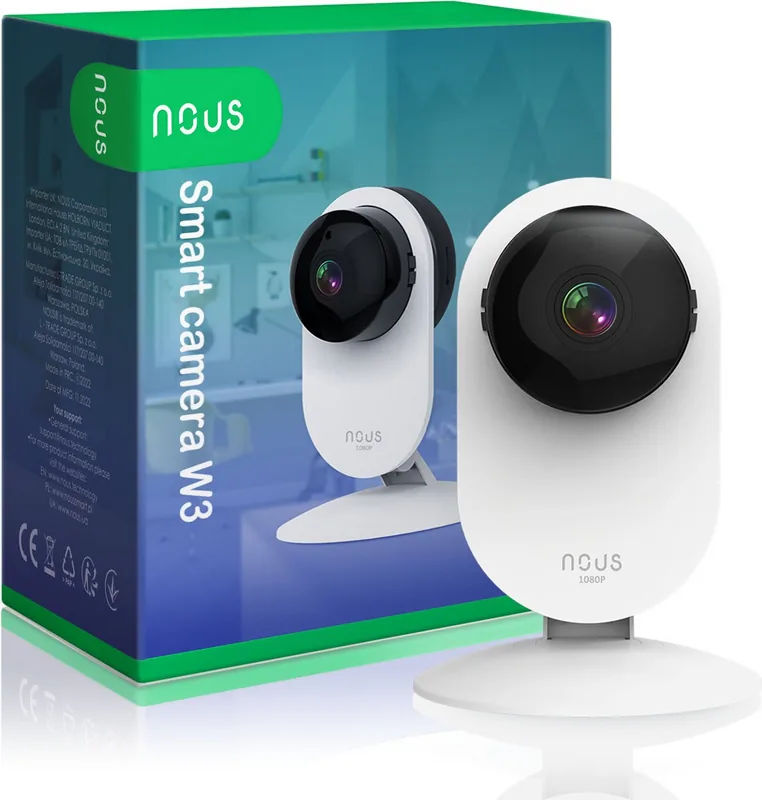
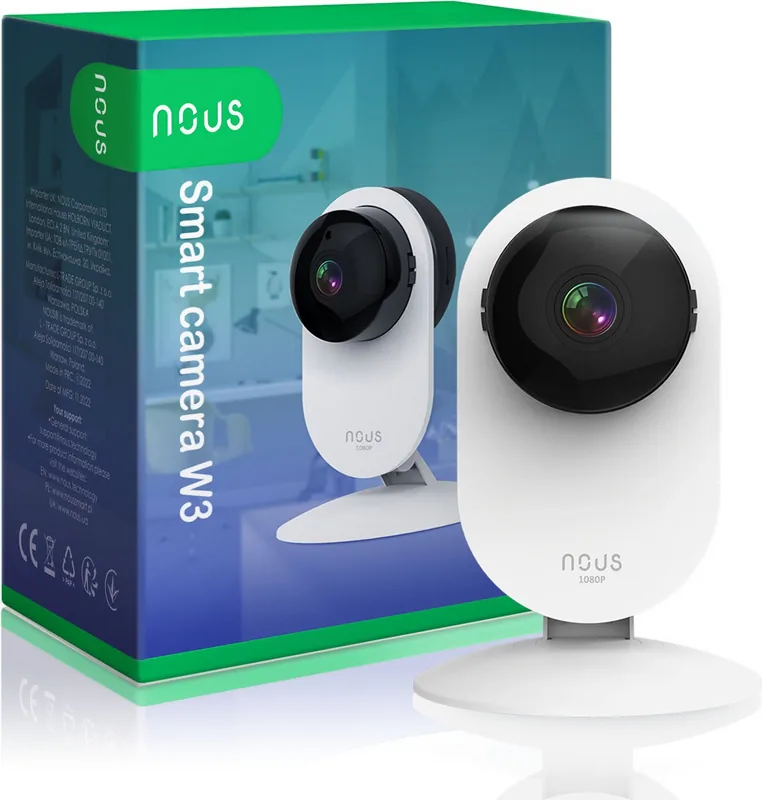
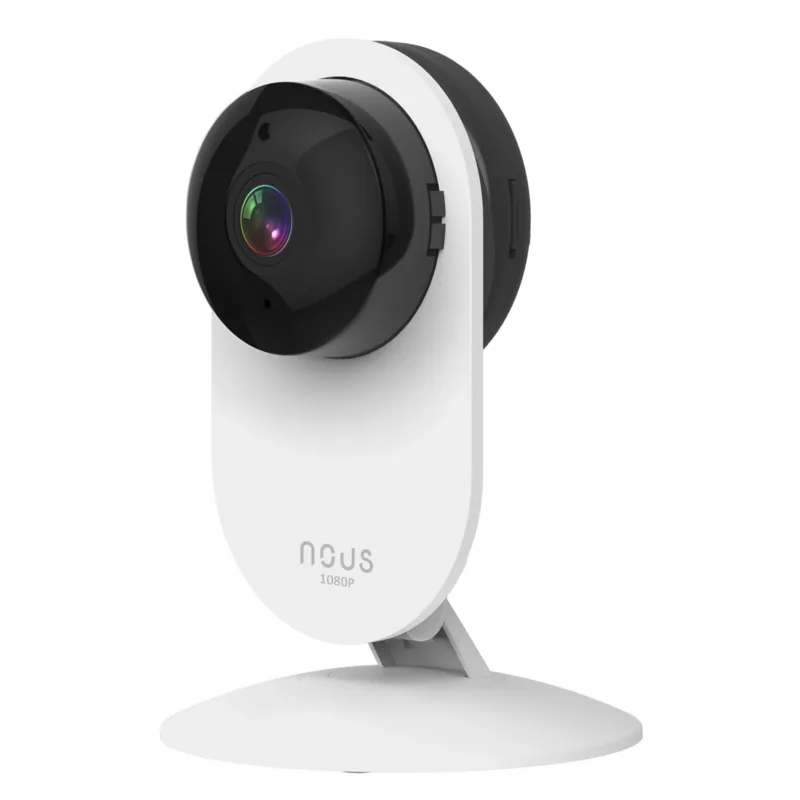
Nous W3 Manual
PDF manual · 6 Pages
English



Quick check
Incorrect answer, please try again.
Chat with your Nous W3 manual using AI
Get instant AI answers from your Nous W3 manual
Ask anything about the Nous W3. Answers come from this manual, with the pages they are based on.
Ask a Question
Do you recommend W3?
Yes No
Stefan Klein
6 months ago
Is it possible to view the camera feed locally without using the cloud service?

Manual.ly
6 months ago
Currently, this device requires an internet connection and utilizes our cloud infrastructure for all remote features. There is no local webserver function available for direct network streaming. While this setup ensures easy access from anywhere, please ensure your router security is robust since connectivity depends on external servers. We prioritize data protection through encrypted transmission channels.
Frequently Asked Questions
Download the app, register, and scan the QR code on screen after powering on. Follow the wizard steps to connect to your network successfully.
Is this answer helpful?
Yes, visit the provided website and scan the QR code there. This allows access to the live stream from a browser on your laptop.
Is this answer helpful?
Hold the reset button for five seconds until it resets. This reactivates the broadcast mode needed for pairing with your phone.
Is this answer helpful?
You need the Nous Smart Home App registered with email or phone. Login credentials grant access to manage your specific device settings.
Is this answer helpful?
No, follow the step by step wizard and hold camera near phone. The system handles most complexities automatically during the discovery phase.
Is this answer helpful?
Scan the QR code in the box or use the direct link provided. Both methods lead to the official store for installation.
Is this answer helpful?
No, WiFi setup is necessary for connection and updates. Local storage options may vary depending on specific firmware configurations.
Is this answer helpful?
Advantages and Disadvantages
Advantages

- Simple setup process via mobile application requires only basic steps
- Supports both mobile viewing and desktop access for flexibility
- Quick reset feature ensures device can be reconnected easily if issues arise
Disadvantages

- Requires external Wi-Fi network to function properly for streaming
- Desktop login requires navigating a specific website portal
- Instructions rely heavily on visual cues which may confuse some users
Product Specification
Image Sensor
1/2.7" CMOS
Resolution
1920x1080 Pixels (15fps)
Lens
0.14"
Field of View
85 deg (horizontal), 135 deg (diagonal)
Compression/Codecs
H.264
Multistreaming
supported
Wireless
Wi-Fi 4 (WLAN 802.11a/b/g/n)
Data Storage
1x microSD Slot (max. 128GB), Cloud Connection (optional)
Microphone
Integrated
Speaker
Integrated
Lighting
IR Lighting (16.40 ft)
Ingress Protection
IP66
System Control & Operation
Mobile App (Android, iOS)
Zone & Analysis Functions
Motion Detection, Sound Detection, IR Filter
Manufacturer Warranty
2 Years
Product Description
Enhancing Home Security with Modern Technology
Protecting your loved ones and property is a top priority for every household today. The latest smart home solutions allow residents to maintain vigilance without needing constant physical presence inside the residence. One standout solution gaining significant popularity among tech enthusiasts is the unit designed specifically for seamless integration into everyday domestic life. When researching options, ensuring you understand the setup process helps you avoid common pitfalls that delay activation.
Seamless Integration Process
Setting up this advanced camera involves minimal technical knowledge compared to older security systems. You simply need the official application available for your specific smartphone platform. Registration starts immediately with a valid mobile number or email address confirmation. Once logged into the main interface, adding the new unit begins with pressing the designated plus icon located in the corner of the dashboard. Selecting the correct device type from the dropdown menu streamlines the interaction further for the user.
Connection and Setup Details
Visual cues guide the pairing phase completely. If the status light indicator flashes rapidly, the unit is officially ready to receive instructions from the cloud server. In rare cases where it does not respond initially, a quick reset operation lasting five seconds manually reactivates the broadcast signal mode. Entering your secure network password allows the local system to establish the encrypted connection safely. A dynamic QR code displayed on your mobile screen bridges the communication gap between the phone and the optical lens. Holding the device within close range facilitates accurate scanning within twenty centimeters. Upon confirming auditory feedback sounds, data transmission initialization occurs successfully without errors.
Remote Access Capabilities
Viewing footage is not limited to handheld devices alone. Users can extend their surveillance reach by accessing a dedicated management portal via any web browser software installed on a laptop. Authentication here utilizes a similar method involving visual codes generated from the internal screen. This flexibility ensures family members can check live video from an office computer or work station anytime they wish. The ability to monitor feeds across multiple platforms enhances overall utility and response times significantly. Stability remains the absolute key factor throughout these operations as network connectivity dictates final performance quality.
Conclusion
Ultimately, this investment offers immense peace of mind through constant situational awareness capabilities. Modern expectations demand high reliability and complete ease of use which this hardware delivers effectively to everyone. Proper configuration unlocks the full potential for monitoring daily household activities securely. Whether checking on beloved pets or monitoring critical entry points, technology serves the user perfectly when aligned correctly using available digital resources found online.
Search for 67,706 Manuals online


Type-in Brand or Model
Sarah Klein
6 months ago
Can I stream video directly to my local network without using the cloud? I am concerned about security since the camera lacks a local web server.
Manual.ly
6 months ago
Hello. This model operates exclusively via cloud services. It does not support local streaming or web server access. All data sent to the cloud is secured with encryption. During setup, please remember that WiFi passwords are limited to 20 characters. For local recording needs, our NVR compatible cameras might be a better fit.