

Free MOZA Manuals – Read, Download & Print
9 Manuals
Manuals
Categories


MOZA Manuals Overview
MOZA represents a significant brand within the consumer electronics landscape. Specifically, their name is recognized for high-quality stabilization hardware and motion simulator accessories. Users who own these devices often seek specific documentation to optimize performance. MOZA Manuals serve as the primary source of truth for operation. This document explores the necessity, accessibility, and content of these guides. Proper usage ensures longevity and safety.
The Role of Instructional Guides
Instructional guides are critical for complex electronic devices. They outline the hardware specifications and software requirements. A user who ignores these documents risks damaging the motor units or the control board. MOZA Manuals provide structured information. They break down the unboxing process. This ensures all components are present. It also explains how to secure the mounting plates. Correct installation is vital for balance. An unbalanced gimbal puts stress on the motors. This leads to premature failure. Therefore, the manual is a tool for protection.
Safety Considerations in Documentation
Safety is a paramount concern in the documentation provided by the manufacturer. The manual details battery handling procedures. Lithium polymer batteries require specific care. Overcharging or puncturing them can cause fires. The text explains how to identify damaged cells. It also warns against operating in extreme temperatures. Water contact can short circuit the electronics. Users must read the warning labels carefully. Compliance with these guidelines maintains the warranty. Violation of safety protocols may void the coverage agreement.
Accessing Official Documentation
Obtaining the correct file is straightforward but requires patience. The official MOZA website hosts a dedicated support portal. Users often need to search by model number. Entering the exact model ensures accuracy. Sometimes multiple versions exist for the same hardware line. The second page of documentation often contains version history. This helps users align firmware with specific hardware releases. Third party sites may host outdated files. These should be avoided to prevent software conflicts. The official library is regularly updated.
Downloading Steps for Various Devices
The download process is designed for simplicity. Mobile users can access the mobile optimized site. Desktop users see a larger view of the PDF files. A registration step may be required. This ensures the user agrees to privacy terms. Once registered, the files are available for immediate download. They are usually in PDF format for universal compatibility. Printing is also an option for those who prefer physical copies. Storing the digital file in a cloud account acts as a backup. This prevents loss if the device is misplaced.
Product Specific Guides and Variants
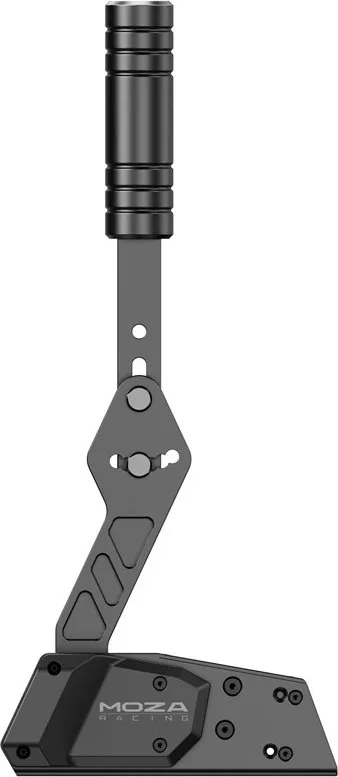
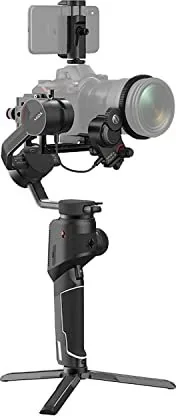
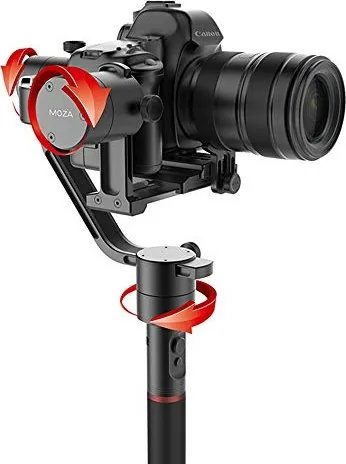
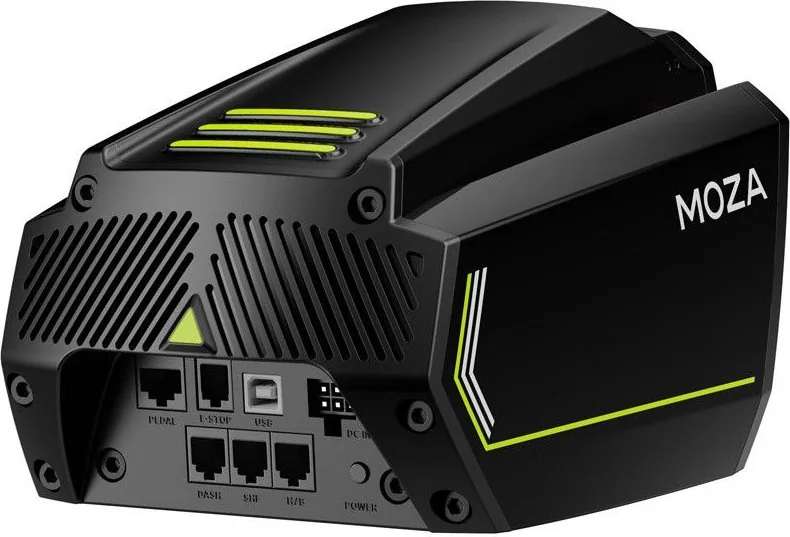
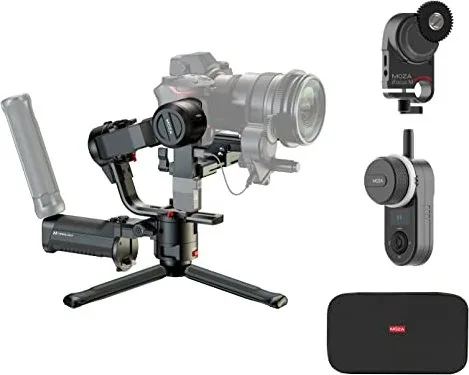
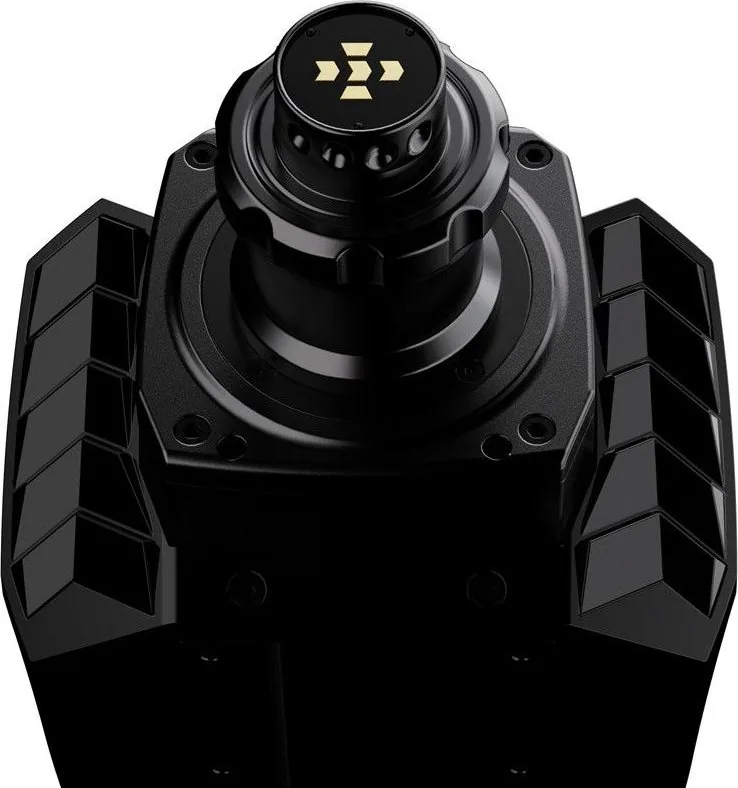
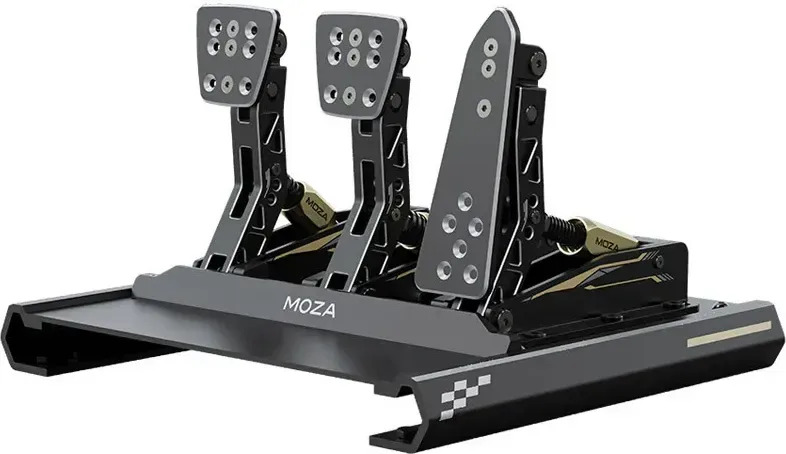
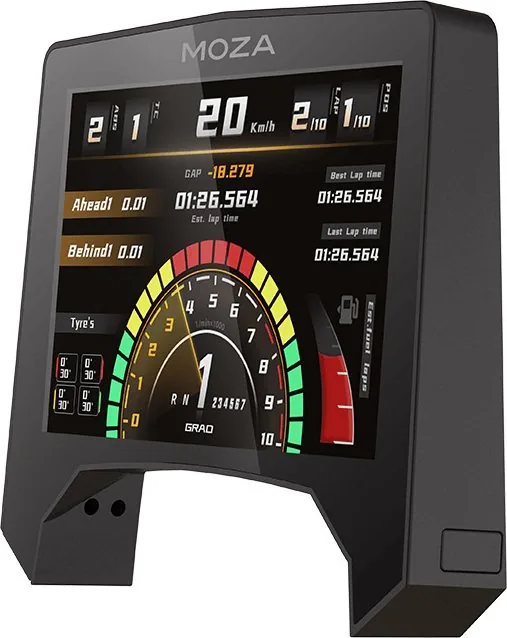
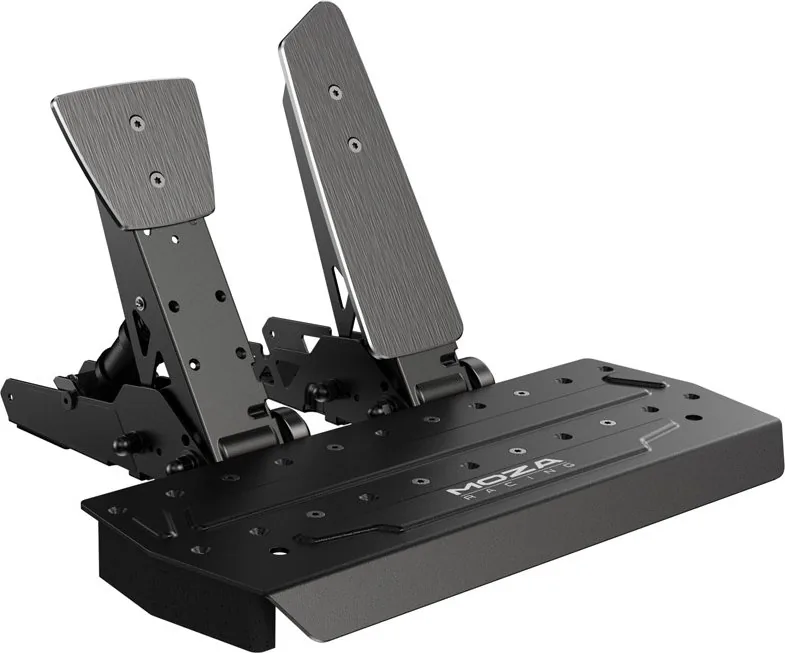
MOZA offers a range of products that require distinct manuals. The Air series represents the most popular line. It includes models like the AirSE and the A2. Each model has different payload capacities. The manual adjusts instructions based on weight limits. Another significant line is the simulator wheel and pedals. These require specific calibration procedures distinct from camera gear. The motion rig needs precise setup for force feedback. The document explains the connection protocols for racing simulators. Users must match the USB ports correctly to the input drivers.
Gimbal Features and Operation
Camera gimbals often include complex stabilization algorithms. The manual details how to enable these modes. There are lock modes and follow modes available. The text explains the differences in video recording styles. Panning and tilting are controlled via triggers on the handle. New users might struggle with button mapping. The guide provides screenshots of the control interface. It explains how to assign custom functions to specific buttons. This customization enhances workflow efficiency. Filmmakers prefer tailored setups for specific shots.
Detailed Setup Procedures Explained
Setup is the most critical phase of ownership. The user must calibrate the motors initially. This usually involves placing the gimbal in a neutral position. The instructions warn about metal objects nearby. Magnetic interference can skew the sensors. Motors will spin unexpectedly if the field is disturbed. The manual describes the balancing process for each axis. A loose camera mount can cause the head to tilt. Tightening screws ensures rigidity. The document recommends using lock screws during transport. This protects the joints from impact damage during travel.
Firmware and App Configuration
Modern devices rely on companion applications. The MOZA App connects via Bluetooth to the unit. It allows for firmware flashing from within the phone. Older devices required wired connections for updates. Newer models support wireless updates for convenience. The manual instructs users on how to link the app. It covers pairing codes and PIN entry requirements. Updates often fix bugs found by early adopters. They may also add new features to the hardware. A stable internet connection is required during the process. Interruption can brick the device. The guide lists error codes for troubleshooting.
Safety and Maintenance Protocols
Regular maintenance extends the lifespan of the equipment. Manuals advise on cleaning sensors regularly. Dust accumulation affects the stabilization accuracy. Soft cloths are recommended for lens and sensor cleaning. Harsh chemicals should never be used. They might degrade the plastic housing or coatings. Storage is another important consideration. Users are instructed to store the gimbal in a cool dry place. Exposure to sunlight can warp the plastic parts. The manual notes the recommended temperature range for storage. This prevents the lubricants from freezing or evaporating.
Troubleshooting Common Issues
Even with care, issues may arise. The troubleshooting section offers solutions. A gimbal that shakes might need recalibration. A motor that hums could be obstructed. The manual lists motor sound codes. These help diagnose internal faults. Battery drain is another common complaint. The guide suggests checking firmware versions. Sometimes updates optimize power consumption. The support contact information is also provided. Email support is available for complex queries. Phone support may exist depending on the region.
Conclusion
MOZA Manuals are essential resources for owners. They bridge the gap between hardware capabilities and user expectations. Following the guidelines ensures optimal performance. It also preserves the warranty conditions. Users who read the entire guide benefit more from their investment. The documentation is a living document that evolves. Keeping files updated is as important as owning the gear. By adhering to the instructions provided in these texts, users enjoy reliable operation. Safety and performance are achieved through knowledge and compliance.
Search for 67,706 Manuals online


Type-in Brand or Model