
MOZA Air Manual
PDF manual · 33 Pages
English



Quick check
Incorrect answer, please try again.
Chat with your MOZA Air manual using AI
Get instant AI answers from your MOZA Air manual
Ask anything about the MOZA Air. Answers come from this manual, with the pages they are based on.
Ask a Question
Do you recommend Air?
Yes NoFrequently Asked Questions
It is a handheld gimbal made to stabilize mirrorless cameras and DSLRs for smoother video capture. It helps create cinematic movement with less shake during handheld shooting.
Is this answer helpful?
The MOZA Air supports cameras and setups up to 5.5 pounds. That makes it suitable for many common mirrorless and DSLR rigs, including some lenses and accessories.
Is this answer helpful?
Yes. Proper balancing is essential. The tilt, roll, and yaw axes should be adjusted so the camera stays level before powering on, which improves stability and motor performance.
Is this answer helpful?
It lets you control gimbal movement, switch follow modes, start or stop recording, and on some setups adjust focus. It is useful when you want hands-on control without touching the gimbal.
Is this answer helpful?
Yes. Firmware updates are supported through the MOZA Assistant app or desktop software. Updates may require pairing, Bluetooth connection, and keeping the app running during the process.
Is this answer helpful?
No. The guide recommends using the official MOZA charger only. It also warns against charging damaged batteries, charging too soon after use, or exposing batteries to unsafe temperatures.
Is this answer helpful?
Advantages and Disadvantages
Advantages

- Strong three-axis stabilization for smooth cinematic motion.
- Supports mirrorless cameras and DSLRs up to 5.5 pounds.
- Wireless thumb controller adds remote operation and focus control.
- App and firmware tools help fine-tune performance and updates.
Disadvantages

- Requires careful balancing before each use.
- Battery safety and charging rules are strict.
- Some features depend on camera compatibility and extra cables.
- Firmware and pairing steps can feel technical for beginners.
Product Specification
Compatibility
DSLR
Pan axis
360°
Roll axis
360°
Tilt axis
360°
Max. payload
7.05lb
Display
no
Connection
USB Mini-B
Power supply
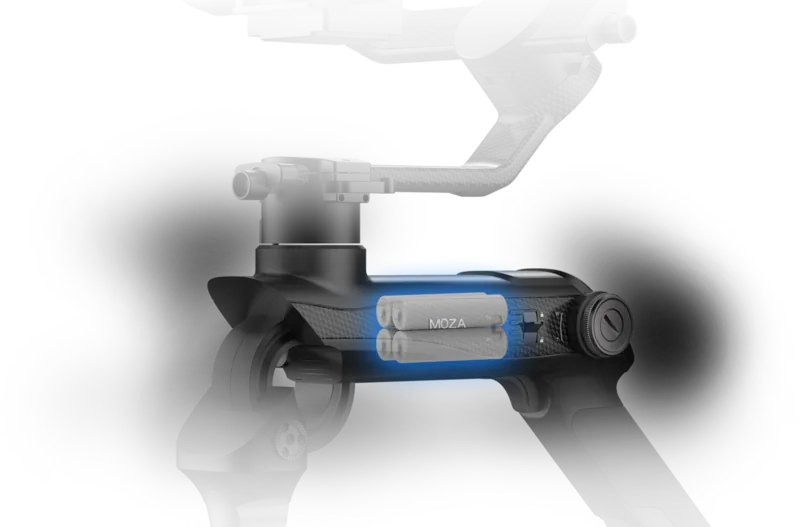
Battery (26350, exchangeable)
Operating time
12h
App control
yes
Handling
one-handed, two-handed
Special features
Accessory port (1x 1/4")
Dimensions
37.40x27.72x16.73in
Weight
2.42lb
Product Description
Gudsen MOZA Air Manual: Cinematic Stability for Mirrorless and DSLR Shoots
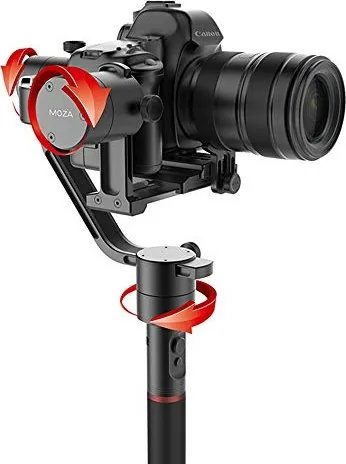
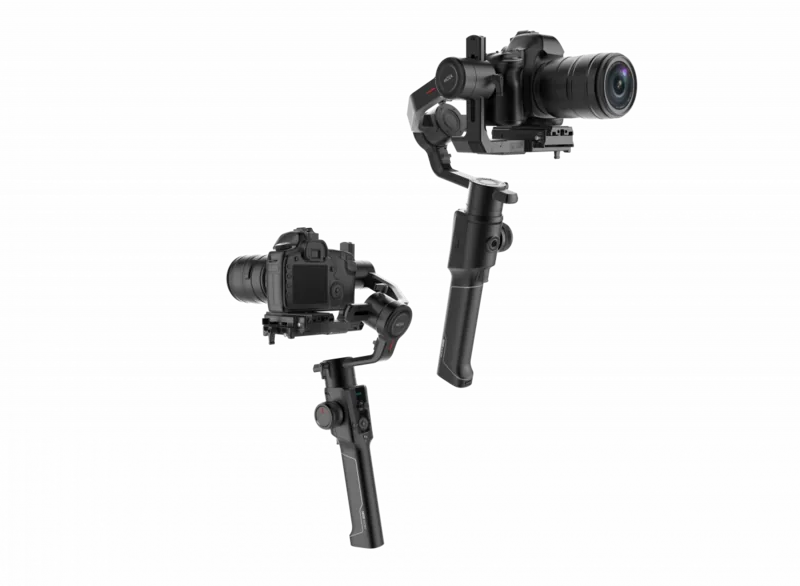
The Gudsen MOZA Air Manual highlights a gimbal built for creators who want smooth, controlled camera movement without carrying a heavy rig. The MOZA Air is designed for mirrorless cameras and DSLRs up to 5.5 pounds, making it a practical choice for filmmakers, content creators, and event shooters who need dependable stabilization in a portable form.
What makes the MOZA Air stand out is its focus on precision. The gimbal uses three-axis control for pan, tilt, and roll, helping footage look fluid even when the operator is moving quickly. It also supports several shooting modes, including follow modes, full lock, and roll-follow behavior, so users can match the gimbal’s response to the scene they are filming. This flexibility is especially useful when moving between interviews, walking shots, and more dynamic cinematic sequences.
Another strong advantage is the system around the gimbal itself. The package includes camera connection cables, a dual-handle setup option, a wireless thumb controller, and software tools for firmware updates and parameter tuning. The thumb controller adds a layer of convenience, allowing remote movement control, focus adjustment with compatible Canon lenses, and quick access to camera recording functions. For operators who work alone, this can save time and improve shot control.
The setup process is equally important. The MOZA Air requires careful balancing of the tilt, roll, and yaw axes before use, and the manual emphasizes battery safety, charging best practices, and proper camera mounting. These steps may feel detailed at first, but they are what help the gimbal perform reliably and extend its lifespan. The guide also shows how app support, Bluetooth connection, and calibration tools make updates and adjustments easier over time.
In short, the MOZA Air is built for users who value stable motion, flexible control, and professional output. It is not just about holding a camera steady; it is about giving the creator a smarter way to shape movement. For anyone researching a compact cinematic stabilizer, the Gudsen MOZA Air Manual offers a clear path to understanding how to get the best results from the system.
Notes
- Balance the camera carefully before powering on.
- Use only official batteries and charger accessories.
- Recalibrate after firmware updates or if drift appears.
- Keep the gimbal’s movement path clear of cables and straps.
Search for 67,706 Manuals online


Type-in Brand or Model
Marius Krone
8 months ago
How hard is the setup and calibration on the GUDSEN MOZA Air 3? Do I need to recalibrate when switching lenses, and is there a German manual?
Manual.ly
8 months ago
The MOZA Air 3 is generally straightforward, but calibration can feel a bit technical at first. For best results, set the gimbal on a stable tripod/flat surface and follow the in-app calibration steps carefully (leveling and balance first). When you change lenses (different weight or balance), you may need to re-check balance and run calibration again so the motors can keep smooth movement. Marking your lens positions or doing a quick balance check each time helps reduce repeated work. For the German manual, the latest documentation is often provided as a downloadable PDF in the product/support section or via our support team. If your box includes only another language, contact us with your purchase details and we can point you to the correct German version.