
MOZA R16 Manual
PDF manual · 16 Pages
English



Quick check
Incorrect answer, please try again.
Chat with your MOZA R16 manual using AI
Get instant AI answers from your MOZA R16 manual
Ask anything about the MOZA R16. Answers come from this manual, with the pages they are based on.
Ask a Question
Do you recommend R16?
Yes NoFrequently Asked Questions
The device reaches a maximum torque of 16 Nm for the R16 model and 21 Nm for the R21 model. This direct drive system provides high force feedback strength for accurate simulation.
Is this answer helpful?
No, you must strictly use the AC power supply provided by MOZA to ensure safety of the user and hardware. Using non-standard power supplies is prohibited even if voltage data matches.
Is this answer helpful?
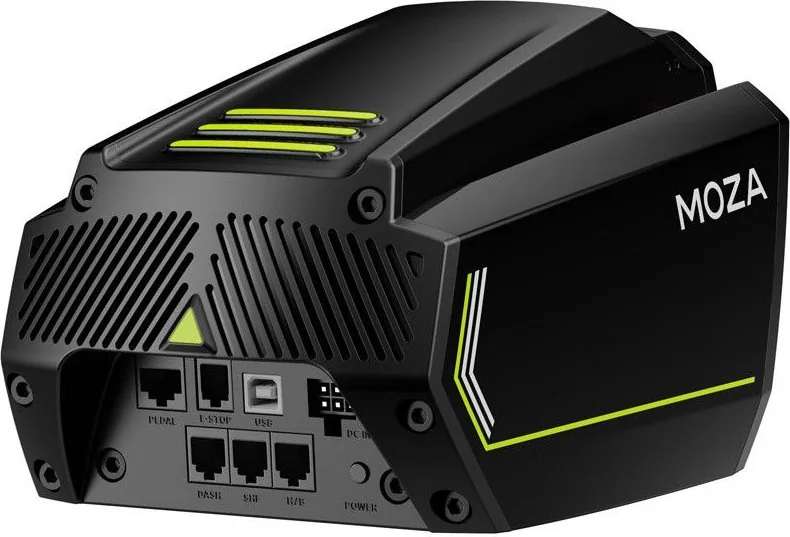
Attach the base to the simulator bracket through the four threaded holes on the bottom. Connect the power cord and Type-B USB cable to the rear ports, then connect Type-A to your PC.
Is this answer helpful?
Yes, the MOZA Pit House software allows adjustment of angles, force feedback, and pedal strokes. You can also update the firmware and customize shift light sequences using this tool.
Is this answer helpful?
The device is not suitable for children under six years old due to small parts and choking hazards. Children under 13 need supervision. Excessive use may also pose health risks for long sessions.
Is this answer helpful?
The box contains the base unit, power adapter, power cord, data cord, and a bolt kit. A manual and warranty card are also included with the package for your records.
Is this answer helpful?
Advantages and Disadvantages
Advantages

- Direct drive technology delivers 16 to 21 Nm of peak torque for intense realism.
- Industrial grade aluminum alloy body ensures high durability and stability.
- Patented wireless power supply reduces cable clutter and improves setup.
- Compatible with most simulation racing software for versatile use.
- Supported by MOZA Pit House for easy force feedback customization.
Disadvantages

- Heavy weight of 8.9 kg may limit portability for some users.
- Requires specific power supply to avoid safety hazards and warranty loss.
- Operation time should be limited to one hour to prevent heat risks.
- Not suitable for children under six due to choking hazards and torque.
- Unauthorized disassembly of equipment will strictly void the warranty.
Product Specification
Type
Steering Wheel Mount
Compatibility
PC
Connection
Wired, USB
Power Supply
Power Adapter
Features
Vibration motor, Force Feedback, detachable, includes clamps
Product Description
Experience True Gaming Immersion with the MOZA R16 Direct Drive Base
Elevate Your Virtual Racing Setup
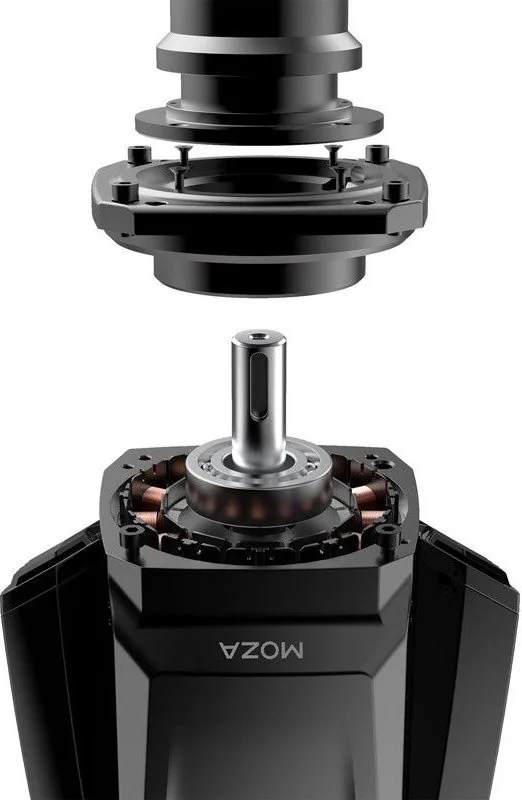
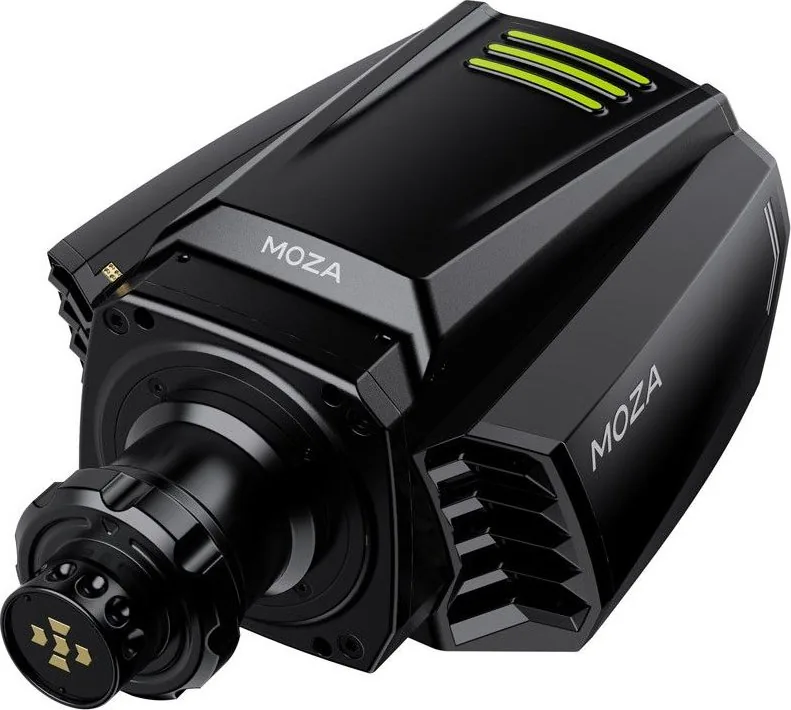
Step into precision driving with the MOZA R16 Direct Drive Base. Designed with a hypercar concept in mind, this wheel base delivers an unrivaled connection between driver and track. The industrial grade electric motor ensures that every nuance of the road is transmitted directly to your hands. Whether navigating tight corners or battling on the straightaway, the response is immediate and visceral. The maximum torque of 16 Nm or 21 Nm ensures you feel every bump and turn.
Robust Build Quality and Design
Crafted from all aluminum alloy, the body withstands the rigors of sim racing. It combines durability with style, available in sleek black or vibrant orange options. The weight provides a solid foundation, minimizing wobble during braking maneuvers. An emergency stop interface allows for quick safety actions. The patented wireless power supply technology reduces cable clutter, offering a cleaner cockpit setup that allows for better mobility and easier cleaning around your rig.
Seamless Software Integration
Powering your experience is the MOZA Pit House software. This intuitive platform lets you adjust base angles, force feedback, and pedal strokes to match your personal style. Gamers can quickly update the firmware with a single click. The ecosystem supports most simulation racing software. Mobile app functionality adds convenience for settings adjustments on the go. Users can customize shift light sequences and adjust pedal stroke timing to create a unique driving profile.
Safety and Usage Guidelines
While robust, it demands respect. It is recommended to limit operation time to one hour at a stretch. New users should keep force feedback under fifty percent to acclimate to the intensity. Always use the provided power supply to avoid electrical hazards. Do not expose the unit to rain or direct sunlight. Keep it away from children under six years old. The device must be connected to the provided power adapter, and unauthorized disassembly will void your warranty protection.
Installation and Maintenance
Installation requires attaching the base to a simulator bracket using four threaded holes on the bottom. Connect the power cord and USB cable into the corresponding ports on the rear of the unit. Short press the power button to turn the system on. Follow the official instructions found on the MOZA Racing website. Regular updates ensure the latest compatibility with emerging racing titles.
Conclusion
Combining patented wireless power technology with powerful torque, the MOZA R16 sets a new standard. It is not just a peripheral but a portal to professional simulation. Ensure you follow the installation steps carefully and attach it securely. Your racing journey begins here with precision and power.
Search for 67,706 Manuals online


Type-in Brand or Model