

Free iStorage Manuals – Read, Download & Print
8 Manuals
Manuals
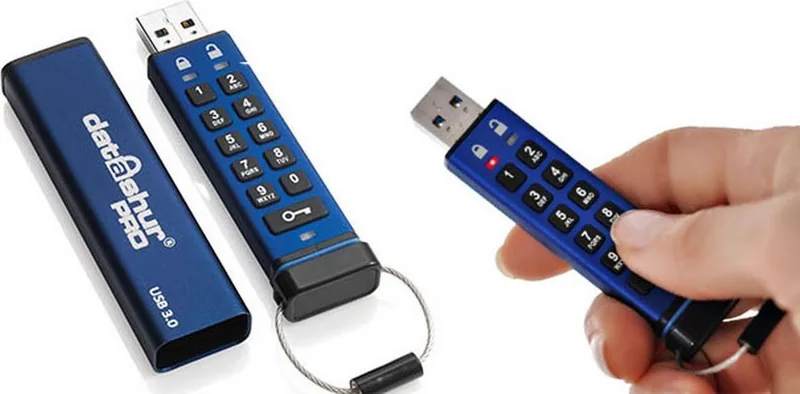
23 Pages
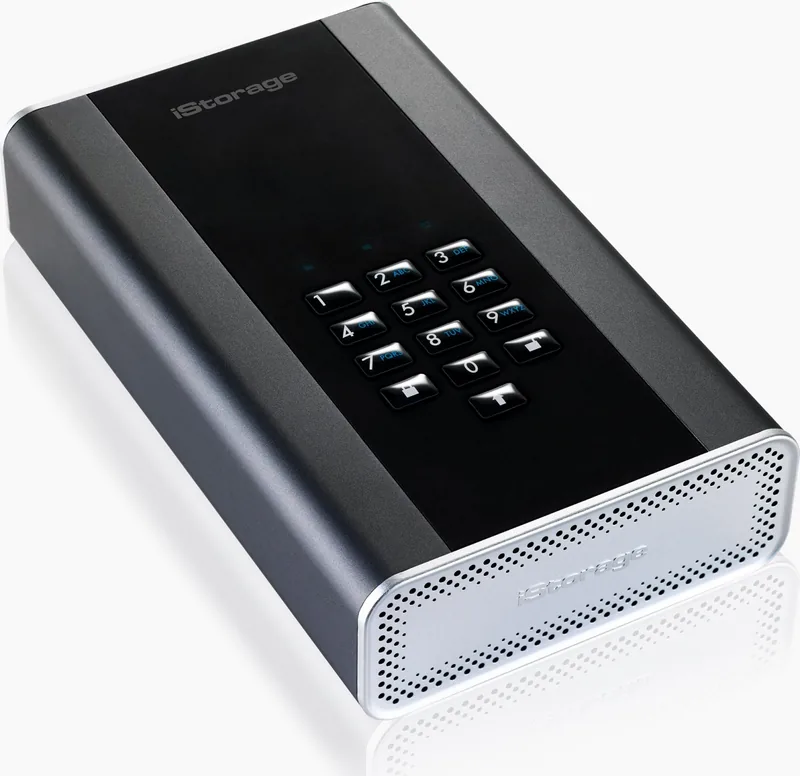
74 Pages
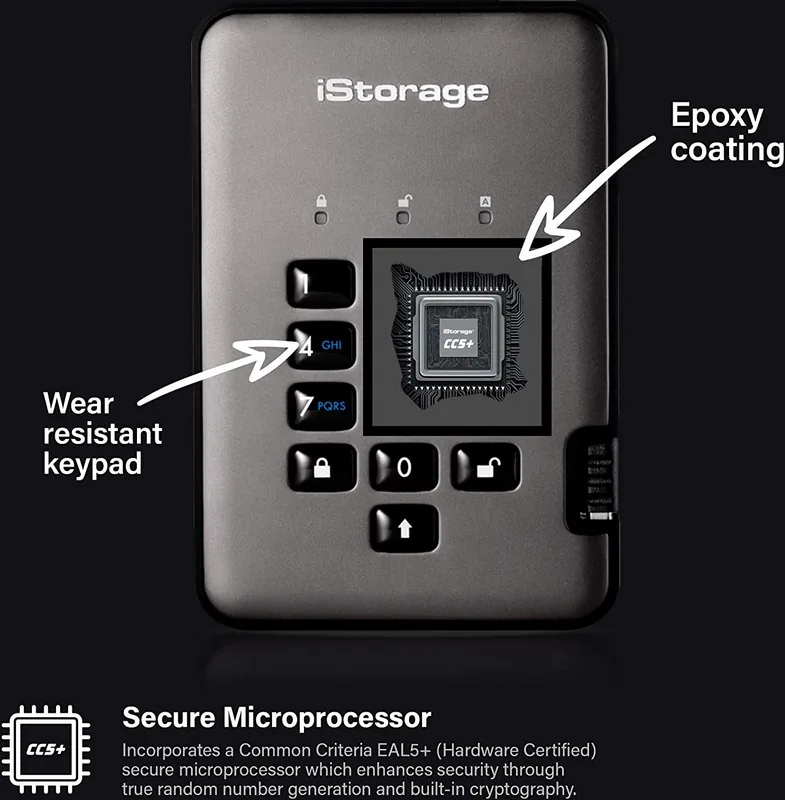
68 Pages
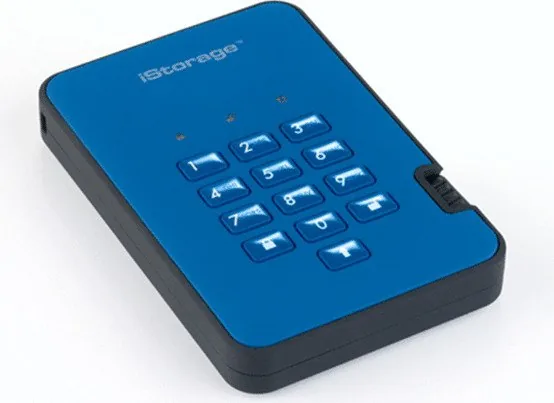
68 Pages
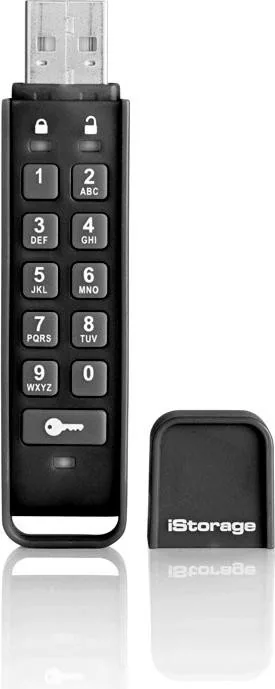
23 Pages
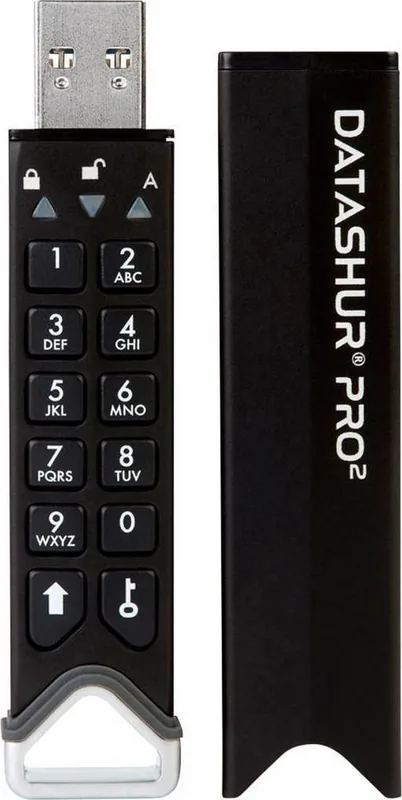
42 Pages
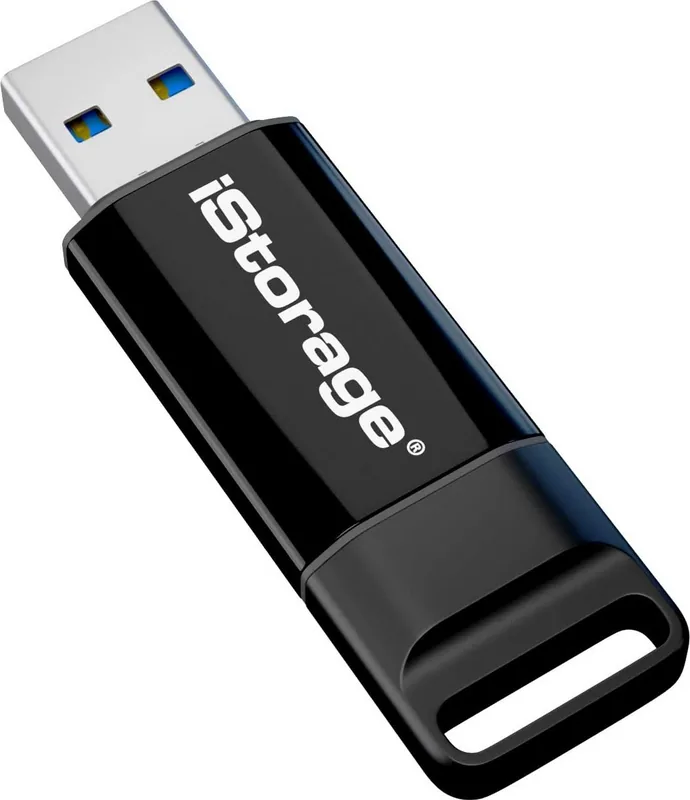
76 Pages

260 Pages
Categories

Free iStorage Manuals - Read, Download & Print
Introduction to iStorage Documentation Resources
In the rapidly evolving landscape of digital security and data protection, having access to accurate and comprehensive documentation is crucial for users of specialized hardware. iStorage has established itself as a leader in providing secure storage solutions, ranging from encrypted USB drives to ruggedized hard drives and memory cards. For organizations and individuals who rely on these devices to safeguard sensitive information, understanding the full capabilities and proper usage of their equipment is not just beneficial; it is essential. This guide serves as your central hub for accessing free iStorage manuals, offering a seamless experience to read, download, and print detailed technical guides directly from our platform.
The importance of having physical or digital copies of user manuals cannot be overstated. Whether you are an IT administrator setting up a new fleet of secure drives for a corporate network or a freelance professional managing confidential client data on the go, clear instructions ensure optimal performance and maximum security. Our collection of manuals covers every aspect of the iStorage product line, including setup procedures, encryption features, software integration, troubleshooting steps, and warranty information. By making these resources freely available, we empower users to take full control of their data security infrastructure without unnecessary barriers or costs.
Comprehensive Coverage of Product Lines
Our database of manuals is extensive and meticulously organized to cater to the diverse needs of the iStorage ecosystem. Each product category comes with its own dedicated section, ensuring that you can quickly locate the specific documentation required for your device. The range includes the popular airlock series, which features military-grade encryption and password protection mechanisms. These manuals provide step-by-step instructions on how to configure PIN codes, reset forgotten passwords using recovery keys, and utilize the built-in anti-tamper technology that alerts users to unauthorized access attempts.
For those utilizing the diskCryptor or similar encryption software integrated into iStorage drives, the documentation offers deep insights into the cryptographic algorithms employed, such as AES-256 bit encryption. Detailed guides explain how to initialize the drive, create partitions, and manage user permissions within the operating system. Additionally, the manuals cover compatibility across various platforms, including Windows, macOS, Linux, iOS, and Android, ensuring that users can operate their secure storage regardless of their preferred environment.
The ruggedized hard drives designed for harsh environments also have specialized manuals that address durability features. These documents detail the IP ratings, shock resistance levels, and temperature tolerances of the devices. Users will find information on how to properly connect the drives via USB 3.0 or Thunderbolt interfaces, manage power settings to extend battery life for portable units, and perform routine maintenance checks to ensure long-term reliability. For enterprise clients, there are specific guides focused on network-attached storage (NAS) configurations, allowing teams to deploy secure file sharing solutions across multiple locations with centralized management controls.
Memory cards and flash drives intended for high-speed data transfer and secure storage are supported by concise yet thorough manuals. These resources highlight speed benchmarks, file system formats like exFAT and NTFS, and best practices for data retention. Security-focused guides for these smaller form factors explain how to enable hardware-based encryption without compromising performance, making them ideal for journalists, lawyers, and healthcare professionals who handle sensitive data daily.
How to Access and Utilize the Manuals
Navigating our manual repository is designed to be intuitive and efficient. Upon visiting the main page, users are greeted with a clean interface featuring search functionality and categorized lists. You can filter manuals by product name, series, or type of document, such as quick start guides, full user manuals, firmware update logs, or safety compliance certificates. Once you locate the desired manual, you have three primary options: read online, download as a PDF, or prepare for printing.
Reading online allows for immediate access without needing to save files to your local device. The web viewer supports zooming, text searching, and bookmarking, making it easy to jump between sections relevant to your current task. This feature is particularly useful when you need to reference a specific instruction while configuring a device in real-time. If you prefer offline access or plan to distribute the information to a team, the download option provides a high-quality PDF file compatible with all major devices and printers. The PDF format preserves the original layout, diagrams, and tables, ensuring clarity even when viewed on small screens or printed in black and white.
Printing capabilities are fully supported, enabling users to create physical copies for training sessions, audit trails, or archival purposes. The manuals are formatted to fit standard paper sizes like A4 and Letter, with clear headings and bullet points that facilitate quick scanning. Some guides include tear-off pages or summary checklists that can be easily removed and posted in workstations as reminders for security protocols. For large-scale deployments, bulk downloading is available, allowing administrators to retrieve the entire library of manuals for internal distribution networks.
Best Practices for Using iStorage Documentation
To get the most out of the available manuals, it is recommended to review the safety warnings and regulatory compliance sections before first use. These parts contain critical information about handling electrostatic discharge, avoiding water exposure, and adhering to local data protection laws such as GDPR or HIPAA. Familiarizing yourself with these guidelines helps prevent accidental damage to the device and ensures legal adherence when storing personal or corporate data.
Regularly updating your knowledge base by checking for new firmware versions listed in the manuals is another best practice. Manufacturers often release updates to fix bugs, enhance security patches, or improve compatibility with newer operating systems. The manuals include version histories and changelogs that guide users through the update process safely, minimizing the risk of data loss during the transition.
Troubleshooting sections are invaluable when encountering unexpected issues. Instead of contacting support immediately, users should consult the diagnostic flowcharts provided in the manuals. These visual aids walk you through common problems like connection failures, authentication errors, or slow transfer speeds, offering logical steps to resolve the issue independently. This approach saves time and reduces downtime for critical operations.
Finally, sharing the manuals with colleagues or team members fosters a culture of security awareness. When everyone understands how to use the tools correctly, the overall security posture of the organization improves. Encourage regular training sessions where the manuals serve as the primary reference material, reinforcing good habits and keeping the team informed about the latest features and security enhancements.
Conclusion
Access to free iStorage manuals is a cornerstone of responsible data stewardship. By providing comprehensive, easy-to-use documentation for every product in the lineup, we ensure that users can maximize the potential of their secure storage solutions. Whether you need to read online, download for offline reference, or print for physical records, our platform delivers the resources you need to maintain robust security standards. Embrace the power of informed decision-making and proactive device management by exploring our extensive library today.
Search for 67,706 Manuals online


Type-in Brand or Model