
iStorage diskAshur M2 Manual
PDF manual · 260 Pages
English



Quick check
Incorrect answer, please try again.
Chat with your iStorage diskAshur M2 manual using AI
Get instant AI answers from your iStorage diskAshur M2 manual
Ask anything about the iStorage diskAshur M2. Answers come from this manual, with the pages they are based on.
Ask a Question
Do you recommend diskAshur M2?
Yes NoFrequently Asked Questions
If you forget your Admin PIN and cannot unlock the drive, you must perform a complete reset. This action deletes all PINs, the encryption key, and all stored data. The drive will then need to be reformatted and a new Admin PIN configured before it can be used again.
Is this answer helpful?
Yes, once unlocked in User Mode, you can change your own User PIN directly on the drive using the keypad. However, any changes must still comply with the User PIN Policy set by the administrator, such as minimum length or special character requirements.
Is this answer helpful?
Yes, the drive is compatible with Windows, Mac OS, and Linux operating systems. After unlocking, you can initialize and format the drive using the native Disk Management tools on each respective operating system to ensure proper partitioning and file system support.
Is this answer helpful?
The Self-Destruct PIN is a security feature that allows you to permanently erase all data on the drive. When entered, it performs a crypto-erase by deleting the encryption key, effectively making all data inaccessible forever. The drive then unlocks but requires reformatting to be used again.
Is this answer helpful?
The drive monitors consecutive incorrect PIN entries. For the User PIN, ten incorrect attempts delete the User PIN but keep data safe. For the Admin PIN, ten incorrect attempts trigger a full reset, deleting all data and keys to prevent unauthorized access.
Is this answer helpful?
Yes, the diskAshur M2 can be configured as a bootable drive in Admin Mode. This allows you to run your computer's operating system directly from the SSD. You can enable or disable this feature at any time using specific button combinations in Admin Mode.
Is this answer helpful?
Advantages and Disadvantages
Advantages

- Hardware-based AES-256 encryption ensures maximum security
- FIPS 140-3 Level 3 and Common Criteria EAL 5+ certified
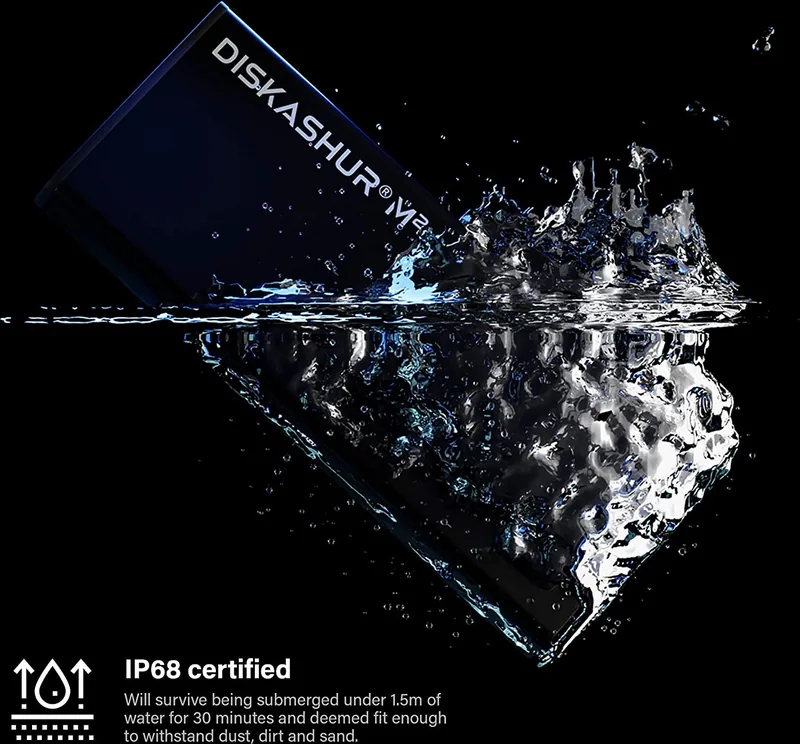
- Rugged aluminum housing with waterproof design
- Advanced brute force attack defense mechanisms
- Configurable read-only modes for data integrity
Disadvantages

- Requires initial configuration of Admin PIN before use
- Self-destruct PIN permanently deletes all data
- Higher cost compared to standard non-encrypted SSDs
- Complexity in setting up multiple user policies
- Physical keypad may be slower than typing on a keyboard
Product Specification
Form Factor
M.2 2280
Internal Connection
1x M.2 (SATA, AHCI)
External Connection
1x USB-A 3.0
RAID Level
N/A
Fan
N/A
Dimensions
4.37x1.77x0.47 inches
Weight
3.03 oz
Color
black
Features
256-bit AES encryption, FIPS 140-3 Level 3, waterproof, IP68 certified, Keypad, includes USB cable (USB-A and USB-C)
Manufacturer Warranty
three years
USB Spelling
Link
Product Description
iStorage diskAshur M2: The Ultimate Secure Portable SSD
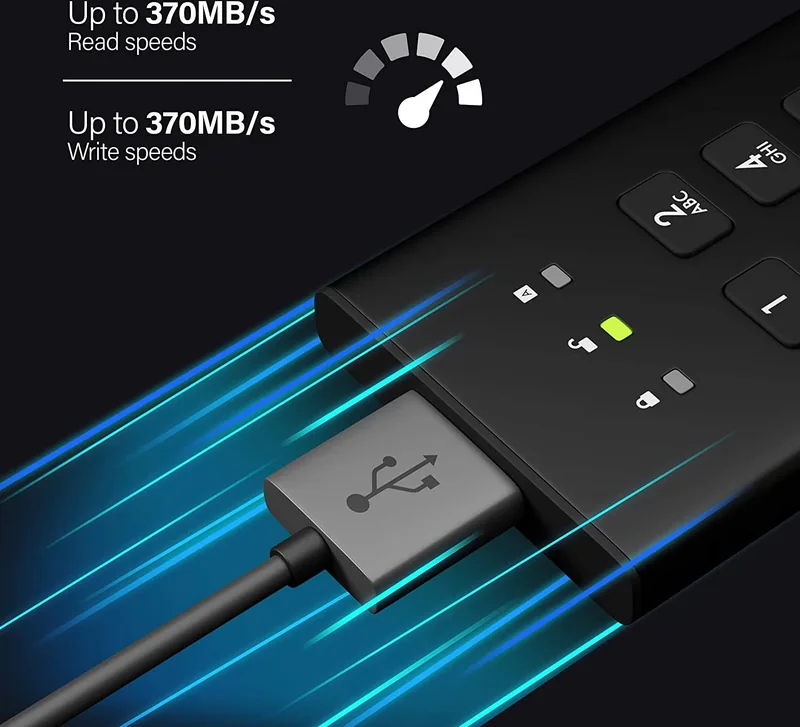
The iStorage diskAshur M2 represents a significant leap forward in portable data security. This ultra-secure Solid State Drive is designed for professionals who require absolute protection for their sensitive information while on the move. Unlike standard encrypted drives that rely on software, this device utilizes hardware-based AES-XTS 256-bit encryption, ensuring that data remains protected both at rest and in transit without impacting performance.
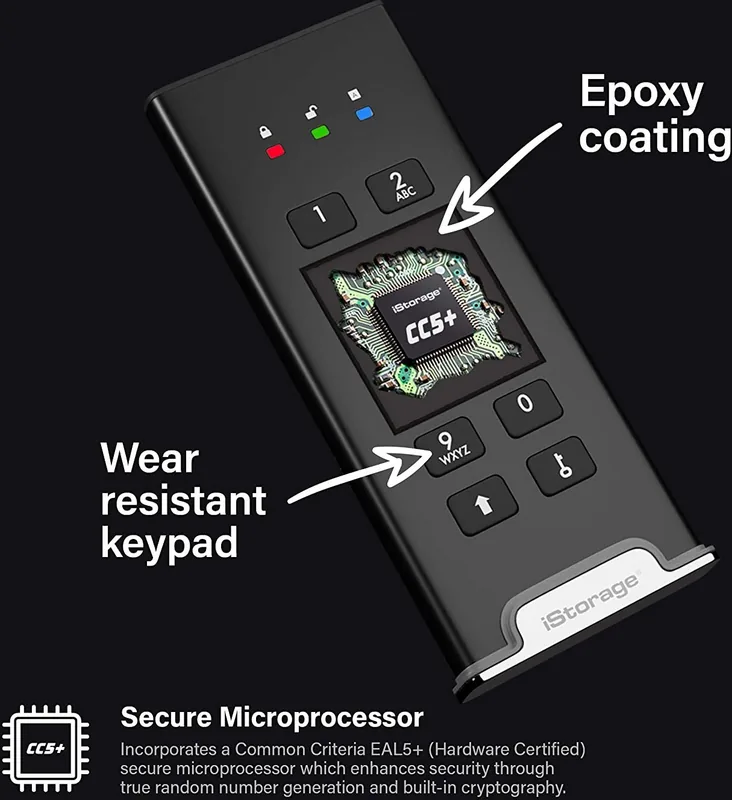
At the heart of the diskAshur M2 lies a Common Criteria EAL 5+ certified secure microprocessor. This advanced chip provides physical protection mechanisms against tamper attacks, bypass attempts, and fault injections. If an automated attack is detected, the drive enters a deadlock frozen state, rendering the attack useless. Without the correct PIN, accessing the data is simply impossible.
The drive features a rugged, hard anodized aluminum housing that is waterproof when used with its protective sleeve. It includes a polymer-coated alphanumeric keypad, allowing users to enter complex PINs easily. The LED indicators provide clear visual feedback, showing status through red, green, and blue lights for standby, user mode, admin mode, and data transfer activities.
Administrators have full control over security policies. You can set User PIN policies requiring specific lengths or special characters, manage read-only modes to prevent data alteration during forensic analysis, and configure a self-destruct PIN that permanently erases all data if compromised. The brute force defense mechanism further protects against unauthorized access by locking the drive after repeated failed attempts.
Whether you need to boot from the drive, format it for Windows, Mac, or Linux, or simply store critical files safely, the diskAshur M2 offers a versatile and robust solution. Its FIPS 140-3 Level 3 compliance makes it ideal for government and enterprise environments where data sovereignty and security are paramount.
Key Notes
- The drive requires a 7-15 digit Admin PIN for initial setup.
- Self-destruct PIN deletes all data and keys permanently.
- Read-only mode prevents any write operations by users.
- Auto-lock feature secures the drive after a set period of inactivity.
Search for 67,706 Manuals online


Type-in Brand or Model