
iStorage diskAshur PRO2 Manual
PDF manual · 68 Pages
English



Quick check
Incorrect answer, please try again.
Chat with your iStorage diskAshur PRO2 manual using AI
Get instant AI answers from your iStorage diskAshur PRO2 manual
Ask anything about the iStorage diskAshur PRO2. Answers come from this manual, with the pages they are based on.
Ask a Question
Do you recommend diskAshur PRO2?
Yes NoFrequently Asked Questions
It is designed to protect sensitive data with hardware encryption and keypad-based PIN access. The drive keeps files secure even if it is lost, stolen, or disconnected from a computer.
Is this answer helpful?
After repeated failed attempts, the drive can enter brute-force protection and eventually wipe the encryption key, PINs, and stored data. This prevents unauthorized access but also means the data cannot be recovered.
Is this answer helpful?
The default PIN is only meant for first-time access. Changing it immediately improves security and reduces the risk of someone guessing the factory setting.
Is this answer helpful?
Yes. The Admin mode can create and manage a separate User PIN, which makes the drive suitable for shared environments where access needs to be controlled.
Is this answer helpful?
Yes. The drive can be set up for Windows, macOS, and Linux. It may need to be initialized or reformatted depending on the platform and file system you want to use.
Is this answer helpful?
It is a security option that wipes the encryption key, PINs, and all stored data when activated. Afterward, the drive must be set up again before new files can be stored.
Is this answer helpful?
Auto-lock can close the drive after a set period of inactivity, which reduces the chance of someone accessing it while it is left unattended.
Is this answer helpful?
Advantages and Disadvantages
Advantages

- Hardware AES 256-bit encryption protects data automatically when the drive is locked or unplugged.
- Admin and User PIN modes make it useful for both personal use and shared access control.
- Self-destruct and brute-force defenses add strong protection against unauthorized access.
- Auto-lock settings help secure the drive when it is left unattended.
- Works across Windows, macOS, and Linux with clear setup steps.
Disadvantages

- Forgetting the PIN can permanently lock out access to the stored data.
- A brute-force event or self-destruct action can erase all data and PINs.
- Initial setup and formatting may be confusing for less experienced users.
- Read-only and access settings need careful management to avoid workflow issues.
Product Specification
Form factor
2.5"
Internal connection
1x SATA 6Gb/s
External connection
1x USB-A 3.0
RAID level
N/A
Fan
N/A
Color
black
USB designation
Link
Product Description
iStorage diskAshur Pro external SSD Manual: Secure Storage Made Simple
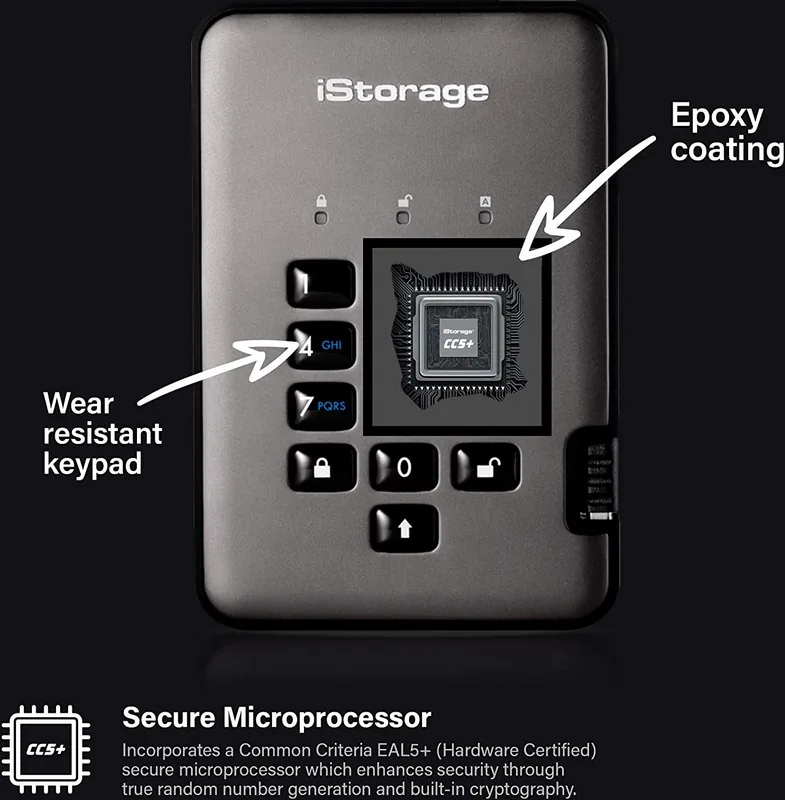
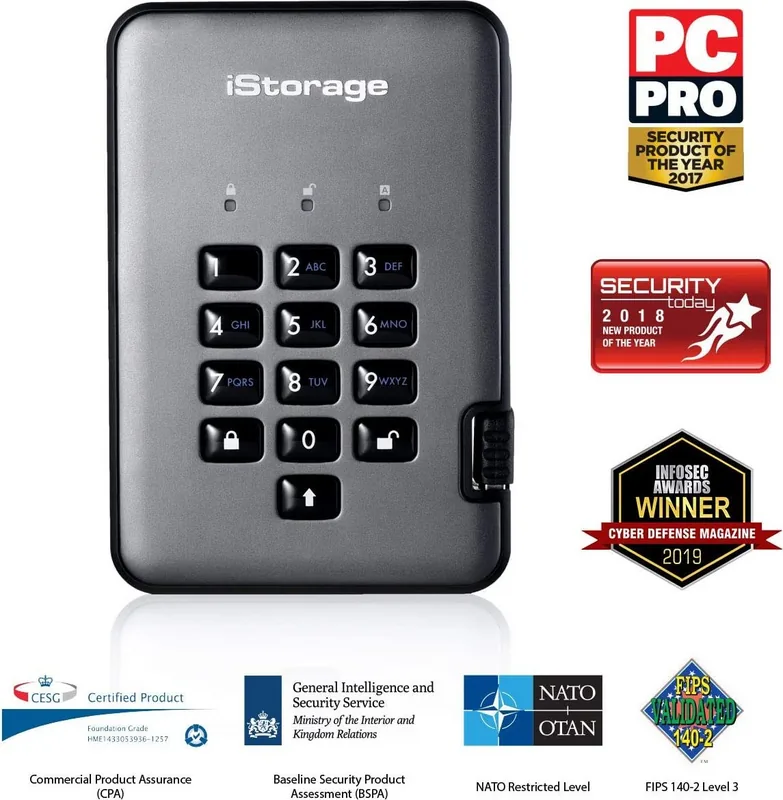
The iStorage diskAshur PRO2 is built for people who want strong protection without sacrificing portability. For anyone looking up the iStorage diskAshur Pro external SSD Manual, the key takeaway is clear: this drive is designed around hardware-based security, PIN access, and full-disk encryption rather than software passwords or cloud-based lock tools.
At first glance, it behaves like a straightforward portable SSD, but its real value comes from the security layer underneath. You unlock it directly on the keypad with a 7–15 digit PIN, and once the drive is unplugged or locked, the data becomes encrypted automatically. That makes it appealing for professionals handling sensitive files, travelers carrying private work, and organizations that need a secure offline storage option.
The drive supports both Admin and User modes, which adds flexibility for shared use. An administrator can create or remove user PINs, set read-only access, enable read/write access, and configure auto-lock behavior. The keypad also supports memorable alphanumeric PIN combinations, so users can create passwords that are easier to recall than random numbers while still staying secure.
One of the most notable features is the self-destruct option. If activated, it can wipe the encryption key, PINs, and stored data in a controlled way. The drive also includes brute-force protection, meaning repeated failed attempts can trigger a full reset. While that sounds severe, it reflects the product’s core promise: if unauthorized access is attempted, the safest outcome is to keep the data inaccessible.
The drive is also practical across operating systems. It can be initialized and formatted for Windows, macOS, or Linux, and the manual emphasizes safe removal before disconnecting to avoid corruption. LED indicators provide instant status feedback, making it easier to see whether the drive is locked, unlocked, in admin mode, or awaiting a PIN.
Notes
- Default Admin PIN should be changed immediately after setup.
- Keep the PIN safe; without it, the data cannot be recovered.
- Safe ejecting is recommended before locking or disconnecting.
- Formatting is required after a reset or self-destruct event.
Search for 67,706 Manuals online


Type-in Brand or Model