

Free Inateck Manuals – Read, Download & Print
6 Manuals
Manuals
Categories


Free Inateck Manuals - Read, Download & Print
Find Helpful Inateck Product Manuals in One Place
Looking for an Inateck manual for a docking station, barcode scanner, laptop sleeve, hard drive enclosure, USB hub, Bluetooth adapter, or another accessory? A clear product manual can make setup faster and help you use every feature with confidence. Free Inateck manuals give owners a convenient way to read product instructions online, download a copy for later reference, or print important pages for use at home, in an office, warehouse, classroom, or workshop.
Inateck products are designed to support everyday technology tasks, from connecting external devices to organizing and protecting equipment. Because models can include different ports, buttons, indicators, modes, charging requirements, and compatibility guidelines, using the correct manual is important. Product documentation can explain how to install hardware, connect cables, pair wireless devices, scan barcodes, transfer data, replace components, and troubleshoot common issues.
Read Inateck Manuals Online
Reading an Inateck user guide online is a practical option when you need information quickly. Digital manuals can be viewed from a computer, tablet, or smartphone without needing to store paper copies. This is useful when setting up a new device, checking a warning label, confirming a specification, or reviewing operating instructions while away from your desk.
Online manuals commonly include a table of contents that helps you locate the section you need. Depending on the product type, you may find details about package contents, product diagrams, interface descriptions, technical specifications, supported operating systems, safety notes, and step-by-step setup instructions. Search tools within a document can also help you find terms such as "charging," "Bluetooth," "USB-C," "driver," "reset," "pairing," or "troubleshooting."
Before following any instruction, confirm that the manual matches the exact model number shown on the device, packaging, or product label. Similar Inateck products may look alike while using different cables, firmware, power ratings, or connection methods. Matching the model number helps prevent incorrect installation and ensures that the instructions apply to your specific device.
Common Information Found in User Guides
Most Inateck manuals provide essential guidance for first-time users as well as long-term owners. Typical sections may include:
- Product overview and labeled illustrations
- Box contents and accessory identification
- Connection and installation steps
- Charging, battery, and power information
- Button, switch, port, and indicator light explanations
- Compatibility requirements for computers and mobile devices
- Pairing instructions for Bluetooth products
- Barcode scanner configuration methods
- Maintenance and cleaning guidance
- Safety warnings and proper handling advice
- Answers to common operational questions
- Warranty and customer support details
These instructions can reduce setup time and help you avoid issues caused by incompatible connections, incorrect power supplies, or incomplete configuration.
Download Manuals for Offline Access
Downloading a free Inateck manual is useful when you want instructions available without an internet connection. A saved digital copy can be stored on a phone, computer, external drive, or cloud folder. This can be especially valuable for technicians, business owners, field workers, and anyone who regularly uses equipment in locations with limited connectivity.
An offline manual also makes it easier to build a personal library of product documentation. If you own several accessories, keeping each guide in a clearly named folder can simplify future maintenance and troubleshooting. Use a file name that includes the brand, product category, and model number, such as "Inateck USB Hub Model Guide" or "Inateck Barcode Scanner Setup Manual." This makes documents easier to identify when you need them later.
When downloading, choose the version intended for your exact model and, where applicable, the correct language or regional edition. If a document lists a revision date or firmware reference, compare it with your device details. Newer manuals may contain updated compatibility information, additional setup instructions, or revised safety guidance.
Benefits of Keeping a Downloaded Copy
A downloaded manual can support quick and reliable access to important product details. It may help you:
- Set up devices during travel or onsite work
- Refer to instructions after moving or losing original packaging
- Share guidance with coworkers or family members
- Keep records for business inventory and equipment management
- Print only the pages needed for a specific task
- Review troubleshooting steps before requesting support
For products that are used daily, such as scanners, hubs, enclosures, and docking accessories, keeping the manual nearby can prevent unnecessary downtime.
Print Instructions When Paper Is More Convenient
Printing an Inateck manual or selected pages can be helpful when working away from a screen. A paper copy is easy to place next to your workspace while connecting cables, scanning configuration barcodes, installing a storage drive, or adjusting device settings. Printed guides are also useful in shared work areas where multiple users may need the same instructions.
You do not always need to print an entire manual. Consider printing the quick start section, connection diagram, pairing steps, troubleshooting chart, or safety information. This approach saves paper while giving you fast access to the most useful pages. For a barcode scanner, for example, configuration pages may be more useful than the full document. For a docking station or USB hub, a printed port diagram and power guidance may be all you need.
Before printing, check the page layout and preview the document. Select the correct paper size and use double-sided printing when appropriate. If the manual contains small diagrams or barcode configuration labels, make sure the print scale is accurate and the image is clear enough to read or scan.
Manuals for Popular Inateck Product Categories
Inateck offers a range of technology accessories, and each category may have its own setup requirements. Manuals help explain the functions that matter most for each type of product.
Barcode Scanners
Barcode scanner manuals may cover wired, wireless, Bluetooth, and 2.4 GHz connection methods. They can explain how to charge the scanner, connect the receiver, pair with a device, select keyboard layouts, adjust scan modes, and configure barcode symbologies. Many scanner guides include programming barcodes that allow users to change settings by scanning the correct label. Follow these steps carefully and retain a copy of the original configuration information if available.
Hard Drive Enclosures and Docking Stations
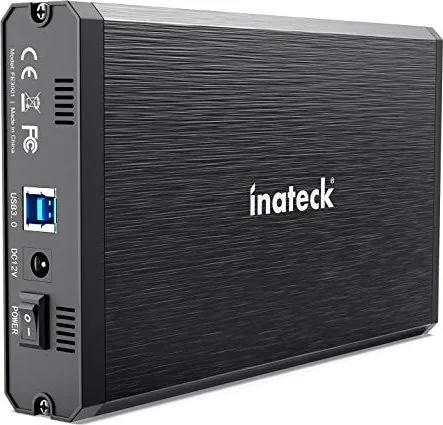
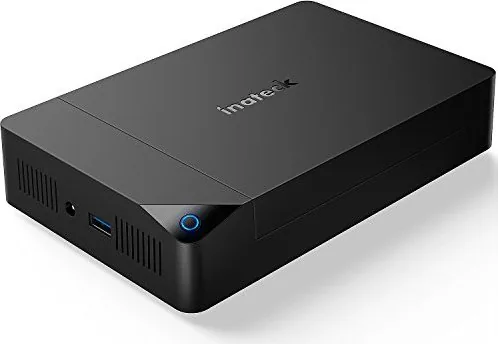
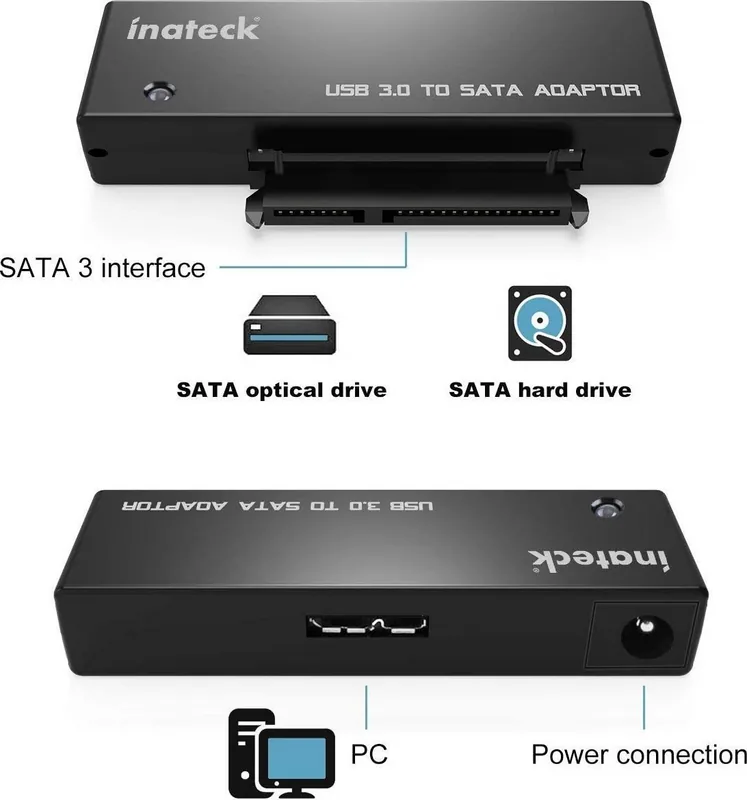
For storage accessories, documentation may describe supported drive sizes, interfaces, file system considerations, power requirements, and safe connection procedures. Manuals can also explain how to install a drive, connect it to a computer, recognize status lights, and safely eject storage before disconnecting. Always handle drives carefully and avoid disconnecting them during active data transfers.
USB Hubs, Card Readers, and Adapters
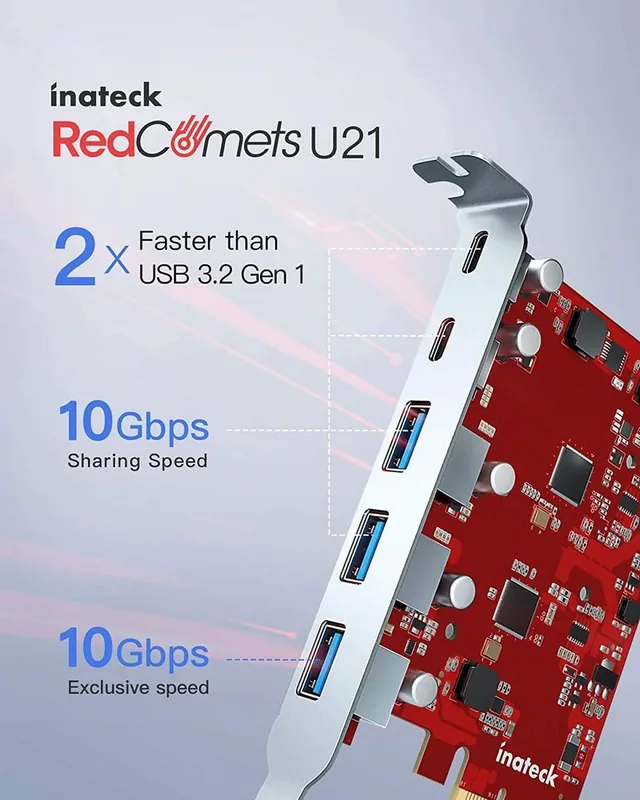
Manuals for hubs and adapters can identify each port, supported data standards, charging capabilities, and connection limitations. They may also outline requirements for external power and compatibility with laptops, tablets, displays, keyboards, or storage devices. Reviewing the guide can help you understand whether a port is intended for data transfer, power delivery, display output, or another purpose.
Bluetooth Accessories and Electronics Organizers
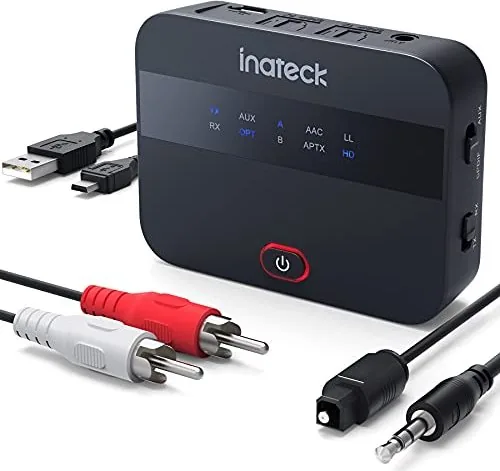
Bluetooth product guides often include pairing instructions, battery charging details, indicator light meanings, and reset procedures. Manuals for sleeves, cases, and organizers may include product dimensions, material care recommendations, and storage guidance. Even simple accessories benefit from proper use and maintenance information, especially when they protect valuable devices.
Troubleshooting With the Right Manual
When an Inateck product does not work as expected, the manual is a logical first place to check. Start by confirming the model number, then review the setup sequence, cable connections, power source, and compatibility requirements. Many common problems are resolved by reconnecting the device, charging it fully, restarting the connected computer or mobile device, or following the documented reset or pairing process.
For wireless products, make sure the device is within range and not already connected to another host. For USB accessories, test another port or cable if possible. For storage devices, confirm that the drive is correctly installed and safely recognized by the operating system. For scanners, verify the selected connection mode and input settings. Follow the manual's warnings and avoid opening, modifying, or using a product in a way not recommended by the manufacturer.
Make Product Setup Easier
Free Inateck manuals provide a useful reference for reading, downloading, and printing product instructions whenever you need them. Whether you are connecting a new accessory, configuring a scanner, installing a drive enclosure, or solving a routine issue, accurate documentation can save time and reduce guesswork. Locate the guide for your exact Inateck model, keep a digital copy for convenient access, and print essential pages when a paper reference is the better choice.
Search for 67,706 Manuals online


Type-in Brand or Model