
Inateck UA1001 Manual
PDF manual · 20 Pages
English



Quick check
Incorrect answer, please try again.
Chat with your Inateck UA1001 manual using AI
Get instant AI answers from your Inateck UA1001 manual
Ask anything about the Inateck UA1001. Answers come from this manual, with the pages they are based on.
Ask a Question
Do you recommend UA1001?
Yes No
exercitationem28
4 months ago
Is the build quality good enough to handle old hard drives safely?
Frequently Asked Questions
Windows XP has a maximum capacity limit of 2TB per drive. To use drives larger than this, you must upgrade to Vista or newer (64-bit) and format the disk using the GPT partition style.
Is this answer helpful?
If the drive is already partitioned, it should appear automatically. If not, check Disk Management to see if the system recognizes the physical drive. You may need to initialize or reformat the drive using system tools.
Is this answer helpful?
Yes, the Inateck UA1001 supports hot plugging and plug-and-play functionality, allowing you to connect and disconnect drives while the computer is running.
Is this answer helpful?
The adapter enters sleep mode after 30 minutes of inactivity. The LED will flash every three seconds. Accessing the drive immediately restores operational mode.
Is this answer helpful?
It is compatible with Windows XP, 7, 8, and 10, as well as Mac OS 9.0 and above. No additional drivers are required for most modern systems.
Is this answer helpful?
Yes, the adapter supports both 2.5-inch and 3.5-inch SSDs and HDDs with SATA I, II, or III interfaces.
Is this answer helpful?
Advantages and Disadvantages
Advantages

- Supports both 2.5-inch and 3.5-inch SATA drives for versatile use
- Fast USB 3.0 interface ensures rapid data transfer speeds
- Plug-and-play design works with Windows and Mac operating systems
- Includes automatic sleep mode to save energy after 30 minutes of idle time
- Compact and lightweight ABS plastic construction is durable and portable
Disadvantages

- Requires an external 12V power adapter which adds to cable clutter
- Windows XP cannot identify hard drives larger than 2TB without GPT formatting
- External power brick may be bulky for some travel setups
- LED indicator only flashes during standby, which might be confusing initially
- Not suitable for laptops that rely solely on bus power without external adapters
Product Specification
Conversion
USB to SATA
Host
1x USB 3.0 Micro-B (male)
Target
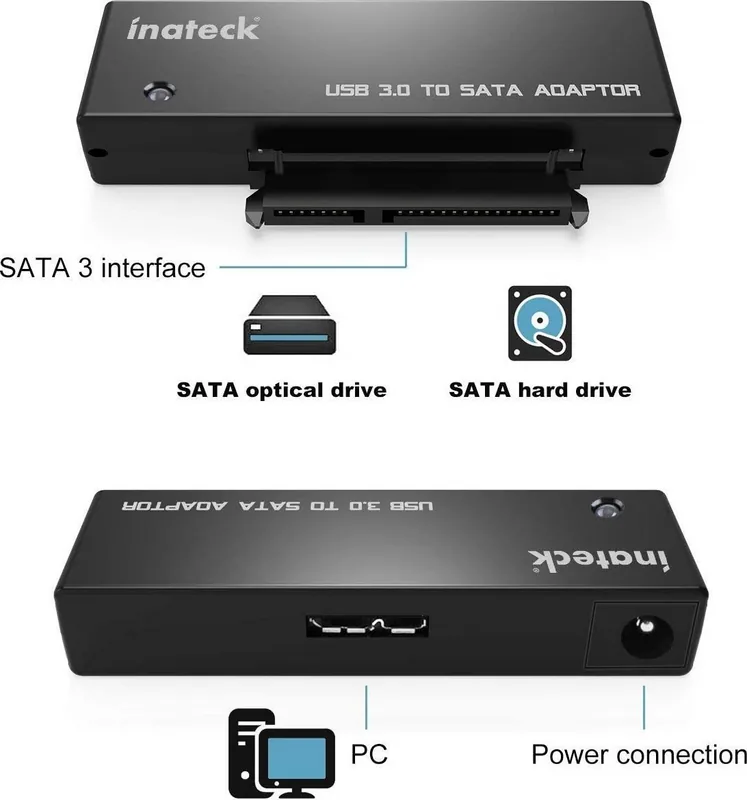
1x SATA 6Gb/s + SATA Power (female)
Additional Power Supply
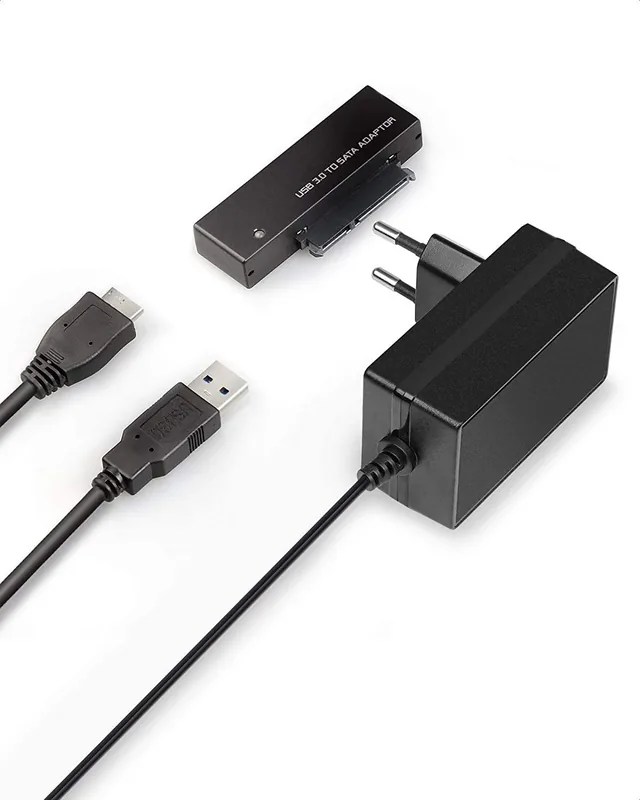
Power adapter (12V/24W)
Form Factor
Cable/Dongle
Product Description
Unlock the Potential of Your Storage with Inateck
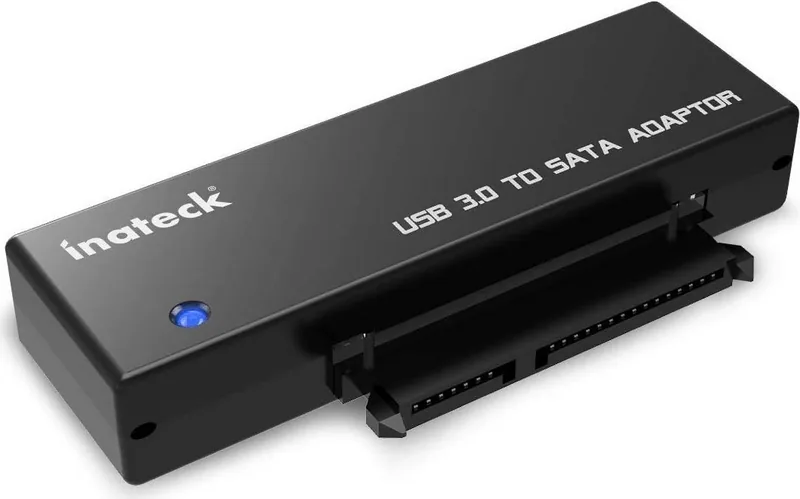
The Inateck USB 3.0 to SATA Adapter is a compact and powerful tool designed to bridge the gap between your computer and your storage drives. Whether you are dealing with a 2.5-inch SSD from a laptop or a robust 3.5-inch HDD from a desktop, this adapter allows for seamless connectivity via high-speed USB 3.0. It transforms old or external hard drives into portable storage solutions, making data backup, transfer, and archiving incredibly efficient.
Designed with durability in mind, the device features an ABS plastic casing that keeps it lightweight at just 15 grams while maintaining structural integrity. The sleek design measures only 72 by 30 by 13 millimeters, ensuring it fits easily into any bag without taking up much space. Its plug-and-play capability means you can connect it to Windows XP through Windows 10, as well as Mac OS 9.0 and above, without needing complex driver installations.
One of the standout features is its intelligent power management. The adapter supports automatic sleep mode and spin-down functionality. After thirty minutes of inactivity, the drive enters a low-power state indicated by an LED flashing every three seconds. Any access to the drive instantly wakes it up, preserving energy and extending the lifespan of your hardware. This feature is particularly useful for users who store large archives that do not require constant access.
When using the adapter, simply connect the SATA drive to the unit, link the USB cable to your computer, and attach the included 12V/2A power adapter for stable operation. Once powered on, the system will recognize the hardware, and the drive will appear in your file manager. Always remember to safely eject the device before unplugging to prevent data corruption. With support for both SATA I, II, and III interfaces, this adapter is a versatile addition to any tech enthusiast's toolkit.
Search for 67,706 Manuals online


Type-in Brand or Model
TechSaver99
5 months ago
Does this SATA adapter work with 3.5-inch hard drives without needing an external power supply?
Manual.ly
5 months ago
Yes, this SATA adapter is designed to work with 3.5-inch hard drives via a USB 3.0 connection. It does not require an additional external power source for operation. Users have confirmed that it fits securely and functions reliably for data recovery tasks.