

Free Oase Manuals – Read, Download & Print
37 Manuals
Manuals
100 Pages
142 Pages
124 Pages
164 Pages
272 Pages
144 Pages
320 Pages

2 Pages
119 Pages
172 Pages
185 Pages
94 Pages
40 Pages
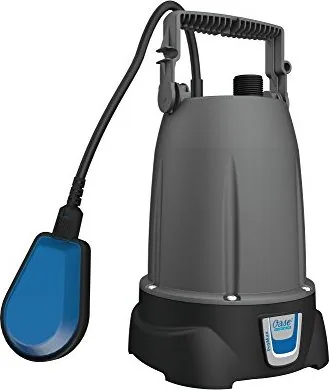
159 Pages
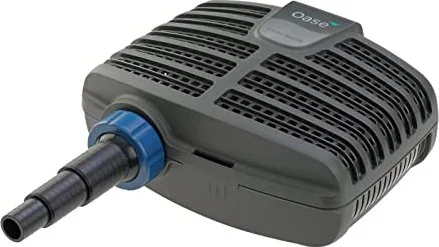
120 Pages
188 Pages
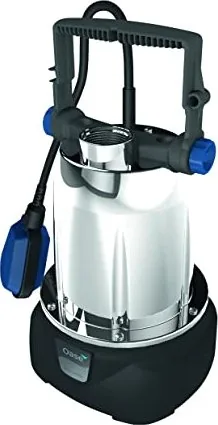
161 Pages
184 Pages
157 Pages
201 Pages
208 Pages
144 Pages
159 Pages
160 Pages
160 Pages
98 Pages
188 Pages
73 Pages
92 Pages
95 Pages
95 Pages
118 Pages
364 Pages
185 Pages
400 Pages
380 Pages
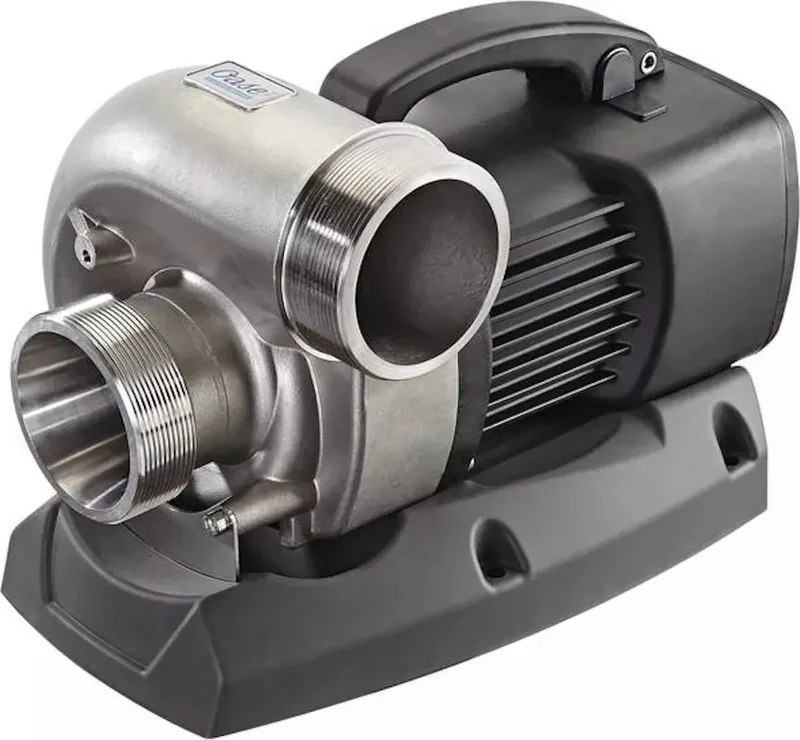
448 Pages
Categories


Free Oase Manuals - Read, Download & Print
Find Oase Product Manuals in One Place
Looking for a clear, reliable way to access Oase manuals? This page is designed to help owners, installers, pond enthusiasts, and aquarium keepers locate product documentation for Oase equipment. Whether you need setup instructions, operating guidance, maintenance information, technical specifications, or troubleshooting advice, an Oase manual can provide the details needed to use your equipment correctly.
Oase is widely known for pond technology, water gardening products, aquarium systems, filtration equipment, pumps, lighting, fountains, aeration devices, and related accessories. Because these products often involve electrical connections, water flow, filtration media, and routine care, consulting the correct manual is an important part of safe and effective operation.
Read Oase Manuals Online
Reading an Oase manual online is a convenient option when you need information quickly. Digital manuals make it easier to review installation diagrams, compare technical data, check compatible accessories, and locate maintenance schedules without searching through printed paperwork. Many users refer to manuals before installing a new device, while others use them later when cleaning a filter, replacing a component, or diagnosing a performance issue.
Online documentation can be especially helpful for identifying important product details, including:
- Model names and item numbers
- Safety instructions and warnings
- Installation requirements
- Electrical and plumbing information
- Operating controls and display functions
- Cleaning and maintenance procedures
- Replacement parts and accessories
- Troubleshooting tables and error messages
- Warranty and service information
Before relying on any manual, confirm that the model number shown in the document matches the label on your Oase product. Similar-looking pumps, filters, and lighting systems may have different capacities, fittings, controls, or maintenance requirements.
Download Oase Manuals for Offline Access
Downloading an Oase manual allows you to keep product instructions available on your phone, tablet, laptop, or desktop computer. This can be useful when working outdoors near a pond, in a garden shed, in a basement filter room, or in another location where internet access may be limited.
A saved manual also gives you a convenient reference for seasonal maintenance. Pond equipment may need attention during spring startup, summer operation, autumn preparation, and winter shutdown. Having the instructions available offline can help you follow recommended procedures at the right time of year.
When downloading a manual, save it with a descriptive filename that includes the product name and model. For example, use a name such as "Oase filter model manual" or "Oase pump installation guide." Organizing files by product type can make future searches faster, particularly if you own multiple Oase devices.
Print Instructions for Practical Use
Printed Oase manuals remain useful for hands-on projects. A paper copy can be placed near your workspace while installing fittings, connecting hoses, setting up a filtration system, or cleaning equipment. Printing only the pages you need can reduce paper use while ensuring key instructions are easy to reference.
Consider printing sections that cover safety warnings, installation diagrams, maintenance intervals, troubleshooting steps, and spare-part information. For pond and aquarium equipment, it can also be helpful to keep a printed maintenance checklist with your manual. Record cleaning dates, bulb replacements, filter media changes, pump inspections, and water treatment tasks for a more organized care routine.
Oase Product Categories Commonly Covered by Manuals
Pond Pumps and Water Features
Oase pump manuals often include details about flow rates, maximum head height, hose connections, placement, cleaning, and winter storage. These instructions are important for fountain pumps, stream pumps, filter pumps, and water feature systems. Proper installation helps support steady water circulation and can reduce unnecessary wear on the pump.
Pond Filters and UV Clarifiers
Filter manuals may explain how to assemble the unit, connect inlet and outlet hoses, select filter media, perform backwashing, clean the system, and monitor operation. UV clarifier documentation can include lamp replacement guidance, safety precautions, and servicing procedures. Follow the recommended maintenance intervals to support water clarity and filtration performance.
Aquarium Equipment
Oase aquarium manuals may cover aquarium systems, internal or external filters, heaters, lighting, controllers, and related accessories. These documents can help users understand setup requirements, water circulation, media arrangement, cleaning methods, and routine care. Always disconnect electrical equipment safely before maintenance and follow all product-specific instructions.
Aeration, Lighting, and Controllers
Manuals for aeration systems, pond lighting, garden lighting, remote controls, and electronic controllers may include programming steps, connection diagrams, environmental requirements, and troubleshooting information. Review voltage requirements and cable-routing guidance carefully before installation.
How to Locate the Correct Oase Manual
The fastest way to find the right Oase manual is to identify the exact product model. Check the product label, packaging, purchase receipt, or previous service records. The label may include a model designation, item number, serial number, power rating, or production code.
Use the product name together with a model number when searching. For example, searching only for "Oase pump manual" can produce many results, while including the exact model improves accuracy. If the product is part of a larger system, identify both the main unit and any connected accessories.
When comparing manuals, review the cover page, product image, model list, and technical specifications. Do not assume that a manual for a similar product applies to your unit. Differences in voltage, dimensions, hose size, motor capacity, or control features may affect installation and operation.
Safe Use and Maintenance Guidance
Oase products used around water require careful handling. Read all safety instructions before installation, cleaning, repair, or adjustment. Disconnect equipment from the power supply before servicing unless the manual specifically instructs otherwise. Inspect cables, plugs, seals, hose connections, and housings regularly for damage or wear.
Avoid using damaged equipment. If a product has unusual noise, reduced flow, leaks, repeated error messages, or electrical concerns, consult the troubleshooting section in the appropriate manual. Use genuine or approved replacement parts when possible, as incompatible components may affect performance or safety.
For outdoor installations, consider weather exposure, frost protection, cable protection, and secure placement. For aquarium installations, ensure that electrical equipment is suitable for the environment and that water levels, ventilation, and access for maintenance meet the product requirements.
Troubleshooting With an Oase Manual
A manual is often the best starting point when equipment does not perform as expected. Common issues may include low water flow, clogged filters, noisy pumps, reduced fountain height, poor water clarity, controller errors, or lighting problems. Troubleshooting sections typically provide a structured process for checking possible causes.
Start with simple checks, such as confirming power supply, inspecting connections, cleaning intake areas, checking water level, and verifying that valves or hoses are not blocked. Then review the manual for model-specific diagnostic steps. Do not disassemble sealed electrical parts or attempt repairs beyond the instructions provided for your product.
Keep Your Oase Documentation Organized
Create a dedicated folder for all Oase manuals, receipts, warranty details, and service notes. Include model numbers, purchase dates, replacement part information, and maintenance records. This can save time when ordering accessories, contacting support, preparing seasonal maintenance, or transferring equipment to a new owner.
With the correct Oase manual available to read, download, or print, you can better understand your equipment and maintain it with confidence. Always use the documentation that matches your exact model and follow the latest official instructions for safe installation, operation, and care.
Search for 67,706 Manuals online


Type-in Brand or Model