
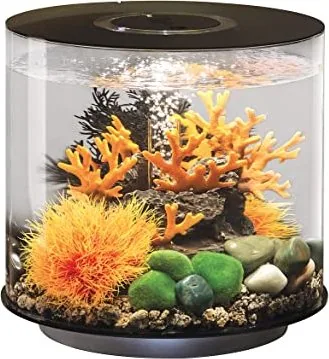
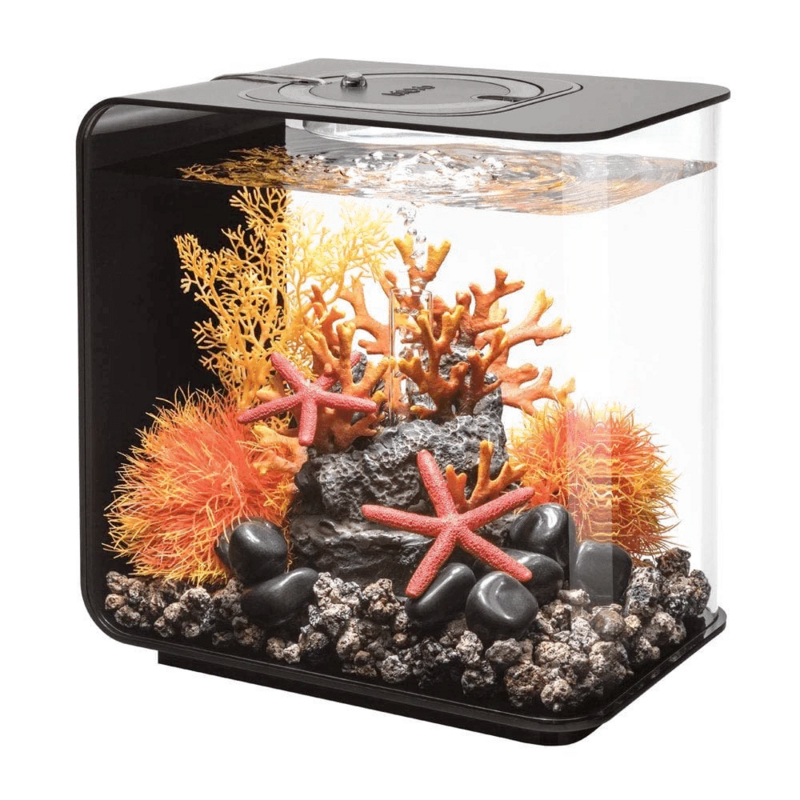
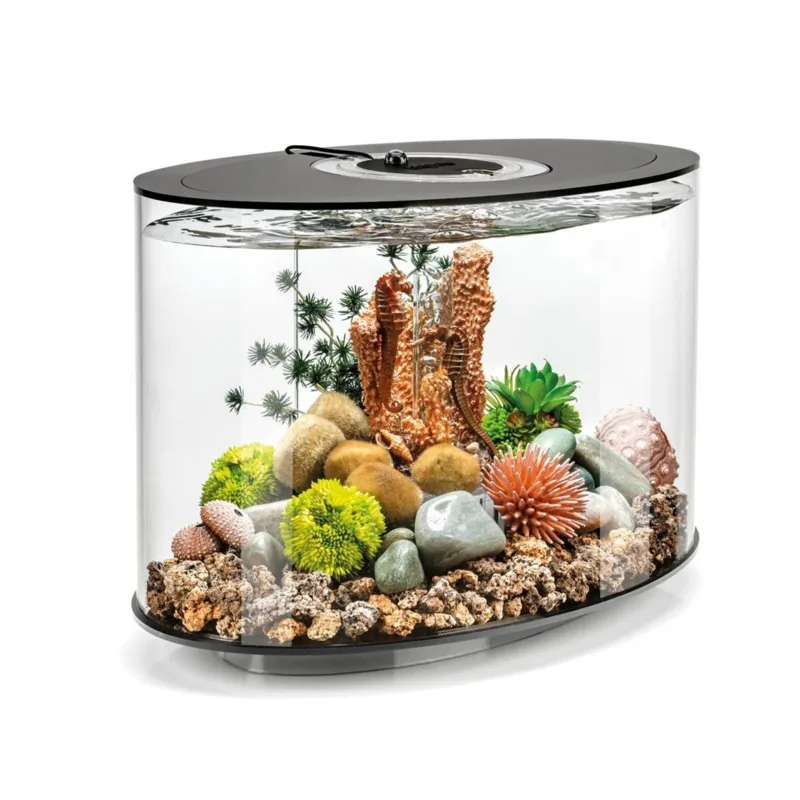
Oase biOrb Tube 15 MCR Manual
PDF manual · 172 Pages
English



Quick check
Incorrect answer, please try again.
Chat with your Oase biOrb Tube 15 MCR manual using AI
Get instant AI answers from your Oase biOrb Tube 15 MCR manual
Ask anything about the Oase biOrb Tube 15 MCR. Answers come from this manual, with the pages they are based on.
biOrb Tube 15 MCR Maintenance Schedule
Wipe the bottom surface with a special cleaning cloth to avoid scratches and wipe the top with a damp cloth.
Turn the remote over, open the compartment, remove the holder, replace the battery observing polarity, and reinsert the holder.
Ask a Question
Do you recommend biOrb Tube 15 MCR?
Yes NoFrequently Asked Questions
The unit is intended for lighting biOrb CLASSIC, biOrb LIFE, biOrb FLOW, and biOrb TUBE aquariums. It should be used indoors and for private aquaristic purposes, following the technical data and the connection restrictions described in the manual.
Is this answer helpful?
The cycle function runs a full 24-hour rhythm with timed phases. Blue night light is dimmed to 20%, and white daylight is set to 100% during the daylight period. Sunrise and sunset reduce daylight by 30 minutes for smoother transitions, and the manual provides timing examples for 10, 12, and 14-hour selections.
Is this answer helpful?
Connect the lighting unit only to a biOrb transformer. Before reaching into the water, switch off aquarium units or unplug them. When routing cables, form drip loops so water cannot travel along the cable. Then power on using the lighting unit switch and apply further settings with the remote.
Is this answer helpful?
The remote uses a CR2025 battery type. Replacement is needed when the remote shows no effect due to low battery capacity. Follow the manual steps: open the battery compartment, replace with correct polarity, and close the holder securely.
Is this answer helpful?
You can select 15 predefined colors. For white daylight, the unit offers dimming in 4 brightness stages from 80% down to 20%. You can also return to full brightness by pressing a color selection button, as described in the operating section.
Is this answer helpful?
First, point the remote toward the sensor and reduce the distance if needed. Then check the battery and replace it if the battery is exhausted. The manual notes that the remote must reach the sensor area to control the lighting.
Is this answer helpful?
Do not dispose of the electronic lighting unit with normal household waste. Make the unit unusable by cutting cables, then dispose of it through the return system provided. Batteries must also be handled via the appropriate return and recycling systems, not through household trash.
Is this answer helpful?
Advantages and Disadvantages
Advantages

- Remote control for individual color selection and brightness adjustments
- Cyclical 24-hour mode simulates sunrise, daylight, sunset, and night light
- 15 predefined colors plus adjustable white daylight with 4 dimming levels (80% to 20%)
- Energy-efficient operation (A+ energy class) at 12 V
Disadvantages

- Designed to connect only to a biOrb transformer, not directly to mains power
- Strong LED light requires careful handling and you should not look into the light source
- Remote performance depends on sensor range and battery condition (CR2025)
- Connection cables are not meant to be repaired or replaced; damaged units must be disposed of
Product Specification
Type
Nano Aquarium
Suitability
Freshwater, Aquascaping
Tank Shape
Upright cylinder, Circular base
Capacity
3.96 gal
Weight
11.55 lb
Special features
Lighting (2.8W, LED, RGB, Timer), Air pump, Filter, Airstone, Substrate
Product Description
Oase biOrb Tube 15 MCR Aquarium black - Manual
If you want a simple way to bring natural-looking rhythm to your biOrb aquarium, the Oase biOrb Tube 15 MCR Aquarium black is built for exactly that. With the Oase biOrb Tube 15 MCR Aquarium black Manual as your guide, you can install an individually adjustable LED lighting unit that works with biOrb aquariums such as CLASSIC, LIFE, FLOW, and TUBE. The result is more than just illumination: it is day and night behavior designed to suit a living aquarium environment.
A standout feature is the color and brightness control via remote. You can switch through 15 predefined colors and choose a white daylight mode that dims in four stages from 80% down to 20%. For a more natural progression, the unit supports a cyclical lighting function that gradually transitions through day and night across a full 24-hour period. Blue night light is dimmed to 20%, while daylight runs at 100%. Sunrise and sunset are handled as timed phases, so the change feels smoother than an on/off schedule.
Installation is designed to be straightforward, but safety guidance matters. The lighting unit must be connected only to a biOrb transformer, never directly to the mains. Before reaching near the water, all aquarium units should be switched off or unplugged. During setup, make sure connection cables form drip loops so water cannot travel along the cable path.
For daily care, cleaning is simple: wipe the bottom side carefully to avoid scratches and clean the top with a damp cloth. If your remote becomes less responsive, you can replace its battery, using a CR2025 type.
From a performance perspective, the biOrb MCR LED is energy-efficient (energy efficiency class A+) and runs on 12 V. It is also protected with reinforced electrical insulation (protection class II), making it suitable for indoor use when installed correctly.
Key takeaways
- Remote control lets you set colors and dim white daylight in 4 steps (80% to 20%).
- The cycle function simulates sunrise, daylight, sunset, and night light over 24 hours.
- Setup must use a biOrb transformer only, with drip loops and power disconnected before touching water.
- Battery replacement for the remote uses CR2025 to restore full responsiveness.
Notes
- Do not look directly into the LED light source.
- If the housing or cables are damaged, stop using the unit.
- Dispose of electronics and remote batteries through the appropriate return and recycling systems.
Search for 67,706 Manuals online


Type-in Brand or Model