

Free NAD Manuals – Read, Download & Print
29 Manuals
Manuals
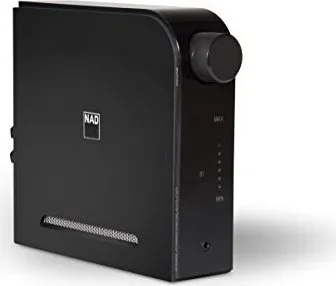
12 Pages
36 Pages
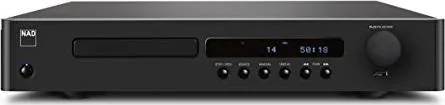
16 Pages
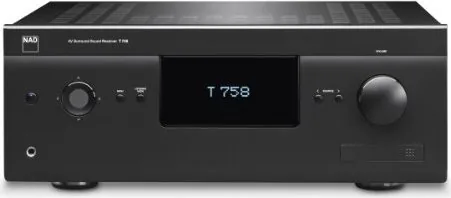
34 Pages
26 Pages
12 Pages
14 Pages
18 Pages
12 Pages
20 Pages
24 Pages
12 Pages
10 Pages
10 Pages
22 Pages
12 Pages
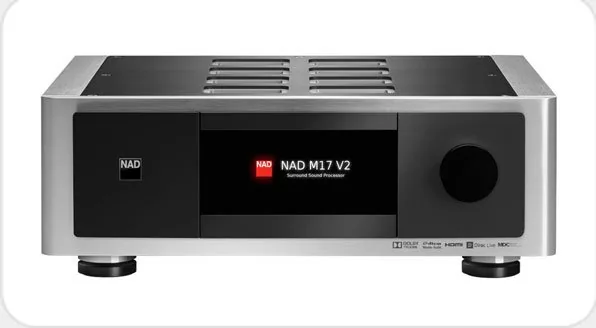
32 Pages
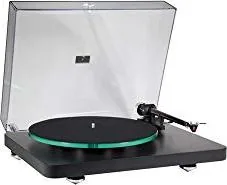
10 Pages
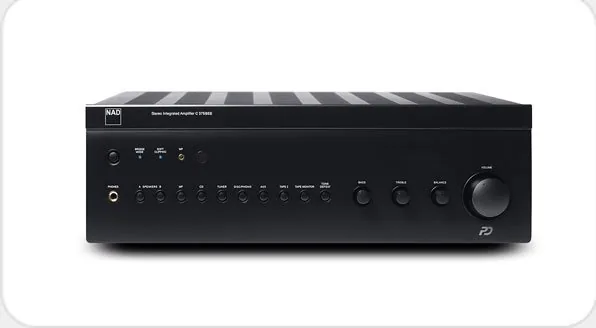
18 Pages
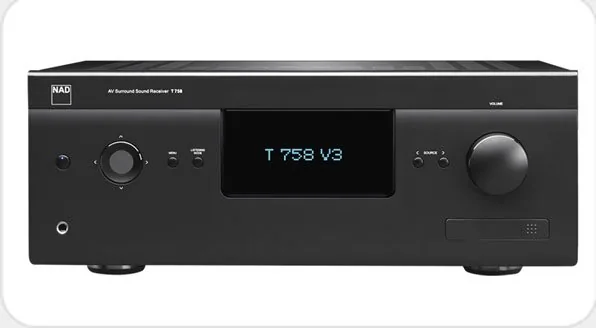
34 Pages
16 Pages
16 Pages
8 Pages
8 Pages
16 Pages
22 Pages
20 Pages

18 Pages
12 Pages
Categories

Free NAD Manuals: Read, Download and Print
Find free NAD manuals for amplifiers, receivers, CD players, turntables, network music components, AV processors, and other audio equipment. A manual is an essential reference for understanding how a component works, connecting it correctly, and getting the best performance from a home audio system. Whether you are setting up a newly acquired NAD unit, replacing a missing booklet, or troubleshooting an older component, digital manuals make important information easy to access.
These documents are designed to be read online, downloaded for later use, or printed when a paper copy is more convenient. Browse available guides to locate operating instructions, setup details, specifications, connection diagrams, safety information, and maintenance recommendations for your NAD product.
Why an NAD Manual Is Useful
NAD equipment is known for practical design, high-quality audio performance, and controls that often offer more flexibility than a quick-start guide can explain. The full manual helps owners understand every input, output, menu option, and feature available on a component. It can also prevent connection mistakes that may affect sound quality or system operation.
A typical NAD manual may explain how to connect speakers, source devices, televisions, subwoofers, headphones, external amplifiers, streaming hardware, and control systems. It may also cover amplifier modes, surround settings, input assignments, remote-control functions, firmware procedures, and factory reset instructions. For vintage products, the manual can be especially valuable because original printed documentation is often difficult to find.
Reading the correct guide before installation can save time and make it easier to use the system confidently. It is also helpful when buying a pre-owned NAD component, comparing models, or checking whether a unit supports a particular connection or feature.
Read NAD Manuals Online
Online manuals provide fast access to product information without requiring storage space or a printed copy. Open a guide in a browser to review the sections most relevant to your needs, such as initial setup, front-panel controls, rear-panel connections, or technical specifications. This format is useful when working near your equipment because you can quickly search for terms such as "speaker impedance," "Bluetooth," "phono," "HDMI," "subwoofer," or "remote control."
Find Setup and Connection Instructions
The setup section is often the best place to begin. It normally identifies the connectors on the back of the component and describes their intended use. Stereo amplifiers and receivers may include analog line inputs, digital optical or coaxial inputs, pre-outs, main-ins, tape loops, phono inputs, trigger connections, and speaker terminals. AV models may additionally include HDMI ports, surround speaker outputs, calibration microphone connections, and network connections.
Follow the manual's diagrams carefully when connecting equipment. Correct polarity at speaker terminals is important, as is selecting the appropriate input for each source. If the manual specifies compatible speaker impedance, ventilation space, or power requirements, those details should be followed to support reliable operation.
Learn Everyday Controls and Features
NAD manuals explain both basic and advanced controls. Basic information may include turning the unit on and off, adjusting volume, selecting a source, muting sound, and using the remote. More advanced sections may explain tone controls, balance, speaker A/B selection, listening modes, bass management, room correction, multi-room audio, or network playback.
Some features are not immediately obvious from the front panel. A manual can clarify button combinations, menu navigation, display indicators, and settings that are available only through a remote or on-screen interface. Reviewing these sections can reveal useful functions that might otherwise go unused.
Download a Manual for Offline Access
Downloading an NAD manual gives you a permanent reference that can be opened even without an internet connection. This is convenient for workshops, listening rooms, travel, moves, and locations with limited connectivity. Save the document on a computer, tablet, phone, or cloud storage service so it is available whenever you need it.
Organize Your Audio Documentation
Create a folder for manuals associated with your audio system. Include the guide for each NAD component along with manuals for speakers, televisions, turntables, streamers, disc players, and universal remotes. Clear file names make documents easier to locate later. For example, include the brand, model number, and document type in the file name.
Keeping digital copies together is useful when changing cables, adding a subwoofer, updating a system, or diagnosing a problem. It also helps preserve product information if the original paperwork is lost or damaged.
Check the Model Number Before Downloading
Always verify the exact model number on the front panel, rear label, carton, or product documentation before selecting a manual. NAD has produced many components with similar names, and different versions can have different connections, controls, specifications, or software functions. A manual for a related model may look similar while providing incorrect instructions for your unit.
If a product has a suffix, regional version, or updated generation, use documentation that matches it as closely as possible. For example, the availability of digital inputs, HDMI features, wireless connectivity, or phono stages can vary between models. Selecting the correct guide ensures that diagrams and procedures apply to your equipment.
Print an NAD Manual When You Need a Paper Copy
A printed manual is useful during installation, service work, or detailed setup. Paper copies can be marked with notes, kept near an equipment rack, or stored with a product's receipt and accessories. Print the complete document or choose only the pages you need, such as wiring diagrams, remote-control layouts, troubleshooting pages, and specifications.
Printing Tips for Clear Reference Pages
Before printing, review the document preview and select the appropriate paper size and orientation. Connection diagrams and tables are often easier to read in landscape orientation. If you only need a quick reference, print selected pages rather than the entire manual. Double-sided printing can reduce paper use while still creating a practical booklet.
For frequently used guides, consider placing printed pages in a binder or protective sleeve. Keep the manual away from liquids, heat sources, and ventilation openings. A clean, accessible copy is especially helpful when multiple people use the same audio system.
Troubleshooting With an NAD Manual
When a component does not operate as expected, the manual is a logical first resource. The troubleshooting section may address common issues such as no power, no sound, distorted output, missing remote response, hum or noise, incorrect input selection, network connection problems, or display messages.
Start With Basic Checks
Before making major changes, confirm that the power cable is securely connected, the correct source is selected, volume is set to a safe audible level, and speakers or headphones are connected properly. Check source-device settings, cable connections, and mute controls. If the component includes a protection circuit, allow it to cool and consult the manual before reconnecting or restarting it.
Avoid opening the chassis or attempting repairs not described for the user. Audio components contain electrical parts that should be serviced by qualified technicians when necessary. The manual's safety section can help identify situations where professional service is appropriate.
Use Specifications for Compatibility Planning
Specifications are useful when matching NAD electronics with speakers and source equipment. Manuals may list rated output power, supported loads, input sensitivity, frequency response, dimensions, weight, power consumption, and compatible audio formats. These details can help when planning cabinet space, choosing cables, adding external amplification, or confirming whether a connection is supported.
Technical specifications should be read in context. For speaker matching, consider the speaker manufacturer's recommendations as well as the amplifier documentation. For digital or video connections, verify the capabilities of every device in the signal chain.
Get More From Your NAD Audio System
A manual is more than a repair reference. It is a guide to using your equipment effectively and safely over time. Explore the feature descriptions after the initial installation is complete. You may discover better ways to manage sources, customize listening preferences, integrate new devices, or improve day-to-day convenience.
Keep the correct NAD manual available for every component in your system. Read it online for quick answers, download it for offline access, and print important pages for hands-on setup. With reliable documentation close at hand, it is easier to connect equipment correctly, solve routine issues, and enjoy the full capabilities of your NAD audio gear.
Search for 67,706 Manuals online


Type-in Brand or Model