

Free InFocus Manuals – Read, Download & Print
7 Manuals
Manuals

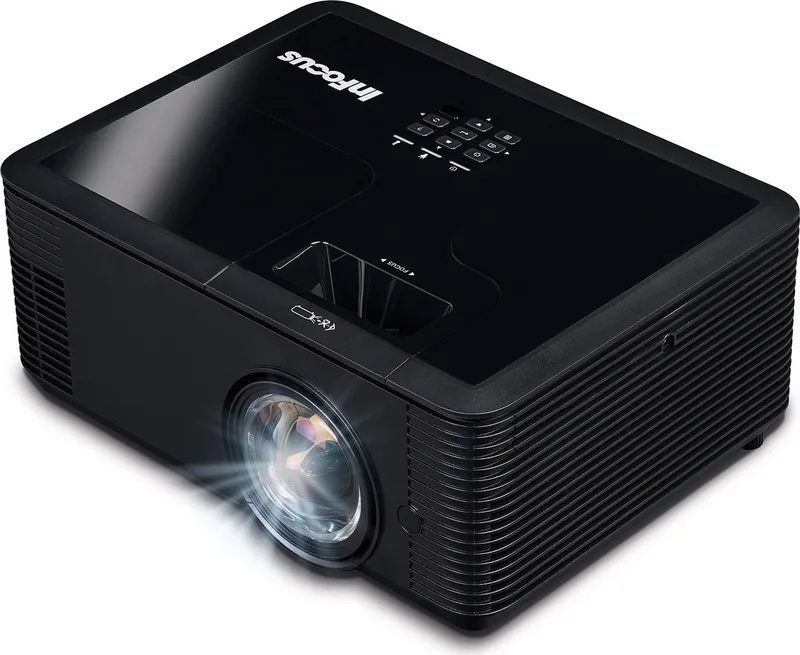
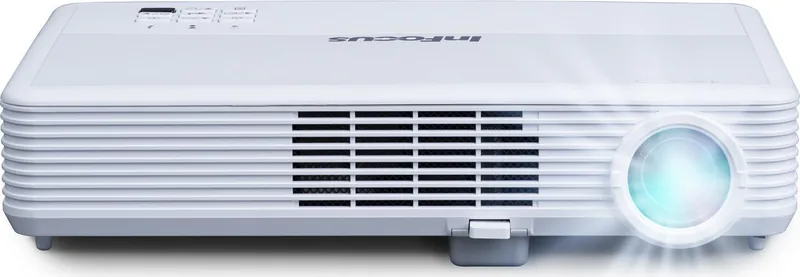
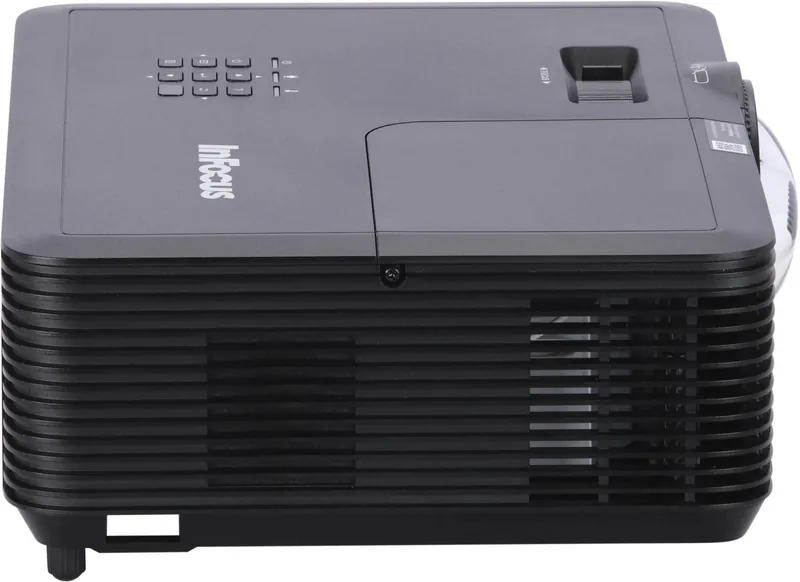
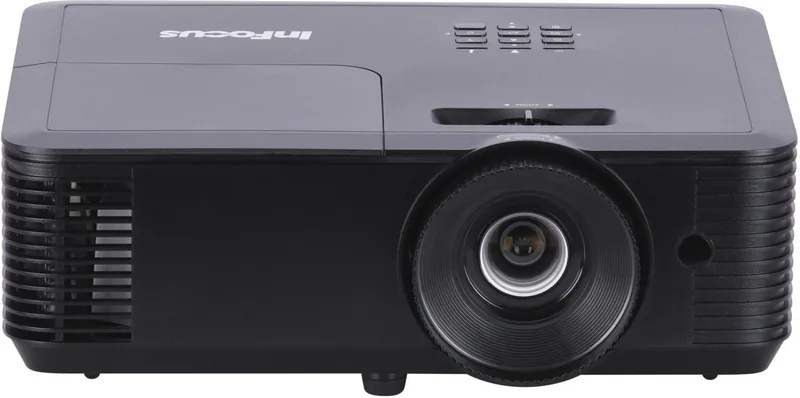
Categories


Free InFocus Manuals - Read, Download & Print
Introduction to Comprehensive InFocus Documentation
In the rapidly evolving world of technology, projectors play a pivotal role in education, corporate presentations, and home entertainment. Among the leading brands that have consistently delivered high-quality projection solutions is InFocus. Whether you own an older model or a newer device, having access to accurate documentation is essential for maximizing performance and troubleshooting issues effectively. This resource provides free access to InFocus manuals, allowing users to read, download, and print guides tailored to their specific projector models. By offering these documents at no cost, we aim to empower users with the knowledge needed to maintain their equipment and utilize its full potential without unnecessary expenses.
The availability of user manuals has never been more critical. Modern projectors come equipped with advanced features such as wireless connectivity, smart operating systems, and high-definition resolution settings. Without proper guidance, users may struggle to configure these features correctly or resolve common errors. Our platform simplifies this process by centralizing a vast library of official and verified InFocus manuals. From basic setup instructions to detailed technical specifications, every document is designed to be clear, concise, and easy to follow. This ensures that both novice users and experienced technicians can find the information they need quickly and efficiently.
Why Accessing Official Manuals Matters
Using official InFocus manuals offers several distinct advantages over relying on third-party sources or generic advice found online. First and foremost, official documentation is created by the manufacturers themselves, ensuring accuracy and relevance to your specific device. Generic guides often lack the specificity required for complex tasks, leading to confusion or even damage to the equipment. By downloading the correct manual for your model, you gain access to precise wiring diagrams, safety warnings, and step-by-step procedures that are guaranteed to work with your hardware.
Furthermore, official manuals include valuable troubleshooting sections that address common problems unique to InFocus projectors. These sections often provide error code definitions, lamp replacement instructions, and filter cleaning guidelines that are not available elsewhere. Having this information readily accessible can save time and money by preventing unnecessary service calls or premature replacements. Additionally, many manuals contain warranty information and contact details for customer support, making it easier to reach out for assistance when needed.
Another significant benefit of using official manuals is the ability to keep them updated. Technology evolves rapidly, and manufacturers frequently release firmware updates or new accessories that require updated documentation. Our platform regularly scans for the latest versions of InFocus manuals, ensuring that users always have access to the most current information. This commitment to up-to-date content helps users stay ahead of potential issues and take advantage of new features as soon as they become available.
How to Navigate and Utilize the Manual Library
Navigating our extensive collection of InFocus manuals is straightforward and user-friendly. The website is organized into logical categories based on product lines, making it easy to locate the exact document you need. Users can browse through series such as SP (Short Throw), IN124, IN126, and other popular models. Each category contains links to PDF files that can be viewed directly in the browser or downloaded for offline use. For those who prefer physical copies, printing options are also available, allowing users to create hard copies of the manuals for reference during maintenance or setup.
To enhance the search experience, we have implemented a robust filtering system. Users can specify their projector model number, year of manufacture, or type of projector to narrow down results instantly. This feature is particularly useful for owners of older models that may not appear in general searches. Once the desired manual is located, clicking the download button initiates a fast and secure transfer of the file to your device. The PDF format ensures compatibility across various operating systems and devices, including smartphones, tablets, and desktop computers.
For users who prefer reading on the go, the mobile-friendly design of our platform allows seamless access from any location. Whether you are in a classroom, conference room, or living room, you can pull up the manual on your phone or tablet to guide you through setup or troubleshooting steps. The text remains crisp and legible regardless of screen size, and hyperlinks within the document allow quick navigation between sections. This flexibility makes it convenient to reference the manual while working hands-on with the projector.
Key Features Covered in InFocus Manuals
InFocus manuals cover a wide range of topics designed to assist users throughout the lifecycle of their projector. One of the primary sections focuses on initial setup and installation. These guides walk users through unpacking the device, connecting power sources, attaching input cables, and adjusting lens settings. Detailed illustrations accompany each step to ensure clarity, especially for first-time users who may be unfamiliar with projector terminology.
Operating instructions are another critical component of the manuals. They explain how to use remote controls, navigate menus, adjust brightness and contrast levels, and switch between different input sources. Advanced users will appreciate the sections dedicated to network configuration, which detail how to connect the projector to Wi-Fi networks, set up IP addresses, and integrate with control systems like Crestron or Extron. These features are essential for modern environments where projectors serve as part of larger digital ecosystems.
Maintenance and care guidelines are equally important. Manuals provide schedules for cleaning filters, replacing lamps, and checking ventilation systems to prevent overheating. Regular maintenance not only extends the lifespan of the projector but also maintains image quality over time. Safety warnings are prominently displayed to remind users of electrical hazards and proper handling procedures. Following these recommendations ensures safe operation and reduces the risk of accidents or equipment failure.
Troubleshooting chapters offer solutions to common issues such as no power, distorted images, or color inconsistencies. Error codes are explained with corresponding actions to take, helping users resolve problems independently before seeking professional help. Diagnostic tools described in the manuals allow users to run self-tests and monitor internal temperatures, providing insights into the health of the device. This proactive approach empowers users to manage their projectors more effectively and minimize downtime.
Conclusion: Empowering Users Through Knowledge
Access to free InFocus manuals represents a significant step toward democratizing technical knowledge. By removing barriers to information, we enable users of all skill levels to make the most of their investment. Whether you are setting up a new projector for the first time or maintaining an existing one, having reliable documentation at your fingertips is invaluable. Our platform continues to expand its library, adding new models and updating existing files to reflect the latest advancements in projector technology.
We encourage users to explore the available resources, download the manuals relevant to their devices, and share the benefits with colleagues or classmates. Together, we can foster a community of informed users who prioritize efficiency, safety, and optimal performance. With comprehensive guides covering everything from basic operations to advanced configurations, there is no reason to struggle with uncertainty when managing InFocus projectors. Start reading, downloading, and printing today to unlock the full potential of your equipment.
Search for 67,706 Manuals online


Type-in Brand or Model