
InFocus IN112 Manual
PDF manual · 82 Pages
English



Quick check
Incorrect answer, please try again.
Chat with your InFocus IN112 manual using AI
Get instant AI answers from your InFocus IN112 manual
Ask anything about the InFocus IN112. Answers come from this manual, with the pages they are based on.
Ask a Question
Do you recommend IN112?
Yes NoFrequently Asked Questions
The InFocus IN112 series comes in various resolutions depending on the specific model variant, ranging from SVGA (800x600) and XGA (1024x768) up to WXGA, Full HD 1080p, and WUXGA (1920x1200). Check your specific product code to determine the exact native resolution.
Is this answer helpful?
Yes, the InFocus IN112 supports ceiling mounting in both front and rear configurations. However, it must be installed by qualified technicians using approved mounting equipment to ensure safety and proper alignment. Do not use adhesives on the mount screws.
Is this answer helpful?
Yes, select models within the IN112 series support 3D projection using DLP-Link technology. They can accept frame-sequential 3D signals from computers and support formats like Side-by-Side and Top-and-Bottom for compatible 3D sources.
Is this answer helpful?
Never touch the lens with bare hands. Use a dry, soft cloth to gently wipe the lens surface. If stubborn dirt is present, use a moist cloth that has been rung out completely. Avoid using liquid cleaners, aerosols, alcohol, or solvents which could damage the coating.
Is this answer helpful?
The InFocus IN112 is equipped with built-in protection sensors. If the internal temperature becomes too high due to blocked vents or poor ventilation, the projector will automatically shut down to prevent damage. Ensure there is adequate airflow around the unit at all times.
Is this answer helpful?
No, batteries are not supplied with the InFocus IN112 projector. You must purchase two AAA batteries separately to operate the remote control. Ensure correct polarity (+/-) when inserting them to avoid leakage or malfunction.
Is this answer helpful?
Advantages and Disadvantages
Advantages

- High-quality DLP display technology with over a billion colors
- Versatile mounting options including ceiling and table setups
- Multiple connectivity ports including HDMI and VGA
- Advanced picture calibration with ISF support
- Built-in security features like password protection
Disadvantages

- Batteries not included for the remote control
- Digital keystone correction may slightly reduce image resolution
- Lamp requires periodic replacement after extended use
- Noisy cooling fans during high-brightness operation
- Limited zoom ratio compared to premium models
Product Specification
Type
DLP, 1x 0.55"
Light source
Lamp
Resolution (displayable)
SVGA (800x600)
Resolution (native)
SVGA (800x600)
Brightness
3800/3040 ANSI Lumens (High/Standard/Eco)
Contrast
30,000:1
Screen size
1.9-25.0 ft
Projection distance
3.94-39.37 ft
Projection ratio
1.94:1-2.16:1
Lens shift
No
Audio connections
1x 3.5mm Audio In, 1x 3.5mm Audio Out
Other connections
1x USB 2.0
Lamp life
8000/10000/15000 hours (Standard/Eco/Eco+)
Manufacturer warranty
2 years
Product Description
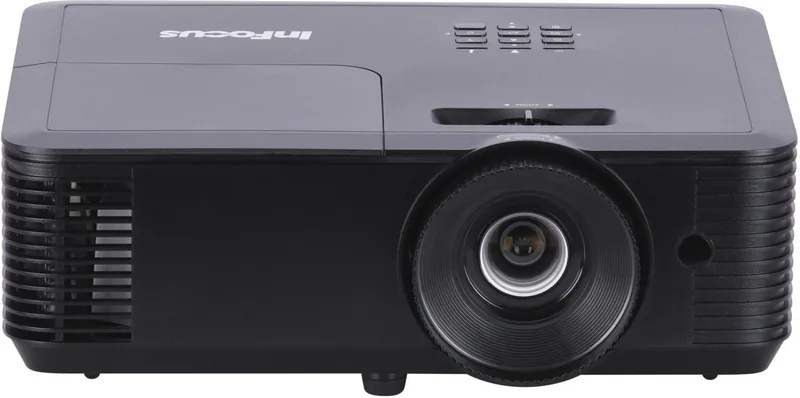
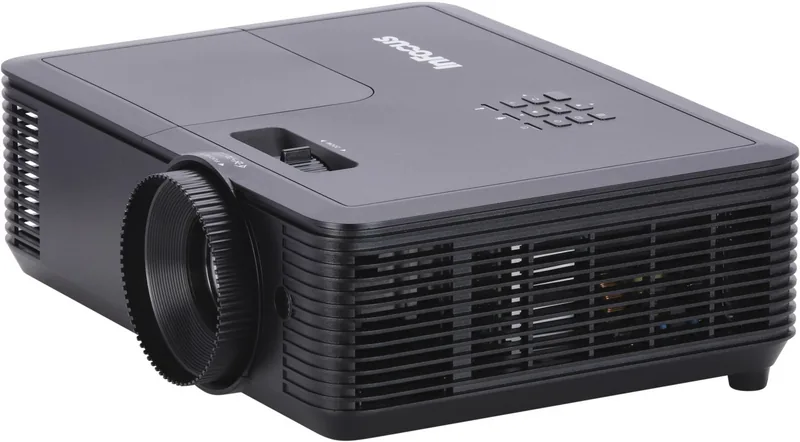
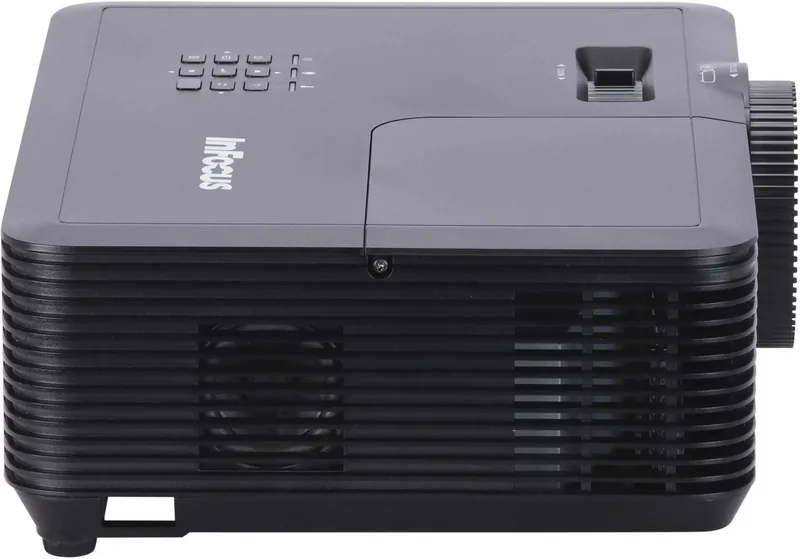
Experience Crystal Clear Presentations with the InFocus IN112
The InFocus IN112 series represents a robust solution for modern multimedia needs, designed to deliver exceptional visual clarity in classrooms, conference rooms, and home theaters. As part of the Genesis projector line, this device utilizes advanced Texas Instruments DLP technology to produce vibrant images with over a billion color options. Whether you are displaying detailed spreadsheets or immersive video content, the IN112 ensures every pixel is sharp and every color is accurate.
This projector offers versatile connectivity options that accommodate a wide range of devices. With multiple HDMI ports, VGA inputs, and audio capabilities, connecting your laptop, gaming console, or media player is seamless. The built-in speaker system provides immediate audio output, eliminating the need for external speakers in smaller settings. For larger venues, the audio output port allows you to connect to professional sound systems effortlessly.
Installation flexibility is a standout feature of the IN112. It supports front, rear, ceiling, and table-top mounting configurations, making it adaptable to any room layout. The optical zoom and focus rings allow for precise image adjustment without needing to move the unit physically. Additionally, digital keystone correction helps fix trapezoidal distortion when the projector cannot be placed perfectly perpendicular to the screen, ensuring a rectangular image every time.
User control is extensive through the On-Screen Display menu. You can customize picture modes like Presentation, Movie, or 3D to suit your specific content. Advanced settings include brightness, contrast, gamma, and individual hue adjustments for red, green, blue, cyan, magenta, yellow, and white. The inclusion of ISF Day and Night modes further refines image quality based on ambient lighting conditions. Security features such as password protection and keypad locks ensure your settings remain private and secure from unauthorized changes.
Built for reliability, the IN112 includes safety mechanisms to prevent overheating and protect the lamp life. The cooling fans operate efficiently to maintain optimal internal temperatures, while automatic shutdown sensors trigger if ventilation is blocked. The remote control offers intuitive navigation with dedicated keys for source selection, volume, and power management. Overall, the InFocus IN112 combines performance, ease of use, and durability into one compact package.
Search for 67,706 Manuals online


Type-in Brand or Model