
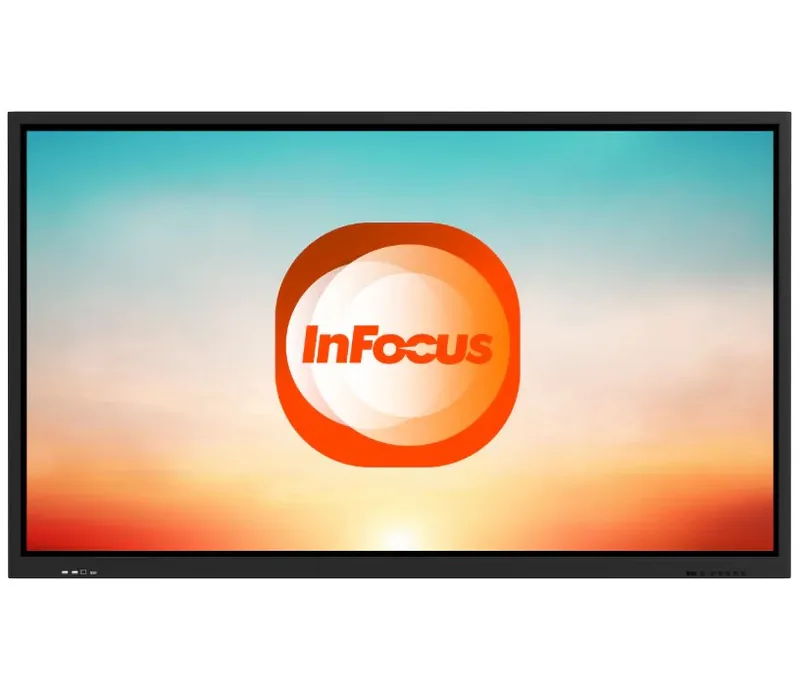
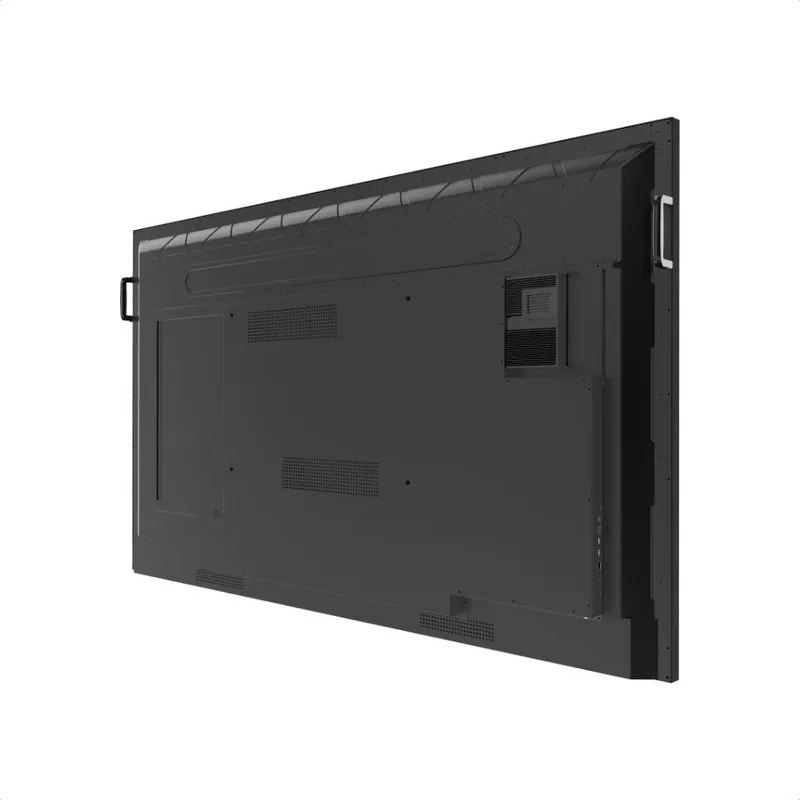
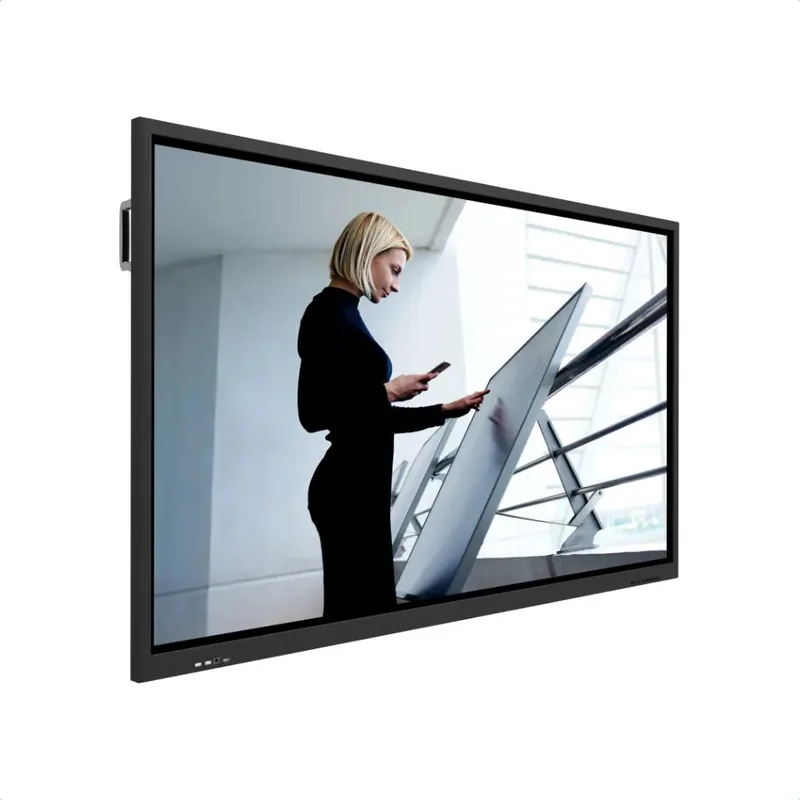
InFocus JTouch INF6500 Manual
PDF manual · 28 Pages
English



Quick check
Incorrect answer, please try again.
Chat with your InFocus JTouch INF6500 manual using AI
Get instant AI answers from your InFocus JTouch INF6500 manual
Ask anything about the InFocus JTouch INF6500. Answers come from this manual, with the pages they are based on.
Ask a Question
Do you recommend JTouch INF6500?
Yes NoFrequently Asked Questions
Due to its significant weight, the display must always be moved and installed by two individuals to prevent personal injury and product damage.
Is this answer helpful?
When mounted to a wall, maintain at least 2 inches (5 cm) of space between the display and the wall to ensure proper ventilation and prevent overheating.
Is this answer helpful?
No, do not use hard objects as styluses. The screen is fragile and can be damaged if pressed forcibly or scratched by hard materials.
Is this answer helpful?
Displaying an image indefinitely can cause a ghost image, which is a permanent discoloration. This type of damage is not covered under the warranty.
Is this answer helpful?
No, never place the display or its components near water to avoid the risk of electrocution and severe product damage.
Is this answer helpful?
If the screen breaks and liquid crystal fluid contacts your skin, rinse the affected area immediately for 15 minutes and seek medical attention if irritation persists.
Is this answer helpful?
Yes, if the display has been moved, do not use it immediately. Allow it time to slowly adjust to the new ambient temperature.
Is this answer helpful?
Advantages and Disadvantages
Advantages

- Large 65-inch interactive screen perfect for group collaboration
- Robust build quality designed for high-traffic commercial use
- Advanced safety features including anti-overheat ventilation design
- Supports multi-touch interaction for dynamic presentations
- Compatible with standard mounting solutions for flexible placement
Disadvantages

- Heavy weight requires two-person handling for safe installation
- Sensitive screen surface can be damaged by excessive pressure
- Requires strict adherence to ventilation clearance specifications
- Not suitable for outdoor use due to weather sensitivity
- Ghosts images may occur if static content is displayed too long
Product Specification
Touchscreen
Infrared, Multi-Touch
Diagonal
65"/65.1cm
Resolution
3840x2160, 16:9
Brightness
450cd/m²
Contrast
5,000:1 (static), not specified (dynamic)
Response Time
6ms
Viewing Angle
178°/178°
Backlight
White-LED
HDR
N/A
Color Depth
10bit (1.07 billion colors)
Refresh Rate
60Hz
Signal Frequency
not specified (horizontal), not specified (vertical)
Connections
1x VGA, 3x HDMI 2.0, 1x DisplayPort 1.2, 1x RCA Component, 2x 3.5mm Jack (Line-In), 1x 3.5mm Jack (Line-Out), 1x Toslink S/PDIF Out
Additional Connections
4x USB-A 2.0 (480Mb/s), 2x USB-B (Touch function), 2x RJ-45 LAN, 1x serial, 1x JAE 80-Pin OPS
Ergonomics
N/A
VESA
600x400 (free)
Power Consumption
not specified (max), 140W (typical), not specified (Energy Label old A+++ to G), 0.5W (standby)
Dimensions (WxDxH)
1506x901x96mm
Weight
42.00kg
Features
Speakers (2x 7.5W), integrated media player, Android 8, WLAN, tempered glass (7H)
Manufacturer Warranty
two years
Product Description
InFocus JTouch INF6500 65: A Powerful Interactive Display
The InFocus JTouch INF6500 65 stands as a premier choice for modern interactive environments, designed to facilitate seamless collaboration and dynamic presentations. This large-format display combines robust hardware with intuitive touch capabilities, making it ideal for educational institutions, corporate boardrooms, and creative workspaces. Its substantial 65-inch screen provides ample real estate for multiple users to engage simultaneously, fostering an atmosphere of shared innovation and productivity.
Designed with safety and durability in mind, the INF6500 65 incorporates rigorous engineering standards to ensure long-term reliability. The unit is built to withstand the demands of high-traffic areas while maintaining crystal-clear image quality. Proper installation is crucial for optimal performance; the display requires specific ventilation clearances to prevent overheating and ensure consistent operation. Users are advised to maintain a minimum distance from walls and heating vents to allow adequate airflow around the device.
Operational longevity is enhanced by features that protect the screen from common hazards. The glass surface is sensitive to pressure, requiring gentle interaction with styluses or fingers rather than hard objects. Additionally, the system includes safeguards against ghost imaging, ensuring that static content does not leave permanent discoloration on the panel. For those seeking a reliable tool for visual communication, the InFocus JTouch INF6500 65 offers a blend of size, clarity, and interactive potential that elevates any meeting or learning session.
Important Installation Notes
- Always use two people to move this heavy display to avoid injury.
- Maintain at least 2 inches of clearance behind wall-mounted units for ventilation.
- Avoid placing the unit near water sources to prevent electrical hazards.
- Allow the display to acclimate to room temperature before powering on after moving.
- Do not expose the screen to direct sunlight or extreme heat sources.
Search for 67,706 Manuals online


Type-in Brand or Model