

Free goodram Manuals – Read, Download & Print
6 Manuals
Manuals
Categories

Goodram Manuals: A Comprehensive Guide to Documentation and Support
Introduction to Goodram Product Documentation
Goodram is a globally recognized manufacturer of high-performance memory modules, solid-state drives, and flash storage devices. For users who have purchased these components, accessing accurate and detailed documentation is essential for optimal performance, troubleshooting, and longevity. The term "Goodram Manuals" refers to the extensive collection of user guides, installation instructions, warranty information, and technical specifications provided by the company. These documents serve as the primary resource for system administrators, IT professionals, and individual consumers alike. Whether you are installing DDR4 RAM in a gaming PC or configuring a new SSD for data integrity, having the correct manual ensures that every step of the process is executed correctly. This guide explores the various types of manuals available, how to access them, and why they are critical for maximizing the value of your Goodram hardware.
Types of Manuals Available for Goodram Products
The documentation ecosystem for Goodram covers a wide range of product categories. Each category requires specific instructions tailored to its unique architecture and application. Understanding these distinctions helps users find the exact document they need without confusion.
Memory Module User Guides
Memory modules, including DDR3, DDR4, and DDR5 RAM sticks, are fundamental components of modern computing systems. The manuals for these products focus on compatibility, installation procedures, and overclocking potential. They provide detailed pinout diagrams, voltage requirements, and timing settings. Users can learn how to properly seat the module into the DIMM slot, ensuring the retention clips lock securely. Additionally, these guides often include information on XMP (Extreme Memory Profile) profiles, which allow users to enable higher speeds automatically through their motherboard BIOS. Proper installation according to these manuals prevents physical damage to the motherboard and ensures stable operation under heavy loads.
Solid State Drive Installation and Configuration Documents
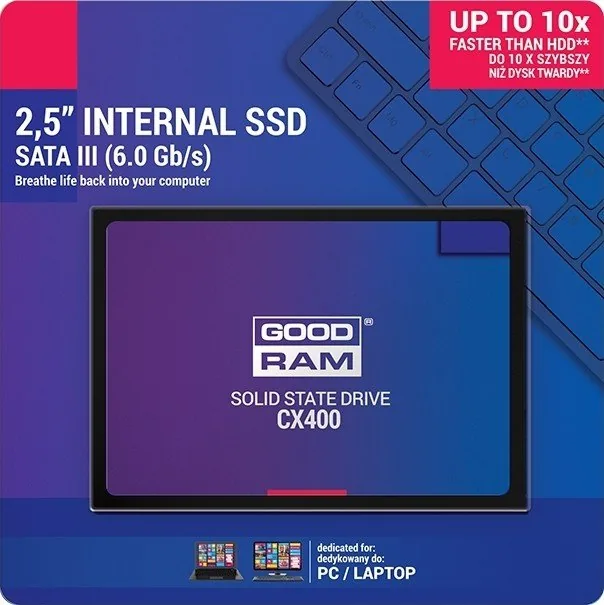
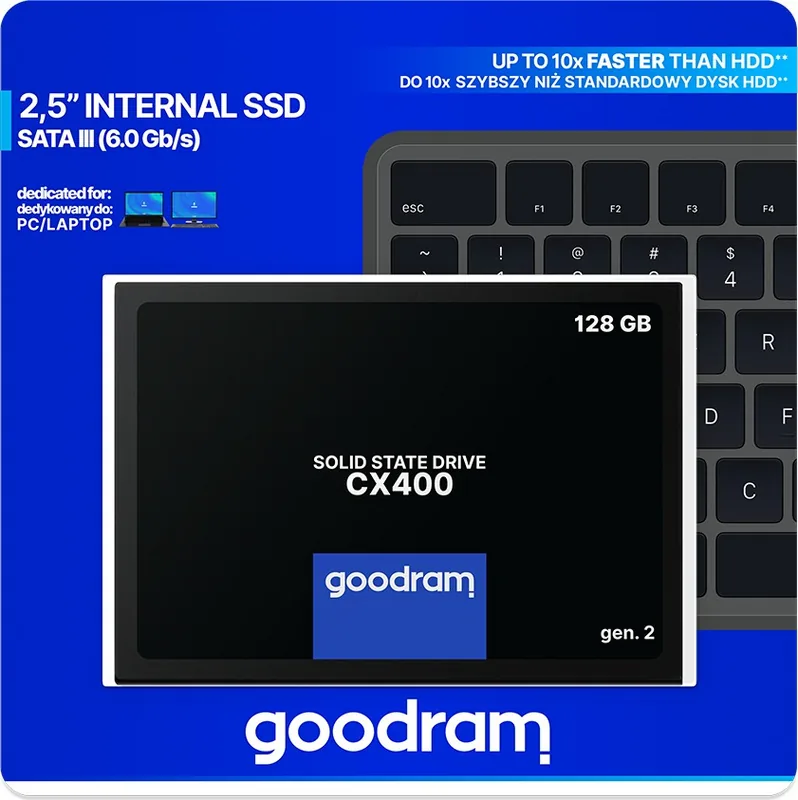
Solid-state drives (SSDs) from Goodram come in various form factors, such as 2.5-inch SATA drives and M.2 NVMe drives. The manuals for these devices differ significantly based on the interface type. SATA drive manuals typically cover mounting brackets, cable connections, and cloning software recommendations. In contrast, M.2 NVMe manuals emphasize thermal management, proper screw installation, and BIOS settings for boot order. These documents also explain how to initialize the drive within the operating system, partition it effectively, and utilize any proprietary software included with the drive for health monitoring and firmware updates. Following these steps is crucial for achieving the advertised read and write speeds.
Flash Storage and USB Drive Instructions
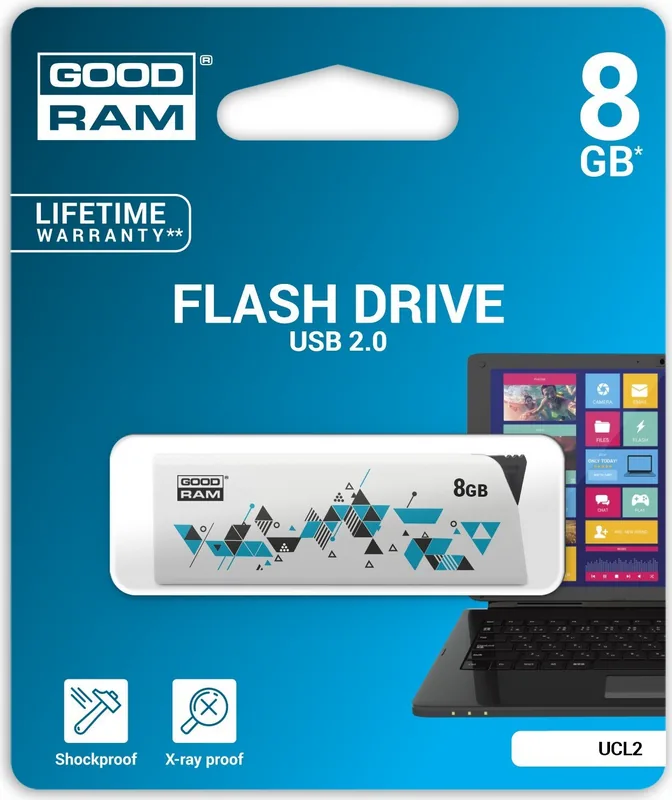
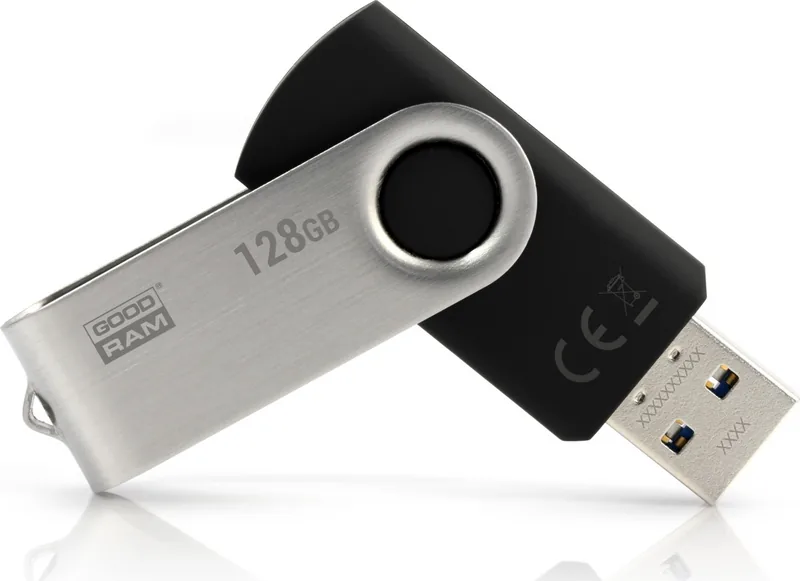
For portable storage solutions like USB flash drives and SD cards, the manuals are often concise but informative. They address file system formatting options, such as FAT32, exFAT, and NTFS, depending on the intended use case. Users are guided on how to handle write protection switches and avoid data corruption during removal. Some advanced guides may include details on encryption features if the specific model supports secure data storage. These resources ensure that users can safely transfer large files and maintain data integrity across different devices and operating systems.
How to Access and Download Goodram Manuals
Locating the correct manual is the first step toward successful product integration. Goodram maintains a centralized repository on its official website where all documentation is freely accessible. To find a specific manual, users should navigate to the support or download section of the site. From there, selecting the appropriate product category and searching by the specific model number yields precise results. It is important to verify the model number printed on the product packaging or the component itself before downloading. Using an incorrect version of a manual can lead to configuration errors or hardware incompatibility.
Once the correct page is found, the manual is usually available in PDF format for easy viewing and printing. Many manufacturers, including Goodram, offer multi-language versions to cater to a global audience. Users can switch between languages using the dropdown menu provided on the download page. If the website search function does not yield immediate results, users can contact customer support directly via email or live chat. Support teams are trained to assist with locating legacy documents for older products or providing clarification on ambiguous sections of the current guides.
Importance of Reading the Manual Before Installation
Skipping the instruction manual is a common mistake that can result in unnecessary frustration or hardware damage. Reading the manual before beginning any installation process allows users to anticipate potential challenges and prepare accordingly. For instance, some memory kits require specific slot configurations to achieve dual-channel or quad-channel performance. Without this knowledge, a user might install modules in non-optimal slots, resulting in reduced system speed. Similarly, SSD manuals often warn about static electricity precautions and the need for anti-static wristbands during handling.
Furthermore, manuals contain vital safety warnings regarding power limits and heat dissipation. Ignoring these warnings can void warranties or cause permanent failure of the component. By reviewing the content beforehand, users gain confidence in their ability to perform the task. They understand the tools required, the sequence of operations, and the expected outcomes. This proactive approach saves time and reduces the likelihood of returning products due to improper setup.
Troubleshooting and Technical Support Resources
In addition to standard installation guides, Goodram manuals often include dedicated troubleshooting sections. These segments address common issues such as system instability, failure to detect storage devices, or slow performance. Solutions typically involve checking cable connections, updating drivers, or adjusting BIOS settings. If the manual does not resolve the issue, it provides contact information for further assistance. Goodram offers technical support channels that complement the written documentation. Users can submit tickets detailing their problem along with screenshots of error messages or system logs. The support team then analyzes the data and provides tailored advice based on the specific scenario.
Warranty information is another critical component found within the manuals. These sections outline the duration of coverage, what constitutes valid claims, and the procedure for initiating a return or replacement. Understanding the warranty terms helps users protect their investment. It clarifies whether accidental damage is covered or if the warranty applies only to manufacturing defects. Keeping the manual and proof of purchase together ensures that warranty claims can be processed smoothly when needed.
Conclusion: Maximizing Performance Through Documentation
Goodram Manuals are indispensable tools for anyone utilizing Goodram hardware. They bridge the gap between raw hardware capabilities and practical application. By adhering to the guidelines presented in these documents, users can ensure stability, security, and peak performance from their systems. Whether dealing with high-speed memory for gaming, reliable storage for professional workflows, or portable media for everyday tasks, the manuals provide the roadmap needed for success. As technology evolves, Goodram continues to update its documentation to reflect new standards and best practices. Staying informed through these resources empowers users to make the most of their technology investments and maintain a robust computing environment.
Search for 67,706 Manuals online


Type-in Brand or Model