
goodram CX400 Manual
PDF manual · 1 Pages
English


Quick check
Incorrect answer, please try again.
Chat with your goodram CX400 manual using AI
Get instant AI answers from your goodram CX400 manual
Ask anything about the goodram CX400. Answers come from this manual, with the pages they are based on.
Ask a Question
Do you recommend CX400?
Yes NoFrequently Asked Questions
The CX400 supports Windows XP through Windows 10, Mac OS X 10.4 and newer (may require reformatting to a Mac-compatible file system), and Linux distributions. Ensure your OS tools are used to format the drive after installation.
Is this answer helpful?
Power off and unplug your computer, connect the SSD to an available SATA data and power connector, secure the drive in the bay, and if needed attach the supplied 9.5 mm spacer for laptop fit. Boot the system and initialize/format the drive using operating system tools.
Is this answer helpful?
Yes. The CX400 is backward compatible with SATA II and SATA I, but operating on those interfaces will reduce data transfer rates to the capabilities of the older standard. For full performance, use a SATA III port.
Is this answer helpful?
Goodram expresses capacity in decimal units (1 GB = 1,000,000,000 bytes). Many operating systems display sizes using binary units (1 GiB = 1,073,741,824 bytes), so the reported value may appear lower. Some space is also reserved for firmware and drive management.
Is this answer helpful?
Avoid exposing the drive to liquids, extreme temperatures, open flames, or mechanical shock. Do not immerse the SSD. Ensure proper heat dissipation in your system and keep the product away from children under three. Use only with compatible devices.
Is this answer helpful?
The CX400 is designed for consumer-class applications and is not recommended for systems requiring high reliability or continuous heavy workloads such as servers or industrial environments unless the manufacturer explicitly states suitability for such use.
Is this answer helpful?
Warranty conditions and detailed compliance information are available on Goodram's website. The product carries CE marking and should be recycled appropriately; do not dispose of it as regular household waste.
Is this answer helpful?
Advantages and Disadvantages
Advantages

- SATA III interface offers improved performance over HDDs for everyday computing
- Backward compatible with SATA II and SATA I for broad system support
- Compatible with Windows, macOS (may need reformat), and Linux
- Includes 9.5 mm spacer for laptop compatibility
- Lower power consumption and faster responsiveness than mechanical drives
Disadvantages

- Not intended for high-reliability server or industrial applications
- Actual usable capacity appears lower due to decimal vs binary reporting
- Performance limited when connected to SATA II or SATA I ports
- Requires physical installation and formatting by user
- No detailed warranty terms included in the manual; consult website
Product Specification
Type
Solid State Drive (SSD)
Form factor
2.5"
Interface
SATA 6Gb/s
Memory modules
3D-NAND TLC
Reliability prediction
2 million hours (MTBF)
Controller
Phison PS3111-S11, 2 channels
Cache
32MB (SDR, embedded/controller)
Protocol
AHCI
Dimensions
3.94x2.76x0.28in (without heatsink)
Warranty
36 months
Product Description
Goodram CX400 SATA Manual
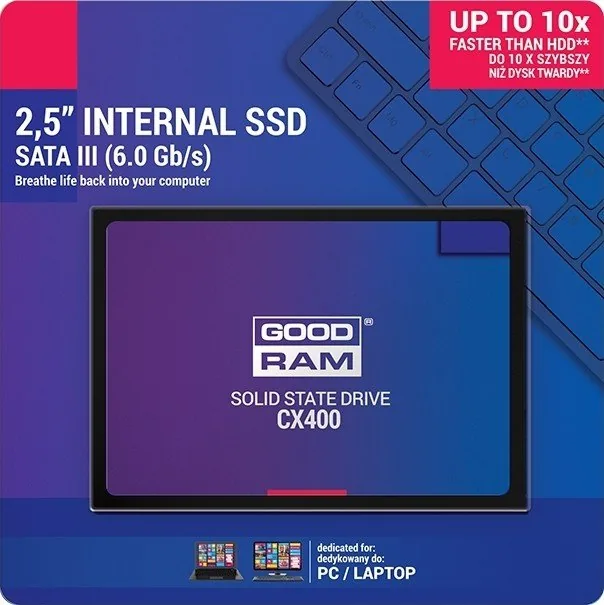
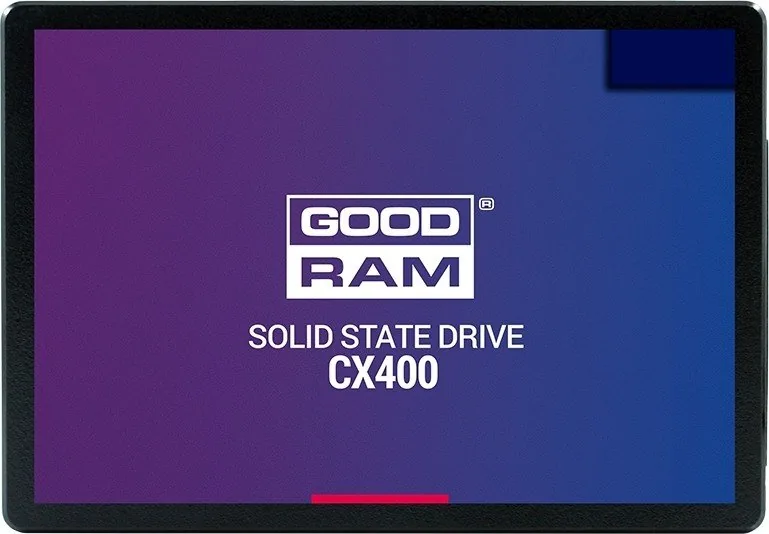
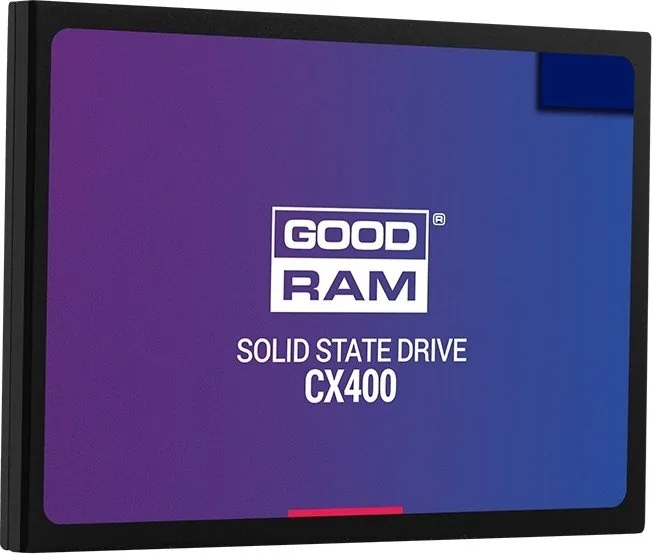
The Goodram CX400 SATA is a consumer-grade internal solid-state drive designed for everyday desktop and laptop use. Built on SATA III interfaces with backward compatibility for SATA II and SATA I, the CX400 aims to deliver faster boot times, quicker application loading, and responsive system performance compared with traditional hard drives. The drive is intended for typical consumer scenarios rather than high-availability or industrial server environments.
Overview and Features
Goodram markets the CX400 alongside a family of SSDs (C40, C50, CX100, CX200, CX300, Iridium, Iridium Pro), offering a range of capacities expressed in decimal units (1 GB = 1,000,000,000 bytes). Users should note operating systems that report storage in binary units will display slightly lower listed capacity. A portion of each drive is reserved for firmware and internal management.
The CX400 supports common operating systems including Windows (XP through Windows 10), Mac OS X (10.4 and newer, though reformatting may be required), and Linux. For best throughput, connect to a SATA III port; connecting to older SATA revisions will limit performance to the interface specification. The SSD is supplied with a spacer for laptops with 9.5 mm bays when needed.
Installation and Use
Installation is straightforward: power down and unplug your system, then connect the SSD to an available SATA interface and power cable. After physical installation, initialize and format the drive using your operating system tools. Ensure your system supports SATA connections and consult the motherboard or laptop manual if uncertain.
The drive is meant for consumer-class workloads—everyday computing, multimedia, and general storage. It is not recommended for mission-critical server or industrial applications unless explicitly specified by the manufacturer for such use.
Safety and Handling
Follow standard SSD handling precautions: avoid exposure to extreme temperatures, liquids, open flame, and mechanical damage. Do not immerse the device in liquids. The product is not a toy and is not suitable for children under three. Ensure adequate heat dissipation in your system and use the drive only with compatible hardware.
Warranty and Compliance
Goodram SSDs carry CE marking and comply with relevant EU directives. Warranty terms are provided separately on the manufacturer website. For recycling and disposal, the product should not be treated as household waste and must be handled by appropriate recycling facilities.
Notes
- Capacity advertised uses decimal notation; reported capacity may be lower on some OSes.
- Reformatting may be necessary for Mac compatibility.
- Use SATA III for best performance; SATA II/I will limit throughput.
- Keep the manual and warranty information for future reference.
Search for 67,706 Manuals online


Type-in Brand or Model