
goodram UCL2 Manual
PDF manual · 1 Pages
English


Quick check
Incorrect answer, please try again.
Chat with your goodram UCL2 manual using AI
Get instant AI answers from your goodram UCL2 manual
Ask anything about the goodram UCL2. Answers come from this manual, with the pages they are based on.
Ask a Question
Do you recommend UCL2?
Yes NoFrequently Asked Questions
The goodram UCL2 is compatible with Windows (XP through Windows 10), Mac OS X 10.4 and newer, and Linux distributions that support USB mass storage devices.
Is this answer helpful?
In most cases the device is plug-and-play and your system will recognize it automatically. If needed, drivers will typically install automatically when the device is first connected.
Is this answer helpful?
GOODRAM lists capacity in decimal units (1 GB = 1,000,000,000 bytes). Some operating systems use binary conversion (1 GiB = 1,073,741,824 bytes), which can make available capacity appear lower; part of the space is also reserved for file system structures and firmware.
Is this answer helpful?
No. The UCL2 is designed for consumer-class applications. It is not intended for systems requiring sustained high performance or high reliability, such as continuous DVR recording, unless explicitly stated otherwise.
Is this answer helpful?
Avoid exposing the drive to extreme temperatures, direct flame, liquids, or physical damage. Do not treat it as a toy for young children. Dispose of the device via appropriate electronic recycling centers; it should not be thrown away with household waste.
Is this answer helpful?
Yes. The product carries CE conformity and is covered by the manufacturer's warranty. Warranty terms and a copy of the CE declaration can be obtained from Wilk Elektronik SA or via the GOODRAM website.
Is this answer helpful?
The UCL2 is preformatted in FAT32 or exFAT by default for broad compatibility. Ensure your operating system supports the chosen file system for full functionality.
Is this answer helpful?
Advantages and Disadvantages
Advantages

- Wide OS compatibility: Windows XP–10, Mac OS X 10.4+, Linux
- Plug-and-play operation with common file systems (FAT32/exFAT)
- CE certified and recyclable materials
- Compact and convenient for everyday data transfer
- Manufacturer warranty and support from Wilk Elektronik SA
Disadvantages

- USB 2.0 interface limits transfer speeds versus USB 3.x drives
- Not intended for high-reliability or continuous-recording applications
- Available capacity may appear lower due to decimal vs binary reporting
- Susceptible to damage from heat, liquids, and physical impact
- No mention of hardware encryption or advanced security features
Product Specification
Interface
USB-A 2.0
USB Type
Link
Product Description
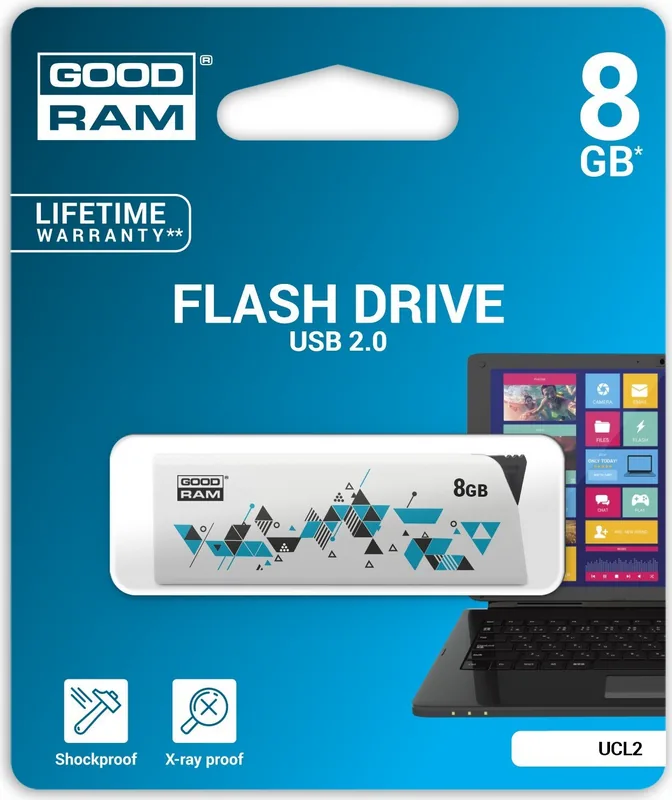
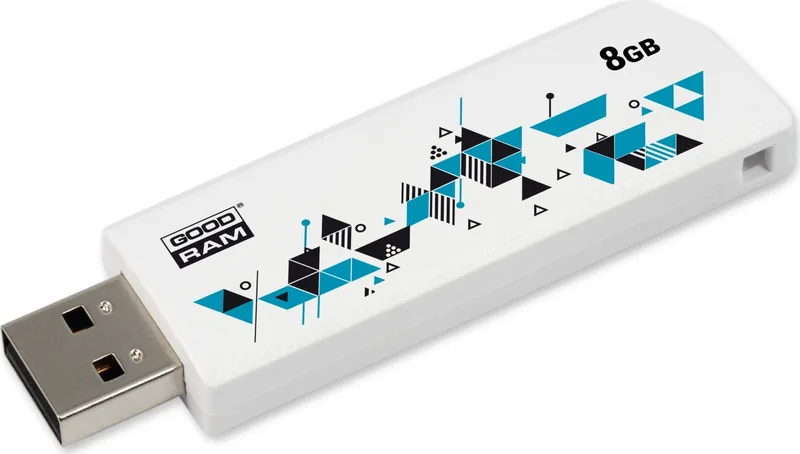
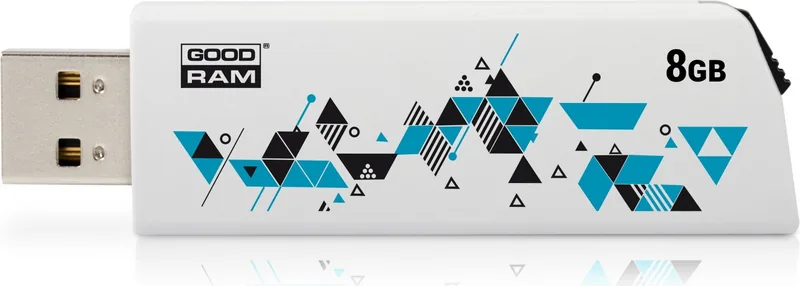
goodram UCL2 — Reliable USB 2.0 Flash Drive
The goodram UCL2 is a compact, consumer-grade USB 2.0 flash drive designed for everyday data storage and transfer. Built for compatibility and ease of use, the UCL2 supports common operating systems including Windows (XP through Windows 10), Mac OS X (10.4+), and Linux. It arrives preformatted (FAT32 or exFAT), so most systems will recognize it automatically once plugged into a USB port.
While optimized for general-purpose use, the UCL2 is not intended for mission-critical or high-reliability applications such as continuous DVR recording or industrial systems. The manufacturer emphasizes safe handling: avoid exposure to extreme temperatures, direct flame, immersion in liquids, and rough physical damage. The device is marked with CE conformity and is recyclable through appropriate collection centers.
Capacity is specified in decimal units (1 GB = 1,000,000,000 bytes), so available capacity reported by some operating systems using binary conversion may appear lower. Part of the drive’s capacity is reserved for file system structures and firmware. For best performance and compatibility, ensure your host device meets USB 2.0 specs and provides stable power.
The UCL2 comes from Wilk Elektronik SA (GOODRAM) and carries manufacturer warranty terms available on the official website. It is aimed at typical consumer workflows: storing documents, photos, media files, and transferring data between devices. Installation is plug-and-play on most systems; drivers may be installed automatically if required.
Notes
- Do not treat the device as a toy and keep it away from children under three years old.
- Follow heat dissipation guidance and avoid prolonged exposure to excessive heat.
- Dispose of the device through local electronic recycling channels rather than household waste.
- Warranty details and CE declaration are available from Wilk Elektronik SA.
Search for 67,706 Manuals online


Type-in Brand or Model