
goodram CX400 Gen. 2 Manual
PDF manual · 1 Pages
English


Quick check
Incorrect answer, please try again.
Chat with your goodram CX400 Gen. 2 manual using AI
Get instant AI answers from your goodram CX400 Gen. 2 manual
Ask anything about the goodram CX400 Gen. 2. Answers come from this manual, with the pages they are based on.
Ask a Question
Do you recommend CX400 Gen. 2?
Yes NoFrequently Asked Questions
Yes, it is compatible with Mac OS X 10.4 or higher. However, you must reformat the drive from NTFS to a Mac-compatible file system before it can be used on macOS.
Is this answer helpful?
The drive will still function correctly, but the data transfer speed will be reduced to match the SATA II standard rather than the full SATA III speed.
Is this answer helpful?
No, the product is intended for general consumer use. It is not designed for systems requiring high levels of quality and reliability such as servers or industrial applications.
Is this answer helpful?
Yes, after connecting the SSD to your computer via the SATA interface, you must use system tools to format the drive before it becomes usable.
Is this answer helpful?
If your laptop has a drive bay height of 9.5mm, you must attach the provided spacer adapter to the SSD to ensure it fits securely and functions correctly.
Is this answer helpful?
Detailed warranty terms and conditions are available in a separate document on the official website at www.goodram.com/warranty.
Is this answer helpful?
Advantages and Disadvantages
Advantages

- Significantly faster boot and load times compared to mechanical hard drives
- Wide compatibility with Windows, Mac, and Linux operating systems
- Backward compatible with SATA II and SATA I ports for older systems
- Includes necessary spacer adapter for 9.5mm laptop drive bays
- Meets strict EU safety and environmental compliance standards
Disadvantages

- Data transfer speeds are limited when used on SATA II or SATA I ports
- Not recommended for critical server or industrial applications requiring high reliability
- Mac OS users must manually reformat the drive from NTFS initially
- Requires physical installation and formatting by the user
- Does not include recovery software or advanced management tools out of the box
Product Specification
Form Factor
Solid State Drive (SSD)
Size
2.5"
Interface
SATA 6Gb/s
Read Speed
550MB/s
Memory Type
3D-NAND TLC
Reliability Forecast
2 million hours (MTBF)
Protocol
AHCI
Dimensions
3.94x2.76x0.28in (without heatsink)
Warranty
36 months
Product Description
Goodram CX400 Gen.2 SATA: A Reliable Storage Upgrade
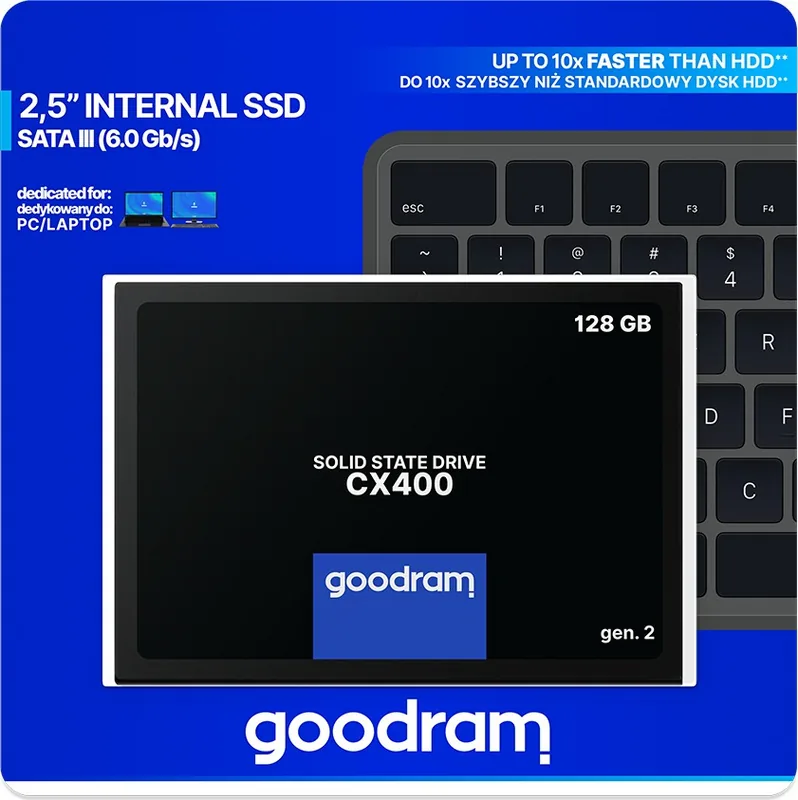
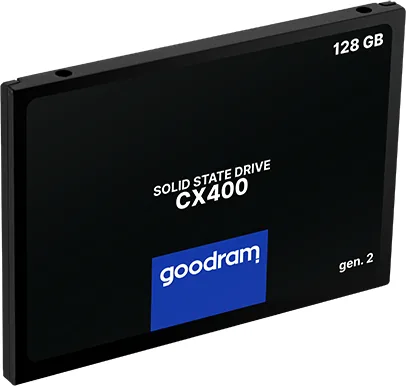
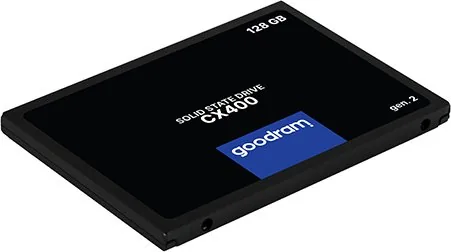
The GOODRAM CX400 Gen.2 SATA SSD represents a significant step forward in internal storage solutions for both desktop and laptop users. Designed to enhance system performance, this drive offers a robust alternative to traditional hard disk drives by utilizing advanced flash memory technology. When you install the GOODRAM CX400 Gen.2 SATA Manual guidelines into your workflow, you ensure that the device operates at its peak potential while maintaining long-term reliability.
This solid-state drive is engineered for general computing tasks, making it an ideal choice for everyday users looking to speed up their boot times and application loading speeds. The drive supports SATA III interfaces, which deliver maximum data transfer rates when connected to compatible motherboards. While it remains backward compatible with SATA II and SATA I ports, users should be aware that connecting to older standards will result in reduced throughput speeds. For optimal performance, pairing this drive with a SATA III port is highly recommended.
Compatibility extends across a wide range of operating systems, including Windows XP through Windows 10, Mac OS X 10.4 and newer versions, and various Linux distributions. It is important to note that Mac users may need to reformat the drive from NTFS to a compatible file system before use. The manufacturer, Wilk Elektronik SA, ensures that the product meets all fundamental EU directive requirements, providing peace of mind regarding safety and environmental standards.
Installation requires basic technical knowledge. Before beginning, ensure your computer is powered off and possesses an available SATA connection. Once physically connected, the drive must be formatted using system tools to become fully functional. For laptops with specific drive bays measuring 9.5mm in height, the included spacer adapter should be attached to the SSD to ensure a secure fit. Always keep the device away from water, open flames, and extreme temperatures outside the specified operating range to prevent damage.
Important Usage Notes
- Do not dispose of the device in regular household trash; recycle it properly.
- The product is not suitable for children under three years old due to small parts.
- Avoid exposing the drive to high heat sources or direct sunlight.
- Ensure proper ventilation around the drive during operation.
- Use only components designed specifically for this SSD model.
Search for 67,706 Manuals online


Type-in Brand or Model