

Free Elgato Manuals – Read, Download & Print
5 Manuals
Manuals
Categories


Free Elgato Manuals - Read, Download & Print
Find helpful information for your Elgato devices with free manuals designed to support setup, operation, troubleshooting, and everyday use. Whether you own a Stream Deck, capture card, webcam, lighting accessory, microphone, or gaming interface, an Elgato manual can help you understand features, connections, controls, and software options. Read manuals online for quick answers, download a copy for offline reference, or print important pages to keep near your workspace.
Easy Access to Elgato Product Documentation
Elgato products are made for creators, streamers, gamers, remote workers, and anyone building a smarter desktop setup. Because each device can include hardware controls, companion software, cables, adapters, and customizable settings, having the correct manual is useful from the first unboxing through long-term ownership.
Free Elgato manuals provide a convenient way to locate product guidance without searching through scattered forums or incomplete third-party instructions. A proper manual may explain what comes in the box, how to connect the device to a computer, which ports are required, how to install supporting applications, and how to use key features safely.
Read Elgato Manuals Online
Reading an Elgato manual online is ideal when you need a fast answer. Digital documentation can be searched for terms such as "setup," "USB," "firmware," "audio," "lighting," or "troubleshooting" to help you jump directly to the relevant section. This is especially useful if you are configuring a device while sitting at your computer or trying to solve a problem during a stream or recording session.
Online manuals can help answer common questions, including:
- How do I connect an Elgato capture card to a console and display?
- Which software is needed for a Stream Deck or Key Light?
- How do I assign actions, profiles, or shortcuts?
- What do the buttons, dials, LEDs, and ports do?
- How can I update device firmware?
- Which settings affect video, audio, brightness, or color temperature?
- What should I check if the device is not detected?
Download Manuals for Offline Reference
Downloading an Elgato manual gives you access to product instructions even when an internet connection is unavailable. A saved manual can be useful while traveling, setting up equipment at an event, reorganizing a studio, or working in a location with limited connectivity. It also lets you keep documentation together with purchase records, warranty details, and notes about your personal configuration.
When saving a manual, use a clear file name that includes the product model and revision when available. For example, separate manuals for an HD60 X, 4K60 Pro, Stream Deck XL, Wave:3, Facecam, or Key Light can prevent confusion later. If you use several Elgato devices, placing manuals in one dedicated folder makes it easier to find the right instructions when you need them.
Print Important Elgato Instructions
Printed manuals remain useful for hands-on installation and workspace troubleshooting. A paper copy can be easier to follow when your computer is disconnected, when you are routing cables behind a desk, or when you need to compare diagrams while connecting multiple devices. You may not need to print an entire manual. Instead, print the pages that cover installation diagrams, port layouts, safety notices, reset procedures, and quick-start steps.
For an organized printed reference, consider keeping essential pages in a labeled binder. This can be especially helpful for shared studios, school media rooms, production teams, and gaming setups where more than one person uses the equipment. Add your own notes about cable paths, preferred software settings, scene layouts, and backup configurations.
Manuals for Stream Deck Devices
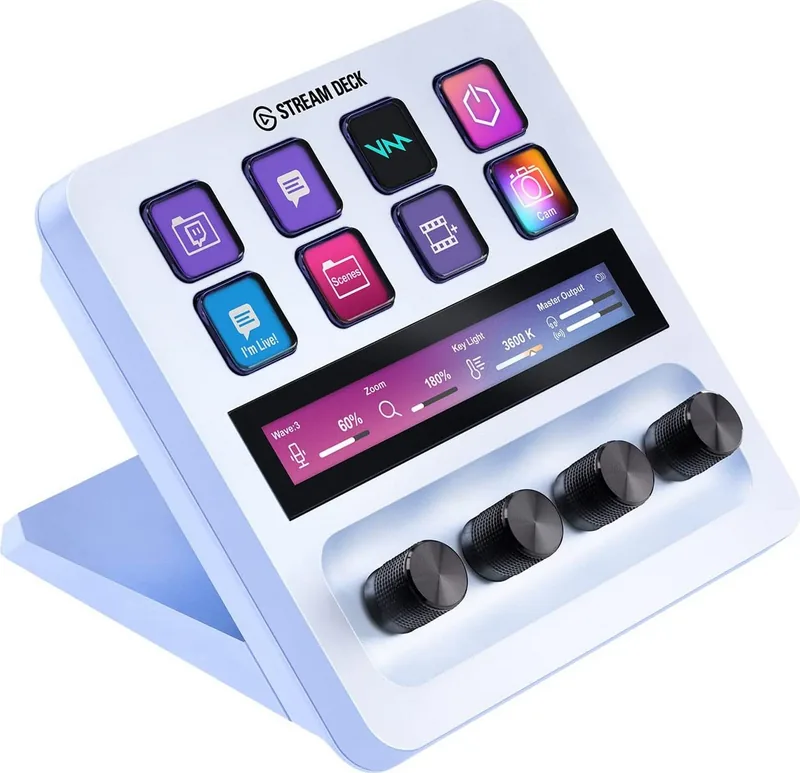
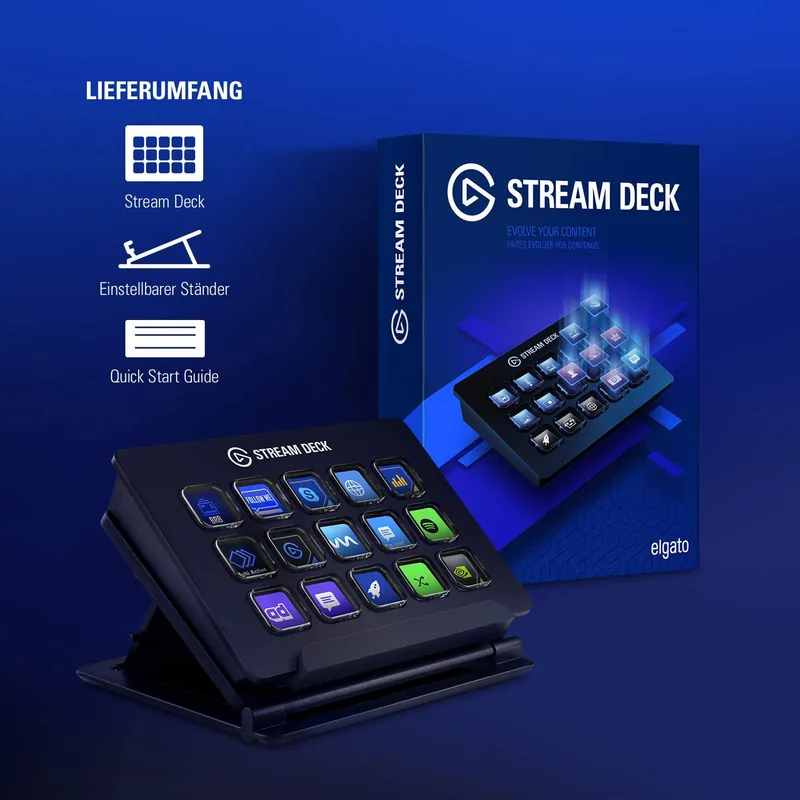
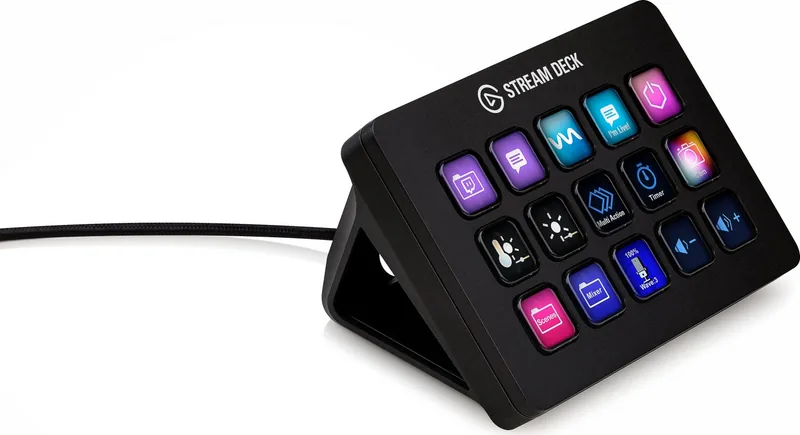
Stream Deck manuals are useful for learning how customizable keys, dials, touch strips, profiles, folders, and plugins work. Depending on the model, documentation may describe physical button layouts, USB connection requirements, display behavior, brightness controls, and software customization. It can also explain how to assign shortcuts, launch applications, control streaming tools, switch scenes, operate smart home devices, or trigger multi-action workflows.
A manual is particularly valuable when you are setting up multiple profiles for different tasks. You might create one profile for streaming, another for video editing, another for meetings, and another for music production. Reviewing the instructions can help you understand how profiles change automatically based on the active application and how to back up or restore your configuration.
Manuals for Capture Cards and Video Devices
Elgato capture card manuals are essential when connecting consoles, cameras, PCs, displays, and audio equipment. Video setups often involve HDMI input and output, USB or PCIe connections, display refresh rates, passthrough capabilities, resolution settings, and recording software. The manual can clarify the intended signal flow and help you avoid common connection mistakes.
For capture devices, check the documentation for supported resolutions, frame rates, HDR behavior, audio routing, system requirements, and cable recommendations. These details are important because video performance can depend on the source device, display, computer hardware, software settings, and the specific Elgato model. If you experience black screens, missing audio, lag, or unsupported signal messages, the troubleshooting section is a good place to start.
Manuals for Cameras, Lighting, and Audio Gear
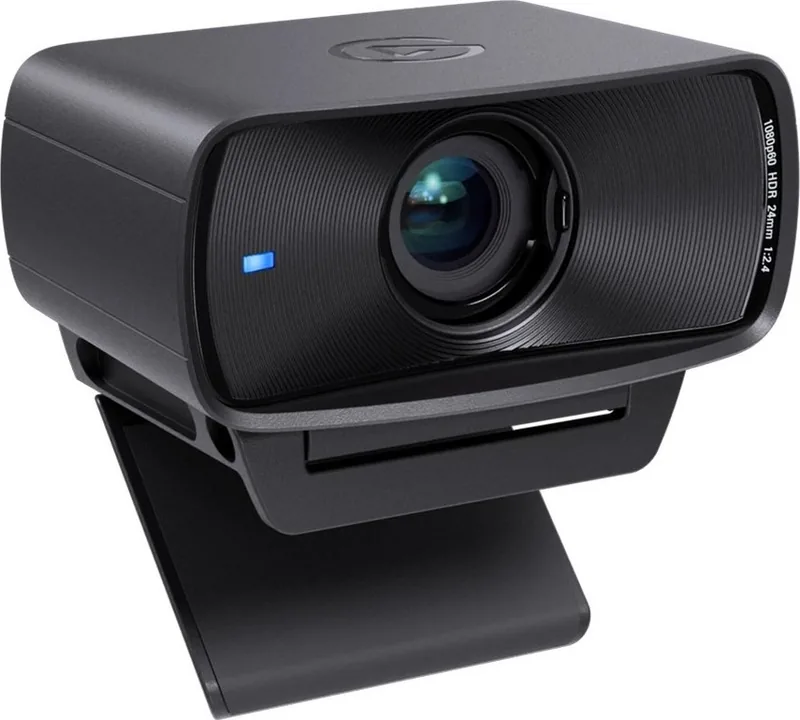
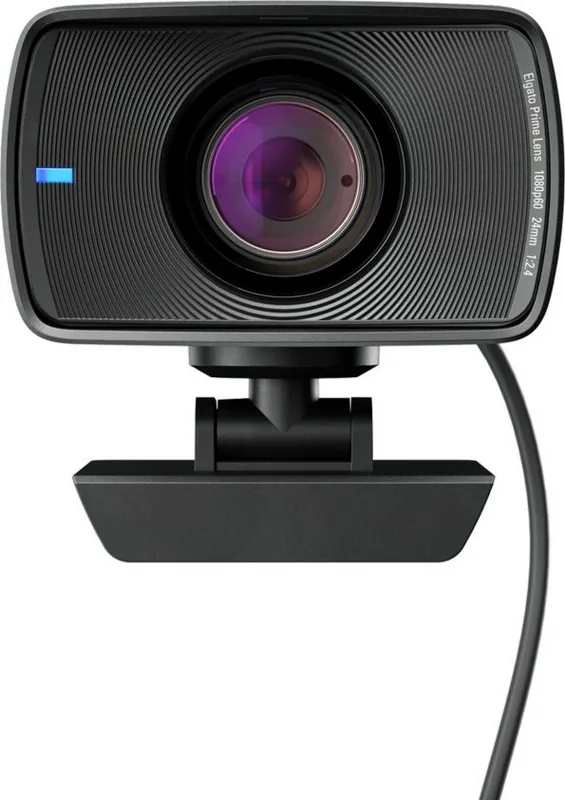
Elgato manuals also support desktop cameras, lights, microphones, audio interfaces, and related accessories. Camera documentation may cover mounting, field of view, focus options, privacy settings, image adjustments, and software controls. Lighting manuals can explain placement, mounting methods, brightness, color temperature, wireless control, and power requirements.
For microphones and Wave devices, manuals may provide guidance on gain, headphone monitoring, mute controls, USB connection, audio levels, and software mixing. Clear audio depends on correct placement and settings, so it is helpful to review the manual before making major adjustments. For lighting, instructions can help you create a balanced and comfortable workspace while avoiding unstable mounts, blocked ventilation, or unsuitable power connections.
Setup, Software, and Firmware Guidance
Many Elgato products work alongside companion software. Manuals and official support materials often explain where to install the appropriate application, how to connect the hardware, and how to check that the device is recognized. They may also describe configuration screens, available controls, permissions, and recommended update procedures.
Firmware and software updates can add improvements, compatibility changes, and fixes. Before updating, review the relevant instructions and avoid disconnecting the device during the process. If a manual lists minimum operating system requirements or supported hardware, compare those details with your computer before beginning setup. This can save time and prevent issues caused by incompatible ports, outdated drivers, or unsupported system versions.
Troubleshooting Common Elgato Issues
A manual can provide practical first steps when an Elgato device does not behave as expected. Start by checking power, cable connections, port selection, and software recognition. Use the cables and adapters recommended for your model whenever possible, and confirm that each connection is secure. If the device depends on USB bandwidth, connect it directly to an appropriate port rather than through an unsuitable hub.
Common troubleshooting steps may include restarting the device and computer, checking for software updates, reviewing input settings, testing another cable, reconnecting the hardware, or resetting selected preferences. For capture equipment, confirm the source output format. For audio equipment, verify that the correct input and output devices are selected in both the operating system and application. For Stream Deck products, verify that the intended profile and plugin actions are active.
Find the Correct Manual by Model
Always match the manual to the exact Elgato product model. Similar-looking devices can have different ports, features, software requirements, and operating instructions. Check the product name on the device, packaging, purchase receipt, or label before reading or downloading documentation. Model-specific guidance is more reliable than general setup advice.
Using the right Elgato manual makes setup easier, supports safer operation, and helps you get more value from your equipment. Read online when you need a quick answer, download documentation for offline access, and print key pages for a practical desk-side reference. With clear instructions available when you need them, you can spend less time searching for solutions and more time creating, streaming, recording, working, and playing.
Search for 67,706 Manuals online


Type-in Brand or Model