
Elgato Stream Deck MK.2 Manual
PDF manual · 18 Pages
English



Quick check
Incorrect answer, please try again.
Ask a Question
Do you recommend Stream Deck MK.2?
Yes No
Michael Powell
5 months ago
Is the Stream Deck suitable for non-streamers who want to control games and productivity apps?
Frequently Asked Questions
It supports major platforms like OBS, Twitch, YouTube, Zoom, and Adobe Creative Cloud. It also works with many plugins for music apps and smart home controls.
Is this answer helpful?
Yes, you can upload custom images or use the built-in library to change icons and colors on each key to match your specific workflow needs.
Is this answer helpful?
Absolutely. The device works seamlessly on both macOS and Windows operating systems with dedicated drivers available for download.
Is this answer helpful?
No, it draws all necessary power directly from the USB connection, making it plug-and-play ready without needing extra adapters.
Is this answer helpful?
Updates are managed through the Elgato Control Center application, which automatically checks for new versions and guides you through the installation process.
Is this answer helpful?
Advantages and Disadvantages
Advantages

- High-resolution LCD keys provide dynamic visual feedback for better workflow management
- Intuitive drag-and-drop software allows easy customization of macros and shortcuts
- Robust build quality with a premium matte black finish suitable for professional setups
Disadvantages

- Limited number of keys may require multiple devices for extensive workflows
- No wireless connectivity option restricts placement flexibility near the computer
- Software relies heavily on third-party plugin support for full feature integration
Product Specification
Type
Keypad
Compatibility
PC, Mac OS
Key Type
Rubber Dome
Keys
15 (total)
Analog Sticks
N/A
D-Pad
N/A
Lighting
Multi-Color (RGB), individual per key
Key Height
flat
Key Shape
straight
Wrist Rest
N/A
Housing
Plastic
Housing Color
solid, black
Connection
wired (59.06 in), USB-A 2.0
Power Supply
USB
Dimensions (WxHxD)
4.65x0.84x3.31 in
Weight
5.12 oz (without stand), 9.53 oz (with stand)
Features
15 programmable keys, display (LCD keys)
Product Description
Elevate Your Streaming with the Elgato Stream Deck MK.2
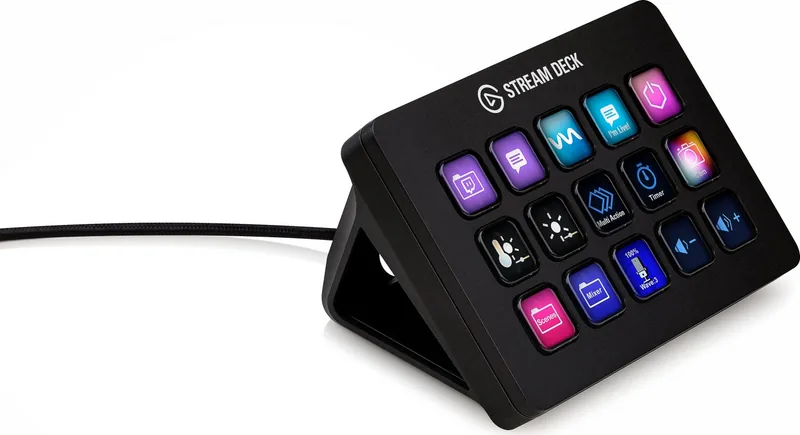
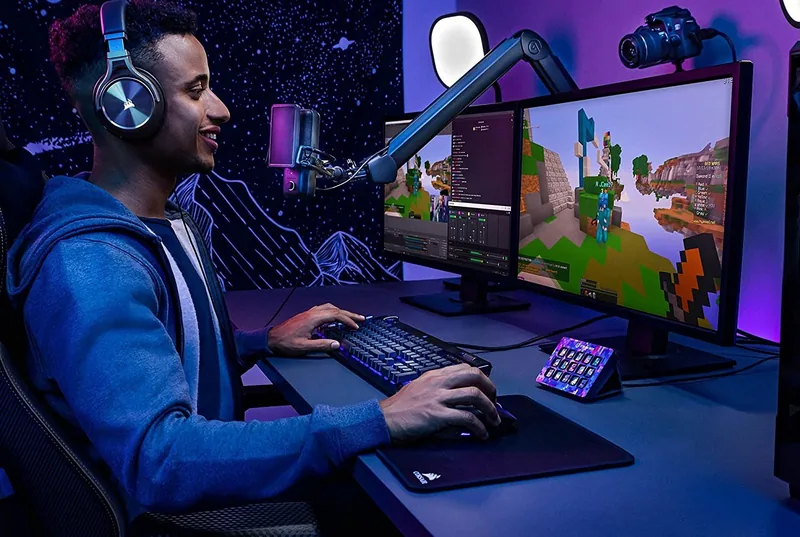
The Elgato Stream Deck MK.2 in sleek black USB represents a significant leap forward for content creators who demand precision and speed from their workflow tools. This programmable live controller is designed to streamline complex tasks, allowing users to execute commands with a single press. Whether you are broadcasting on Twitch, hosting a podcast, or managing video editing projects, this device serves as an intuitive bridge between your creative vision and technical execution.
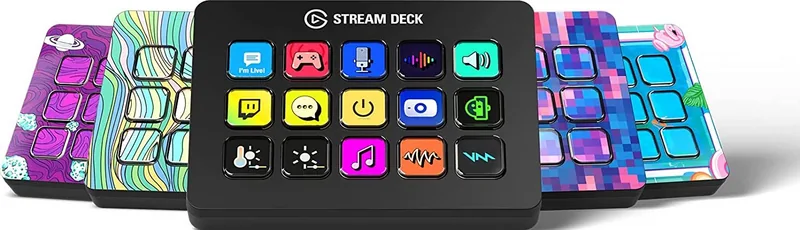
At the heart of the MK.2 lies its customizable LCD keys. Each button features a high-resolution display that updates dynamically to reflect the current context of your software. You can assign macros, launch scenes, control audio levels, or trigger specific effects instantly. The tactile feedback ensures that every interaction feels responsive and deliberate, reducing the mental load during high-pressure live sessions. The device connects via a standard USB port, ensuring broad compatibility with most modern computers without requiring additional drivers or power sources.
Design and Build Quality
Constructed with durability in mind, the Stream Deck MK.2 boasts a robust chassis that withstands daily use. The matte black finish not only looks professional on camera but also resists fingerprints and smudges. Its compact footprint allows it to sit comfortably next to your keyboard or monitor without cluttering your desk space. The included stand offers adjustable angles, enabling you to find the perfect viewing position for quick glances while you focus on your screen.
Unlocking Creative Potential
Beyond basic functionality, the MK.2 integrates deeply with popular streaming platforms and production software. Users can create custom profiles for different scenarios, switching seamlessly between gaming, music production, or graphic design modes. This versatility makes it an indispensable asset for anyone looking to enhance their digital presence with a touch of automation and flair.
Search for 67,706 Manuals online


Type-in Brand or Model
Elizabeth Ross
4 months ago
Does the Stream Deck work well on Linux, and are there any known hardware issues like buzzing sounds?
Manual.ly
4 months ago
For Windows and Mac, official drivers are provided. Linux users need to use third-party software such as streamdeck-ui or Elgato Companion. While streamdeck-ui is easy to use, it lacks visual feedback for button states. Companion offers advanced features like real-time clock displays but has a steeper learning curve. Regarding hardware, some users have reported a humming or buzzing noise from the unit. This may be resolved by replacing the device under warranty or applying dampening material after the warranty expires.