
Elgato Stream Deck+ Manual
PDF manual · 11 Pages
English



Quick check
Incorrect answer, please try again.
Chat with your Elgato Stream Deck+ manual using AI
Get instant AI answers from your Elgato Stream Deck+ manual
Ask anything about the Elgato Stream Deck+. Answers come from this manual, with the pages they are based on.
Ask a Question
Do you recommend Stream Deck+?
Yes NoFrequently Asked Questions
Assign a Scene action to a key and select your target scene from the list.
Is this answer helpful?
Yes, native support allows direct control of scenes and inputs without extra plugins.
Is this answer helpful?
Yes, you can import icon sets from your computer to personalize the display.
Is this answer helpful?
Yes, the software supports both applications for comprehensive streaming workflow management.
Is this answer helpful?
Yes, you can organize layouts for different scenarios to optimize your workspace.
Is this answer helpful?
You can assign a key or use a button to switch profiles instantly during use.
Is this answer helpful?
Advantages and Disadvantages
Advantages

- Intuitive hardware control for live streaming workflows
- Seamless integration with OBS Studio and Streamlabs
- Customizable multi-action key triggers
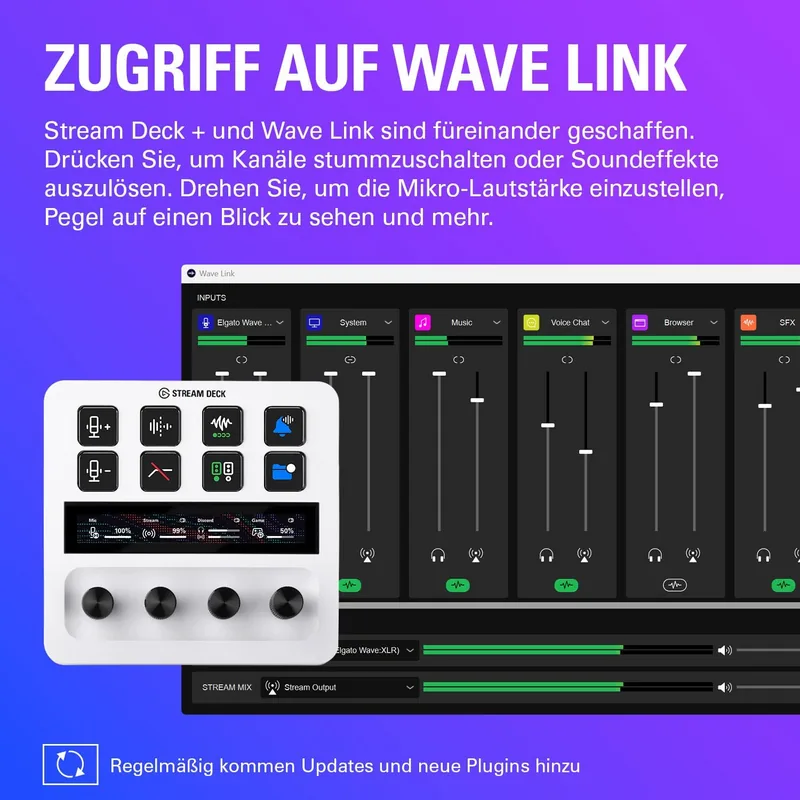
- Dedicated soundboard for instant audio playback
Disadvantages

- Higher price point compared to standard controllers
- Requires software for advanced configuration
- Physical layout is fixed and cannot change
- Learning curve for full feature utilization
Product Specification
Type
Keypad
Compatibility
PC, Mac OS
Key Type
Rubber Dome
Keys
12 (total), 8 (keys), 4 (rotary encoders)
Analog Sticks
N/A
D-Pad
N/A
Lighting
Multi-Color (RGB), per key individually
Key Height
Low Profile
Key Shape
Concave
Wrist Rest
N/A
Housing
Plastic
Connection
Wired, USB-A 3.0
Power
USB
Dimensions (WxHxD)
5.51 x 5.43 x 4.33 in
Weight
1.03 lbs
Features
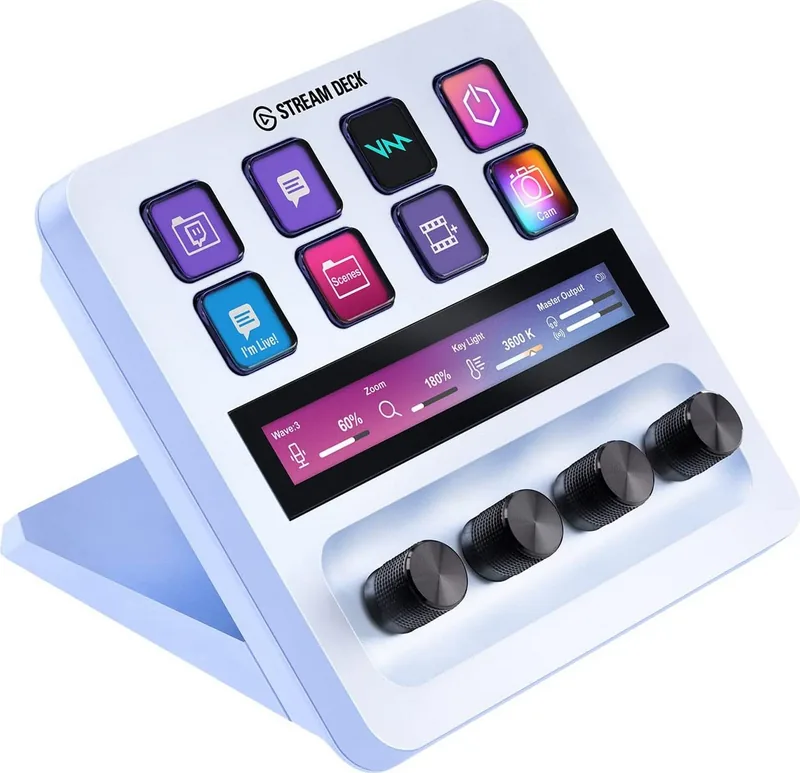
12 programmable keys, Display (LCD keys, 4.17 x 0.55 in Touchscreen), Detachable USB cable (USB-C to USB-A)
Product Description
Unlocking Creative Potential with Elgato Stream Deck+
The Elgato Stream Deck+ redefines interaction for content creators with hardware and intuitive software control. This setup allows users to assign specific functions to each LCD key, streamlining complex workflows instantly. Whether managing OBS connections or switching mixes in Streamlabs OBS, physical feedback provides an advantage over mouse and keyboard shortcuts.
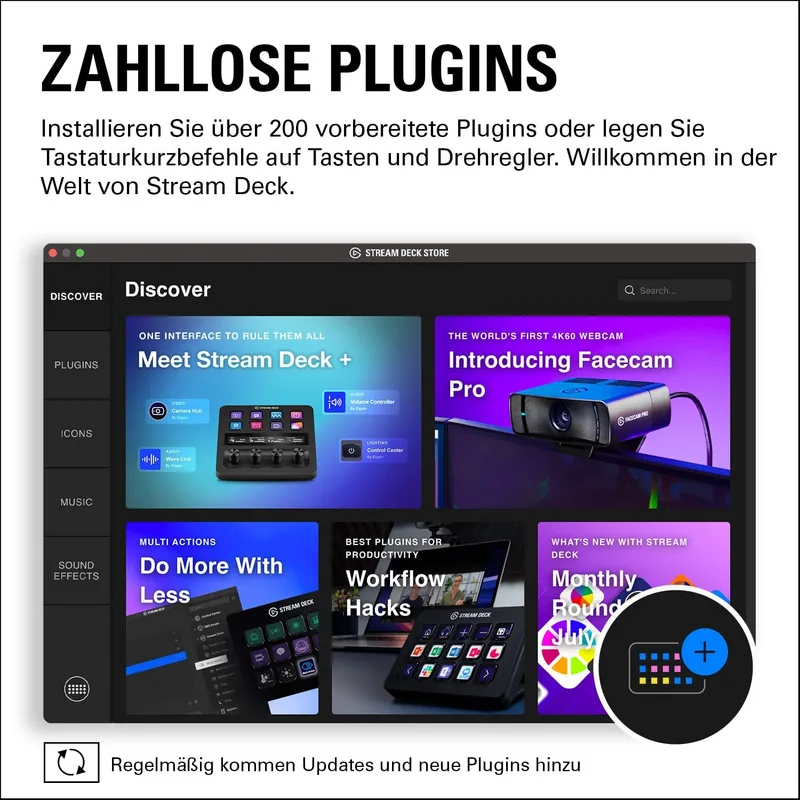
Customization lies at the core of this ecosystem. You can create new folders, switch profiles, or utilize multi actions to trigger a sequence of events with a single press. The interface displays icon sets, allowing for a personalized aesthetic that matches your branding. When setting up, the Elgato Stream Deck+ Manual ensures you utilize every feature without missing advanced steps.
Streamlining Production Workflows
One standout feature is the ability to control soundboards and record streams directly from the device. Scenes, Mixers, and Sources respond with precision, reducing latency during live broadcasts. The system includes search and switch hotkey capabilities, making navigation seamless. Users can also create random actions for added engagement or organize layouts to keep frequently used tools within reach.
Stability and Integration
Reliability is key for professionals. The software supports general accounts and preferences management, ensuring settings persist across sessions. While the layout remains fixed, the arrangement allows for intuitive use. This integration fosters a seamless experience where technical hurdles do not interrupt flow.
Optimizing Your Workspace
The device supports layout management, enabling multiple arrangements for different scenarios. You can copy, delete, or move actions between profiles easily. This flexibility means one hardware unit adapts to video editing, gaming, or podcasting without compromise. The default profile offers a ready-to-use starting point for beginners.
Technical Precision
Under the hood, the connection relies on standard interfaces for stability. When configuring keys, selecting an action is straightforward. The UI presents options like Website, Hotkey Switch, and System Search for broad utility. Preferences allow fine tuning of general settings to match your operating system environment. This level of detail ensures that the hardware performs exactly as expected in high-pressure situations.
Ultimately, this tool empowers users to take control of their digital broadcast environment. By mastering the configuration tools, content producers can achieve a professional polish. Whether managing audio records or switching streams, the dedicated physical interface minimizes errors. It remains a staple for those seeking efficiency and control in their production chain without needing complex scripts or external macros.
Deep Dive into Configuration
Understanding the full capabilities requires exploring the software deeply. When you engage with the interface, you encounter options to create folders and switch profiles on the fly. These features are essential for multitasking during live streams. The ability to execute multi actions means one tap can open a browser, launch a game, and mute the mic simultaneously.
Setting up the correct profile is often the first step. This process ensures your configurations travel with the hardware. Furthermore, the soundboard function allows for quick audio feedback. You can trigger applause, laugh tracks, or specific sound effects to enhance viewer engagement. This adds a layer of entertainment value without requiring additional software overlays. The integration into OBS Studio remains a primary draw for streamers who need to manage their scenes efficiently.
Adjusting audio levels directly from the pad removes the need to toggle windows mid-stream. Reducing clicks and mouse movement significantly lowers production time. Every streamer knows time equals money, making efficiency gains vital for long-term success.
Search for 67,706 Manuals online


Type-in Brand or Model