
Elgato Stream Deck Manual
PDF manual · 7 Pages
English



Quick check
Incorrect answer, please try again.
Chat with your Elgato Stream Deck manual using AI
Get instant AI answers from your Elgato Stream Deck manual
Ask anything about the Elgato Stream Deck. Answers come from this manual, with the pages they are based on.
Ask a Question
Do you recommend Stream Deck?
Yes No
Lisa Mueller
4 months ago
Why does the stand keep collapsing when I try to lift the device?
Frequently Asked Questions
Connect the device via USB to your computer, then download and install the Stream Deck app from the official Elgato website. Launch the app to begin customization.
Is this answer helpful?
Yes, you can customize keys with PNG, JPG, or animated GIF files. A resolution of 72 x 72 pixels is recommended for the best display quality.
Is this answer helpful?
Absolutely. You can configure keys to mute the microphone, toggle the camera, or share your screen using predefined shortcuts or custom hotkeys.
Is this answer helpful?
Smart Profiles allow the Stream Deck to automatically switch its key layout when you open a specific application, ensuring you always have the right tools ready.
Is this answer helpful?
Right-click an icon in the Property Inspector and select Create New Icon to open the Key Creator in your browser, where you can design personalized graphics.
Is this answer helpful?
Advantages and Disadvantages
Advantages

- Intuitive drag-and-drop interface simplifies complex task automation
- Smart Profiles automatically change layouts based on active applications
- Highly customizable LCD keys support images and animations for better recognition
Disadvantages

- Requires installation of proprietary software which may not be available on all systems
- Limited number of physical keys compared to larger professional control surfaces
- Hotkey functionality depends on the target application being in the foreground
Product Specification
Type
Keypad
Compatibility
PC, Mac OS
Key Type
Rubber Dome
Keys
15 (total)
Analog Sticks
N/A
D-Pad
N/A
Lighting
Multi-Color (RGB), individual per key
Key Height
Flat
Key Shape
Concave
Wrist Rest
N/A
Case
Plastic
Case Color
Solid, Black
Connection
Wired (4.92 ft), USB-A 2.0
Power Supply
USB
Dimensions (WxHxD)
4.65x0.83x3.31 in
Weight
6.7 oz
Features
15 programmable keys, Display (LCD Keys)
Product Description
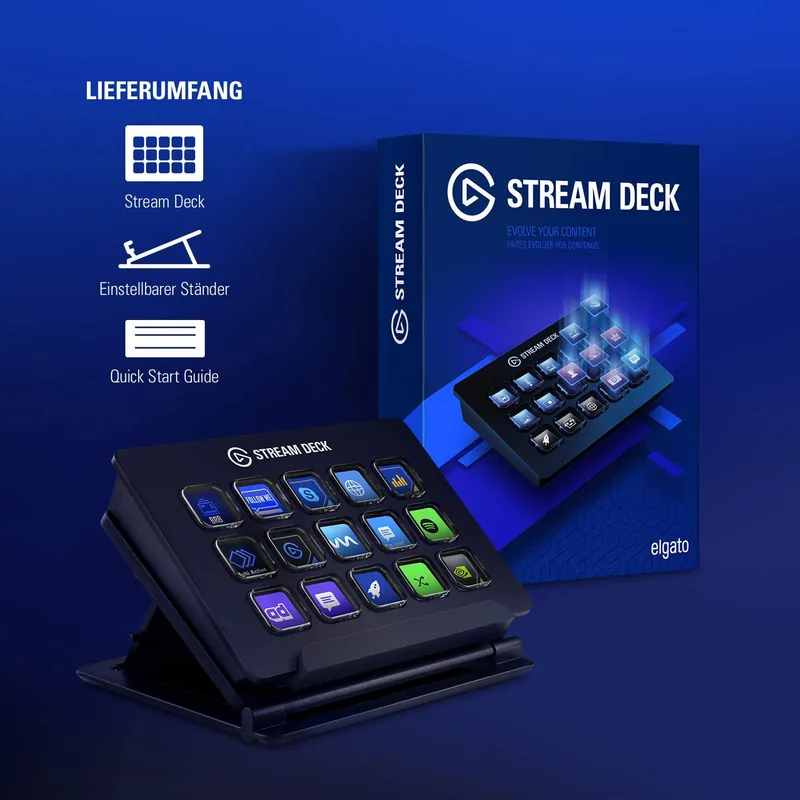
Elevate Your Digital Workflow with the Elgato Stream Deck schwarz USB
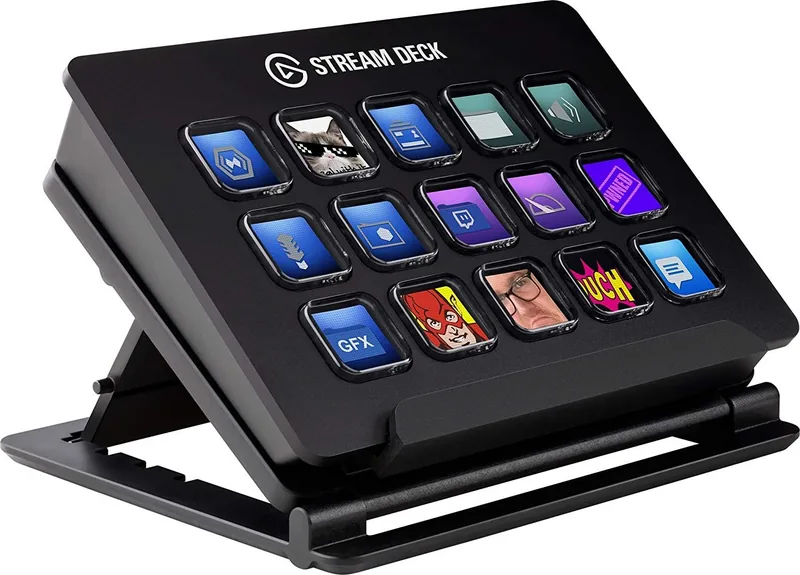
The Elgato Stream Deck schwarz USB is a revolutionary hardware controller designed to streamline your digital tasks, making complex operations accessible with a single touch. This sleek black device features twelve customizable LCD keys that respond instantly to your commands, transforming how you interact with your computer. Whether you are a content creator managing live streams, a professional conducting video conferences, or a productivity enthusiast seeking efficiency, this tool adapts seamlessly to your needs.
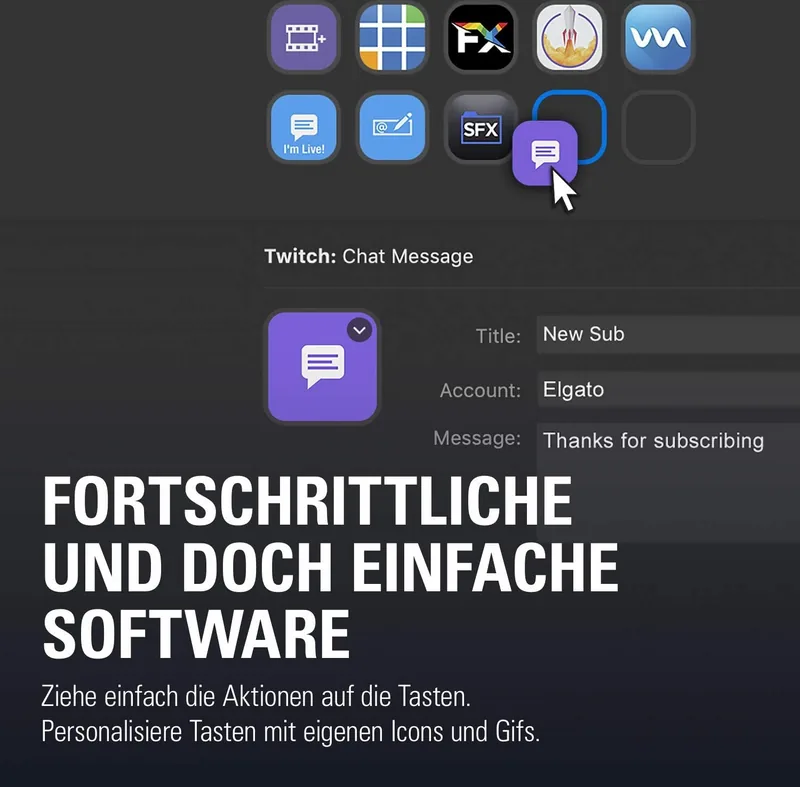
Getting started is incredibly intuitive. Simply connect the Stream Deck directly to a USB port on your PC or Mac and launch the dedicated application. The software allows you to drag and drop actions onto any of the twelve keys, granting you full control over your favorite applications. You can customize each key with personal PNG, JPG, or animated GIF images to create a visual interface that makes sense to you. For those who want unique branding, the Key Creator tool enables you to design personalized icons directly within your browser without needing advanced graphic skills.
One of the standout features is the ability to organize actions into folders. By dragging the Create Folder action to a key, you can group related tasks by application, meeting type, or workflow stage. You can even nest folders within folders to access unlimited actions while keeping your workspace tidy. This organization extends to Smart Profiles, which automatically switch key layouts when you open specific programs like Microsoft Teams or PowerPoint. This ensures that your controls are always relevant to what you are currently doing.
For streamers and presenters, the integration with platforms like Twitch and Microsoft Teams is seamless. You can set up hotkeys for muting microphones, toggling cameras, or sharing screens with a simple tap. Similarly, controlling PowerPoint presentations becomes effortless, allowing you to navigate slides, start animations, or hide cursors without reaching for your keyboard. The Stream Deck acts as a physical command center, reducing clutter and increasing speed in every digital interaction you have.
Important Notes
- Ensure the foreground application is active for hotkey shortcuts to function correctly.
- Recommended image resolution for custom icons is 72 x 72 pixels for optimal clarity.
- Smart Profiles require configuration in the Preferences menu to automate layout switching.
Search for 67,706 Manuals online


Type-in Brand or Model
OldSchoolGamer
5 months ago
Is the Elgato Stream Deck compatible with Windows 7 or older operating systems?
Manual.ly
5 months ago
The Elgato Stream Deck software requires Windows 10 (64-bit) or macOS 10.11 and higher. It is not compatible with Windows 7, Windows 8, or Windows 8.1. Please ensure your system meets these requirements before purchasing.