

Free Chieftec Manuals – Read, Download & Print
7 Manuals
Manuals
Categories

Comprehensive Guide to Chieftec Manuals
Overview of Chieftec Products
Chieftec has established itself as a prominent name in the computer hardware industry for decades. Their product portfolio focuses primarily on power supply units, computer cases, and storage solutions. These components form the backbone of many desktop builds and server setups used worldwide. Every hardware component comes with specific documentation designed to guide users through various processes. Understanding these manuals is essential for maintaining system integrity and safety. This document serves as a resource for locating and interpreting those materials accurately.
Importance of Official Documentation
Accessing the official documentation provided by the manufacturer ensures that you receive accurate information. Third-party sources may contain outdated or incorrect details which could lead to hardware damage. Official manuals include detailed specifications regarding voltage limits and current capacity. They outline the exact pinouts for connectors which vary between different generations of standards. Following these guidelines protects the warranty coverage associated with your purchase. Ignoring instructions often results in voided warranties when incidents occur during installation or operation.
Finding Your Specific Manual
Locating the correct file starts with identifying the exact model number printed on the device casing. Most modern products display this code on stickers located near input ports or on the bottom plate. Visit the official support section of the manufacturer website and enter this identifier into the search bar. Select the option corresponding to your region to ensure compliance with local electrical standards. Download the file in PDF format for easy viewing and offline storage. Keep a backup copy in case the online link becomes unavailable in the future.
Power Supply Unit Documentation
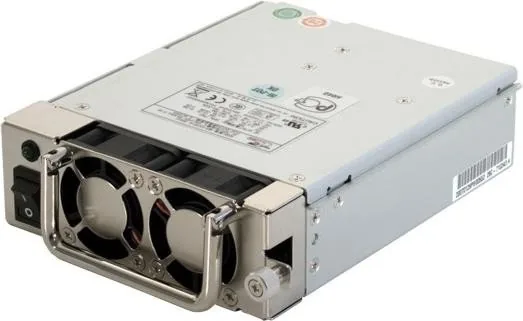
Power supply units serve as the heart of the computer system by delivering stable electricity. Manuals detail the wattage rating and efficiency ratings certified by programs like 80 Plus. These ratings indicate how much energy is converted versus wasted as heat during operation. Detailed wiring diagrams show the correct method for attaching peripherals such as drives and fans. Modular cables allow users to plug only what is necessary to reduce clutter inside the case. Incorrect connections can cause permanent damage to the motherboard or storage devices quickly.
Case Assembly Instructions
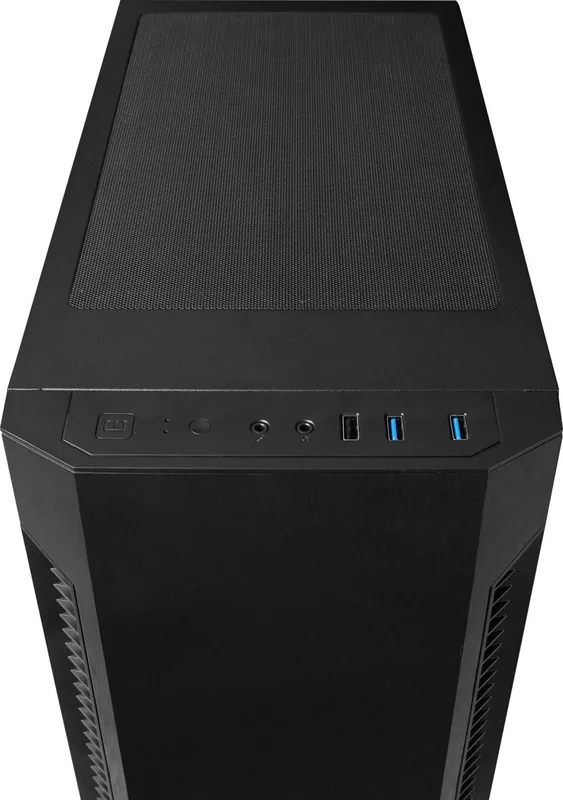
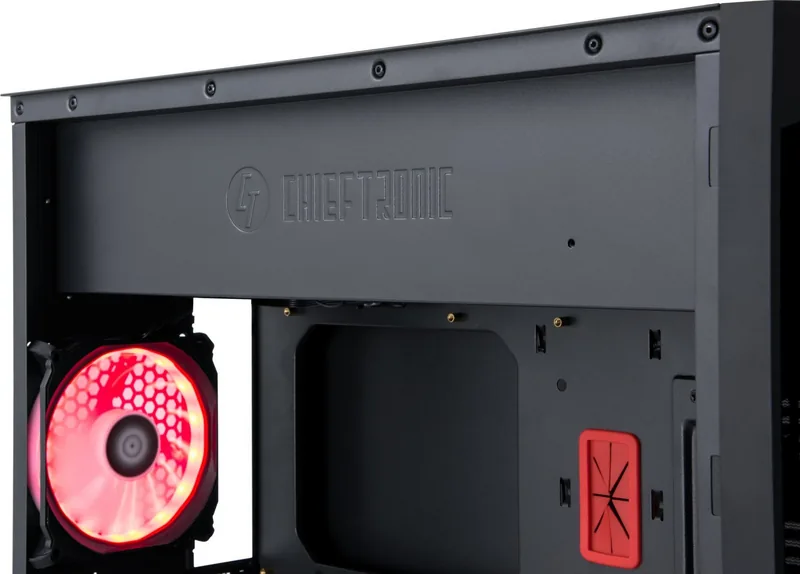
Internal cases come in various shapes and sizes depending on the intended form factor. ATX cases offer room for expansion while microATX units save desk space. Documentation covers screw types needed for mounting panels and securing internal components. Tool-free designs simplify the process for first-time builders who lack specialized equipment. Thermal layout guides explain optimal fan positioning for cooling air flow paths effectively. Cable routing holes are marked clearly to keep wires organized and away from moving parts.
Hard Drive Enclosure Guides
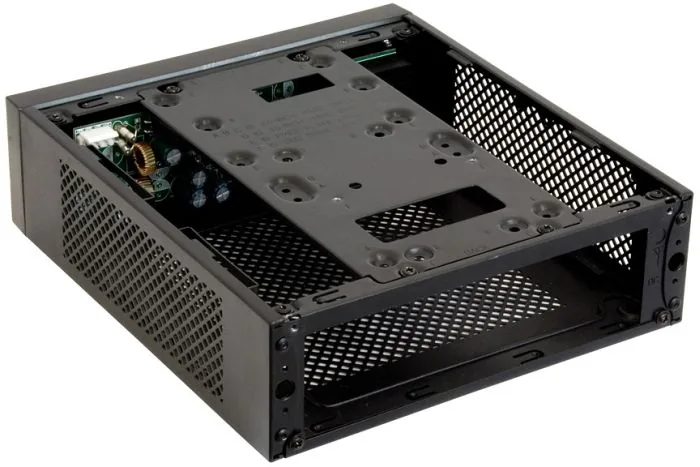
External storage enclosures provide portability and flexibility for managing large amounts of data. Manuals specify supported interfaces including USB 3.0, Type C, and Thunderbolt protocols. They describe the differences between solid state drives and mechanical hard disk drives within the housing. Hot swapping features allow removal without powering down the host system completely. Some models include RAID configurations for increased redundancy and speed. Encryption features are described in security sections to protect sensitive business information.
Technical Specifications Overview
Engineers rely on technical datasheets to determine compatibility with existing infrastructure. Dimensions listed in millimeters ensure the unit fits within the desired rack or tower space. Decibel readings indicate noise output levels which matter for quiet home offices or studios. Operating temperature ranges define the environmental conditions under which the product remains functional. Input voltage tolerance specifies the acceptable fluctuation in power grid quality across different regions.
Troubleshooting Common Issues
Users often encounter unexpected behavior after initial deployment which requires investigation. Fan noise exceeding normal levels suggests bearing wear or improper mounting alignment. System instability or random reboots frequently stem from insufficient wattage delivery under load. Overheating protection triggers shutdown sequences to prevent permanent component degradation. Resetting the power button or cycling electricity can clear temporary logic errors within the controller. Checking connection tightness eliminates intermittent contact failures caused by loose terminals.
Safety Warnings and Precautions
Electrical safety is paramount when working with internal computer components at high voltage. Disconnect power completely before opening any chassis to expose live circuitry inside. Use anti static wrist straps to discharge body potential and prevent electrostatic discharge events. Sharp metal edges exist inside cases requiring careful handling during drive insertion. Keep liquids away from all electronic equipment to avoid short circuits and corrosion damage. Never attempt to repair sealed capacitors or power bricks yourself due to lethal shock risks.
Maintenance and Upkeep
Regular maintenance extends the operational life of all hardware components significantly. Cleaning dust filters monthly improves airflow and reduces strain on cooling fans. Updating BIOS or firmware patches resolves known bugs and improves compatibility with newer software. Lubrication of rotating bearings is recommended only if specified by the engineer in the sheet. Organize cables annually to prevent accidental snagging or restriction of air passage channels.
Warranty Claims and Support
Contacting customer support initiates the replacement process if a defect is identified quickly. Provide proof of purchase and serial numbers to validate the claim eligibility within the window. Shipping boxes should be kept for returns to ensure packaging prevents further damage during transit. Regional service centers handle repairs locally to minimize downtime for businesses relying on uptime guarantees. Keep records of all correspondence regarding the issue for future reference or escalation if needed.
Environmental Compliance Standards
Manufacturers adhere to global regulations aimed at reducing electronic waste and hazardous substances. Materials used undergo testing to verify they meet RoHS directives prohibiting certain toxic elements. Packaging is increasingly recyclable to support sustainability initiatives promoted globally today. Energy consumption figures contribute to Carbon Disclosure Projects for corporate reporting purposes. Recycling facilities accept old units responsibly to recover precious metals and plastic resources contained.
Future Proofing Considerations
Selecting hardware involves anticipating future upgrades and technology shifts happening in the market. Choosing platforms with PCIe Gen 4 support ensures compatibility with next generation graphics accelerators. Expanding storage capabilities via m.2 slots accommodates faster read speeds for large media files. Investing in higher efficiency units saves money on electricity bills over the years of use. Planning expansion early avoids costly replacements later when older technology becomes obsolete soon.
Final Conclusion
Utilizing comprehensive documentation extends the lifespan of equipment significantly over time. Regular cleaning combined with updated guides keeps systems running smoothly without interruptions. Community forums offer additional tips beyond standard sheets shared by experienced enthusiasts. Staying informed about recalls or firmware patches ensures security and reliability throughout usage cycles. Knowledge empowers users to manage their IT infrastructure efficiently and responsibly every day. Adhering to the provided instructions guarantees peak performance and safety for everyone involved.
Search for 67,706 Manuals online


Type-in Brand or Model