

Free Toshiba Manuals – Read, Download & Print
22 Manuals
Manuals

2 Pages
153 Pages
11 Pages
11 Pages
12 Pages
11 Pages
201 Pages
185 Pages
11 Pages
11 Pages
11 Pages
15 Pages
13 Pages
17 Pages
17 Pages
209 Pages
185 Pages
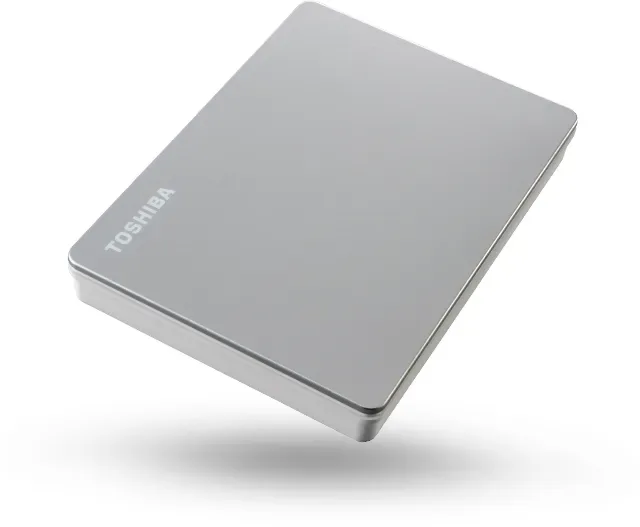
162 Pages
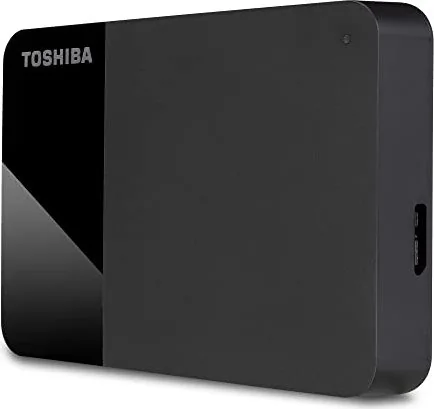
185 Pages
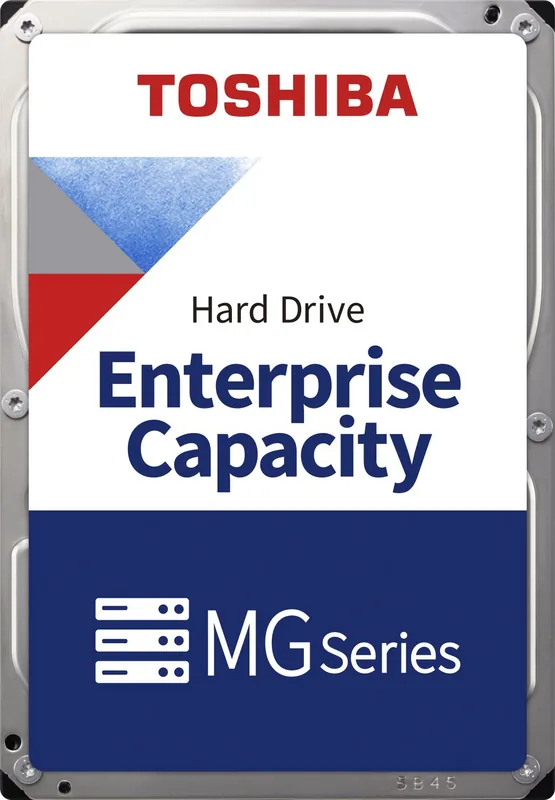
16 Pages
18 Pages
48 Pages
Categories


Free Toshiba Manuals - Read, Download & Print
Welcome to the ultimate resource for all your Toshiba documentation needs. Whether you are a proud owner of a Toshiba laptop, a desktop computer, a tablet, or perhaps one of their popular printers and projectors, having access to accurate and comprehensive manuals is essential for maximizing the performance and longevity of your device. This guide serves as your direct gateway to free Toshiba manuals, allowing you to read, download, and print the exact information you need without any cost or registration barriers.
The Importance of Having Your Manual
Many users overlook the value of user manuals until they encounter a problem that requires troubleshooting. However, a well-maintained manual is far more than just a collection of instructions; it is a vital tool for understanding the full capabilities of your hardware. Toshiba has a long history of producing high-quality electronics, ranging from consumer laptops like the Satellite series to professional-grade Portégé models. Each device comes with unique features, specific configuration options, and detailed safety guidelines that are only found in the official documentation.
Without the manual, users often struggle to configure advanced settings, update drivers correctly, or resolve common connectivity issues. Furthermore, manuals provide critical safety information regarding battery handling, power consumption, and proper ventilation. By accessing these documents freely, you ensure that your device operates within its intended parameters, reducing the risk of damage and extending its useful life. Whether you are setting up a new machine or reviving an older model, the manual is your first line of defense against confusion and frustration.
How to Access Free Toshiba Manuals
Finding the right document can sometimes be challenging due to the vast number of products Toshiba has released over the decades. Our platform simplifies this process by aggregating manuals from various sources into a single, easy-to-navigate interface. You can search for your specific model using the product name, series, or even the serial number prefix. Once you locate your device, you will find a dedicated page containing all available documentation related to that model.
The database includes user guides, quick start guides, service manuals, driver lists, and warranty information. These files are organized by category to help you find exactly what you need quickly. For example, if you need to know how to replace the hard drive in a Satellite Pro laptop, you can filter the results to show only service manuals or disassembly guides. This level of organization ensures that both novice users and IT professionals can find the necessary information efficiently.
Reading Manuals Online
One of the primary benefits of our service is the ability to read manuals directly in your web browser. This feature is particularly useful for users who do not want to clutter their local storage with large PDF files or those who need immediate answers while working on their device. The online viewer supports zooming, searching, and navigation through pages, making it easy to jump to specific sections such as troubleshooting, specifications, or regulatory compliance.
Reading online also allows for instant updates. If Toshiba releases a firmware update or a correction to a previous manual, we strive to keep our digital library current so that you always have access to the most accurate information. The interface is designed to be responsive, meaning it works seamlessly on desktop computers, laptops, tablets, and smartphones. You can reference the manual on your phone while holding your laptop, ensuring that you have guidance at your fingertips regardless of your location.
Downloading Manuals for Offline Use
For users who prefer to have their documentation stored locally, downloading the manuals is a straightforward process. All available documents are provided in standard PDF format, which is compatible with almost every operating system including Windows, macOS, Linux, iOS, and Android. To download a file, simply click on the corresponding link next to the document title. The file will begin downloading immediately to your default downloads folder.
Once downloaded, you can save the file to a specific directory on your computer or external hard drive for future reference. This is especially beneficial for IT administrators managing multiple devices across an organization. Having a local archive of manuals ensures that you can access technical details even when internet connectivity is unavailable. Additionally, storing manuals offline protects you from potential website changes or link rot, guaranteeing that your documentation remains accessible indefinitely.
Printing Manuals for Physical Copies
Some users find that reading from a physical paper copy is less straining on the eyes and easier to navigate than a screen. Our platform fully supports printing functionality for all downloadable manuals. After downloading the PDF file, you can open it in any standard PDF reader and select the print option. Most readers allow you to choose specific pages, print double-sided, or adjust the scaling to fit standard letter or A4 paper sizes.
Printing is also an excellent way to create a quick reference guide for your workspace. You might print out the troubleshooting section and tape it near your desk for fast access during common errors. Alternatively, you could print the setup guide to keep alongside your device for initial configuration. Since the manuals are often lengthy, you have the flexibility to print only the chapters relevant to your current task, saving paper and ink while still obtaining the physical documentation you need.
Troubleshooting and Support Features
Beyond basic usage instructions, many Toshiba manuals include extensive troubleshooting sections. These guides walk you through diagnosing common issues such as slow performance, overheating, screen flickering, or audio problems. They provide step-by-step solutions that range from simple software resets to hardware checks. By following these instructions, you can often resolve issues without needing to contact customer support or visit a repair center.
Additionally, the manuals contain detailed specification sheets that list processor speeds, memory capacity, port types, and dimensions. This information is crucial when purchasing accessories or peripherals to ensure compatibility with your device. Understanding the exact input requirements for chargers, the type of memory slots available, and the supported video outputs can prevent costly mistakes and compatibility headaches.
Conclusion
Accessing free Toshiba manuals should never be a barrier to owning and maintaining your technology. By providing a centralized hub where you can read, download, and print official documentation, we empower users to take full control of their devices. Whether you are a casual home user looking to set up a new laptop or a technician requiring detailed service diagrams, our resources are designed to meet your needs. Remember to always check for the latest versions of your manual to ensure you are working with the most up-to-date information. With these tools at your disposal, you can enjoy a seamless experience with your Toshiba equipment for years to come.
Search for 67,706 Manuals online


Type-in Brand or Model