
Toshiba Canvio Flex HDTX1 Manual
PDF manual · 162 Pages
English



Quick check
Incorrect answer, please try again.
Chat with your Toshiba Canvio Flex HDTX1 manual using AI
Get instant AI answers from your Toshiba Canvio Flex HDTX1 manual
Ask anything about the Toshiba Canvio Flex HDTX1. Answers come from this manual, with the pages they are based on.
Ask a Question
Do you recommend Canvio Flex HDTX1?
Yes NoFrequently Asked Questions
No, the Toshiba Canvio Flex does not require separate driver installation. It is plug-and-play compatible with Windows 10, Windows 8.1, macOS, iOS, and Android devices right out of the box.
Is this answer helpful?
No, Windows does not support booting from external hard drives. You must follow the operating system supplier instructions if you wish to install an OS on another machine.
Is this answer helpful?
This difference occurs because manufacturers calculate capacity using the decimal system (1TB = 1,000GB), while operating systems use the binary system (1TB = 1,024GB). A 1TB drive typically shows as approximately 931GB in Windows.
Is this answer helpful?
No, it is completely normal for the drive to feel warm while in operation. The device is designed for optimal heat dissipation and does not have a fan, so slight warmth indicates it is working correctly.
Is this answer helpful?
First, ensure all connections are secure and try a different USB port. If connected via a hub, ensure the hub has its own power supply. You may also need to check Disk Management to initialize or format the drive if it appears there but not in File Explorer.
Is this answer helpful?
Advantages and Disadvantages
Advantages

- Bus-powered operation eliminates the need for external adapters
- Compatible with Windows, macOS, iOS, and Android out of the box
- Near silent operation thanks to optimized heat dissipation design
- Supports both USB Type-C and USB Type-A connectivity options
Disadvantages

- Cannot be used as a bootable drive for Windows systems
- Passive USB hubs cannot provide sufficient power for the drive
- Actual visible capacity appears lower than stated due to binary calculation differences
- Not designed for outdoor use or exposure to moisture and shocks
Product Specification
Form Factor
2.5"
Internal Interface
1x SATA 6Gb/s
External Interface
1x USB 3.0 Micro-B
RAID Level
N/A
Fan
N/A
Color
silver
Manufacturer Warranty
three years
USB Writing Style
Link
Product Description
Toshiba Canvio Flex HDTX1 External HDD Review
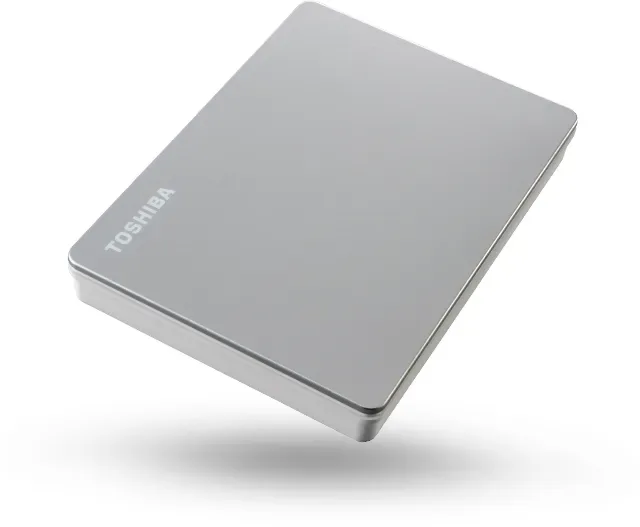
The Toshiba Canvio Flex HDTX1 stands out as a versatile portable storage solution designed for users who need reliable data access across multiple platforms. This external hard drive is pre-formatted in exFAT, making it immediately compatible with Windows 10 and 8.1, macOS versions 10.14 and 10.15, as well as various iOS and Android devices without requiring additional drivers or software installations.
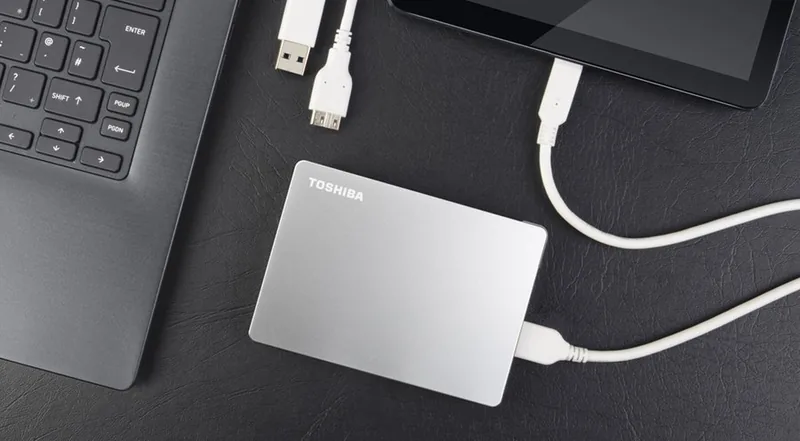
One of the most appealing features of this device is its bus-powered design. Unlike many competitors that require an external power adapter, the Canvio Flex draws all necessary power directly from your computer or mobile device via the included USB cables. This eliminates cable clutter and enhances portability, allowing you to carry just the drive and a single cable wherever you go. The drive supports both USB Type-C and USB Type-A connections, ensuring flexibility regardless of the ports available on your specific gadget.
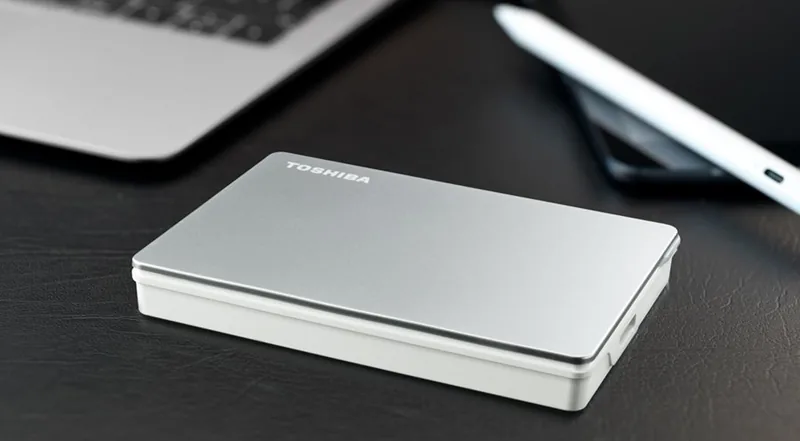
Performance-wise, the Canvio Flex utilizes USB 3.2 Gen 1 technology, offering fast data transfer speeds suitable for backing up large files, transferring media libraries, or extending storage on the fly. The enclosure is sleek and compact, fitting easily into a backpack or laptop bag. Despite its small size, the drive is engineered with optimal heat dissipation in mind, meaning it operates nearly silently without the need for a noisy cooling fan. Users can expect the drive to remain cool during operation, though slight warmth is considered normal behavior.
For those concerned about data safety, the manual emphasizes the importance of proper dismounting procedures before unplugging the drive. Whether using Windows, Mac, or a mobile device, following the correct eject protocol prevents data corruption and physical damage to the drive. Additionally, the inclusion of anti-virus software recommendations highlights Toshiba's commitment to helping users protect their valuable information from digital threats. Regular backups are strongly advised to safeguard against accidental loss or hardware failure.
Key Notes
- No external power supply is needed; it runs entirely off the USB connection.
- Compatible with a wide range of operating systems including Windows, macOS, iOS, and Android.
- Operates quietly due to efficient heat dissipation design.
- Requires safe removal procedures to prevent data loss.
Search for 67,706 Manuals online


Type-in Brand or Model