
Toshiba Canvio Basics Manual
PDF manual · 185 Pages
English



Quick check
Incorrect answer, please try again.
Chat with your Toshiba Canvio Basics manual using AI
Get instant AI answers from your Toshiba Canvio Basics manual
Ask anything about the Toshiba Canvio Basics. Answers come from this manual, with the pages they are based on.
Ask a Question
Do you recommend Canvio Basics?
Yes NoFrequently Asked Questions
It is best for everyday file storage, backups, media transfer, and keeping an extra copy of important data. Its simple design suits home, office, and student use.
Is this answer helpful?
No. It is bus-powered, meaning it receives power through the USB connection. You only need the included USB cable and a compatible USB port or active hub.
Is this answer helpful?
Yes, it works with Windows 10 and Windows 8.1 out of the box. macOS is supported too, but supported versions may require reformatting before use.
Is this answer helpful?
Because the computer may still be writing data when you disconnect it. Safe ejection helps prevent file corruption, data loss, and possible physical damage to the drive.
Is this answer helpful?
Storage makers and operating systems calculate size differently. Manufacturers use decimal units, while Windows uses binary units, so the displayed space appears smaller.
Is this answer helpful?
No. The guidance states that Windows does not support booting from external hard drives in this setup, so it should be used for storage rather than startup.
Is this answer helpful?
Check the cable connections first, then confirm the USB hub has its own power if you are using one. If needed, test the port, update firmware, or check disk management settings.
Is this answer helpful?
Advantages and Disadvantages
Advantages

- Bus-powered design removes the need for an external power adapter and keeps setup portable.
- USB 3.0 support offers faster transfers, with USB 2.0 backward compatibility for older systems.
- Silent, fanless operation makes it suitable for quiet workspaces and home use.
- Simple Windows compatibility and automatic recognition make basic use quick and easy.
Disadvantages

- macOS users need to reformat the drive before use on supported modern versions.
- USB 2.0 connections reduce transfer speed noticeably compared with USB 3.0.
- The drive should not be unplugged casually; safe ejection is required to avoid data loss.
- Displayed capacity in Windows can look smaller than expected because of binary vs decimal sizing.
Product Specification
Form factor
2.5"
External connection
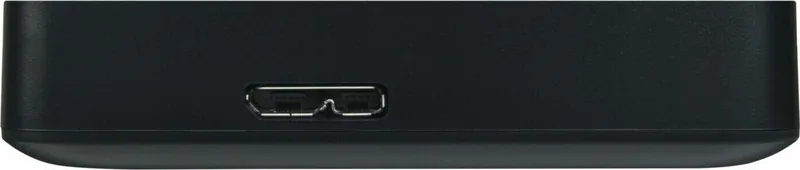
1x USB 3.0 Micro-B
RAID Level
N/A
Fan
N/A
Color
black
USB notation
Link
Product Description
Toshiba Canvio Basics External HDD: Simple Storage for Everyday Use
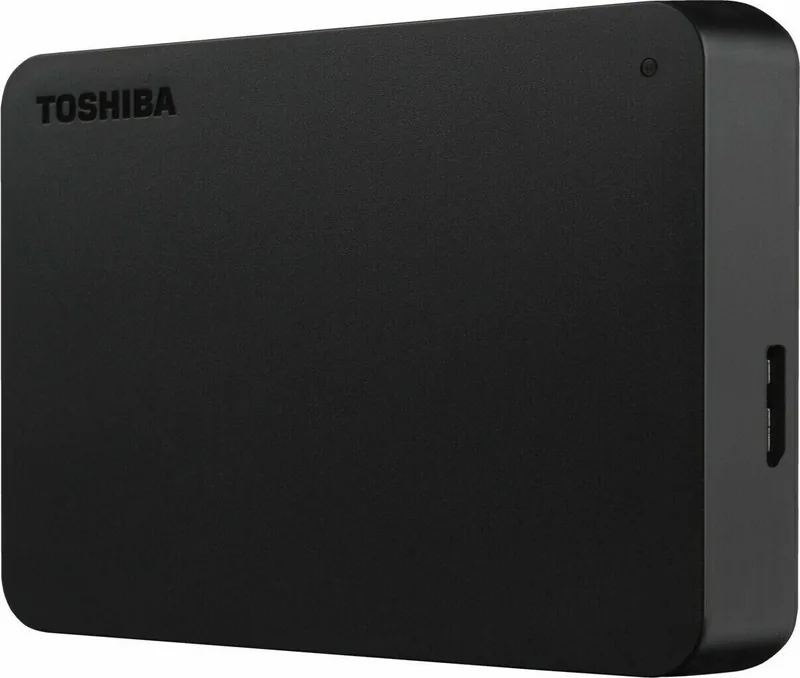
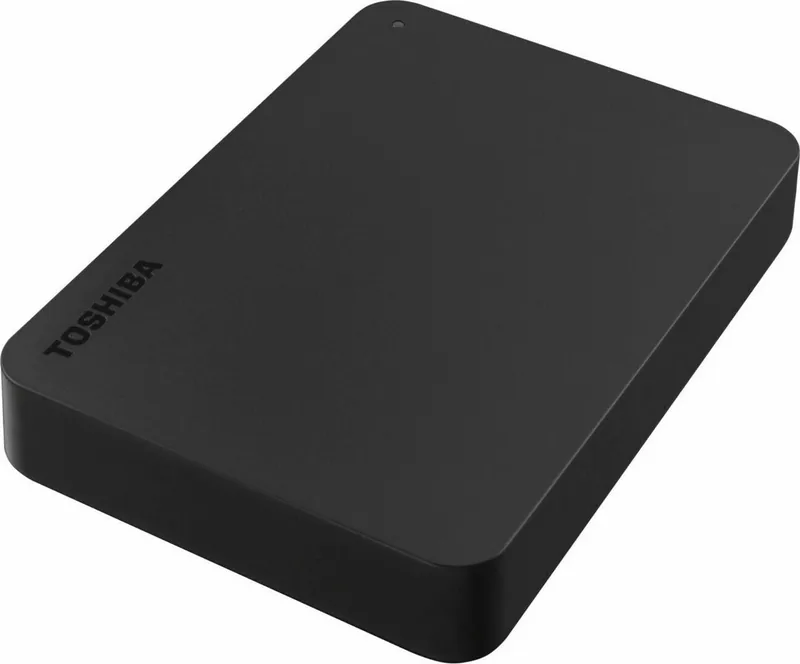
The Toshiba Canvio Basics External HDD is built for users who want straightforward, portable storage without unnecessary complexity. In the spirit of the Toshiba Canvio Basics External HDD Manual, this drive focuses on quick setup, broad compatibility, and reliable everyday use. It is bus-powered, so it draws power directly from the USB connection and does not need a separate adapter, making it easy to carry and easy to plug in.
One of its biggest strengths is its simple plug-and-play behavior. On Windows 10 and Windows 8.1, the drive is formatted as NTFS, so it is ready for immediate use. macOS users can use it too, though reformatting is required for newer supported versions. The USB 3.0 interface provides fast transfer speeds, while backward compatibility with USB 2.0 adds flexibility for older computers. If a device lacks USB 3.0, the drive can still work through USB 2.0, just at a slower pace.
This external HDD is also designed with practicality in mind. The indicator light gives a clear signal that the drive is powered and active, and the silent, fanless design helps keep operation quiet. That makes it a solid fit for home offices, student desks, and general backup tasks. Whether you are moving photos, storing work files, or keeping a second copy of important data, the Canvio Basics keeps the process simple.
Safety and maintenance are also emphasized. The drive should always be disconnected using the operating system’s safe eject method to avoid data loss or damage. Cleaning is uncomplicated as long as the device is unplugged first, and users are encouraged to keep antivirus software installed and maintain regular backups. The guidance also explains why displayed capacity may look smaller in Windows: storage math differs between decimal and binary calculations.
Overall, the Toshiba Canvio Basics External HDD is a no-nonsense storage companion for everyday backups and file transfer. It is not designed for flashy extras; instead, it delivers easy setup, dependable connectivity, and practical protection habits.
Notes
- Use the included USB cable and connect directly to a USB port.
- Safe removal helps prevent file corruption and hardware issues.
- Actual usable space may appear lower than the advertised capacity.
- Regular backups are strongly recommended.
Search for 67,706 Manuals online


Type-in Brand or Model