

Free Colbor Manuals – Read, Download & Print
6 Manuals
Manuals
Categories

Comprehensive Guide to Colbor Manuals
Introduction to Essential Documentation
In the professional world of photography and videography, having access to accurate and detailed documentation is absolutely crucial for maximizing the performance and longevity of your equipment. Colbor Manuals serve as the primary source of truth for users of Colbor LED lighting gear, ensuring that every aspect of the device is understood by the operator. These devices are designed to provide high-color fidelity and consistent output, which are essential standards for modern media production. Without these guides, users may face significant difficulties in setting up the light correctly or understanding the specific functionality of their unique controls. This document serves as an in-depth overview of how to utilize these manuals effectively to enhance your workflow and ensure safety during production.
Importance of Documentation in Lighting
The importance of having a comprehensive manual cannot be overstated when dealing with complex electronic lighting equipment. These documents outline the operational limits and capabilities of your device, preventing damage caused by misuse or oversight. They act as a reference guide for troubleshooting, maintenance, and firmware management. By consulting the manual regularly, users can avoid common pitfalls that often lead to costly repairs or equipment failure. Furthermore, understanding the documentation helps in optimizing the power consumption and output settings, which is vital for long battery life on location shoots.
Understanding Colbor Products
Hardware Types and Variations
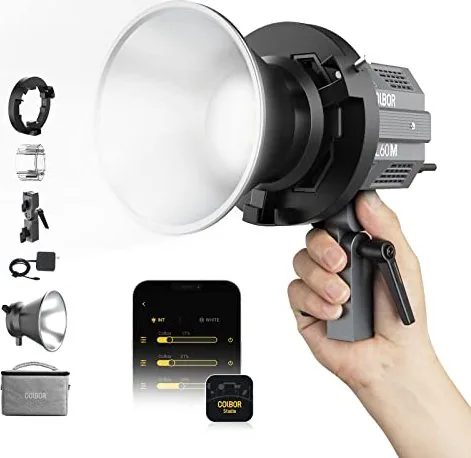
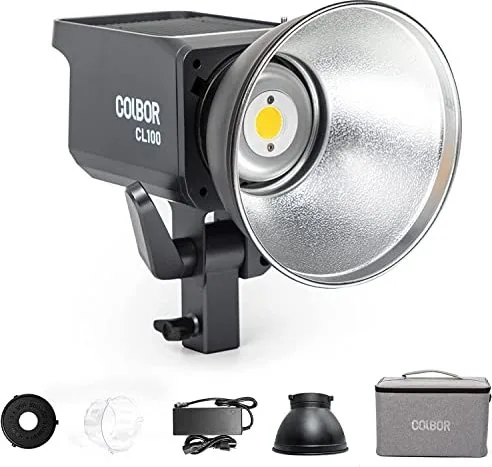
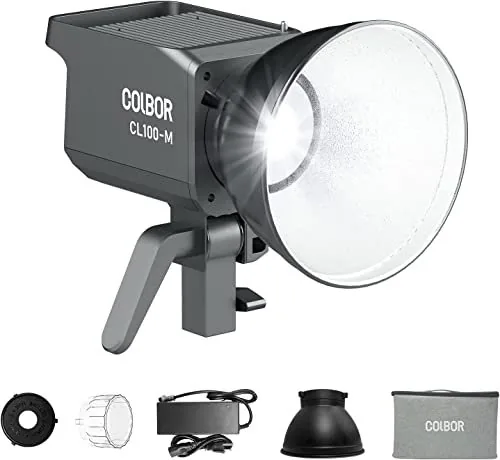
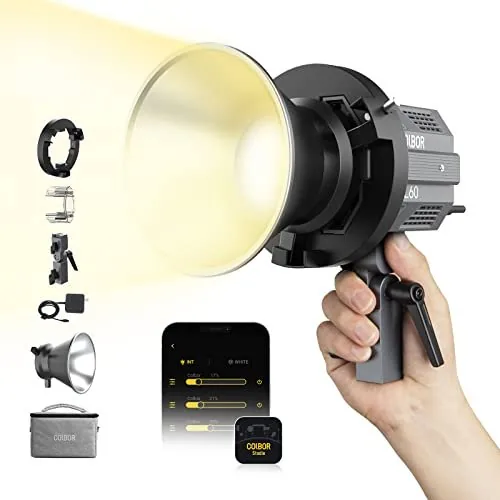
Colbor manufactures several types of lighting equipment, each catering to different aspects of studio and on-location work. The most common items include the CL series continuous lights and various compact LED solutions. Each model has its own specific manual tailored to its unique features and mechanical design. For example, larger panel lights might require specific cooling instructions or heat management protocols, while smaller battery-powered units focus heavily on power management and battery compatibility. Understanding the differences between these products is the first step in selecting the right manual for your specific needs.
Technical Specifications Overview
The manuals outline critical technical specifications necessary for scene planning. These include color temperature ranges, brightness levels measured in lumens, power consumption rates, and beam angles. Knowledge of these specs helps users choose the correct light for a specific scene or subject matter. It also assists in planning power requirements for multiple light setups. The documentation ensures that users do not exceed the rated capacity of their equipment, thereby preventing electrical hazards and ensuring stable performance during continuous use.
Key Features Found in Colbor Manuals
Interface and Control Systems
Detailed diagrams show where to find buttons, dials, and digital inputs. Many Colbor lights use sophisticated digital interfaces for precise adjustments of light output. The manual will map out the function of each button, such as menu navigation, brightness control, and color temperature tuning. It explains how to lock settings to prevent accidental changes during a dynamic shoot. This section is vital for ensuring that your lighting setup remains consistent throughout a session without unexpected drifts in output.
Connectivity and Sync Options
Modern lighting equipment often requires synchronization with other devices. The manuals describe how to use DMX control or wireless remotes if applicable to your model. It details the pairing processes for smartphone applications that allow remote control. This connectivity allows for creative control and complex programming of scenes. Users can learn how to assign lighting cues or adjust intensity remotely, which is essential for team efficiency during production.
How to Download and Access Manuals
Official Website Resources
The most reliable place to find manuals is the official Colbor website support section. Users should navigate to the products page and enter the specific model number to view available documents. Downloading the latest version ensures that you have information regarding any recall warnings or firmware updates. It is important to avoid third-party sites as they may contain outdated or incorrect instructions that could lead to misuse of the device.
Digital File Formats and Usage
Manuals are typically provided in portable document format which allows for viewing on computers, tablets, or smartphones. This universal format ensures that diagrams and text remain clear and legible regardless of the zoom level. Keeping a digital copy is highly recommended for quick reference on set. Users should also save a backup of this file to ensure access even if internet connectivity is unavailable during travel.
Safety Guidelines and Warnings
Electrical and Heat Safety
Safety is the top priority when operating lighting equipment of this nature. Colbor Manuals include specific warnings about high voltage and heat generation which can occur during prolonged operation. Users are instructed to inspect cables before every use to check for fraying or damage. Damaged wires can lead to electric shocks or even fire hazards in extreme cases. The manual states that only approved power supplies and cables should be used to maintain warranty coverage and user safety.
Thermal Management Protocols
LED lights generate heat even though they are generally efficient compared to traditional sources. The documentation explains how to manage this heat to protect the internal components from degrading. Proper ventilation is essential for maintaining optimal operating temperatures. The manuals advise against covering vents or operating the light in enclosed spaces without adequate airflow. This guidance extends to the lifespan of the product and prevents overheating shutdowns during critical filming moments.
Troubleshooting Common Issues
Power and Battery Diagnostics
If a light does not turn on, the manual provides a step-by-step troubleshooting guide. This includes checking the power supply connection, verifying battery charge levels, and ensuring the switch is in the correct position. Sometimes the issue is as simple as a loose cable or a depleted battery. The guide helps users diagnose problems quickly without needing immediate technical support, saving valuable time during production schedules.
Visual and Color Problems
For photography and video, color accuracy is paramount and deviations can ruin a shot. If the color temperature seems off or flickering occurs, the manual offers solutions to resolve these issues. This might involve resetting the unit to factory settings or updating the firmware to resolve known bugs. Understanding these steps minimizes downtime and frustration when working in a professional environment.
Maintenance and Care
Cleaning Procedures
Dust reduces the efficiency of light output and can interfere with internal sensors and cooling mechanisms. The manuals describe how to clean the lens and housing safely without damaging coatings. Microfiber cloths are recommended for glass surfaces. Solvents should be avoided to prevent damage to sensitive electronics and optical coatings. Regular cleaning prolongs the life of the product and maintains consistent color and brightness performance.
Storage and Transportation
Proper storage is essential when the equipment is not in active use. The manual suggests storing lights in a cool, dry place away from direct sunlight. Extreme temperatures can degrade battery health and electronic components. Protective cases should be used to prevent physical damage during transport. This care ensures that the equipment is ready for the next job without unexpected failures.
Firmware Updates and Software Support
Updating Equipment Systems
Technology in lighting equipment evolves rapidly to meet new production standards. Manufacturers release firmware updates to add features or fix bugs found in previous versions. The manuals explain the process of connecting the device to a computer or using an app to install these updates. Keeping the software current ensures compatibility with new systems and access to new functions that can improve workflow efficiency.
Customer Support Resources
If the manual does not resolve an issue, Colbor provides support channels listed in the documentation. Contact information is available via email or phone for technical assistance. This support network is part of the ecosystem that allows users to get the most out of their investment. Leveraging these resources ensures that problems are solved quickly.
Conclusion
Utilizing Colbor Manuals correctly transforms a piece of hardware into a reliable tool. It empowers the user to troubleshoot, maintain, and operate the equipment with confidence and safety. In an industry where time is money, having accurate information available speeds up workflows and reduces frustration on set. By adhering to the guidance provided in these documents, professionals ensure the safety of their crew and the quality of their final output.
Warranty and Registration
Finally, the manuals often contain important information regarding warranty registration. Registering your product ensures coverage in case of manufacturing defects. It is advisable to keep a copy of the purchase receipt along with the manual. This combination of documents is necessary for claiming warranty support. Adhering to these processes protects the user from financial loss due to equipment failure.
Final Remarks
The investment in high-quality lighting is significant. Therefore, respecting and learning from the manual is a wise decision. It ensures that the full potential of the equipment is realized. Following these guidelines will lead to a successful and safe production environment. The manual is a living document that guides the user from unboxing to daily operation.
Search for 67,706 Manuals online


Type-in Brand or Model