

Free BlueParrott Manuals – Read, Download & Print
7 Manuals
Manuals
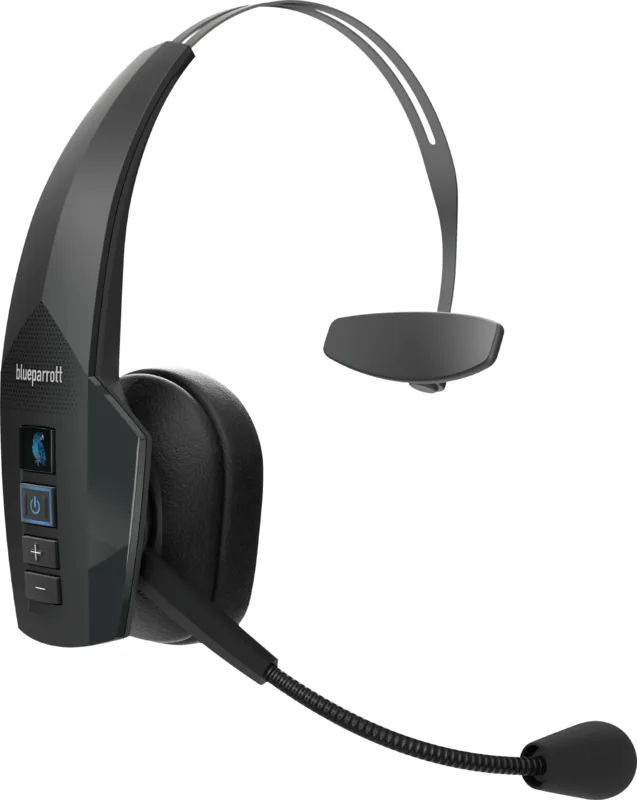
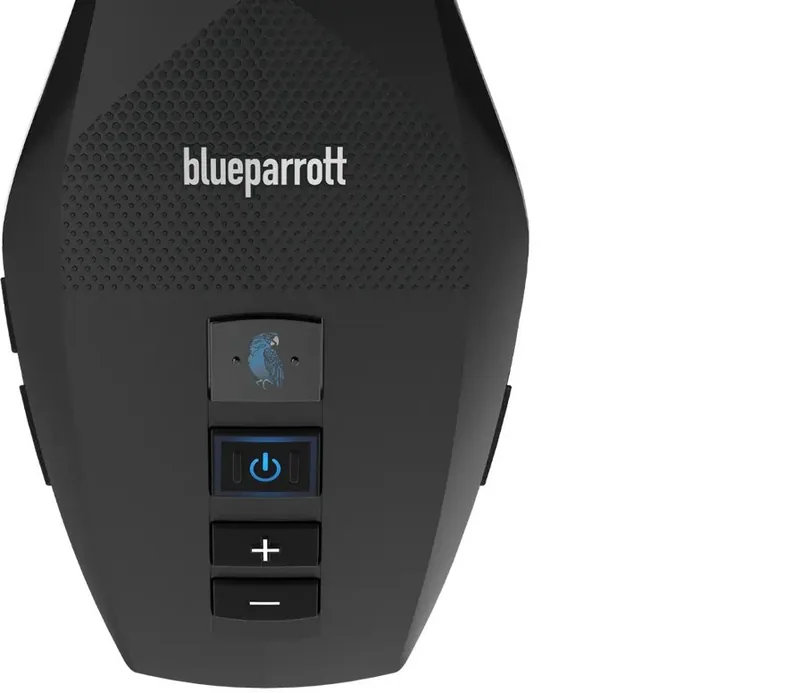
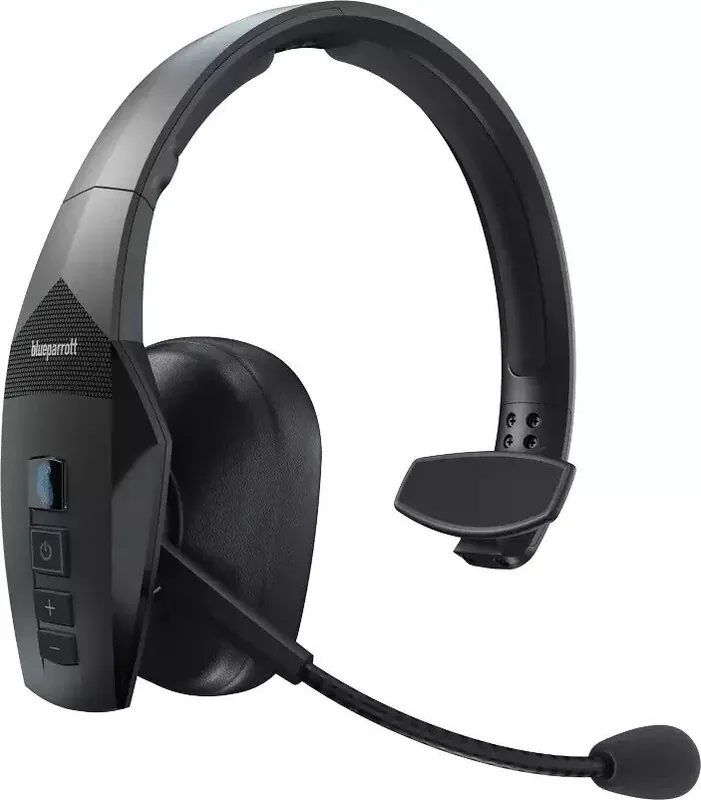
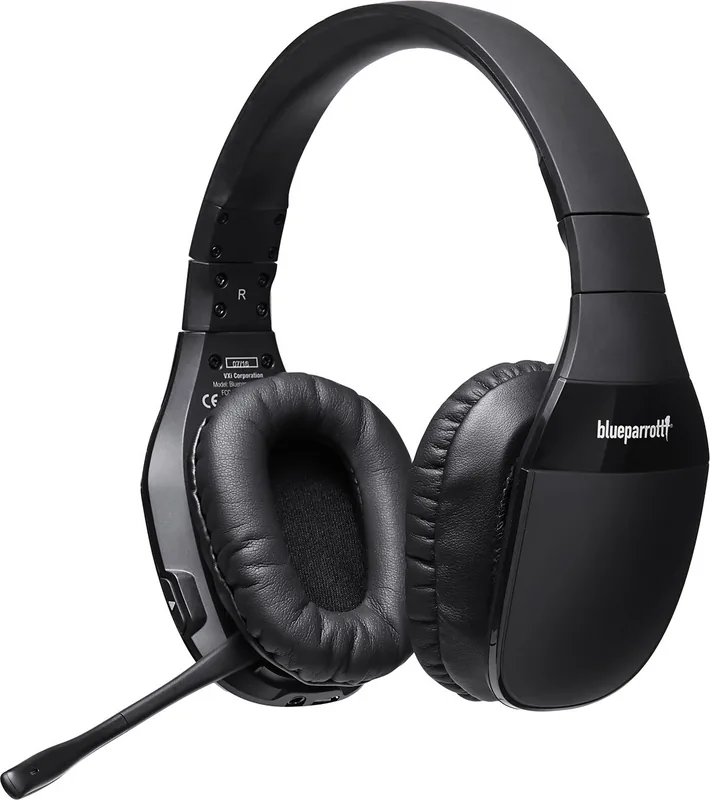
Categories

Free BlueParrott Manuals - Read, Download & Print
Find helpful BlueParrott manuals for compatible headsets, accessories, and communication devices in one convenient place. Whether you need to set up a new wireless headset, reconnect it to a phone, learn what the buttons do, or troubleshoot an audio issue, the right owner manual can provide clear instructions. Digital manuals make it easy to look up information whenever you need it, without searching through printed paperwork or product packaging.
BlueParrott products are widely associated with hands-free communication, especially in busy and noisy environments. Because individual models can have different controls, charging methods, pairing procedures, and supported features, it is important to use the documentation written for your exact product. A model-specific manual can help you understand daily operation while also providing useful care, safety, and maintenance guidance.
Read BlueParrott Manuals Online
Reading a manual online is a quick way to find answers without saving a file to your device. Online documentation is useful when you need to check a single detail, such as how to answer a call, adjust volume, mute the microphone, or identify a status indicator. Most manuals are organized into sections that make common information easier to locate.
Typical sections may include:
- Product overview and package contents
- Button, switch, and indicator descriptions
- Charging and battery information
- Bluetooth pairing instructions
- Calls, music, and voice control functions
- Wearing and adjustment guidance
- Reset and troubleshooting procedures
- Care, cleaning, and safety information
- Technical specifications and compliance notices
Use your browser's search function to look for terms such as "pairing," "charging," "microphone," "reset," or "LED." This can save time when a long manual contains many pages. Reading online is also practical when you are using a shared computer, helping another person configure a headset, or comparing instructions between BlueParrott models.
Download a Manual for Offline Use
Downloading a BlueParrott manual gives you access to important instructions even when an internet connection is unavailable. This can be especially useful for travel, field work, fleet operations, remote locations, or any situation where reliable connectivity is limited. Save the manual to a phone, tablet, laptop, or cloud storage account so it is available when you need it.
A downloaded PDF can be searched, bookmarked, enlarged, and shared where appropriate. Keeping a copy of the manual with your work documents may also simplify support requests, device onboarding, and replacement planning. If you manage several devices, consider saving each manual with a clear file name that includes the product model and language.
Before relying on a manual, check that the model name matches the label on your headset or its packaging. Similar-looking products may use different button layouts or software behavior. Using the correct document helps prevent confusion during setup and reduces the risk of following instructions intended for another version.
Print Instructions for Easy Reference
A printed BlueParrott manual can be useful in workspaces, vehicles, dispatch areas, training rooms, and equipment storage locations. Paper copies are easy to hand to new users and can be marked with notes for local procedures. You may choose to print the entire manual or only the pages most relevant to your needs.
For a compact quick-reference guide, print sections covering charging, pairing, call controls, and troubleshooting. If a manual includes diagrams, choose print settings that preserve image quality and ensure labels remain readable. Double-sided printing can reduce paper use, while printing selected pages can keep the document short and focused.
When printing safety instructions, make sure all warnings and cautions remain included. These sections may cover battery handling, charging conditions, hearing protection, cleaning methods, and usage restrictions. Keep printed documentation updated if you replace a device with a newer model.
Find the Correct BlueParrott Model Manual
The most important step is identifying the exact BlueParrott model. Look for a model number on the headset, charging component, retail box, quick-start sheet, or product label. Depending on the device, the label may be located beneath an ear cushion, inside a battery compartment, along the headband, or on a connected accessory.
Check Product Labels and Packaging
The product name printed on the box is often the easiest identifier, but a model number is more reliable when several variants have similar names. Record the full name, including letters, numbers, and version details. If the device was purchased as part of a bundle, confirm whether its accessories use separate documentation.
A serial number usually identifies one individual unit, while a model number identifies the product family. For manuals, the model number is generally the key detail. If you are unsure which document applies, compare the manual's product illustration, control placement, and listed package contents with your own device.
Match Features and Controls
Review visible features before selecting a manual. Note whether the headset has one earcup or two, a boom microphone, physical volume buttons, a dedicated multifunction button, a charging port, or a docking accessory. These clues can help distinguish between models.
Do not assume that instructions are interchangeable simply because two headsets share a brand name. Pairing behavior, voice commands, button combinations, battery design, and software support can vary. A manual that appears close but does not match the controls on your device should not be used as the primary reference.
Common Topics Covered in BlueParrott Manuals
BlueParrott owner manuals are designed to help users operate their equipment safely and effectively. While content differs by model, several topics are commonly included.
Initial Setup and Charging
The setup section typically explains how to inspect the package contents, charge the headset before first use, and understand battery or charging indicators. Follow the recommended charging guidance and use compatible power equipment. If the manual specifies a particular cable, charger type, or charging condition, follow those instructions to help protect the battery and device.
Allow enough time for an initial charge before attempting extended use. If the headset does not appear to charge, check the cable connection, power source, port condition, and indicator behavior described in the manual. Avoid forcing connectors into a port or using damaged charging equipment.
Bluetooth Pairing and Device Connections
Pairing instructions explain how to connect a BlueParrott headset to a phone, computer, tablet, or other supported Bluetooth device. The usual process involves placing the headset into pairing mode, opening Bluetooth settings on the second device, selecting the appropriate product name, and confirming the connection.
If pairing does not work, the manual may recommend turning Bluetooth off and on, moving closer to the source device, removing an old connection entry, or restarting one or both devices. Some headsets can remember multiple connections, while others have specific limits or switching behavior. Consult the model manual for the correct procedure.
Calls, Audio, and Microphone Controls
The controls section describes how to answer, end, reject, or mute calls. It may also explain volume adjustment, redialing, music playback, voice assistant access, and call status indicators. Learn these controls before using the headset in a time-sensitive environment.
For the best call quality, position the microphone as instructed and confirm that it is not blocked by clothing, hair, or protective coverings. If callers report low volume or poor clarity, check microphone placement, device volume settings, Bluetooth connection quality, and any mute status. The troubleshooting section can provide additional model-specific checks.
Troubleshooting and Reset Information
Manuals often include solutions for common issues such as no power, failed pairing, dropped connections, low audio volume, distorted sound, or unresponsive controls. Start with the basic checks listed in the document, including battery level, cable connections, Bluetooth settings, and correct device selection.
A reset procedure may be available for certain models. Only use the reset steps provided for your specific headset, as resetting can remove stored connections or return settings to default values. After a reset, you may need to pair the headset again.
Care, Safety, and Long-Term Use
Proper care can support consistent headset performance. Store the device in a clean, dry place and protect it from excessive heat, moisture, impact, and dust. Clean external surfaces gently using methods recommended in the manual. Avoid applying liquids directly to electronic ports, microphones, buttons, or charging contacts.
Listen at a comfortable volume and take breaks during long periods of use. High audio levels can be uncomfortable and may affect hearing over time. Keep cables and accessories in good condition, and replace visibly damaged items with compatible parts.
Get More Value From Your Manual
A BlueParrott manual is more than a setup sheet. It is a practical reference for everyday controls, connection help, maintenance, and problem solving. Read it online for quick answers, download it for offline access, or print the pages you use most often. By selecting the correct model manual and keeping it available, you can spend less time searching for instructions and more time using your headset with confidence.
Search for 67,706 Manuals online


Type-in Brand or Model