

Free Aukey Manuals – Read, Download & Print
6 Manuals
Manuals
Categories


Free Aukey Manuals - Read, Download & Print
Find Aukey Product Manuals in One Place
Looking for a clear, accessible Aukey manual for your device? This page helps you locate free manuals for Aukey products, making it easier to set up, use, troubleshoot, and maintain your equipment. Whether you own a charging accessory, wireless earbuds, a Bluetooth speaker, dash camera, power bank, keyboard, webcam, or another Aukey product, the right manual can provide the instructions you need.
Aukey manuals are useful when the original printed guide has been misplaced, the packaging is no longer available, or you need a digital copy to reference on a phone, tablet, or computer. Read manuals online, download them for offline access, or print selected pages for quick use at home, in the office, or while traveling.
Read Aukey Manuals Online
Reading an Aukey user guide online is a convenient way to get answers without waiting for a printed document. Digital manuals commonly include product diagrams, button descriptions, connection steps, indicator light meanings, charging details, operating instructions, safety information, and technical specifications.
Online access is especially helpful for quick tasks such as:
- Pairing Aukey Bluetooth headphones or speakers
- Connecting a wireless keyboard, mouse, or webcam
- Understanding LED status indicators
- Using charging ports and power delivery features correctly
- Resetting a device after a connection issue
- Checking compatibility with phones, laptops, tablets, or vehicles
- Reviewing important battery and safety guidance
Before following a guide, confirm that the model number on the manual matches the number printed on your Aukey product, box, label, or purchase record. Products with similar names can have different controls, ports, features, and setup procedures.
Download Free Aukey PDF Manuals
Downloading an Aukey manual gives you a practical copy that can be saved for future reference. A PDF manual is easy to store in a device folder, email to yourself, share with another user, or keep alongside receipts and warranty documents. It can also be useful when internet access is limited.
When a downloadable manual is available, save it with a descriptive file name that includes the product type and model number. For example, a file name such as "Aukey Wireless Earbuds Manual" is more helpful when expanded to include the exact model. This makes it easier to find later if you own several Aukey accessories.
Downloaded manuals can help you quickly revisit information about:
- First-time setup and activation
- Charging times and power requirements
- Bluetooth pairing and reconnection
- Device controls and touch commands
- Supported input and output connections
- Cleaning and storage recommendations
- Factory reset instructions
- Warranty terms and support details
Print Instructions for Easy Reference
Printing an Aukey manual can be useful if you prefer paper instructions or need a copy near the device. A printed guide is practical for a desk setup, vehicle, workshop, travel bag, or shared office environment. You may print the complete manual or only the pages most relevant to daily use.
For instance, many users print pages covering quick setup, button functions, LED indicators, charging guidance, and troubleshooting. This provides an easy reference without needing to search through a digital file each time a question comes up.
To reduce paper use, consider printing double-sided pages or choosing only important sections. If your printer supports it, use a compact layout for longer manuals while keeping diagrams readable. Always retain a digital copy as a backup.
Popular Aukey Manual Categories
Chargers and Power Adapters
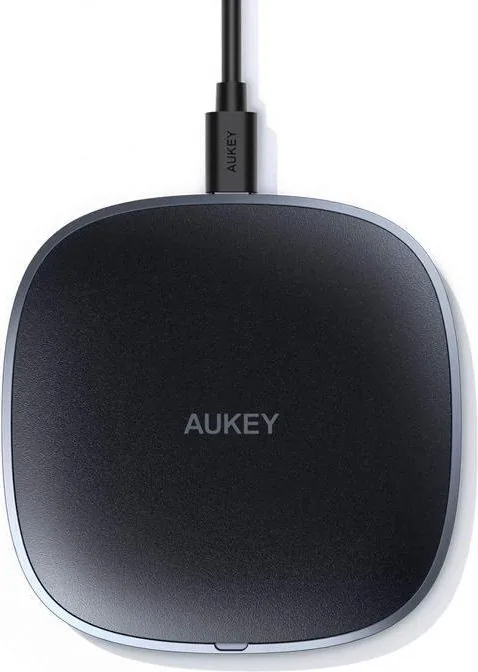
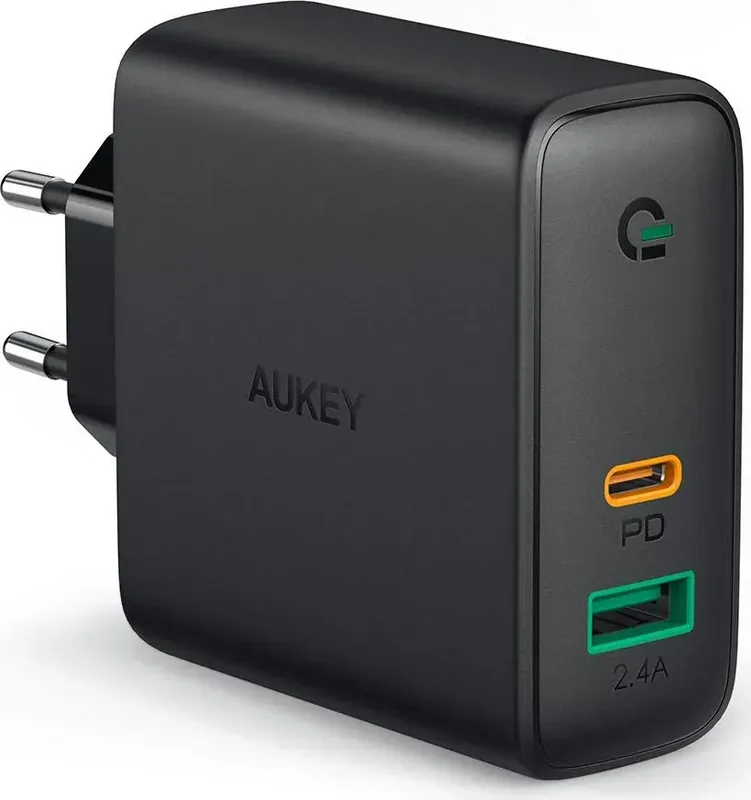
Aukey charging manuals can explain USB-C, USB-A, power delivery, quick charging, GaN charger, wall charger, car charger, and multi-port charging features. These documents may include information about supported charging profiles, port priority, compatible cables, maximum output, and safe operating conditions.
When reviewing a charger manual, pay close attention to power ratings and supported device requirements. Using an unsuitable cable, damaged adapter, or incompatible power source may affect charging performance. The manual can also clarify whether total output is shared when multiple devices are connected.
Power Banks
Power bank manuals often cover battery capacity, input charging, output ports, pass-through charging, indicator lights, and safety precautions. They can help you understand how to recharge the battery pack, estimate available power, and identify the appropriate cable for your phone, tablet, camera, or other portable device.
Battery products should be stored and used according to the included safety guidance. Avoid exposure to excessive heat, moisture, impact, or damaged cables. If a power bank becomes unusually hot, swollen, damaged, or fails to operate normally, discontinue use and consult the relevant support or safety instructions.
Wireless Earbuds and Headphones
Aukey earbuds and headphone manuals generally provide instructions for charging the case, pairing with a mobile device, controlling music and calls, using voice assistants, and resetting Bluetooth connections. They may also explain how to switch between devices, use mono mode, adjust volume, or interpret charging LEDs.
If your earbuds do not pair correctly, the manual may recommend removing the old Bluetooth connection from your phone, placing both earbuds in the charging case, and following a specified reset sequence. Procedures vary by model, so use the exact instructions for your device rather than relying on a generic method.
Bluetooth Speakers
Bluetooth speaker manuals can help with pairing, playback controls, volume adjustment, stereo pairing, microphone use, battery charging, and water-resistance limitations. Some models include additional features such as AUX input, microSD playback, hands-free calling, or multiple speaker connections.
Keep in mind that water-resistant does not always mean waterproof. Check the manual for the specific protection rating and usage restrictions. The guide may state whether the charging port cover must be closed or whether the product should be kept away from pools, showers, or full submersion.
Keyboards, Mice, and Webcams
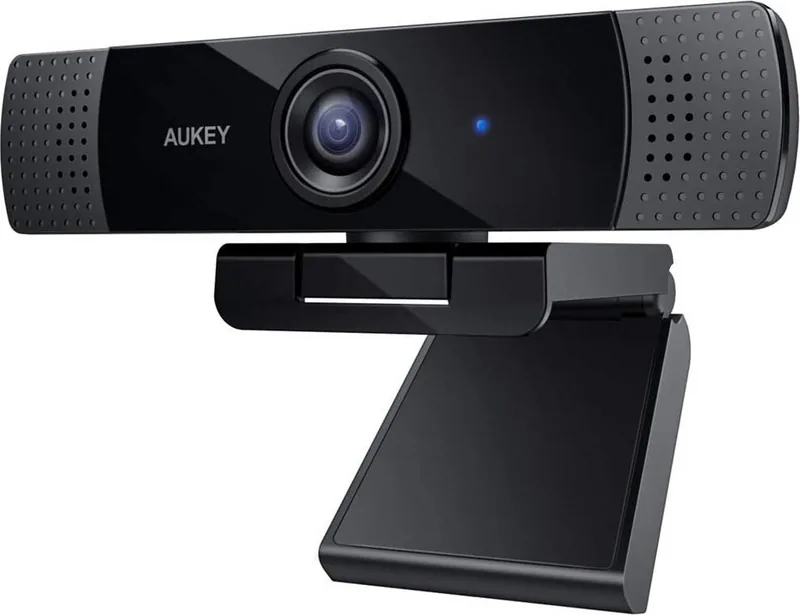
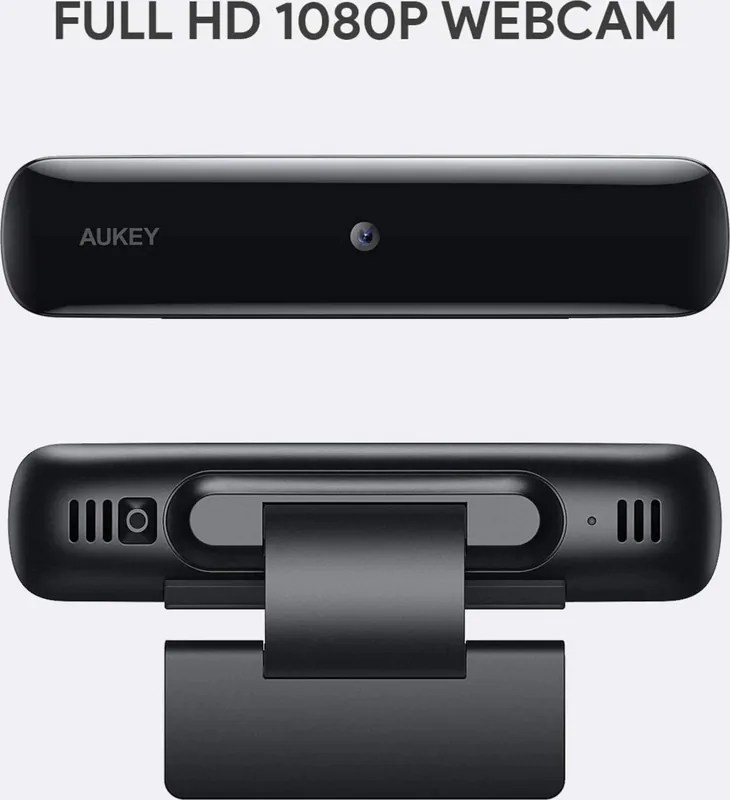
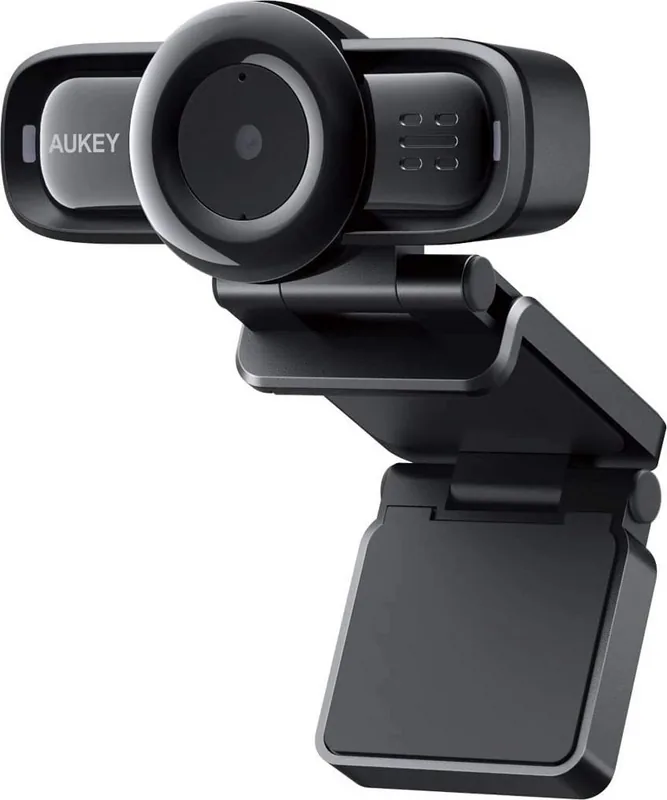
Aukey computer accessory manuals are valuable for connecting devices to Windows, macOS, tablets, and other compatible hardware. They may include USB receiver setup, Bluetooth pairing steps, keyboard shortcuts, DPI settings, battery installation, webcam mounting, privacy cover use, and microphone configuration.
For wireless accessories, verify whether the product uses Bluetooth, a USB receiver, or both. Also check battery requirements and operating range. If a keyboard or mouse is not responding, the manual may provide guidance for pairing mode, receiver placement, battery replacement, or reconnecting the device.
Car Accessories and Dash Cameras
Dash camera and vehicle accessory manuals can contain installation guidance, mounting instructions, power connection details, recording settings, loop recording options, parking mode information, memory card requirements, and file transfer instructions. These documents are important for configuring the device safely and correctly.
Follow local laws when installing or operating vehicle electronics. A dash camera should be positioned so it does not obstruct the driver's view, interfere with airbags, or create a distraction. Review the manual for suitable power adapters, temperature limits, and recommended memory card specifications.
Troubleshooting Common Aukey Device Issues
A manual is often the first place to look when an Aukey product is not working as expected. Many common issues can be resolved by checking connections, confirming charge level, restarting the device, or following the model-specific reset procedure.
Common troubleshooting topics include:
- Device will not turn on
- Charger is not delivering expected power
- Earbuds will not pair or only one side connects
- Speaker disconnects from Bluetooth
- Keyboard or mouse does not respond
- Webcam is not detected by a computer
- Dash camera does not record properly
- LED lights flash in an unfamiliar pattern
Start by checking the basics: inspect cables for damage, confirm the power source is working, fully charge battery-powered products, and make sure the correct input or Bluetooth device is selected. Then consult the relevant manual section for detailed steps. If a problem continues after following the documented guidance, contact authorized support with the product model number and proof of purchase if available.
How to Identify Your Aukey Model Number
The correct model number is essential when searching for an Aukey manual. It may appear on a label underneath or behind the product, on the charging case, near a port, inside a battery compartment, on the original package, or on your order confirmation. It is often formatted with letters and numbers.
Use the full model number when searching because a product family name alone may return multiple versions. A manual for a newer or older version may look similar but provide incorrect button layouts, specifications, or reset instructions.
Use Manuals Safely and Effectively
Always follow the safety instructions provided for your specific Aukey product. This is particularly important for power adapters, power banks, battery products, car accessories, and devices used near water. Use approved cables and power sources where recommended, keep electronics away from extreme conditions, and do not attempt repairs that are not described in the manual.
Free Aukey manuals make it simple to read, download, and print the information you need. Find the matching guide for your model, keep a copy for future use, and rely on the official instructions to get the best performance from your Aukey device.
Search for 67,732 Manuals online


Type-in Brand or Model