

Free Audison Manuals – Read, Download & Print
11 Manuals
Manuals
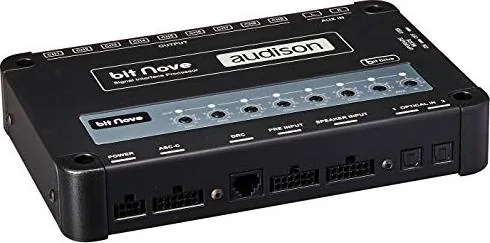
45 Pages
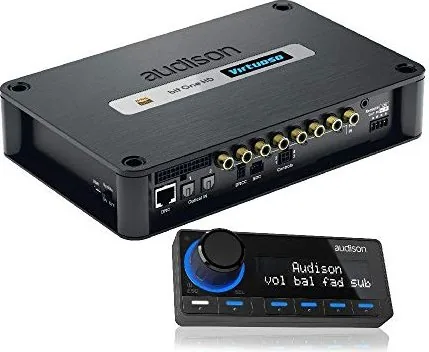
60 Pages
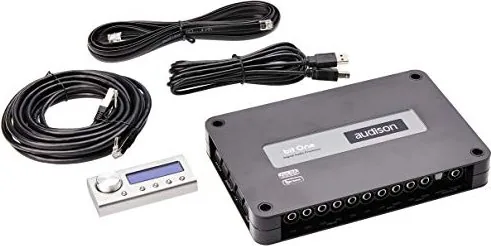
68 Pages
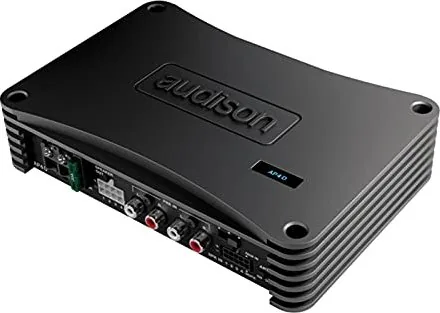
52 Pages
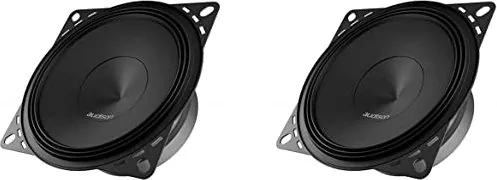
28 Pages
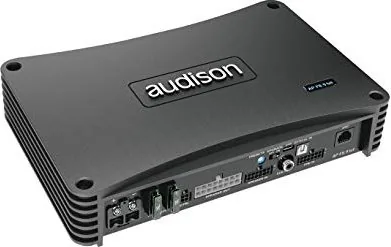
56 Pages
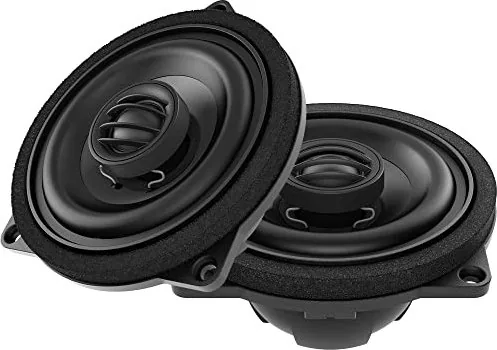
36 Pages
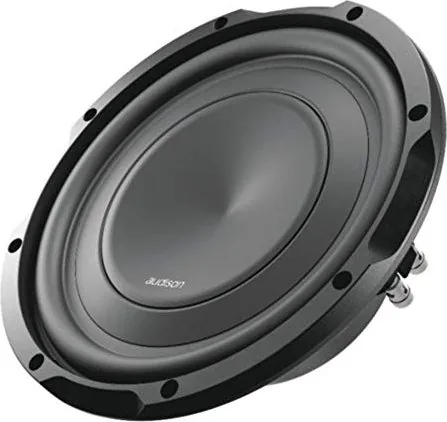
52 Pages
36 Pages
52 Pages
68 Pages
Categories

Free Audison Manuals - Read, Download & Print
Find free Audison manuals for car audio amplifiers, processors, speakers, subwoofers, multimedia products, and related installation accessories. Whether you are setting up a new audio system, replacing an existing component, troubleshooting a connection issue, or checking product specifications, the correct manual can make the process faster and safer. Audison documentation helps owners, installers, and audio enthusiasts understand how each product is designed to operate.
Audison is known for high-performance mobile audio equipment, and many products include detailed controls, wiring options, crossover settings, DSP configuration features, and installation requirements. Reading the appropriate manual before connecting power, speakers, signal cables, or digital inputs can help prevent damage and improve system performance. Use this page to locate manuals that can be read online, downloaded for later use, or printed for installation and reference.
Read Audison Manuals Online
Online manuals are useful when you need quick access to product information from a phone, tablet, laptop, or desktop computer. A digital manual can help you identify connectors, review control layouts, compare wiring diagrams, and confirm compatibility before beginning an installation. Reading online also makes it easier to search for specific terms such as gain, fuse, remote turn-on, speaker impedance, optical input, equalizer, crossover, firmware, or troubleshooting.
Most Audison manuals include an overview of the product and its main functions. Depending on the model, documentation may cover:
- Product features and technical specifications
- Package contents and accessory information
- Safety instructions and installation warnings
- Power, ground, and remote wiring guidance
- Speaker output and input connection diagrams
- High-level, low-level, and digital signal connections
- Amplifier gain, filter, and crossover adjustments
- DSP setup, channel routing, and tuning options
- Software configuration instructions where applicable
- Fuse ratings, dimensions, and mounting information
- Maintenance, diagnostics, and troubleshooting advice
Reading the manual online before purchasing or installing a component can also help you verify that the unit meets your system requirements. This is especially important for multi-channel amplifiers, digital sound processors, integrated amplifier-processors, and vehicles with factory audio systems.
Download Audison PDF Manuals
Downloading an Audison manual provides convenient offline access when internet service is unavailable in a garage, workshop, vehicle, or remote installation location. PDF manuals can be saved on a computer, mobile device, or cloud storage account for future reference. Keeping a copy of the documentation is helpful when a system needs adjustment months or years after the original installation.
A downloaded manual can be useful for several reasons. You can zoom in on detailed wiring illustrations, use document search tools to find a specific setting, send a copy to an installer, or keep manuals for every component in one organized folder. If you own multiple Audison products, saving the manuals together can simplify system planning and future upgrades.
Before downloading, confirm that the manual matches the exact model and version of your product. Similar Audison units may have different channel counts, connector types, setup menus, power ratings, or software requirements. Check the model name on the product label, packaging, invoice, or original documentation. If a product has a revision number or serial-related version, review the manual carefully to ensure the instructions apply to your equipment.
Why the Correct Model Manual Matters
Using the wrong manual can lead to incorrect wiring or setup choices. For example, an amplifier manual may show a particular speaker configuration that does not apply to a different model. A processor manual may describe input routing or tuning features that are unavailable on an earlier generation. A precise manual helps you avoid assumptions about power connections, output assignments, fuse size, minimum impedance, or adjustment ranges.
When comparing product documents, look for details such as:
- Exact product model designation
- Number of amplifier channels or processor outputs
- Supported input formats and connection types
- Required power cable and fuse specifications
- Minimum and recommended speaker impedance
- Compatible software or firmware versions
- Vehicle-specific harness or accessory requirements
- Dimensions for mounting and ventilation clearance
Print Audison Manuals for Installation
Printing a manual can be practical during a hands-on installation. A printed copy is easy to keep near the work area and can be marked with notes, connection plans, channel assignments, or tuning targets. Many installers prefer printed wiring diagrams because they can be viewed without switching between screens or risking damage to a mobile device in a busy workspace.
For best results, print the pages that are most relevant to your project. This may include the safety section, wiring diagram, control panel layout, technical specifications, mounting template, and troubleshooting guide. If the manual contains color-coded diagrams, use color printing when possible. If printing in black and white, label wire colors and terminal names clearly before starting work.
Helpful Pages to Print
The most useful pages to print often include:
- Power and ground connection instructions
- Fuse and cable size recommendations
- Speaker and subwoofer wiring diagrams
- Input and output connection diagrams
- Control and adjustment descriptions
- DSP channel routing diagrams
- Installation dimensions and mounting warnings
- Troubleshooting tables
Keep printed documentation clean and dry, particularly when working in vehicles. Store it in a folder with receipts, warranty information, configuration notes, and photographs of the final wiring layout. This record can be valuable if you later change amplifiers, replace speakers, service the vehicle, or sell the audio equipment.
Audison Amplifier Manuals
Audison amplifier manuals explain the setup of mono, stereo, multi-channel, and advanced amplifier products. These documents typically describe power terminal connections, remote turn-on wiring, input sensitivity, crossover controls, bass boost functions, speaker output modes, and protection indicators. They may also provide recommended cable sizes and fuse values based on the amplifier's electrical requirements.
Proper amplifier installation is essential for both sound quality and reliability. Always disconnect vehicle power as recommended before making electrical connections. Use appropriately sized wiring, secure all terminals, and avoid routing power cables near signal cables when possible. Follow the manual's guidance for ventilation and mounting, as amplifiers can produce significant heat during operation.
If an amplifier enters protection mode, the manual may help identify potential causes such as overheating, low voltage, a short circuit, incorrect speaker impedance, damaged wiring, or an improper ground connection. Review the diagnostic section before attempting further adjustments.
Audison DSP and Processor Manuals
Audison digital signal processor and amplifier-processor manuals are especially important because these products can offer advanced routing and tuning options. A processor may allow users to manage input sources, assign output channels, set crossover points, adjust time alignment, apply equalization, configure signal summing, and save tuning presets. The manual provides the foundation for understanding these features before using compatible configuration software.
DSP setup should be performed carefully. Incorrect routing can send the wrong frequency range to a speaker, while extreme equalization or output levels can cause distortion or component damage. Start with conservative settings, verify every channel assignment, and make changes gradually. The product manual can clarify recommended setup sequences and explain the purpose of each menu, control, or software parameter.
Common DSP Manual Topics
DSP and processor documentation may include:
- Input selection and source configuration
- Factory system integration methods
- Speaker-level and preamp-level input setup
- Output channel assignments
- Crossover filter types and slopes
- Time alignment and delay settings
- Equalizer controls and tuning guidance
- Preset storage and recall functions
- USB, Bluetooth, optical, or digital connection details
- Software installation and update procedures
Troubleshooting With an Audison Manual
A manual is one of the first resources to consult when an Audison component does not power on, produces no sound, shuts down unexpectedly, or performs differently than expected. Start by checking the basic items listed in the troubleshooting section: battery voltage, fuse condition, ground connection, remote signal, input selection, output routing, speaker wiring, and control settings.
For audio issues, verify that source volume, processor output levels, amplifier gain, and crossover settings are appropriate. For DSP-equipped systems, confirm that the selected preset and input source are correct. Do not increase gain excessively to compensate for a missing signal, as this can introduce distortion and risk damaging speakers.
If the problem continues after following the documented steps, contact an authorized Audison dealer, qualified installer, or official support channel. Product documentation is an excellent reference, but professional assistance may be necessary for complex vehicle integration, firmware concerns, persistent protection faults, or electrical problems.
Use Manuals Safely and Responsibly
Free access to Audison manuals is valuable for product owners, but installation work should always be completed with care. Follow all safety warnings, use the correct tools, protect vehicle wiring, and observe applicable electrical and vehicle safety practices. When available, obtain manuals from official Audison sources, authorized distributors, or trusted documentation archives to help ensure that the information is complete and current.
With the right Audison manual, you can read product details online, download a copy for offline access, and print the pages needed for installation, tuning, maintenance, and troubleshooting. Accurate documentation supports cleaner installations, better system configuration, and a more enjoyable listening experience.
Search for 67,706 Manuals online


Type-in Brand or Model