

Free Antec Manuals – Read, Download & Print
10 Manuals
Manuals
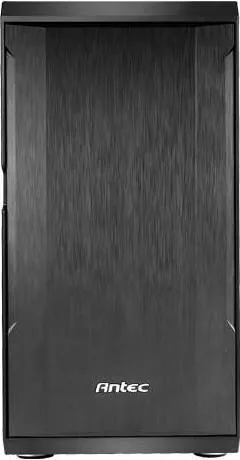
2 Pages
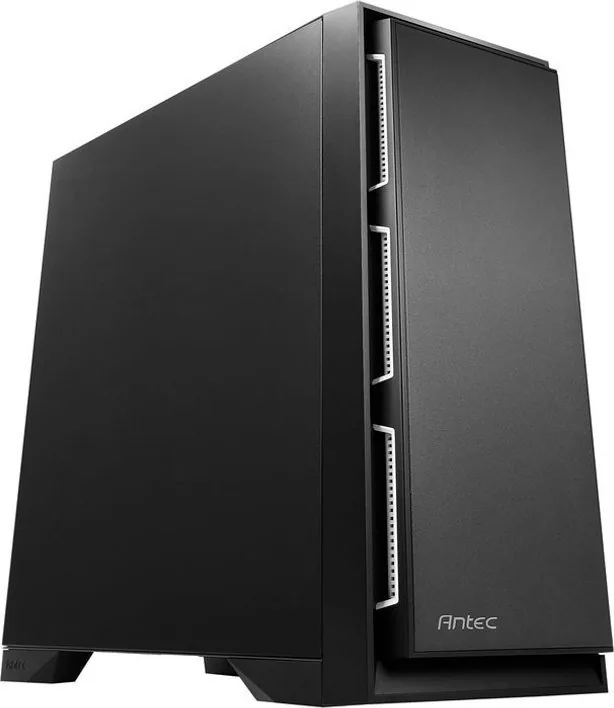
2 Pages
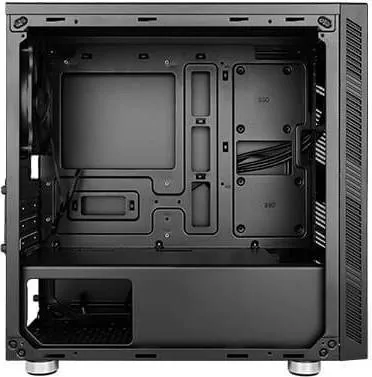
2 Pages
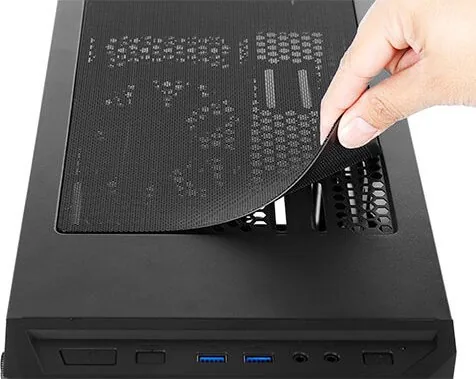
2 Pages
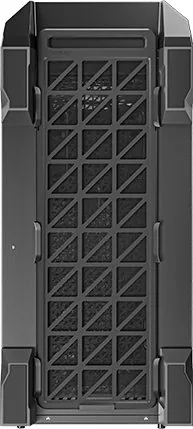
28 Pages
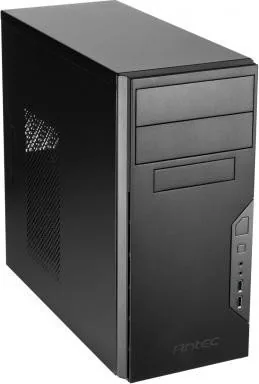
2 Pages

2 Pages
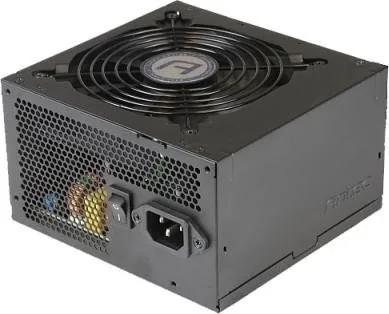
7 Pages
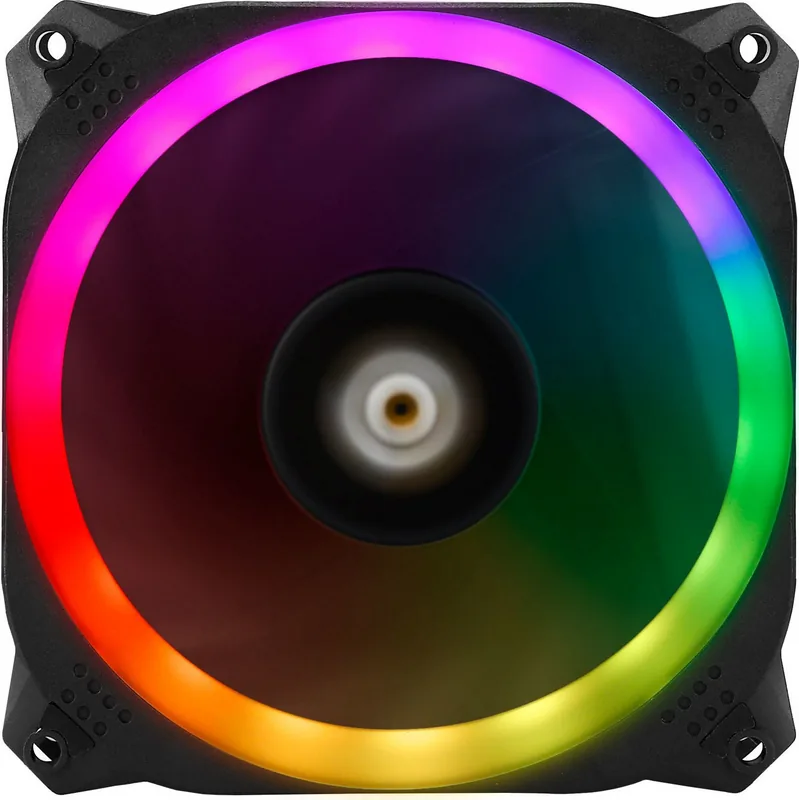
1 Pages
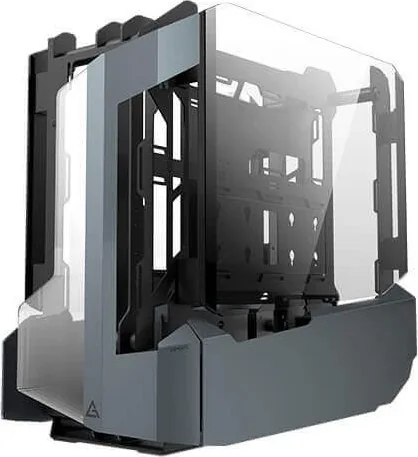
27 Pages
Categories

Free Antec Manuals - Read, Download & Print
Introduction to Accessing Essential Documentation
In the rapidly evolving world of computer hardware, having access to accurate and comprehensive documentation is crucial for users ranging from novice builders to seasoned system architects. Antec, a globally recognized brand in the computer case and cooling industry, provides high-quality products that require specific knowledge for optimal setup and maintenance. The availability of free Antec manuals ensures that every user can maximize the potential of their hardware without unnecessary barriers. This guide serves as a central resource for understanding how to read, download, and print these vital documents efficiently.
When purchasing an Antec product, whether it is a power supply unit, a chassis, or a liquid cooling solution, the user manual is often the first point of contact for troubleshooting and configuration. However, physical copies are not always included, especially with digital-only purchases or older models. In such cases, the ability to access these files online becomes indispensable. The process of finding these resources has been streamlined to ensure that information is readily available to anyone seeking it. By utilizing dedicated platforms and official archives, users can retrieve the exact specifications, safety guidelines, and assembly instructions needed for their specific device model.
Understanding the Value of Digital Manuals
Digital manuals offer significant advantages over traditional paper counterparts. They are searchable, allowing users to quickly locate specific terms such as "cable management," "fan speed control," or "mounting bracket" without flipping through dozens of pages. This feature is particularly useful when dealing with complex installations where multiple steps must be followed in a precise order. Furthermore, digital formats reduce environmental waste by eliminating the need for physical printing unless absolutely necessary. Users who prefer a tangible copy can easily print the document at home using standard printers, ensuring they have a hard copy on hand during the build process.
The flexibility of digital files also extends to accessibility. A manual saved on a tablet or smartphone can be viewed while working on the computer case, keeping hands free from cluttered papers. For those with visual impairments, many digital readers allow for text resizing and screen reader compatibility, making the information inclusive for a wider audience. Additionally, updates to firmware or known issues resolved by the manufacturer are sometimes reflected in updated digital versions, ensuring that the information remains current and relevant throughout the lifecycle of the product.
How to Locate and Download Antec Manuals
Finding the correct manual begins with identifying the exact model number of your Antec product. This number is typically found on a sticker located on the back of the case, the side of the power supply, or the packaging box itself. Once identified, users can navigate to the official Antec support website or trusted third-party repositories that host these files. The search function on these sites allows users to input the model number directly, filtering out irrelevant results and presenting the correct documentation immediately.
The download process is generally straightforward. After locating the specific page for the model, users will see options to view the manual in a web browser or download it as a PDF file. Selecting the download option initiates the transfer of the file to the local storage device. It is important to ensure a stable internet connection during this process to prevent corrupted files. Once downloaded, the PDF can be opened using any standard reader software, which is pre-installed on most operating systems. This seamless integration allows for immediate access to the content without the need for additional software installation.
For users dealing with legacy equipment, finding manuals for discontinued models can sometimes be challenging. In these scenarios, archived versions of the Antec website or community forums often serve as valuable resources. Enthusiast communities frequently share scans of older manuals, preserving them for future generations of users. These community-driven efforts complement official channels, ensuring that no user is left without guidance regardless of the age of their hardware.
Printing Your Manual for Physical Reference
While digital viewing is convenient, there are instances where a printed manual is preferred. This might occur during the initial assembly of a PC where having step-by-step diagrams visible on a desk is helpful. To print the manual, open the downloaded PDF file and select the print option within the viewer software. Users should check the printer settings to ensure that the correct paper size, typically Letter or A4, is selected. If the manual contains color-coded diagrams or detailed illustrations, selecting high-quality print settings will enhance readability.
Printing can be done in full color or black and white depending on personal preference and printer capabilities. Some users may choose to print only specific sections of the manual rather than the entire document to save ink and paper. Most PDF readers allow for page selection, enabling users to target specific chapters such as "Installation Guide" or "Troubleshooting." Before printing the entire document, it is advisable to preview the pages to ensure formatting is correct and no pages are missing due to file corruption. Properly printed manuals can be placed in binders or folders for long-term reference, creating a permanent library of technical documentation for the user's collection.
Safety and Warranty Information in Manuals
One of the most critical aspects of any Antec manual is the safety and warranty information section. These documents outline the precautions users must take to avoid damage to the hardware or injury to themselves. Common warnings include proper grounding procedures, handling of internal components with care to avoid static electricity, and adherence to voltage requirements. Ignoring these guidelines can void the warranty or lead to catastrophic failure of the system.
The warranty section details the coverage period, what is included in the service, and the steps required to initiate a claim. Having this information readily accessible ensures that if an issue arises, the user knows exactly how to proceed without delay. It also clarifies the responsibilities of both the manufacturer and the user regarding maintenance and repairs. By reading these sections thoroughly before installation, users can mitigate risks and ensure a safe computing environment. The clarity provided in these manuals reflects Antec's commitment to customer satisfaction and product reliability.
Conclusion: Empowering Users Through Knowledge
Accessing free Antec manuals through reading, downloading, and printing options empowers users to take full control of their hardware experience. Whether assembling a new gaming rig, upgrading an office workstation, or maintaining an existing system, having the right documentation is the key to success. The combination of digital convenience and the option for physical copies caters to diverse user preferences and needs. As technology continues to advance, the importance of clear, accessible, and accurate instructions remains paramount. By leveraging these resources, users can enjoy their Antec products to the fullest extent, confident in their ability to manage and maintain their systems effectively. The journey from unboxing to operation is smoother when supported by comprehensive guides that demystify the technical details of modern computer hardware.
Search for 67,732 Manuals online


Type-in Brand or Model