

Free Tokina Manuals – Read, Download & Print
10 Manuals
Manuals
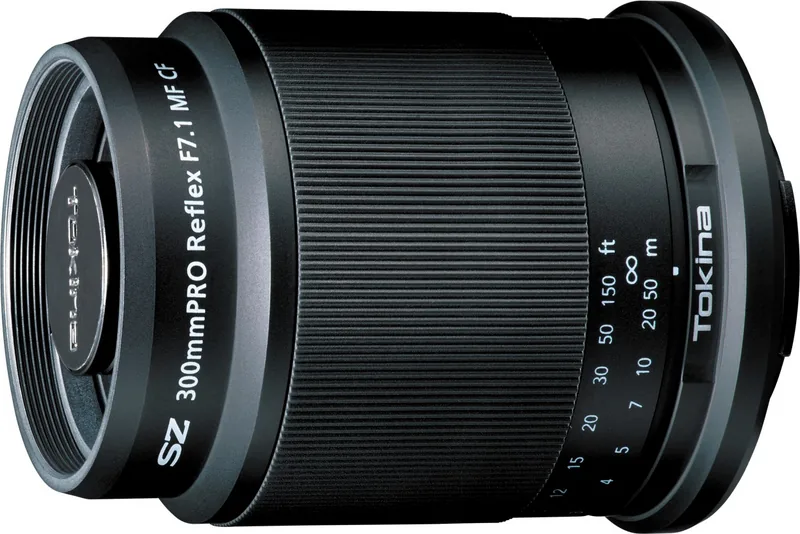
2 Pages

2 Pages
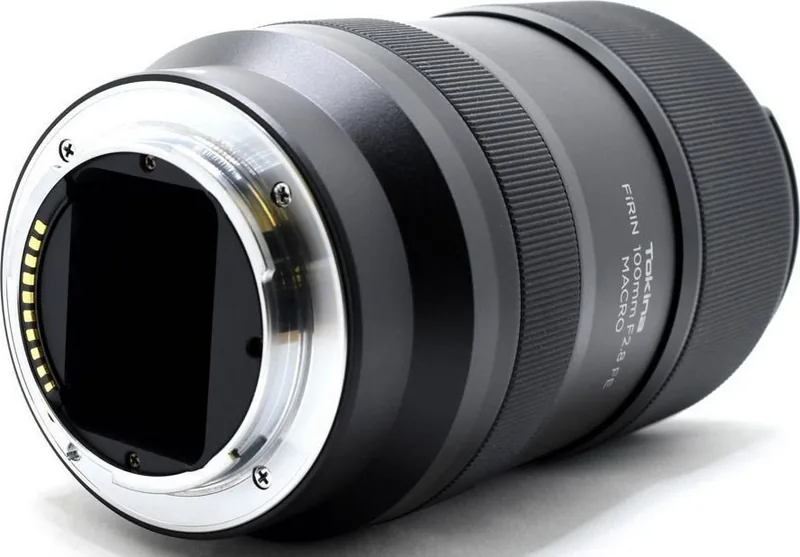
2 Pages
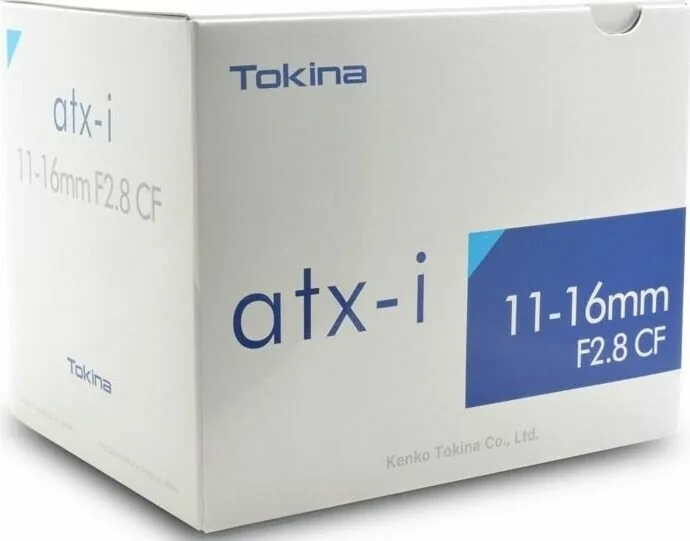
2 Pages
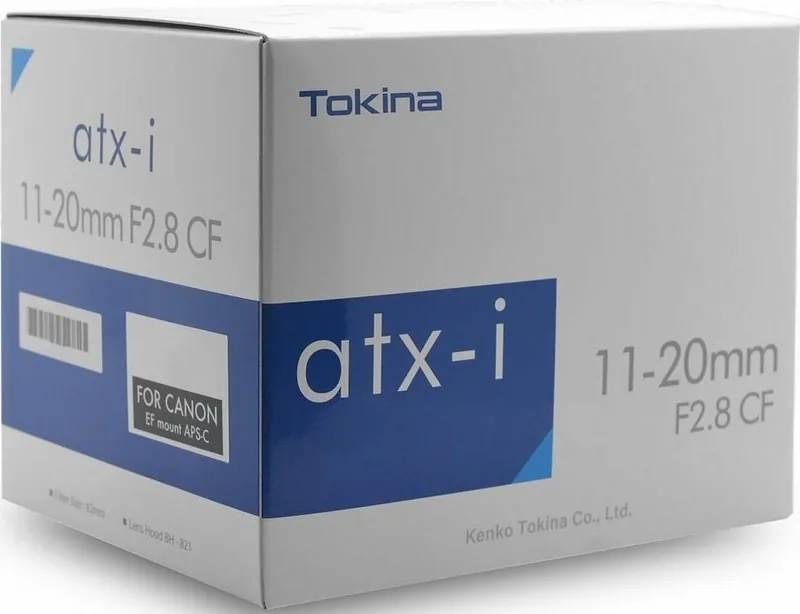
2 Pages

1 Pages
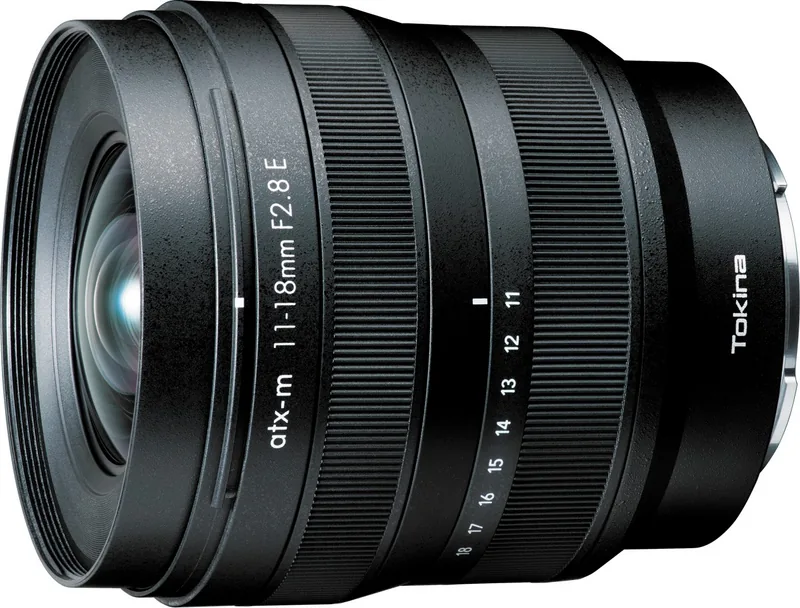
2 Pages
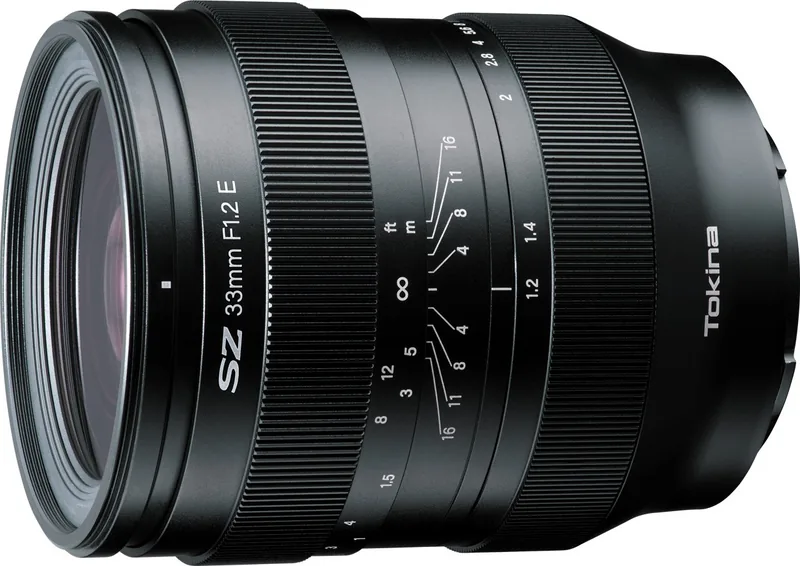
2 Pages
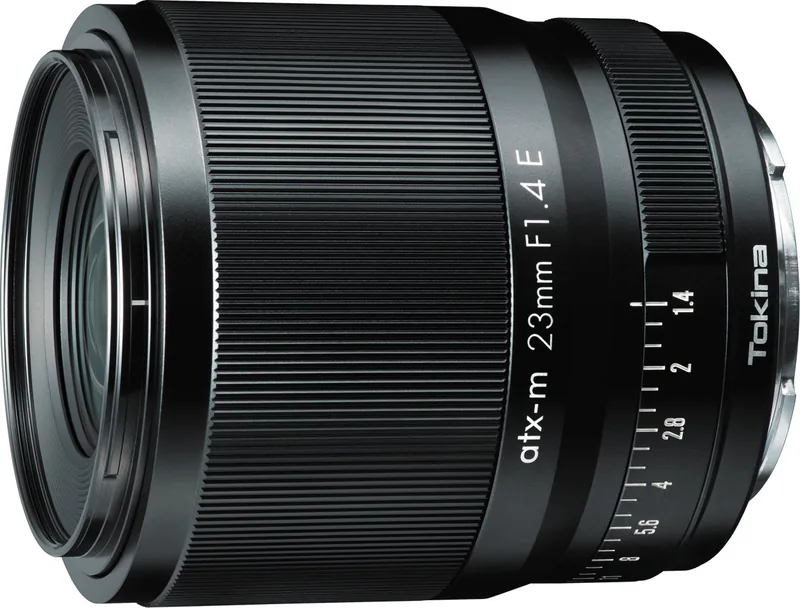
2 Pages
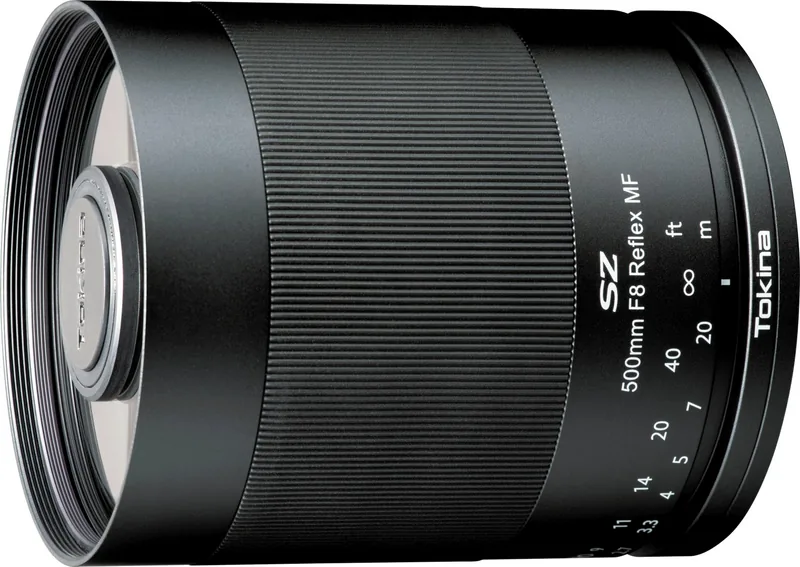
2 Pages
Categories

Free Tokina Manuals - Read, Download & Print
Find Tokina Manuals for Cameras, Lenses, and Accessories
Looking for a Tokina manual? This resource helps photographers, videographers, collectors, and equipment owners locate free Tokina manuals to read online, download for later reference, or print for use in the field. Tokina has produced a wide range of camera lenses, optical accessories, and imaging products over many years. Whether you own a classic manual-focus lens, a modern autofocus zoom, a cinema lens, or a specialty optic, the correct manual can make setup, operation, and maintenance much easier.
Tokina manuals provide practical information directly related to a specific product model. They commonly explain lens controls, mounting procedures, focus modes, aperture settings, zoom operation, compatibility notes, care instructions, safety precautions, and technical specifications. Reading the official documentation is often the quickest way to understand what each switch, ring, marking, and included accessory is designed to do.
Read Tokina Manuals Online
Reading a Tokina manual online is a convenient option when you need answers quickly. Digital manuals can be viewed on desktop computers, tablets, and mobile devices without requiring a printed copy. This is especially useful when checking a feature while preparing for a shoot, comparing lens specifications before a purchase, or confirming whether a lens supports a particular camera mount.
Online Tokina documentation may include instructions for popular lens categories such as wide-angle zooms, telephoto zooms, macro lenses, prime lenses, fisheye lenses, and all-in-one travel zooms. Depending on the model, you may find guidance for Canon EF, Nikon F, Sony E, Fujifilm X, Micro Four Thirds, Pentax K, and other compatible mounts.
A manual can also clarify product-specific terminology. Certain Tokina lenses include features such as focus clutch mechanisms, one-touch focus changes, internal focusing systems, zoom lock switches, image stabilization information, or weather-resistant construction. The manual describes how these features should be used and highlights important limitations that may apply with different cameras or shooting modes.
Why Reading the Manual Matters
A lens may appear simple, but correct operation can affect image quality and equipment safety. Reviewing the manual can help you avoid common problems, including mounting a lens incorrectly, forcing a focus ring, using unsupported adapters, or exposing equipment to unsuitable environmental conditions. It can also help you identify whether a behavior is normal, such as focus ring movement, lens barrel extension, aperture operation, or camera menu restrictions.
For used equipment buyers, the manual is a valuable reference for checking what should be included with the lens. It may list front and rear caps, lens hoods, cases, tripod collars, filter sizes, mounting instructions, and optional accessories. This information can make it easier to assess the condition and completeness of a second-hand Tokina product.
Download Free Tokina PDF Manuals
Downloading a Tokina manual gives you dependable access even when you are offline. A PDF manual can be saved to a phone, tablet, laptop, cloud storage account, or external drive. Keeping a local copy is useful for travel, outdoor photography, remote locations, and any situation where an internet connection may not be available.
Before downloading, confirm that the manual matches the exact model name and lens mount. Tokina has released similar lenses with different generations, focal ranges, mount options, and feature sets. A manual for one version may not fully apply to another. Check the product label on the lens barrel, original packaging, or purchase documentation for the complete model designation.
Downloaded manuals are easy to organize into a personal equipment library. You can store files by brand, focal length, camera mount, or product type. For example, photographers with multiple lenses may create folders for wide-angle, portrait, macro, and telephoto gear. Saving manuals alongside receipts, warranty documents, and lens test images can also simplify long-term equipment management.
Useful Information Found in Tokina PDFs
Tokina PDF manuals may contain sections covering the following topics:
- Product names and compatible camera systems
- Lens component diagrams and control descriptions
- Attaching and removing the lens safely
- Using autofocus and manual focus modes
- Focus clutch or focus ring instructions
- Zoom range and minimum focusing distance
- Aperture and exposure operation
- Lens hood installation and storage
- Filter diameter and accessory compatibility
- Lens care, cleaning, and storage advice
- Safety warnings and handling precautions
- Technical specifications and dimensions
- Warranty and service details
These details can be useful for beginners learning a new lens and experienced photographers who need exact specifications for filters, adapters, support systems, or travel packing.
Print Tokina Manuals for Easy Reference
Printing a Tokina manual can be helpful when you prefer a physical reference guide. A printed manual is easy to keep in a camera bag, studio drawer, workshop, or storage case. It can be particularly practical for older equipment that is used occasionally, since you will not need to search for the document every time you take it out.
When printing, consider selecting only the pages you need most. Many owners print the lens diagram, operating instructions, specification pages, and maintenance guidance. This saves paper while preserving the most useful information. If you print the complete document, placing it in a binder or protective sleeve can help keep it clean and readable.
For field use, print in black and white if color diagrams are not essential. Use double-sided printing to reduce bulk, and consider laminating frequently used pages, such as control diagrams or quick-start instructions. A compact printed reference can be useful during workshops, travel shoots, rentals, or situations where electronic devices are inconvenient.
How to Identify the Correct Tokina Lens Manual
Finding the right manual starts with identifying the exact product. Tokina lens names can include focal length, maximum aperture, series name, mount type, and generation information. Look carefully at the lettering on the front ring, lens barrel, or bottom of the lens. Record every visible detail before searching.
Important identifiers include the focal length, such as 11-16mm, 12-24mm, 16-28mm, 24-70mm, 28-80mm, 70-200mm, or 100mm. Also note the maximum aperture, for example f/2.8, f/4, or f/3.5-5.6. The camera mount is equally important because the same focal length may be available for more than one system.
Check for model family names such as AT-X, ATX-i, Opera, Firin, SZ, Vista, or other Tokina product lines. A model generation can change compatibility, optical design, electronic communication, and operating controls. If the lens has a serial number, it may help with service questions, but the model name is generally the key detail for locating the appropriate manual.
Check Compatibility Before Use
A manual may include camera compatibility information, but compatibility can also depend on camera firmware, adapter type, and the age of the camera body. Some older lenses may have restrictions with newer digital cameras, while certain electronic features may not function through third-party adapters. Always review relevant camera documentation as well as the lens manual.
When using a Tokina lens with an adapter, follow the adapter manufacturer's instructions. Do not force a lens onto a mount that does not align properly. Incorrect mounting can damage lens contacts, mount flanges, or locking mechanisms. If you are uncertain about compatibility, compare the lens mount markings and consult reliable product support resources.
Lens Care and Maintenance Guidance
Tokina manuals often include essential care recommendations. Keep the front and rear caps attached when the lens is not in use. Store the lens in a clean, dry place away from excessive heat, humidity, dust, and direct sunlight. Avoid leaving equipment in a hot vehicle or exposing it to sudden temperature changes, which can contribute to condensation.
Use a blower to remove loose dust before wiping glass surfaces. If additional cleaning is needed, use a clean microfiber cloth and lens cleaning solution intended for optical equipment. Avoid household cleaners, rough fabrics, and excessive pressure. Do not touch electronic contacts unnecessarily, and keep the lens mount area free of dirt and moisture.
If a lens becomes wet, remove it from the camera if it is safe to do so, dry the exterior gently, and allow it to air dry in a controlled environment. Do not use intense heat to dry photographic equipment. For internal fogging, fungus concerns, impact damage, loose components, or electronic faults, seek qualified repair service.
Keep Your Tokina Documentation Accessible
Free Tokina manuals are useful resources for understanding and protecting your equipment. Read manuals online for immediate support, download PDFs for offline access, and print important pages for convenient reference. By keeping the correct documentation with your gear, you can use lens features more confidently, verify specifications accurately, and maintain your Tokina products for years of reliable photography and video work.
Always match the manual to your exact Tokina model, camera mount, and product generation. A few minutes spent reviewing the official instructions can improve shooting results, prevent avoidable handling mistakes, and help you get the most from every lens in your collection.
Search for 67,706 Manuals online


Type-in Brand or Model