

Free Roadstar Manuals – Read, Download & Print
15 Manuals
Manuals

23 Pages
16 Pages

54 Pages
54 Pages
12 Pages
40 Pages
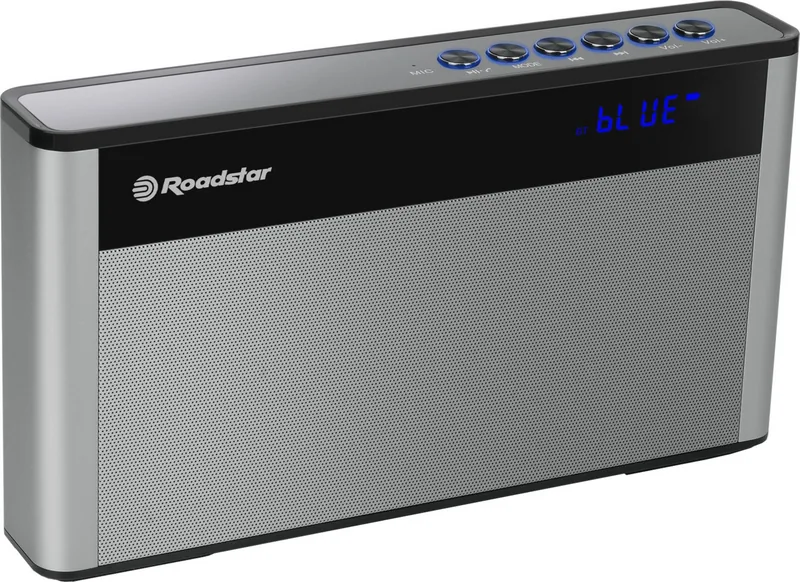
2 Pages
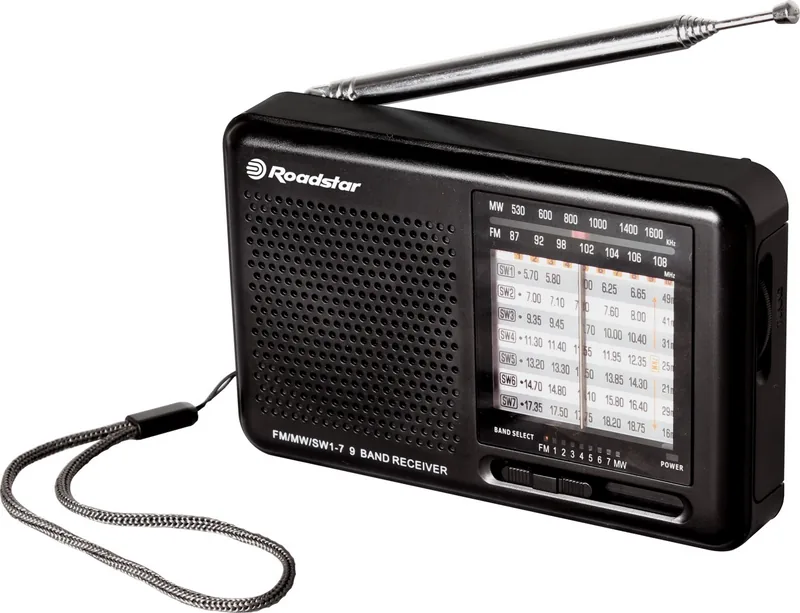
4 Pages
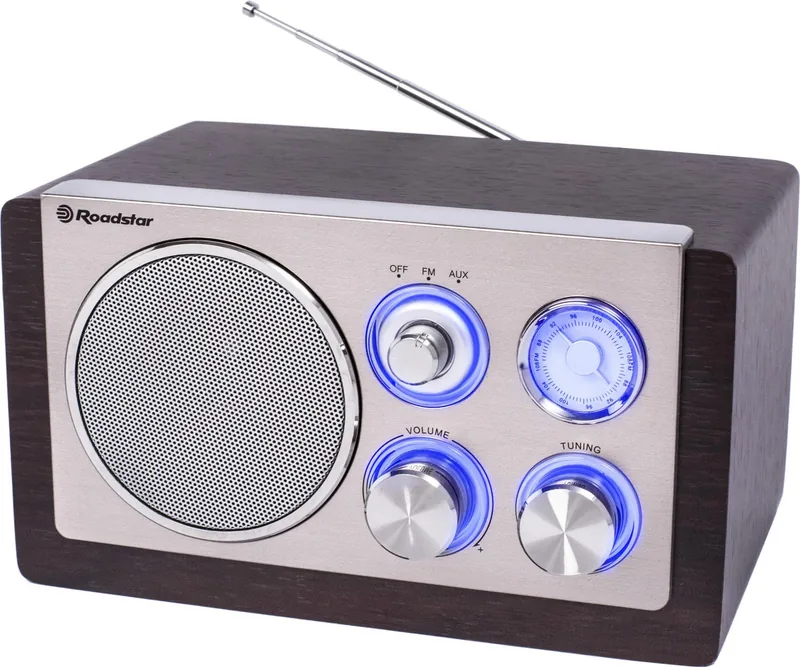
28 Pages
38 Pages

24 Pages
42 Pages

48 Pages
46 Pages
27 Pages
Categories

Free Roadstar Manuals - Read, Download & Print
Introduction to Roadstar Audio Equipment
Roadstar has established itself as a significant name in the consumer electronics market, particularly within the realm of audio systems. Known for providing affordable yet functional entertainment solutions, the brand offers a wide array of products ranging from boomboxes and CD players to home theater systems and portable speakers. For owners of these devices, having access to comprehensive documentation is crucial for maximizing performance, troubleshooting issues, and ensuring long-term reliability. The availability of free Roadstar manuals allows users to take full control of their audio experience without incurring additional costs. Whether you are setting up a new system or trying to fix an old one, these guides serve as the primary source of truth for operation and maintenance.
The digital age has made it easier than ever to access technical documentation. Instead of searching through dusty boxes or waiting for physical copies to arrive in the mail, enthusiasts can now read, download, and print manuals directly from online repositories. This convenience ensures that help is available at any time, regardless of location. For those who prefer tactile references, the ability to print these documents provides a permanent record that can be kept in a dedicated binder or placed near the equipment for quick reference during use.
Why Accessing Official Documentation Matters
Using official manuals is essential for the safe and effective operation of electronic devices. These documents contain specific instructions tailored to the model number of your Roadstar unit. Generic advice found on forums or video tutorials may not apply to your specific device and could potentially lead to incorrect settings or even damage. Official guides provide detailed information on power requirements, input connections, remote control functions, and safety warnings. They explain how to pair Bluetooth devices, tune into radio frequencies, and manage playback options on CD or cassette decks.
Furthermore, troubleshooting sections are invaluable when things go wrong. If your unit stops playing music, makes strange noises, or fails to turn on, the manual will guide you through diagnostic steps. It often lists common error codes and suggests simple fixes before recommending professional repair services. This proactive approach can save time and money by resolving minor issues quickly. Additionally, understanding the warranty terms and conditions outlined in the documentation protects your investment and clarifies what support is available from the manufacturer.
How to Find Your Specific Manual
Locating the correct manual for your Roadstar device starts with identifying the exact model number. This number is typically found on a sticker located on the back panel, bottom surface, or inside the battery compartment of the unit. It usually consists of a combination of letters and numbers, such as CRD-1234 or RST-5678. Once you have this identifier, you can search online databases or official archives using the model number as the primary keyword. Many third-party websites specialize in hosting user manuals for various brands, including Roadstar.
When browsing these resources, ensure that the file matches your specific version of the product. Sometimes manufacturers release updated versions of a model with slight changes in features or design. Using a manual for a different revision might result in confusion regarding button layouts or connection ports. Always verify the publication date if possible to ensure you are looking at the most current guidance available for your hardware.
Reading Manuals Online for Immediate Help
For users who need immediate assistance, reading the manual directly in a web browser is often the fastest solution. Most modern browsers handle PDF files seamlessly, allowing you to zoom in on diagrams, scroll through pages easily, and search for specific keywords within the text. This method eliminates the need to install additional software or wait for a download to complete. You can quickly look up how to change the equalizer settings or reset the clock on your stereo without interrupting your workflow.
Reading online also supports accessibility. Many digital documents can be adjusted for font size and contrast, making them easier to read for individuals with visual impairments. Some platforms offer text-to-speech features that can read the instructions aloud, which is helpful for those who prefer auditory learning or are multitasking while listening to the device. The flexibility of online viewing ensures that information is accessible whenever and wherever you need it.
Downloading Manuals for Offline Access
While reading online is convenient, downloading the manual file to your computer, tablet, or smartphone offers distinct advantages. A downloaded file remains accessible even when you do not have an internet connection. This is particularly useful if you are in a basement, garage, or another area with poor Wi-Fi signal where you might be working on your audio system. Having a local copy means you can reference the document anytime without worrying about bandwidth limitations or server downtime.
Downloading also allows you to organize your digital library. You can create a dedicated folder for all your appliance manuals and keep them sorted by brand or room. This organization makes future searches much faster. When you buy a new appliance or move to a new house, you will already have a central repository of important documents ready to go. Furthermore, saved files can be backed up to cloud storage services, ensuring that your data is safe even if your primary device is lost or damaged.
Printing Manuals for Physical Reference
Despite the rise of digital media, many users still prefer having a physical copy of their manuals. Printing the document provides a tangible resource that can be placed next to the device for easy consultation. This is especially beneficial for complex setups involving multiple components, such as surround sound systems or integrated home theaters. Being able to flip through pages while standing in front of the equipment helps visualize connections and configurations without squinting at a screen.
Printing also aids in long-term retention. Paper documents do not require batteries or charging, and they cannot be corrupted by software updates or file format obsolescence. For older Roadstar models that may no longer be supported digitally, a printed manual serves as a lasting archive of the original specifications. To print effectively, adjust the page layout settings to fit the content properly, and consider printing double-sided to save paper. Highlighting key sections or adding sticky notes can further enhance the utility of the physical copy.
Safety and Maintenance Guidelines
One of the most critical sections of any Roadstar manual is the safety and maintenance chapter. These guidelines detail how to clean the exterior of the unit, how to handle discs or tapes correctly, and how to avoid electrical hazards. Proper maintenance extends the lifespan of your equipment and ensures consistent audio quality. The manual will instruct you on using appropriate cleaning agents, avoiding moisture exposure, and storing the device in a cool, dry place.
Electrical safety is paramount. The documentation will specify the correct voltage requirements and warn against overloading power strips. It may also provide instructions on what to do in case of a power surge or lightning storm. Following these recommendations prevents fire risks and protects both the equipment and your home. Ignoring safety warnings can void warranties and lead to dangerous situations, so it is imperative to read and adhere to these sections carefully.
Troubleshooting Common Issues
Troubleshooting chapters are designed to solve problems without needing expert intervention. Common issues include the player refusing to eject a disc, the volume being too low, or the display showing a blank screen. The manual provides step-by-step procedures to address each scenario. For example, if a CD does not play, the guide might suggest checking for scratches, cleaning the lens, or verifying the region code. If the remote control is unresponsive, it may recommend replacing the batteries or checking for interference from other devices.
These guides often include flowcharts that help narrow down the cause of a problem based on symptoms observed. By following the logical path provided, users can isolate the issue and apply the correct solution. This systematic approach reduces frustration and empowers users to become more self-reliant when dealing with technology. If a problem persists after trying all suggested fixes, the manual will advise contacting customer support or visiting an authorized service center.
Conclusion
Accessing free Roadstar manuals is a smart way to maintain and enjoy your audio equipment. Whether you choose to read online, download for offline use, or print for physical reference, having these resources at your fingertips ensures optimal performance and longevity for your devices. By understanding the specific capabilities and limitations of your Roadstar product, you can avoid common pitfalls and get the most out of your investment. Take the time to locate your manual today and explore the wealth of information it contains to enhance your listening experience.
Search for 67,732 Manuals online


Type-in Brand or Model