
Roadstar HIF-1896TUMPK Manual
PDF manual · 40 Pages
English



Quick check
Incorrect answer, please try again.
Chat with your Roadstar HIF-1896TUMPK manual using AI
Get instant AI answers from your Roadstar HIF-1896TUMPK manual
Ask anything about the Roadstar HIF-1896TUMPK. Answers come from this manual, with the pages they are based on.
Ask a Question
Do you recommend HIF-1896TUMPK?
Yes NoFrequently Asked Questions
The unit is designed to operate on a main supply of 230 volts at 50 hertz. Ensure the rating plate matches your local power before connecting.
Is this answer helpful?
Yes, you can record from phonograph, tape, or AUX-IN sources onto a USB device. The unit creates a folder containing all recorded tracks automatically.
Is this answer helpful?
The turntable supports three speeds: 33 RPM, 45 RPM, and 78 RPM. An adapter is available for 17cm EP records.
Is this answer helpful?
Yes, there is a transit screw located at the upper right side. It must be screwed clockwise before playing and counter-clockwise for transport.
Is this answer helpful?
If no sound is produced for fifteen minutes, the unit will switch off automatically. You can also manually turn it off using the play button.
Is this answer helpful?
Yes, a remote control is included. It covers most functions including power, mode selection, and record operations.
Is this answer helpful?
Advantages and Disadvantages
Advantages

- Supports multiple media formats including CD, tape, phonograph, and USB
- Includes remote control for convenient operation from across the room
- Features recording function to save audio to USB storage devices
- Built-in FM and MW radio tuner with external antenna option
- Automatic power off safety feature saves energy after 15 minutes
Disadvantages

- Requires manual transit screw removal to play records safely during transport
- Designed for 230V power which may require voltage converter in other regions
- Cassette tape playback quality degrades with use and time compared to digital
Product Specification
Consists of
CD Player, Cassette Deck, Turntable, Tuner, Integrated Speakers, All-in-One Device
Power
2x 2.5W RMS
Tuner
FM, AM
Audio Formats
CD Audio, CD-R/RW, Cassette, MP3
Audio Connections
Stereo Line In (RCA)
Additional Connections
USB-A
Device Color
Brown
Device Dimensions
20.08 x 9.84 x 13.58 in (WxHxD)
Weight
18.03 lbs
Product Description
Exploring the Versatility of Roadstar HIF-1896TUMPK
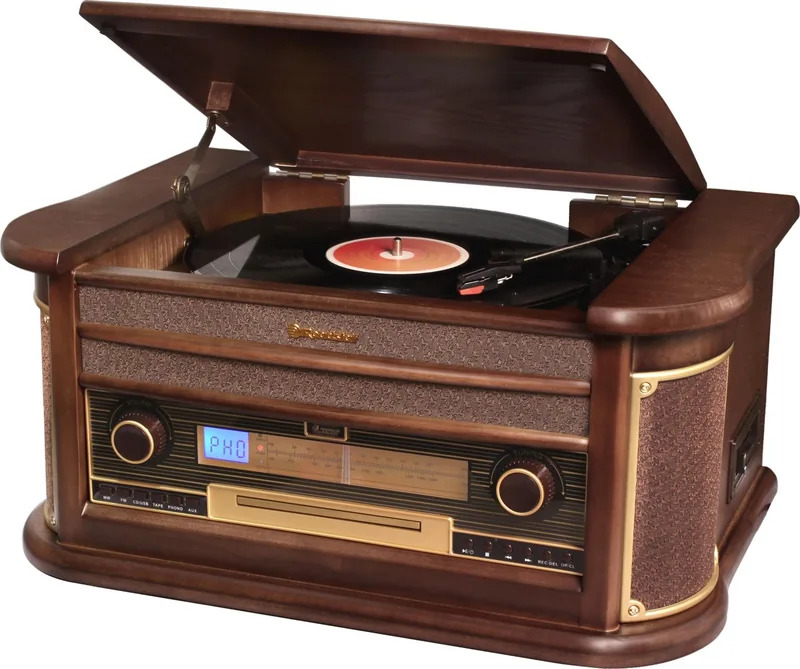
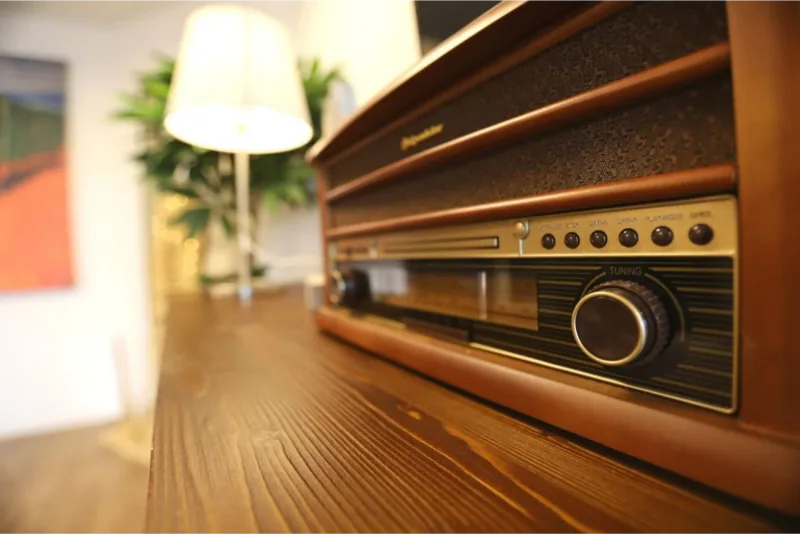
Audio enthusiasts know that a single device often cannot meet all listening needs. That is why the Roadstar HIF-1896TUMPK stands out as a comprehensive entertainment solution. It combines classic analog media with modern digital connectivity seamlessly. Whether you prefer the warmth of vinyl or the convenience of MP3 files, this unit handles it all with ease. Consulting the Roadstar HIF-1896TUMPK Manual reveals just how many sources can connect here. You will find inputs for cassette tapes, compact discs, and USB storage devices alongside a robust radio tuner. The system allows users to switch between modes easily using dedicated buttons on the front panel or the remote control.
Multi-Source Playback Options
The unit supports FM and MW radio frequencies for local station listening. An external antenna helps improve reception when signals are weak or in remote areas. For physical media, there is a CD player with track skipping and program memory capabilities. You can store up to 99 tracks to play in a specific order for a custom setlist. Cassette tapes are supported with standard playback controls including forward skip and auto ejection. The turntable section allows for 33, 45, and 78 RPM speeds to play EPs and LPs correctly. A crucial detail involves the transit screw found on the turntable platform. You must remove this screw before playing records to prevent mechanical damage during transport or moving the unit.
Digital Features and Remote Control
Beyond traditional media, USB playback is supported directly in a convenient location. You can insert a drive to read audio files instantly without navigating complex menus. The LCD display shows track numbers, tuning status, and current playback modes clearly. A remote control offers full access to functions like repeat modes and record operations. You can record audio from tape or radio sources onto a USB device for archiving. The system features an automatic power off timer if silence persists for fifteen minutes to save electricity.
Safety and Specifications
Ensure the power supply matches the rating plate before plugging in to avoid electrical issues. This unit operates on 230 volts at fifty hertz typically intended for European markets. Avoid moisture and direct sunlight to maintain longevity and electronic safety. Proper ventilation is key to preventing overheating during extended listening sessions. When using the tone arm, always secure it properly before moving the device to avoid breakage. Follow all guidelines to avoid damage. This system is built for quality control and long-term enjoyment of music.
Final Thoughts
This equipment serves as a great centerpiece for a retro modern setup. It honors old formats while accommodating new requirements. You will find value in its ability to merge different technologies into one chassis. The design ensures that you get the best of both worlds in your living space. With careful usage, this product remains a reliable choice for daily listening.
Search for 67,732 Manuals online


Type-in Brand or Model