

Free Ricoo Manuals – Read, Download & Print
11 Manuals
Manuals
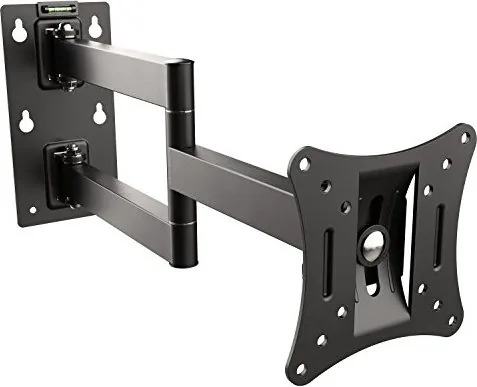
2 Pages
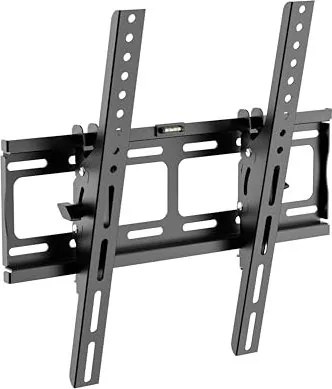
12 Pages
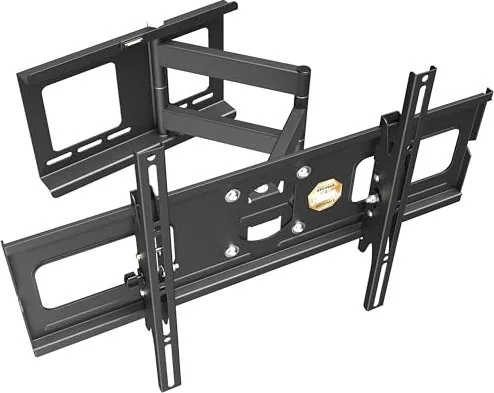
16 Pages
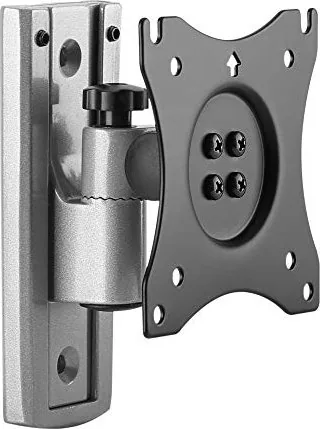
18 Pages
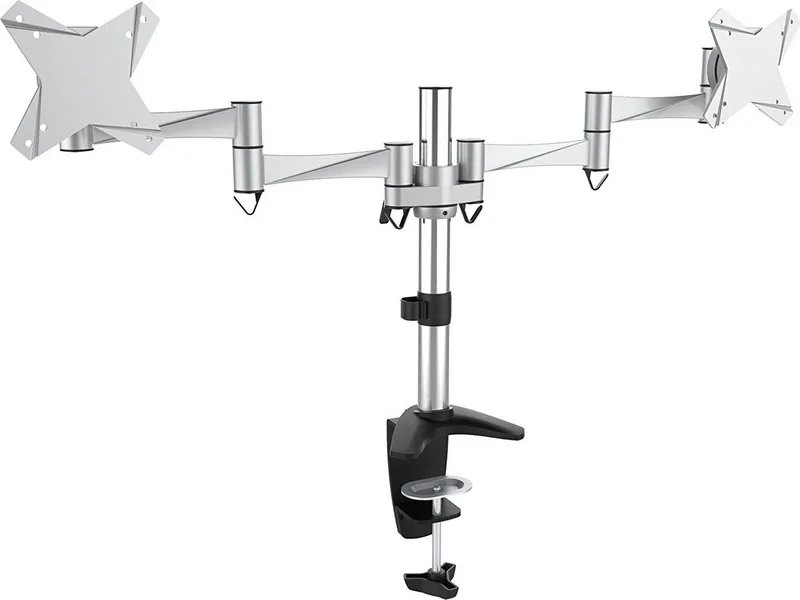
24 Pages

20 Pages
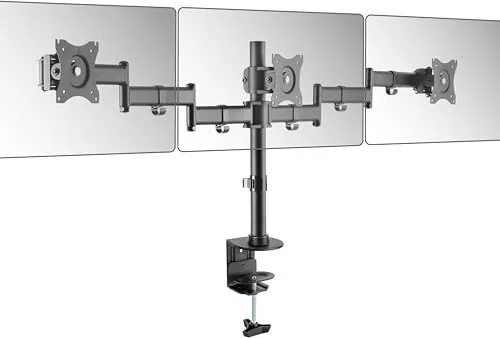
12 Pages
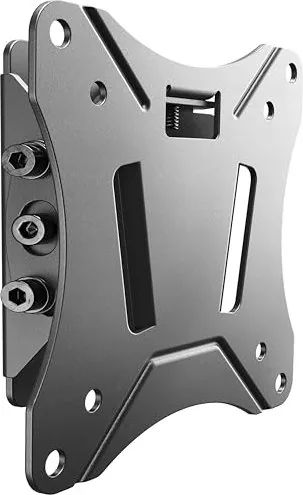
12 Pages
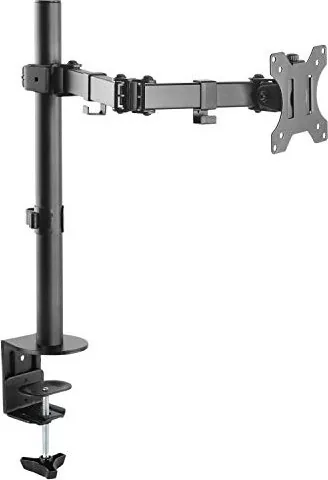
2 Pages
2 Pages

24 Pages
Categories

Understanding Ricoo Manuals: A Comprehensive Guide
Introduction to Ricoo and Its Documentation
Ricoo is a well-known brand specializing in high-quality television mounts, projector stands, and other mounting solutions for home entertainment systems. As technology evolves, the need for precise installation becomes increasingly important to ensure safety and optimal viewing angles. This is where Ricoo manuals play a critical role. These documents serve as the primary source of information for users, providing step-by-step instructions, technical specifications, safety warnings, and troubleshooting tips. Whether you are a professional installer or a DIY enthusiast, having access to accurate and detailed manual content is essential for a successful installation experience.
The importance of these manuals cannot be overstated. They bridge the gap between product design and user application, ensuring that every mount is installed correctly according to manufacturer standards. Without them, users might face risks such as equipment damage, wall failure, or personal injury. Ricoo has made significant efforts to make their documentation clear, accessible, and comprehensive across all their product lines. From basic wall mounts to advanced articulating arms, each product comes with specific guidance tailored to its unique features and capabilities.
The Structure of Ricoo Manuals
Ricoo manuals follow a consistent structure designed to guide users logically from unboxing to final setup. The first section typically includes an introduction to the product, highlighting key features and benefits. This helps users understand what they have purchased and how it fits into their entertainment setup. Following this, there is usually a list of contents or a table of contents that outlines the different sections of the manual, allowing readers to quickly navigate to relevant information.
A crucial part of any Ricoo manual is the parts list. This section provides a visual and textual breakdown of all components included in the package. Users can verify that they have received all necessary items before beginning the installation process. Missing parts can lead to incomplete installations or the need for additional purchases, which the manual aims to prevent by offering clarity upfront.
Safety warnings and precautions are prominently featured early in the manual. These sections emphasize the importance of following guidelines to avoid accidents. Common warnings include checking wall stability, using appropriate anchors, and ensuring the weight capacity is not exceeded. Ignoring these warnings can result in serious consequences, making them a vital component of the documentation.
Step-by-Step Installation Instructions
One of the most valued aspects of Ricoo manuals is the detailed installation guide. These instructions are broken down into manageable steps, often accompanied by diagrams or illustrations to enhance understanding. The process usually begins with preparing the workspace and gathering tools. Users are advised to have a drill, level, screwdriver, and measuring tape ready before starting.
The next phase involves locating studs or suitable anchor points on the wall. For drywall installations, the manual specifies the type of anchors required to support the load safely. Once the mounting plate is positioned, users are guided through drilling holes, inserting anchors, and securing the plate with screws. Precision is emphasized throughout, as even slight misalignments can affect the stability of the mount.
After the wall plate is secured, the focus shifts to attaching the TV bracket or projector arm to the device. This step requires careful alignment of VESA holes and tightening bolts to the specified torque. Some models include adjustable arms or tilt mechanisms, which are explained in detail with instructions on how to set the desired angle and lock it in place. The final step involves hanging the TV or projector onto the mounted plate and testing the stability.
Technical Specifications and Compatibility
Ricoo manuals provide extensive technical data to help users determine if the product suits their needs. This includes weight capacity, VESA compatibility, extension ranges, and tilt or swivel limits. Knowing these specifications beforehand prevents purchasing incompatible products that cannot support the intended device. For example, a heavy 65-inch television may require a mount with a higher weight rating than a smaller 40-inch model.
Compatibility charts are often included to show which TV brands and sizes work with specific Ricoo models. This information is particularly useful for users who want to upgrade their existing setup without buying new hardware. The manual also details the dimensions of the mount itself, helping users plan the placement within their room to avoid obstructions like windows or furniture.
For projector stands, the manual covers height adjustments, base stability, and cable management options. These details ensure that the projector is positioned at the correct distance and angle for optimal image quality. Proper alignment reduces strain on the lens and extends the lifespan of the equipment.
Troubleshooting and Maintenance
Even with perfect installation, issues can arise over time. Ricoo manuals include a troubleshooting section to address common problems such as loose joints, difficulty adjusting angles, or squeaking sounds during movement. Each issue is paired with a solution, guiding users to tighten screws, lubricate moving parts, or recheck alignment. Regular maintenance is encouraged to keep the mount functioning smoothly for years.
Cleaning instructions are also provided, recommending soft cloths and mild cleaners to avoid damaging the finish. Abrasive materials should never be used, as they can scratch the surface and compromise the structural integrity of the mount. Additionally, periodic checks for wear and tear are advised, especially in high-use environments like living rooms or conference rooms.
Safety Guidelines and Best Practices
Safety remains a top priority in all Ricoo documentation. Beyond initial warnings, the manuals offer best practices for long-term use. These include avoiding sudden movements of the mounted device, not exceeding recommended loads, and ensuring that children do not pull on the mount. In rental properties or shared spaces, extra caution is needed to prevent accidental damage.
The manuals also stress the importance of reading local building codes and regulations regarding wall-mounted fixtures. In some regions, specific types of anchors or installation methods may be required by law. Adhering to these rules ensures compliance and adds an extra layer of security for occupants.
Conclusion
Ricoo manuals are indispensable resources for anyone installing a TV mount or projector stand. They combine clear language, detailed illustrations, and thorough technical data to empower users to complete installations confidently and safely. By following the guidance provided, individuals can enjoy stable, secure, and aesthetically pleasing setups that enhance their viewing experience. Whether you are upgrading your home theater or setting up a presentation room, the knowledge contained in these manuals is invaluable. Always refer to the official Ricoo documentation for the most accurate and up-to-date information regarding your specific product model.
Search for 67,732 Manuals online


Type-in Brand or Model