
PowerWalker VFI 2000 AT FR Manual
PDF manual · 12 Pages
English



Quick check
Incorrect answer, please try again.
Chat with your PowerWalker VFI 2000 AT FR manual using AI
Get instant AI answers from your PowerWalker VFI 2000 AT FR manual
Ask anything about the PowerWalker VFI 2000 AT FR. Answers come from this manual, with the pages they are based on.
VFI 2000 AT FR Maintenance Schedule
After two years, strictly monitor battery state monthly. If discharge time is less than 50% of rated value, replace batteries.
For locations with high temperature, repeat the charging cycle every two months.
For moderate climates, recharge battery every three months by plugging in for several hours.
Keep area clean. If dusty, vacuum exterior. Unplug before cleaning. Use dry soft cloth for front panel and air intakes.
Free maintenance reminders
Timed to your purchase date. Always free, unsubscribe anytime.
Ask a Question
Do you recommend VFI 2000 AT FR?
Yes NoFrequently Asked Questions
The design life is three to five years from the date of production. You should monitor battery condition frequently after two years to ensure reliability.
Is this answer helpful?
No, the USB port and RS-232 port cannot work at the same time. You must choose one for communication.
Is this answer helpful?
ECO mode bypasses input to output for energy saving when input voltage is within the set range. It offers higher efficiency in line mode.
Is this answer helpful?
Unplug the UPS prior to cleaning. Use dry soft clothes for the front panel and plastic parts. Do not use liquid or spray detergent.
Is this answer helpful?
Yes, the DC Start Function enables the UPS to be started up when AC utility power is not available and the battery is charged.
Is this answer helpful?
Warning occurs at 105-110% overload. Shutdown happens after one minute at 110-130% and after 3 seconds above 130%.
Is this answer helpful?
Yes, selected models include RJ11/RJ45 surge protection for connecting modems or phone lines to protect equipment from communication surges.
Is this answer helpful?
Advantages and Disadvantages
Advantages

- Dual communication ports allow flexible monitoring via USB or serial connections for system integration.
- Automatic Voltage Regulation boosts low or bucks high voltage to protect connected devices from fluctuations.
- Pure sine wave output ensures compatibility with sensitive equipment like servers and medical devices.
- ECO mode increases efficiency when input voltage is within normal ranges without compromising power stability.
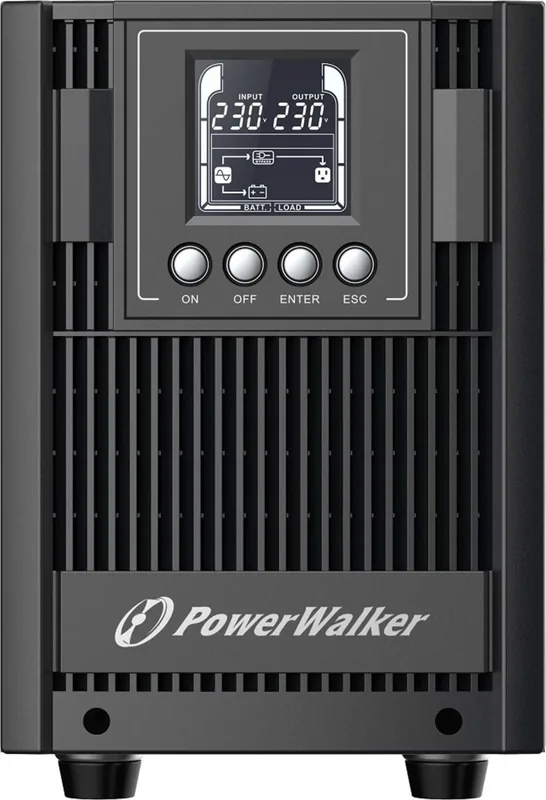
- Clear LCD display provides immediate insight into input voltage, output frequency, and remaining battery capacity.
Disadvantages

- USB and serial ports cannot function simultaneously which may limit specific monitoring setups requiring both.
- Batteries have a design life of three to five years meaning frequent monitoring is needed after two years.
- Overload protection shuts down units quickly if limits are exceeded which may interrupt critical processes.
- Some internal settings like battery pack count require manual configuration during initial setup phases.
- EPO wiring requires building safety integration knowledge and proper termination to function correctly.
Product Specification
Type
Tower
Classification
VFI (On-Line)
Apparent Power
2000VA
Real Power
1800W
Voltage
208V, 220V, 230V, 240V
Input
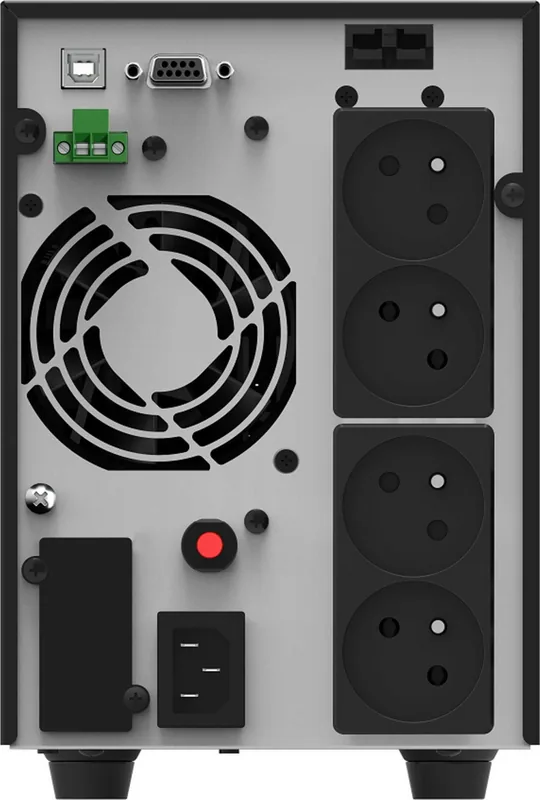
C14
Outputs
4x Type E
Interfaces
USB, serial
Charging Time
4h (90%)
Weight
37.70 lbs
Dimensions (WxHxD)
5.94x8.86x15.35in
Features
LCD, HID Support
Product Description
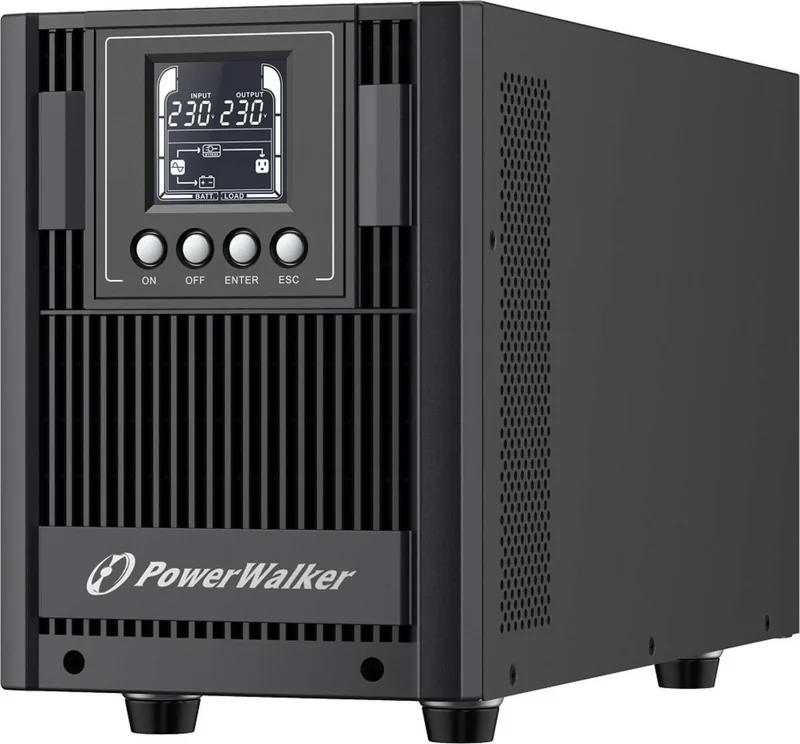
BlueWalker PowerWalker VFI 2000 AT FR Overview
Keeping your critical equipment safe from sudden power failures is essential for uninterrupted business continuity in modern offices. The BlueWalker PowerWalker VFI 2000 AT FR offers robust protection for sensitive electronics in industrial and commercial settings. This Uninterruptible Power Supply ensures stability during sudden outages or damaging voltage spikes from the grid. It protects servers and networking gear effectively from damage.
Advanced Connectivity Features
Users benefit from flexible communication options including USB and serial ports on the rear panel. These features allow remote monitoring and control via appropriate software or generic system drivers. You can set the operating system to sleep or shut down automatically when battery levels drop low. Real-time data on load percentage, voltage, and frequency is clearly visible on the integrated LCD panel. This visibility helps maintain system health proactively.
Safety and Installation Guidelines
Always install the unit near an easily accessible power outlet for emergency access during incidents. Ensure the ground connection is secure to avoid electrical shock hazards during regular operation. Do not allow liquids or foreign objects near the device enclosure to prevent malfunctions. Follow local electrical regulations strictly during installation processes. The unit generates heat during use so keep cooling vents clear of dust accumulation. Avoid combustible gases or high humidity environments completely.
Operation Tips for Reliability
Leave the unit plugged in continuously to recharge the battery system effectively for future use. Recharging takes at least six hours for first time full capacity under normal conditions. Keep ambient temperature around 25 degrees Celsius for maximum battery longevity over years. Plan your connected load below 80% of rated capacity for safety margins during peaks. Avoid exceeding 30% load for optimal system energy performance and efficiency.
Maintenance Notes
Clean the exterior casing with a dry cloth on a regular basis to remove dust. Replace batteries only by qualified technicians who fully understand safety precautions and requirements. Batteries typically last between three to five years based on original production date. Monitor capacity monthly once the unit passes two years of service in the field. Dispose of used batteries according to strict local recycling laws and environmental guidelines.
Troubleshooting Support
Check LCD displays for error codes if significant issues arise unexpectedly. E11 or E12 often indicate battery connection problems or faults within the pack. E14 suggests load issues such as shorts or excessive current draw from devices. Smoke requires immediate power cut and contacting qualified service personnel promptly. Consult online resources for specific fault codes and resolution steps. Ensure ventilation is never blocked during operation.
Search for 67,706 Manuals online


Type-in Brand or Model